In their update announcement, Zazzle explains that the white background is necessary to make sure that the QR code is always scannable.
If Zazzle would just change the wording on the choice to remove attribution so that it says “Remove Zazzle attribution” and don’t mention the designer attribution there, that would solve a lot of this problem of us having our locked logos on the cards and the confusion that can cause a buyer when they pay extra and the designer attribution is not removed.
4 Likes
As Windy noted elsewhere, Zazzle’s new QR code on the right is within the USPS’s Reserved area on postcards. See: https://about.usps.com/publications/pub600/pub600_006.htm
1 Like
I’d really prefer that this be something a designer decides when publishing a product, like a layer that can be turned on and off for each product. Or a merchandising/post for sale option that stays at whatever setting I select when publishing the product.
Or minimally, some kind of alert on the templates that will have them - so we know when posting for sale the first time - that it is either optional or mandatory on that product template, so we can deal with the settings when posting originally.
4 Likes
I realize you said that the products will likely change over time, but is this something that is just going to be on cards? Or is this branding going to extend to everything?
And, I forgot to add to the immediately above post of mine that: I think, in most cases, the customer should be oblivious to a pricing change owing to the presence or absence of an attribute. Since introduced, that 5-cent or 10-cent charge to the customer for attribution removal has seemed to me a very bad policy. Customers don’t know what royalty we’ve fixed, so the added charge wouldn’t even be noticeable if handled right and not made an issue by Zazzle.
1 Like
Funny you should mention. Like the friends you asked, I too removed my QR code reader to make space. I find I have no use for that at all. In fact I recently ate at a restaurant where I HAD to use a QR code, but luckily I did not have to download a QR code reader for that.
Almost all smart phone cameras now read QR codes so there is no reason to install a special app. Try it. open your camera and point it at the code and see if you get a web link. I have an old iphone6 that does it if that lets you know how long this has been a feature. I am not sure but I think samsungs do also. I don’t know, I tested it with my hubby’s s7edge and couldn’t get it to work but it might have been user error too. lol
2 Likes
I’m happy to see it on the right side of the postcards.
However, I am seeing 2 attributions on some products. Like on this postcard, it’s on the left and right. When I click the remove attribution, it only removes the new one on the right.
https://www.zazzle.com/vintage_st_patricks_day_girl_postcard-239191545501756501
@ZBug You must have left the Zazzle logo on postcards in years past. Sadly, it’s an actual image and there’s only one way to get rid of it: edit the postcard and create a brand new one.
Zazzle needs to allow designers to edit their cards without having to save as entirely new ones, thus losing any ranking built up over time by sales.
6 Likes
Yeah, that’s an older card.
Just wanted to check in here and see if Z is happy with this new attribution. I wanted to give things a few weeks before I start redoing many of my cards. Sadly it seems that the location will stay where it is instead of being lowered into the previous space utilized by the white stripe. If this is the final placement, I will start remaking my cards again, and losing my MP positions and sales stats again. I did not / do not want to, but a few cards have gone out with the new attribution covering my web address and that is just not OK.
Any update on placement and if this will be the final change for awhile??
Thanks,
PC
…
I love the idea. I’ve done this on my own in the past, mainly on greeting cards. But I’m glad it will happen automatically (if I’m understanding this correctly) from now on. Will this happen retroactively? That is, will previously published products bear the QR code, too? I understand that the code will not be scannable. But will it be visible to designers on their products? I’ve just done a quick search of some of my greeting cards and postcards, but I’m not seeing the code.
@Scott Are trifold cards included in this or are they going to stick with the white stripe attribution? I went to create one this morning and can see that they seem to still have the white stripe…
Thanks,
PC
…
1 Like
Hi Scott,
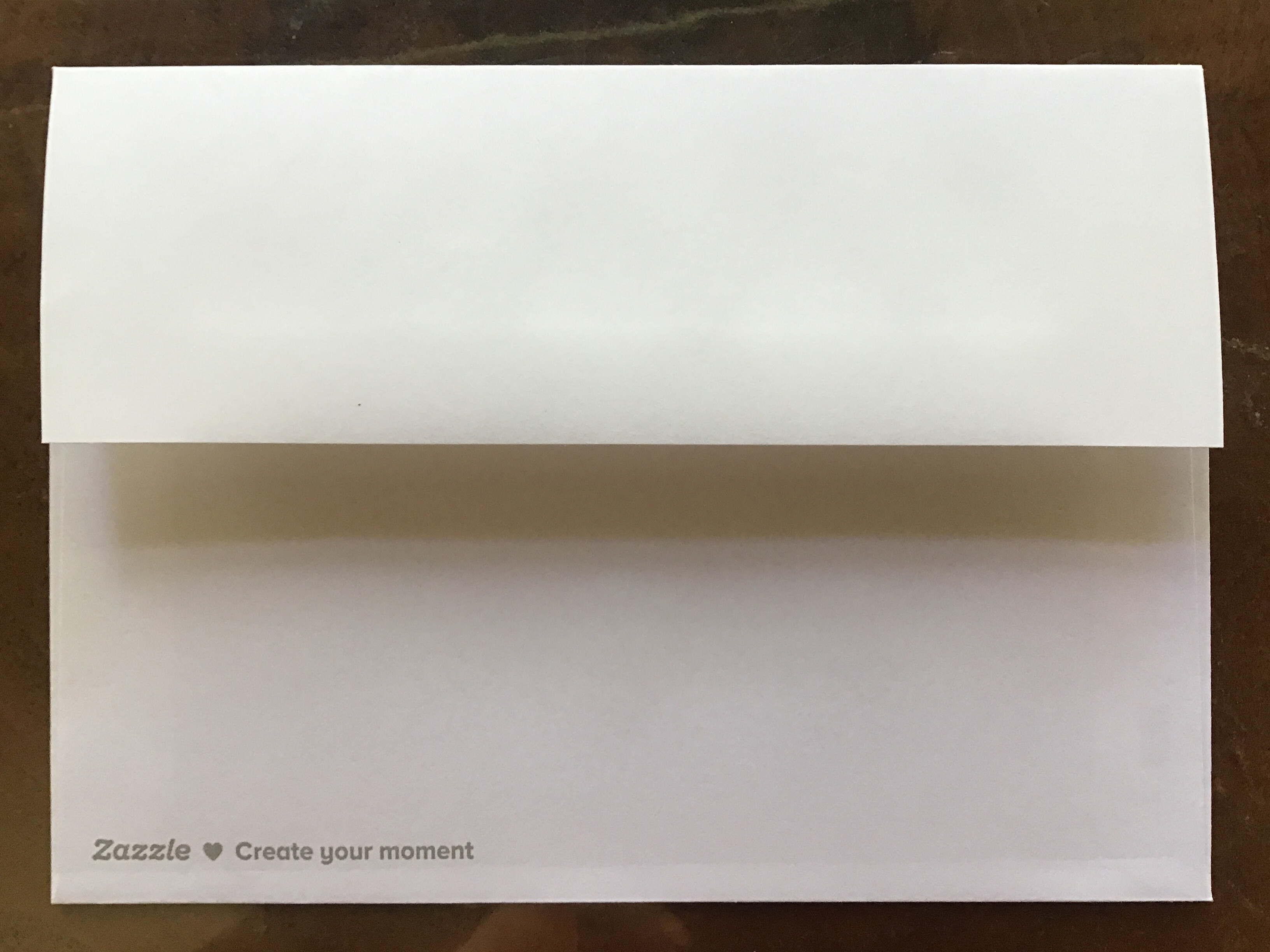
I think the QR code is OK on the cards and user-friendly for the recipient. The new line on the back envelopes “Zazzle  Create your moment” is tacky on cards for a friend or loved one. Do you need to push the marketing this far? Is it appropriate for sympathy, empathy, remembrance, illness, or loss of a pet card?
4 Likes
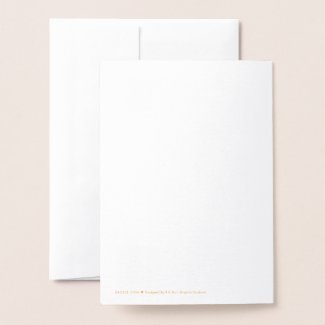
Is there a way that I can see one of those envelopes? I have never ordered one–are they pictured online?
When the selected card allows card and envelope in the view - you see it.
Here is one that I located in my store
1 Like
This is the envelope with the Zazzle tagline. The paper is no longer the quality eggshell book weight it was before, this is just a general white stock. Our cards are not from Zazzle but from our buyers.
1 Like
Thank you!
Thanks!