We wanted to give you a quick heads-up about a change that went live last night, with more details to follow.
What changed
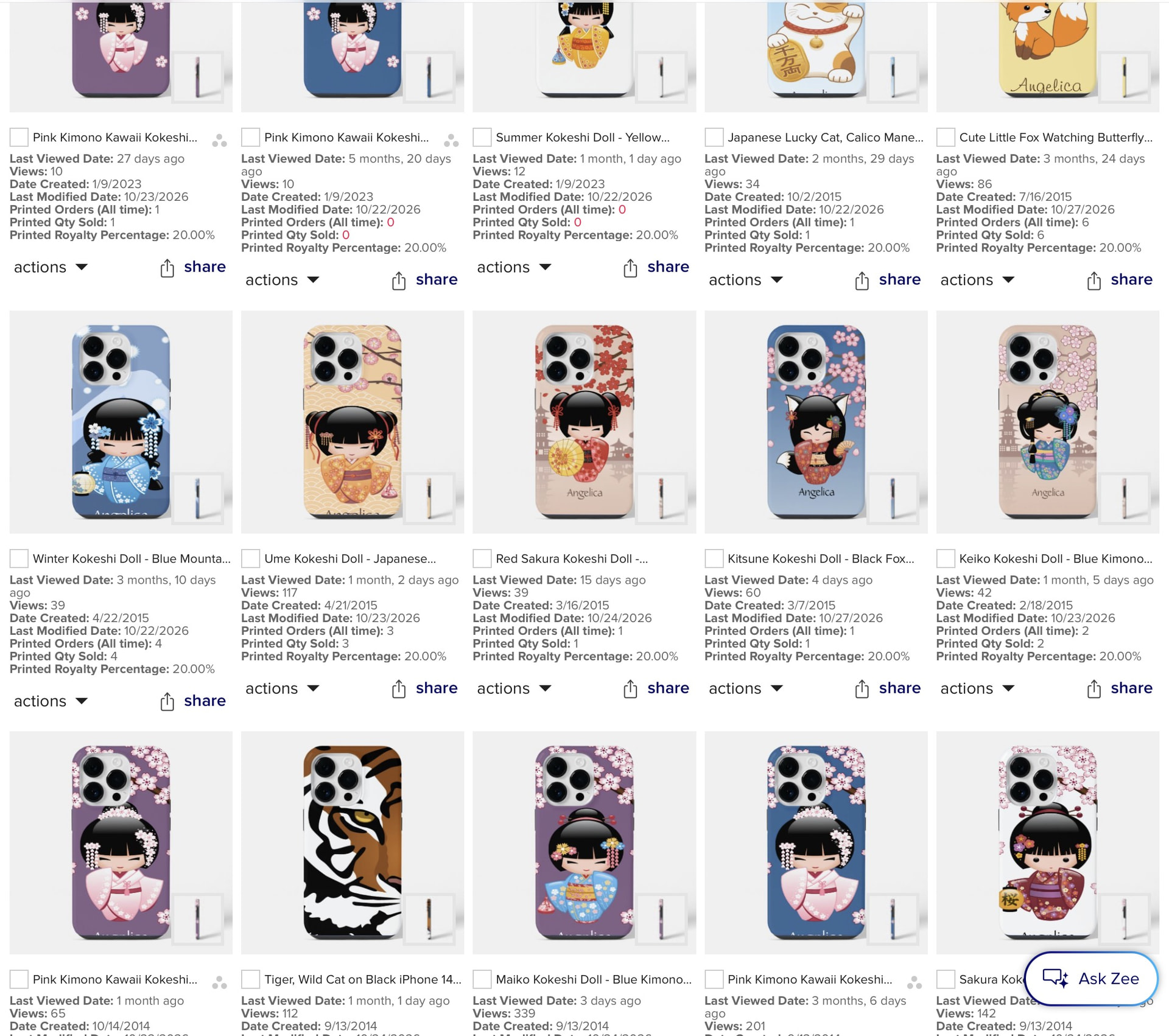
All designs and PIDs previously published on Casemate Cases have been migrated to Zazzle Value Phone Cases. Casemate Cases have been discontinued and will no longer be available on Zazzle. Your published Casemate products can now be found as Value Phone Cases, and you don’t need to take any action to move them. Please be patient while this process migrates your designs.
A known issue with Saved Designs
The migration caused phone case designs to move to the front of the Saved Designs tab in My Products. If you have a lot of phone cases, your other saved designs may now appear several pages further back than usual.
Your Phone cases were/are still published, and our engineering team is working to restore the original order. In the meantime, you can reach your other designs by paging past your phone cases. For example, if you have two pages of phone cases, your other designs will pick up from page three.
@James_H On 12 October, a customer bought an iPhone 13 Casemate case. The order is now pending . Since Casemate cases were just discontinued today, what will happen to this customer’s order?
The images on some of my iPhone 14 and iPhone 13 cases came out stretched or shifted up. I would like to fix them but the system doesn’t open the design tool for those cases. Is the conversion still in progress?
@Natalia_Linnik If you change form factor from iPhone 14 to iPhone 17 (edit details - product merchandising- change options - save) - they correct themselves (source me - had loads to fix)
@Amy It could be the discontinued cases you’re seeing are for another brand (eg speck) or it could be the form factor you have it set as has been discontinued.
I think all the casemate cases have found their way over to the value cases by now