New in the Marketplace: custom cut ornaments and pillows

Hi everyone,

We’ve launched two new products that take the shape of your design: custom cut ornaments and custom cut pillows. Both are cut to follow the outline of your artwork instead of a standard square or circle, which makes them a natural fit for pets, portraits, mascots, and character art. With the holidays coming up, ornaments are a timely place to start.

Custom Cut Acrylic Ornaments
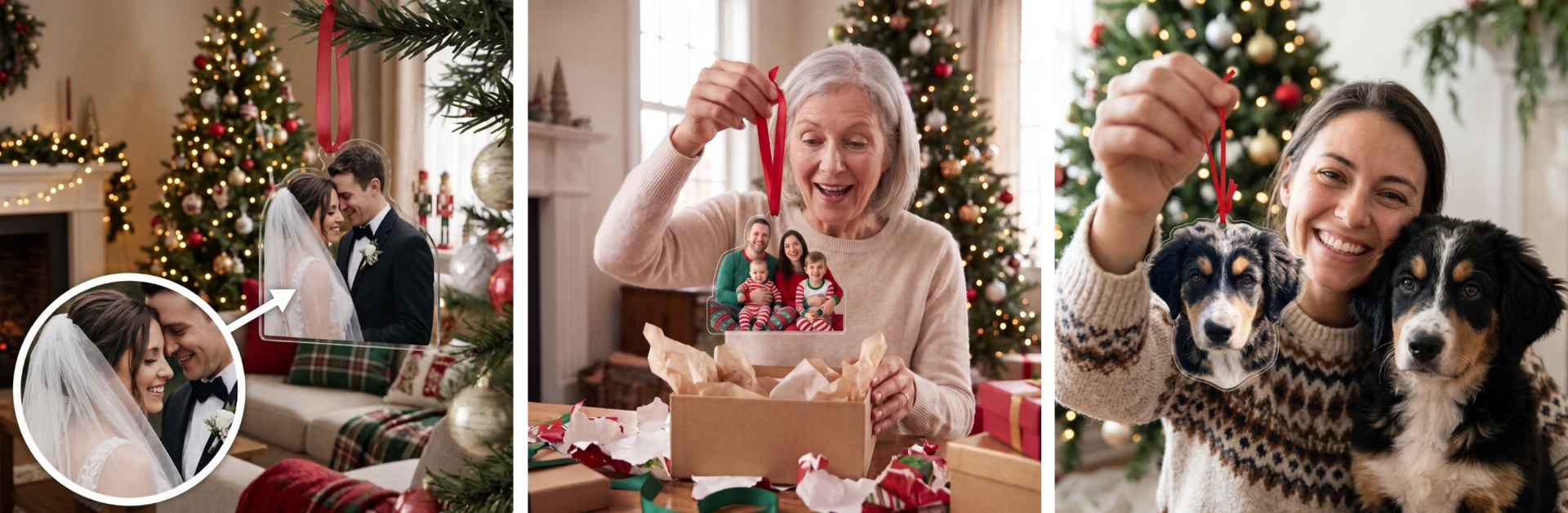
Explore the product: Create your own Custom Cut Ornament | Zazzle

  • Two size options: 3" x 3" and 4" x 4". [Verify: does the finished size follow the design, as it does for pillows?]

  • Made from acrylic and cut to your design’s shape.

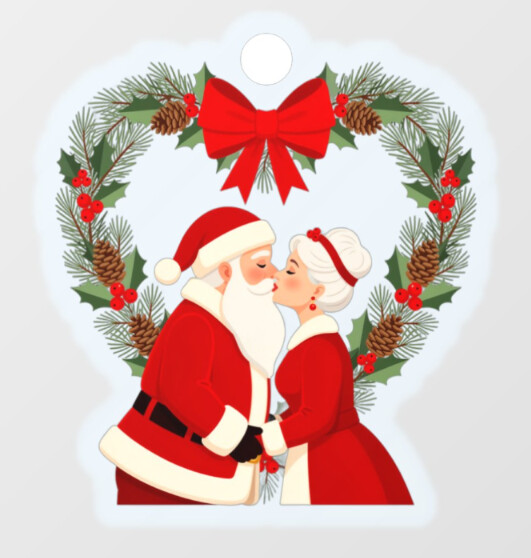
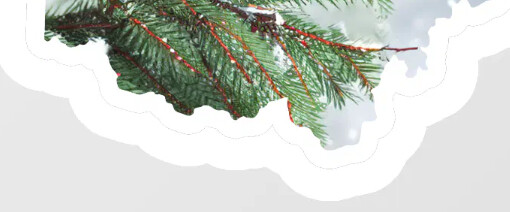
  • A clear, unprinted acrylic edge is added around your design automatically. In the design preview, this edge appears as a blue tint.

  • Ready to hang: we add a hole for your ornament and red satin ribbon is included

  • The product page includes lifestyle images that show what finished ornaments look like.

Watch the launch video: https://youtu.be/Y8WmhXXgeFY

Custom Cut photo pillows
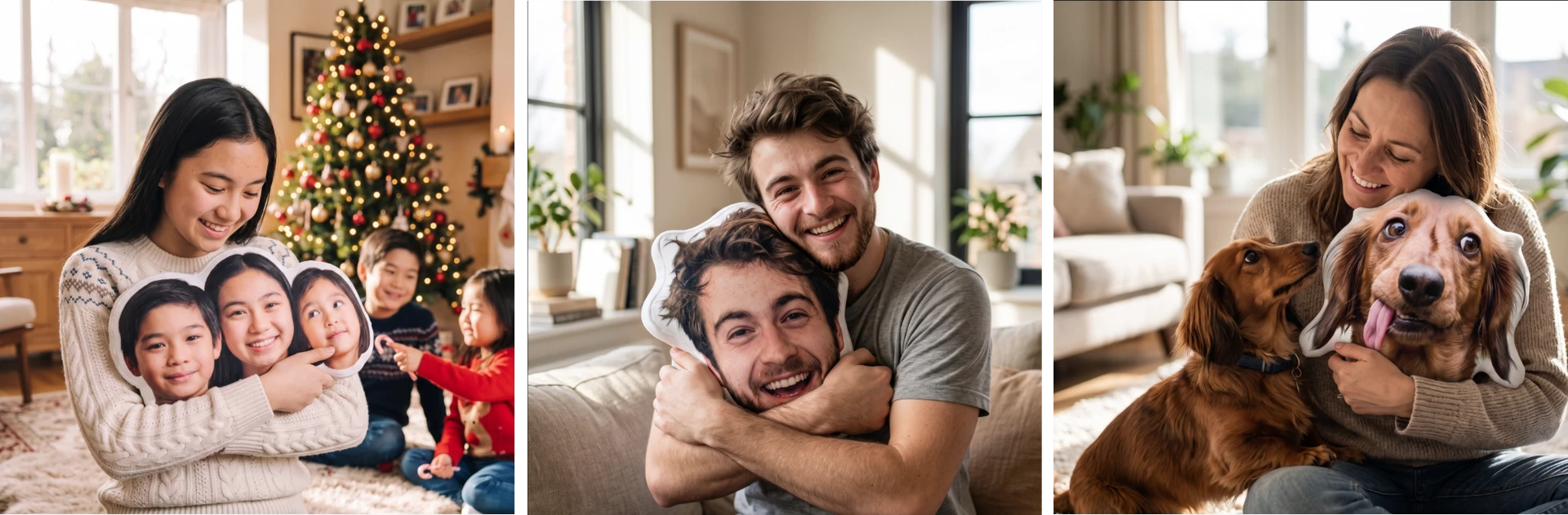
Explore the product: Create your own Custom Photo Pillow | Zazzle

  • Three size options: 16" x 16", 20" x 20", and 24" x 24".

  • The size you choose sets the maximum dimensions. The pillow follows your design, so a small image on the 24" x 24" option will produce a smaller pillow.

  • A border of unprinted white fabric is added around your design automatically so the pillow can be sewn together. In the design preview, this border appears in white.

  • The product page includes lifestyle images that show what finished pillows look like.

Watch the launch video: https://youtube.com/shorts/oqnHlk2Hl58

How the preview works

Both products use the same contour-cut technology as our contour stickers. The design tool shows the shape your product will be cut to, including the unprinted border. It doesn’t yet show a realistic view of the finished product. We’re working on better visualization for both products. Until then, the lifestyle images on each product page show the finished result.

Tips for great results

  • Choose designs with a clear outline. The cut follows your design’s shape, so a strong silhouette gives the best result.

  • Fill the design area. Scaling your design to fill the space gets the most out of the size you’ve chosen.

  • Account for the border. Leave room in your design for the clear acrylic edge on ornaments and the white fabric border on pillows.

Keywords and design focus

Gifts and occasions
Christmas ornament, Christmas gift, stocking stuffer, baby’s first Christmas, our first Christmas, pet memorial ornament, pet loss gift, teacher gift, Secret Santa, birthday gift, Mother’s Day gift, Father’s Day gift, Valentine’s Day gift, anniversary gift, graduation gift, housewarming gift

Audience
dog lovers, cat lovers, pet parents, grandparents, new parents, couples, families, kids’ rooms, sports fans, school spirit, college dorm, gamers

Style and themes
pet portrait, custom photo cutout, family photo, cartoon character, mascot, animals, kawaii, retro, food shapes, holiday shapes (snowman, gingerbread, heart, pumpkin), funny face

Personalization
custom shape ornament, photo cutout ornament, personalized pet ornament, custom shape pillow, shaped photo pillow, custom face pillow, upload your photo, add a name, add a year

Keywords to avoid

  • Trademarks and licensed names, such as characters, sports teams, and brands, unless you hold the rights.

  • “Glass,” “crystal,” or “ceramic” for ornaments. They’re acrylic.

  • “Plush,” “toy,” or “stuffed animal” for pillows. These can set the wrong expectations or suggest product safety claims.

  • “3D” for either product. The shape is custom, but the print is flat.

We can’t wait to see your designs!

Best,

The Zazzle Team.
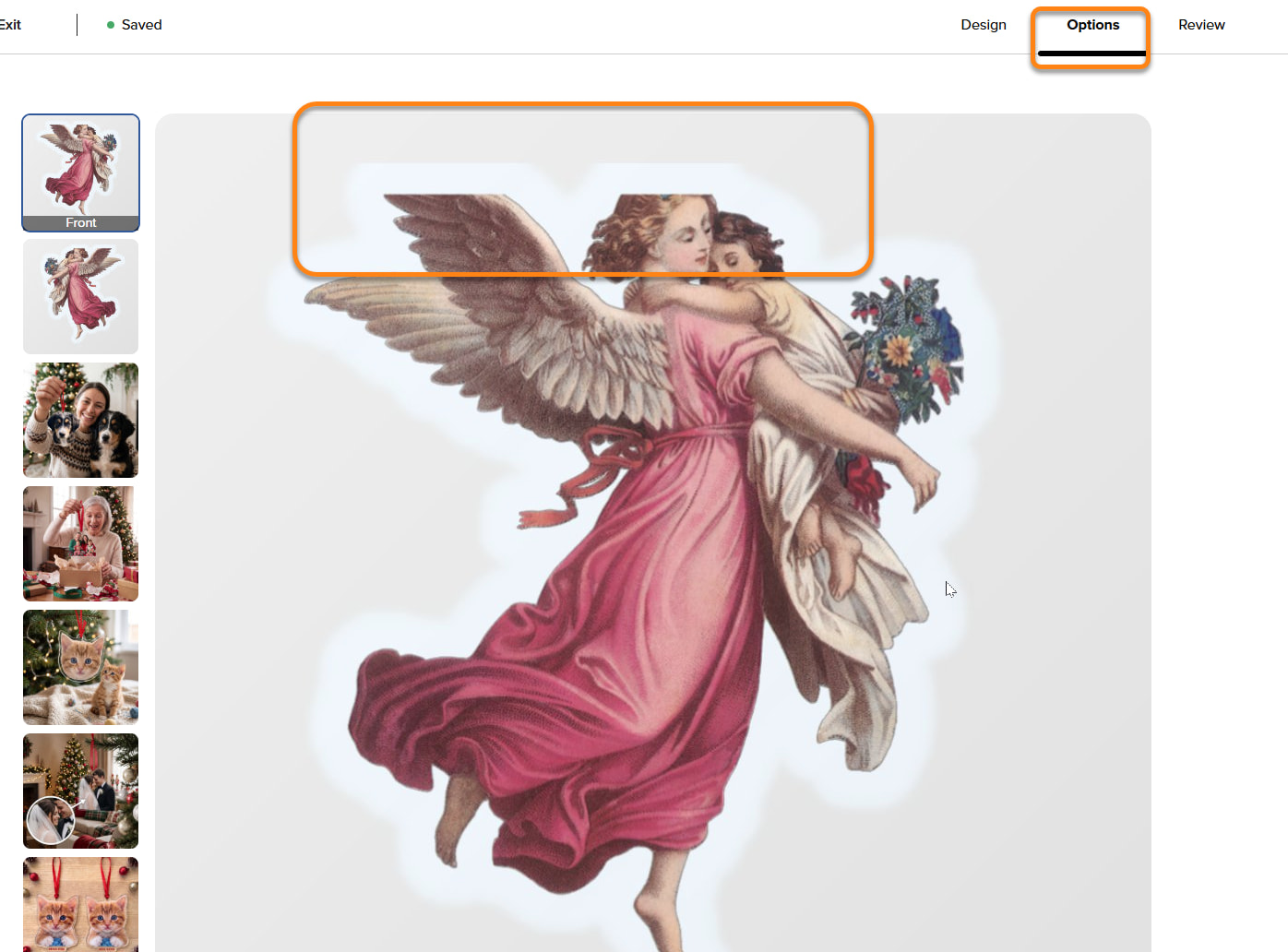
I made an ornament, but the preview doesn’t make it clear what my finished product will look like.

Am I missing a step? Should I be doing something else so you can see that mine is an ornament?

Can you confirm the placement requirements please.
Does the white area have to be within the safe area, or is that just the image and the white can be outside of that but still within the whole frame - as Zazzle’s own pillows show that way.

I’m no expert here but if I look at the last cover photo with the tabby kitty, it shows a white line around it.. so I can only guess that your angel looks fine… but again I’m only guessing here.

The problem is that all the cover photos are somehow confusing. I understand that they are showing all sorts of photo ideas we can choose from to create these ornaments but in your example, it should show a cover photo with the ‘final product’ - the angel in ‘real-view’ so that we, the customers, anyone could see how the physical end product would look like.

@MasterpieceCafe right now, the options page will show you what your product will look like as such. fyi @Ricaso also.

Using your posted PID, here is an example of me moving the image outside the safezone

I have a question about the Custom-Cut Ornament. Is the hanging hole drilled directly through the acrylic, even if that means perforating the illustration itself? I want to make sure that my product mockups accurately show how the ornament is hung, as the one I have created depicts it differently.

Perhaps we could mark the approximate position of the hole like this?

LOVE the addition of these two new products.

I have noticed one issue with anything white on the pillows: a faint line is appearing around that item (eg. a white outline, a white rectangle as shown above). This is happening in the designer, the preview, and the finalized product.

Should I avoid anything with white on the border/white elements for now?

I will keep you posted once I try ornaments.

Amanda

Love your product! :smiley:
And a really good question!

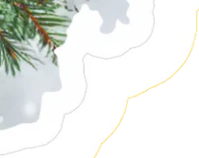
That looks like it might be part of your original image. The Contour line shows here in yellow but so does that faint line? If you do have a white border added, there is no need. The tech will do that itself.

An additional section is added to facilitate the hole. It will never be drilled through your design as the contour tech will always draw the border outside any design elements.

I understand the tech adds it (that’s the yellow border). The inner border is due to an outline from a previous creation.

Two things I want to add:

  1. The larger issue is displayed in the second image, which shows a white rectangle added in Zazzle’s design tool. This was created to make a non-photo portion so that text doesn’t overlap their nice image (sometimes that works, but sometimes photos are tight and a customer doesn’t want to deal with a text on someone’s head, hand, etc.)
  2. I do think there are some cases where an additional white border would separate the design a little from falling into a seam. That’s a personal preference, and I think there could be some use cases for it.

My big question is, will that gray line show up? The second picture shows a rectangle with no black or gray involved. It’s just a total white rectangle added from Zazzle’s design tool. Here’s that pic again for reference:

I hope this makes sense.
Amanda

In this preview image, it looks as though the hole is actually in the dog’s head.
That’s a bit concerning, because I’m currently testing a design, and the hole would end up piercing right through the text.

here is my design

@James_H the ai mockups you’ve made are showing the 3" or 4" ornament much larger than they actually are. Are you planning on redoing them to show them nearer to actual size?

Looking at this one - the lady’s hand is smaller than the ornament and I’ve just measured my hand (3" across) and the ornament looks way larger than 3" (or even 4")

I tried to transfer an existing design to the new ornament type. The new product doesn’t show under the search for ‘ornament’

Thank you for the clear option! I created several custom-cut ornaments using the other acrylic cutout product but wasn’t a fan of having the back printed in solid black. This will be much nicer for designs we want to remain clear.

Is my question that stupid? It certainly feels like it right now.

I’m not sure thats a great depiction of how the ornament is hung, Lucia. But I am waiting on confirmation. As I said, I’m 99% certain we add the hole outside any design elements, but will confirm.

It can take some time for new product to show up under the expected search term, I’m assuming due to indexing. I successfully found it by searching “Custom” in the design transfer search just now. Give that a go! :blush:

I will let the team know.

I’m 99% sure this is just to show you where your border ends. As it’s printing on clear acrylic, i don’t think this will show up on the print, but will confirm.