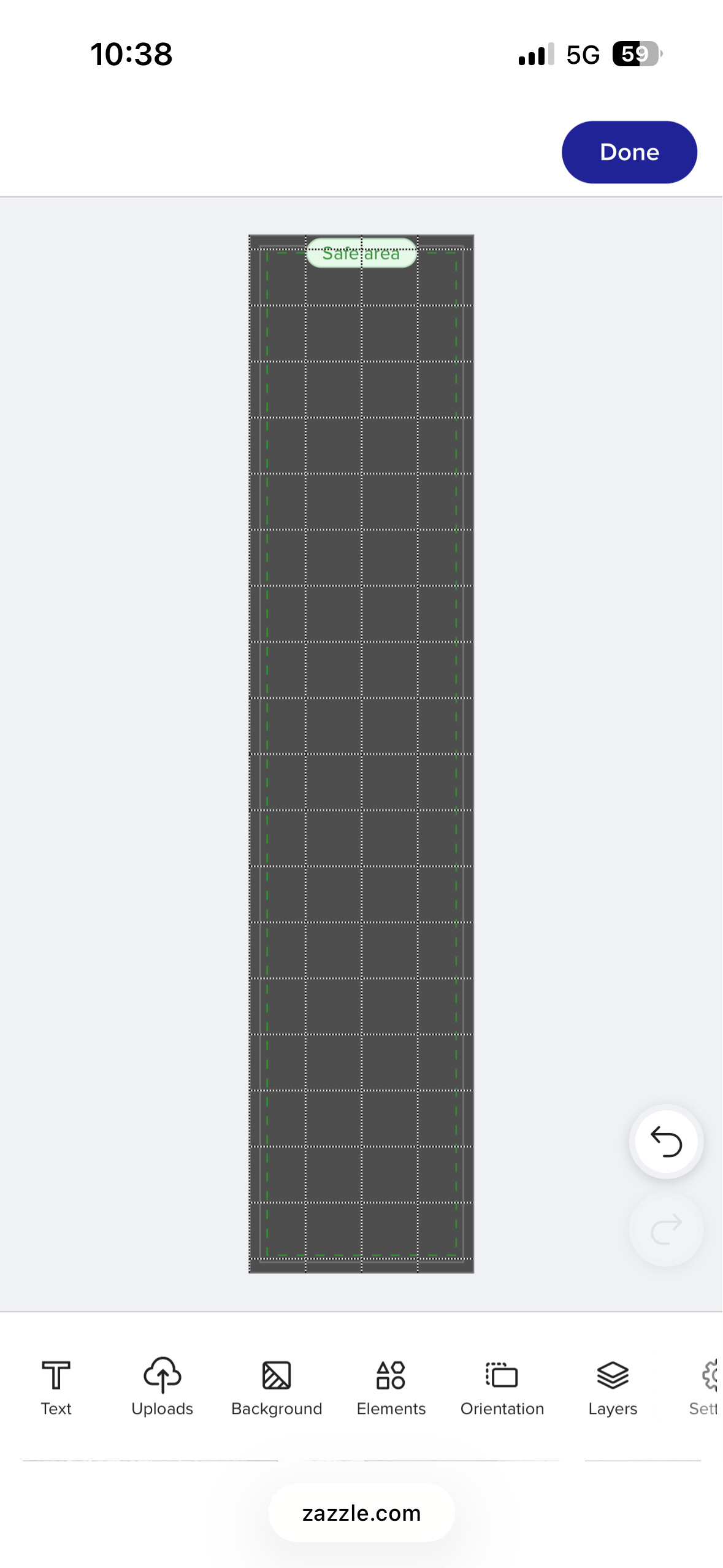
Thank you Zazzle for new amazing mobile design tool.
I waited for it and now it’s here and I love it. 

Thank you Zazzle for new amazing mobile design tool.
I waited for it and now it’s here and I love it.
It’s better than what we had, that’s for sure.
I have a question: I can’t seem to search through my uploaded files. I can’t find a search bar, and I can’t see my folders… So how am I supposed to find a file that I uploaded a while ago?
Chrome Beta.
@MariHolly I search for my old images in Uploads at the bottom of the design tool.
Yes, that’s true, but there’s no search bar within Uploads. Or maybe I just can’t see it… How do I find an old image? Where are my folders? It’s fine for recent images, but what about older ones?
@MariHolly No such option in mobile design tool, but there is one in desktop design tool.
Well, that’s what I was asking. How am I supposed to search if there’s no search bar? 
@MariHolly May be they will add it after they know you need it  . I’d use desktop design tool for now, search for image, after adding it go back to saved designs and back to mobile design tool. Just an idea for now.
They are probably will be tweaking mobile tool, still improving depending on what we say here. I am missing a colour chooser we had in old mobile tool too, where you can move around and choose the certain colour, it’s not the colour picker. The colour picker still not working for me.
I like it that much for copy and paste function, opacity and align
I finally figured it out! Upload any image and select Edit, and a window will open with your search bar!! Maybe the tool is designed exclusively for customers who are starting from scratch. In my case, I use the time I spend away from my computer to work on sketches or ideas in advance.
@MariHolly You are right I just found it, the button is named Change, it’s in the left corner at the bottom or right above the image. Well done!
Yes, but you shouldn’t have to upload another image. There should be a search bar. This is just a workaround… I always end up feeling that whoever designs these changes has no idea what the specific needs are of those of us who use this tool every day, and everything seems rather improvised.
May be now after they read this they will know that it’s not the way it should be for designers.
Amazing there is an Upscale button in mobile design tool, when you click on it you can use an enhanced image. My goodness, didn’t we talk about it and they heard us. I just used it  . I honestly love the new mobile tool, now I am not left behind because the desktop tool was not friendly with mobile users. Thrilled!