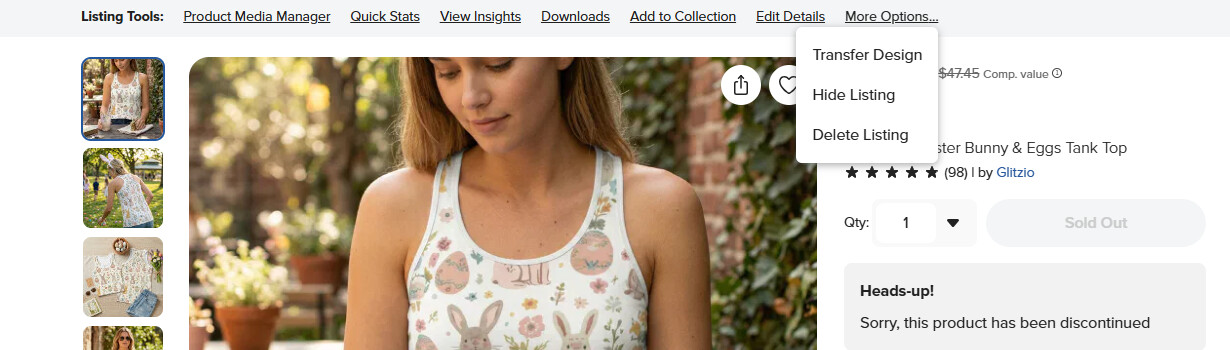
The product in my shop with the most views (sigh!) has been discontinued. I don’t want to DELETE the design…I want to HIDE it so I still have access to all of the insights and marketing etc…
We used to be able to hide discontinued products.
The option has disappeared in my shop and I can’t find it.
@Argyleimp the option to hide is no longer a thing although with discontinued items, I don’t think it ever was (could be wrong). The option was only to delete in edit details or transfer this design
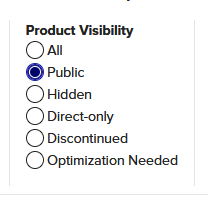
Use the Product Visibility toggle button and set it to Public before you search by most views etc and that will ignore any discontinued in your back end.