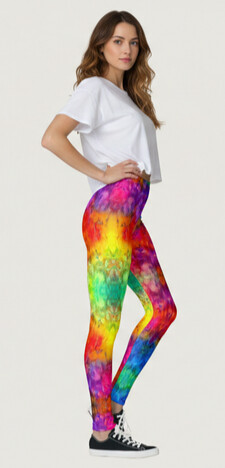
just a in case you use Google’s Gemini for mockups or image design there has been a silent update on daily free quantity A lot of us have noticed that the old “3 free images a day” guideline seems to be gone. I hit my limit after one image tonight and got the upgrade prompt, and several others are reporting the same thing. Google hasn’t made a clear announcement, but their updated wording now says limits “may change frequently,” which explains why some days you get a few images and other days you’re cut off immediately.
For anyone who relies on AI for mockups, listing images, or other creative tasks, the recent Gemini change might catch you off guard. Just wanted to share so no one thinks their account is glitching or that they did something wrong it’s the new system. If you depend on AI tools in your workflow, you may want to keep an eye on your daily usage or have a backup ready.
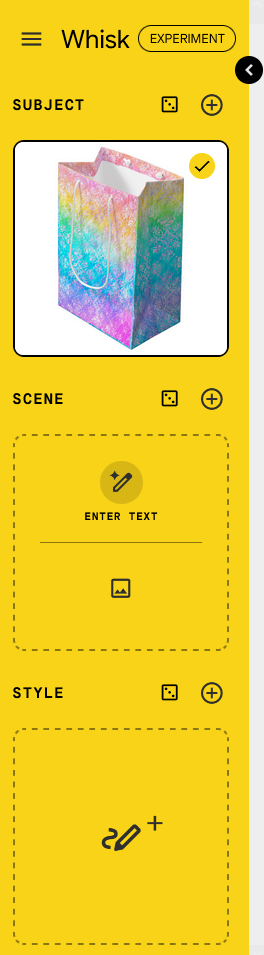
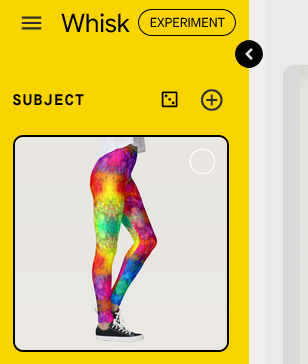
Never heard of Whisk so Googled it up last night. It’s part of Google Labs and is supposed to make a mashup of three different pics you upload, one for Subject, one for Scene inspiration, and one for Style inspiration.
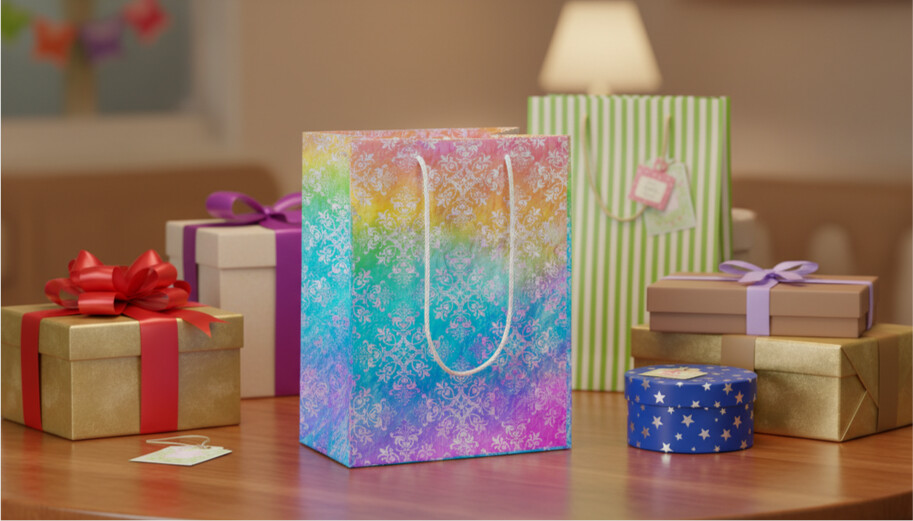
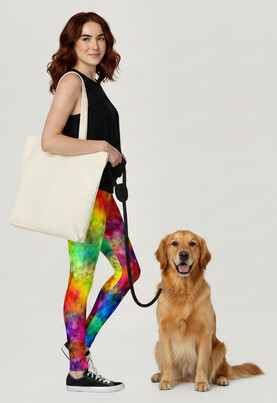
I added a Zazzle product image for the Subject and since I didn’t have images for the others I just used text prompting instead.
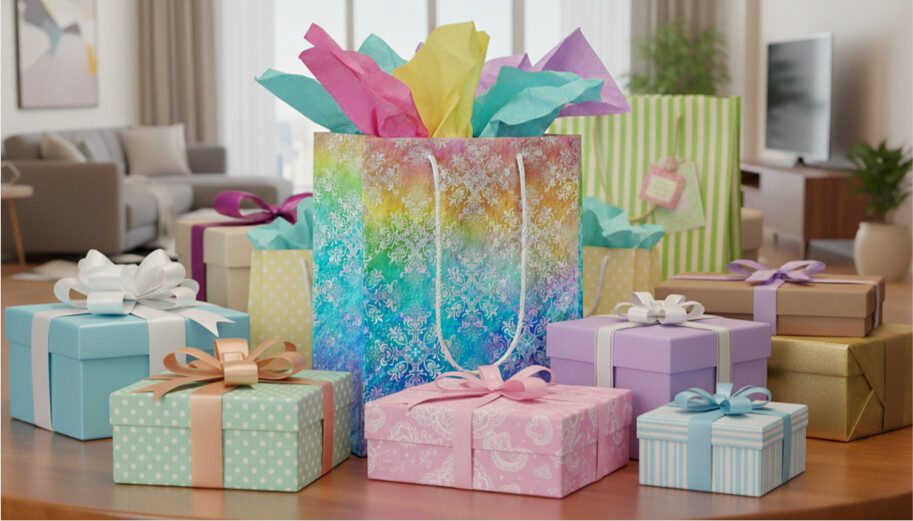
The interface is easy to use. You can continually “Refine” your results, if there’s a limit I didn’t hit it. I was downloading each successive result as I went but to my delight, turns out you don’t need to. It saves all of them (you can delete ones you don’t like) and just click one to continue refining from that particular version. 👍
There’s also an option to Animate on each one. I tried that on the last one and it made a neat little 8-second vid. Definitely potential there!
The drawback is that even though I started with a square image (which, side note, I did not need to transparentize the white background first) the resulting images are 1344 x 768. Have to figure out if there’s a way to govern the result ratio.
Thanks for sharing…I can see how it would be beneficial for unique mockups. Wonder was it time consuming to create your mockups? Agree with you the video is a plus.
How time consuming it is just depends on the person. If one is already familiar with wording prompts on these types of platforms, it’ll obviously go quicker than someone just learning. As far as the Refining, that’s just like designing. You can go on editing forever but at some point you have to choose and say ‘I’m stopping here and going with this version’. 😉
I tried it again last night with another product image from Z and discovered quite by accident that you can work on your three starter images independently (and download those results) before prompting to mash them up together. You can add an image and use text prompting to change it, or generate a new image from scratch.
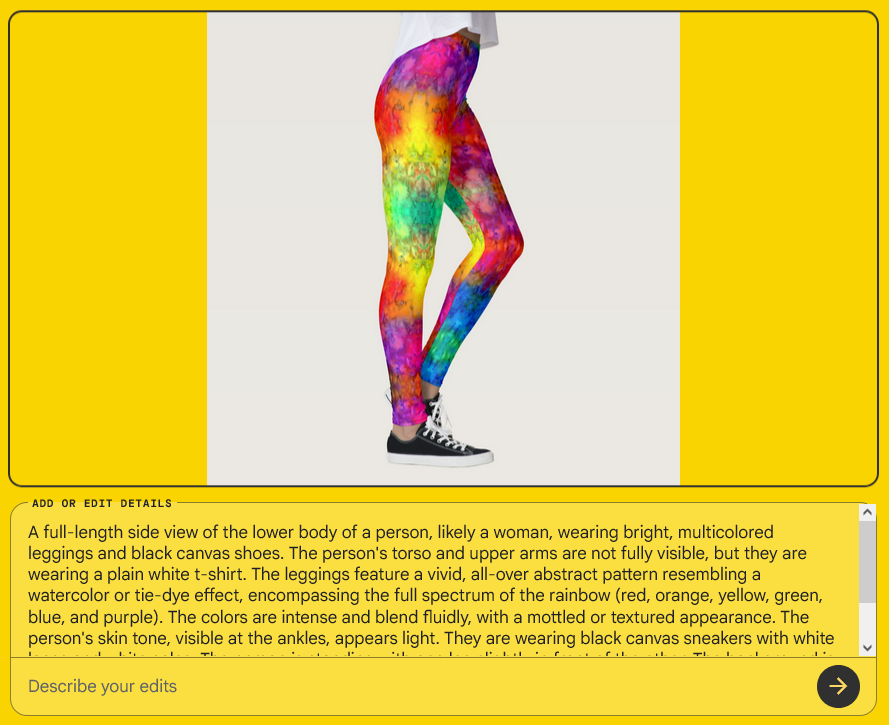
If you mouse-over the image you get an edit icon, click that and you get a very detailed description of the image and the option to prompt to edit it.