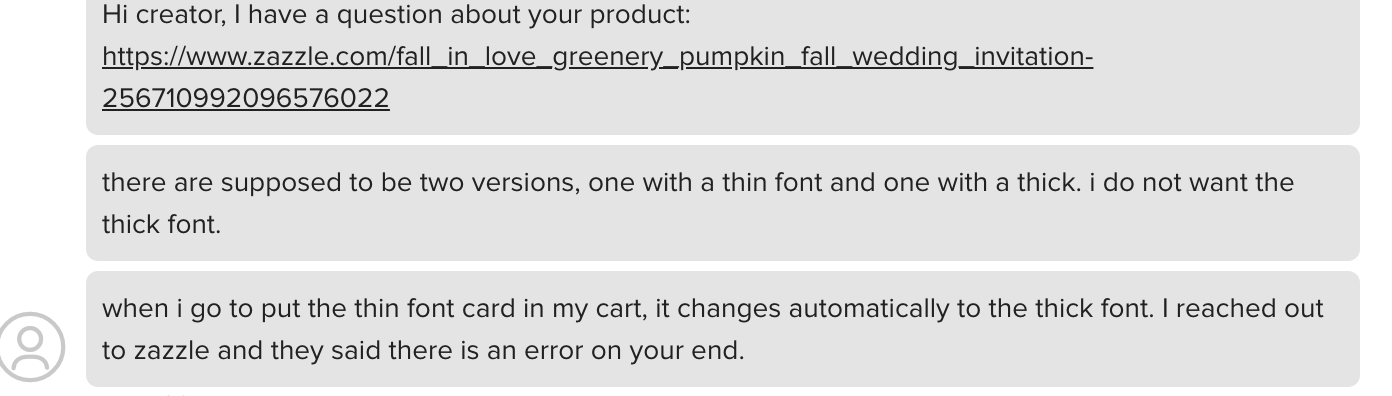
I received a message about the forever SVG and mask issue, and I can’t believe Zazzle’s response: “an error on my end.” Really? I’m at a loss for words with this client. I’ve spent a lot of time reporting this error since last year, and there have been no updates. It seems like this will never be fixed.
“Hi creator, I have a question about your product: https://www.zazzle.com/fall_in_love_greenery_pumpkin_fall_wedding_invitation-256710992096576022
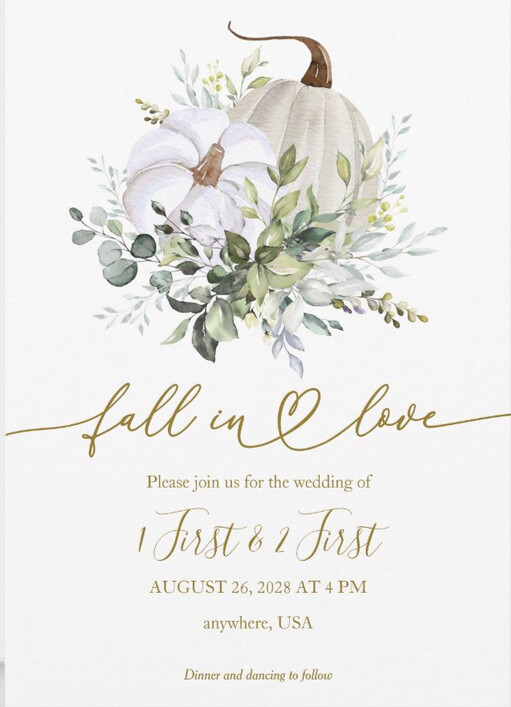
there are supposed to be two versions, one with a thin font and one with a thick. i do not want the thick font.
when i go to put the thin font card in my cart, it changes automatically to the thick font. I reached out to zazzle and they said there is an error on your end.”
1 Like
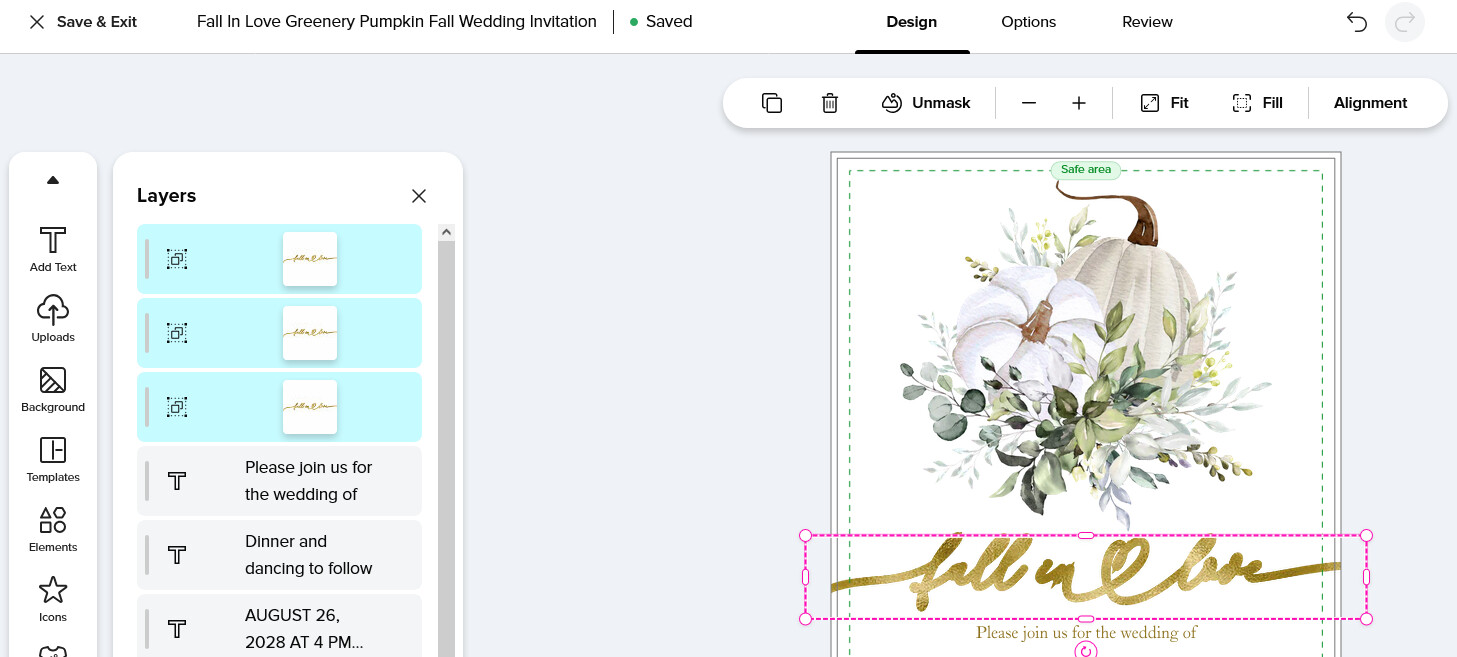
I realize there has been a long-standing issue with SVGs but maybe the Zazzle rep threw it back on you as Designer-fault because there are three separate masked layers for the “Fall in Love” .svg? I can hide any two of those three layers with no visual difference to the card previews.
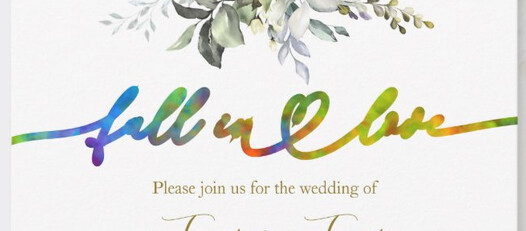
Maybe the Zazzle rep who supposedly responded to the customer thinks the weirdly fat “text” is a result of the duplicate layers and not the problem with masked SVGs?
I can totally delete the lower two layers and then unmask the top one, and hide or delete the image used as the mask texture, and the .SVG displays correctly.
But as soon as I try to mask it to something, it gets all fat again.
So the error is 100% on Zazzle’s end where masking your own svg doesn’t render correctly. Just saying maybe they put the blame on you because the duplicate masked layers confused them. 
1 Like
Thank you very much for taking the time to review this. Previously, I tried to replace the mask with a PNG image, but for some unknown reason, the replacement didn’t work. As a result, I’m creating a new product with a PNG for the client. It’s unfortunate to waste time on something that was previously working fine. Corjl also had an issue with SVG masks, but they allowed designers to review the SVG elements before migrating the template to their new tool.
1 Like