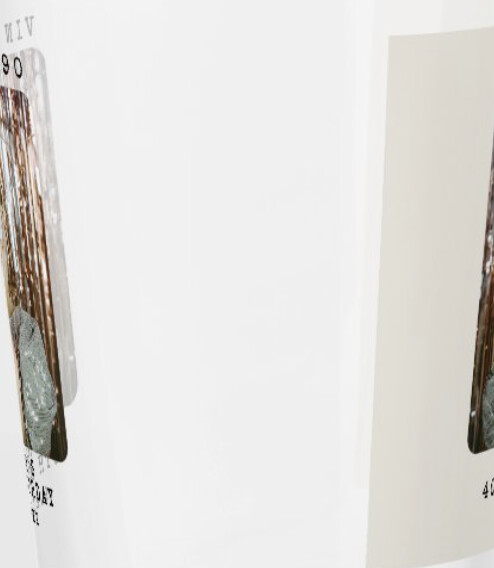
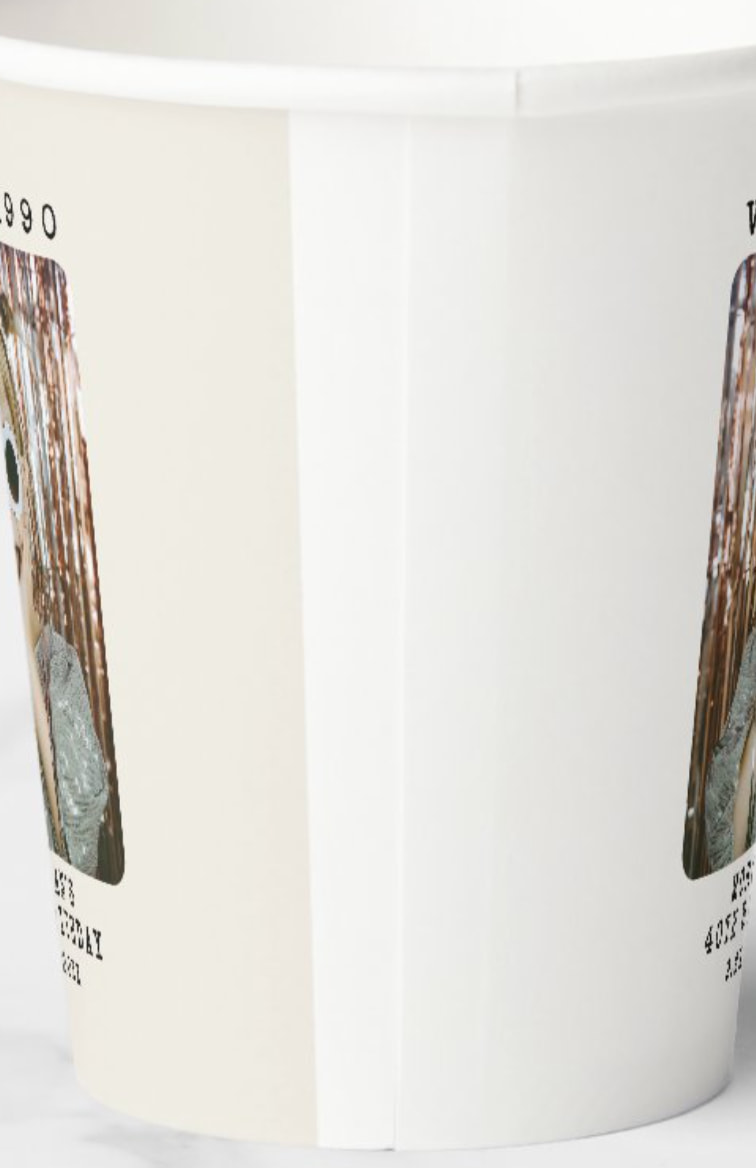
I just made item 256307979485694860. I transferred from a can cooler. The cooler did have a background but once I transferred it, I removed it. This item does not have a background color selected on either side, and yet it is showing an off-white background in the previews on one side. It is there whether I am logged in or out. I can change it to a black background, and the preview changes to black. But then when I try to remove the color again, it goes back to the off-white. After I made this item, I tried transferring it to another item and it is also doing the same thing.
I have re-created the item now (not the number above) using a different product transfer, but figured I would mention if there is some kind of background glitch or transfer problem happening.