I have started a new Zazzle store and wanted to get rid of the thumbnail that is on the banner so I thought I just removed the thumbnail however the whole banner was removed and now I can’t get it to show up. What should I do?
I don’t believe there’s a way to get the one that zazzle creates as a place holder banner when you first set up your store. There are a couple of ways to upload a new store banner
Go to your store’s settings - click change and upload a new one (dimensions are minimum is 1140x315 I think but not sure) then submit to save.
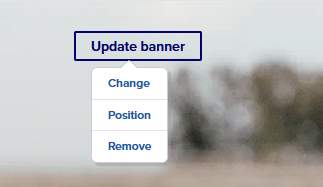
Alternatively, go to your store front and update banner that way. (hover over somewhere top right - Update Banner button.)
The thumbnail is for your store’s logo and a similar process for changing it on your store front (hover hover the camera icon - click change - upload - submit to save)