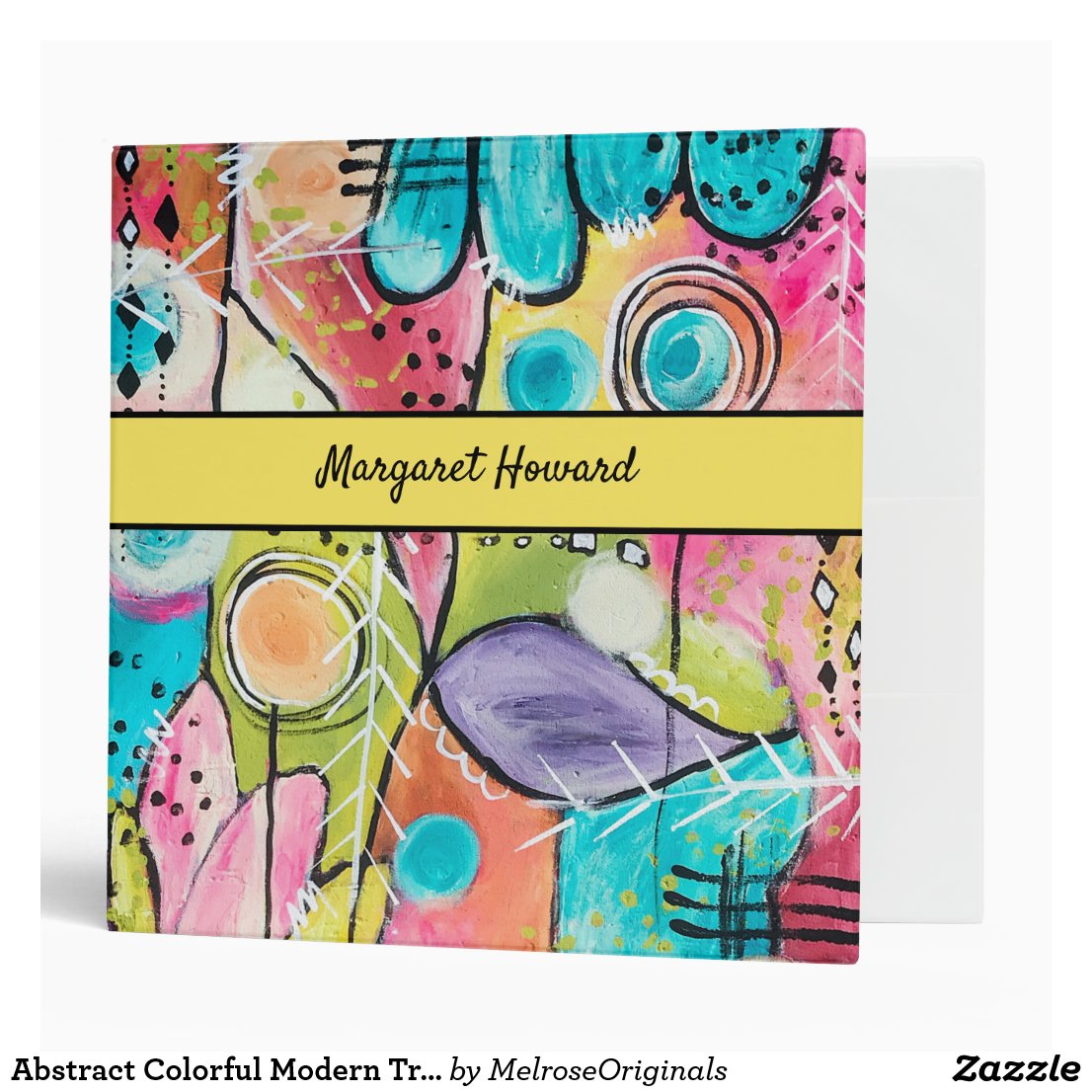
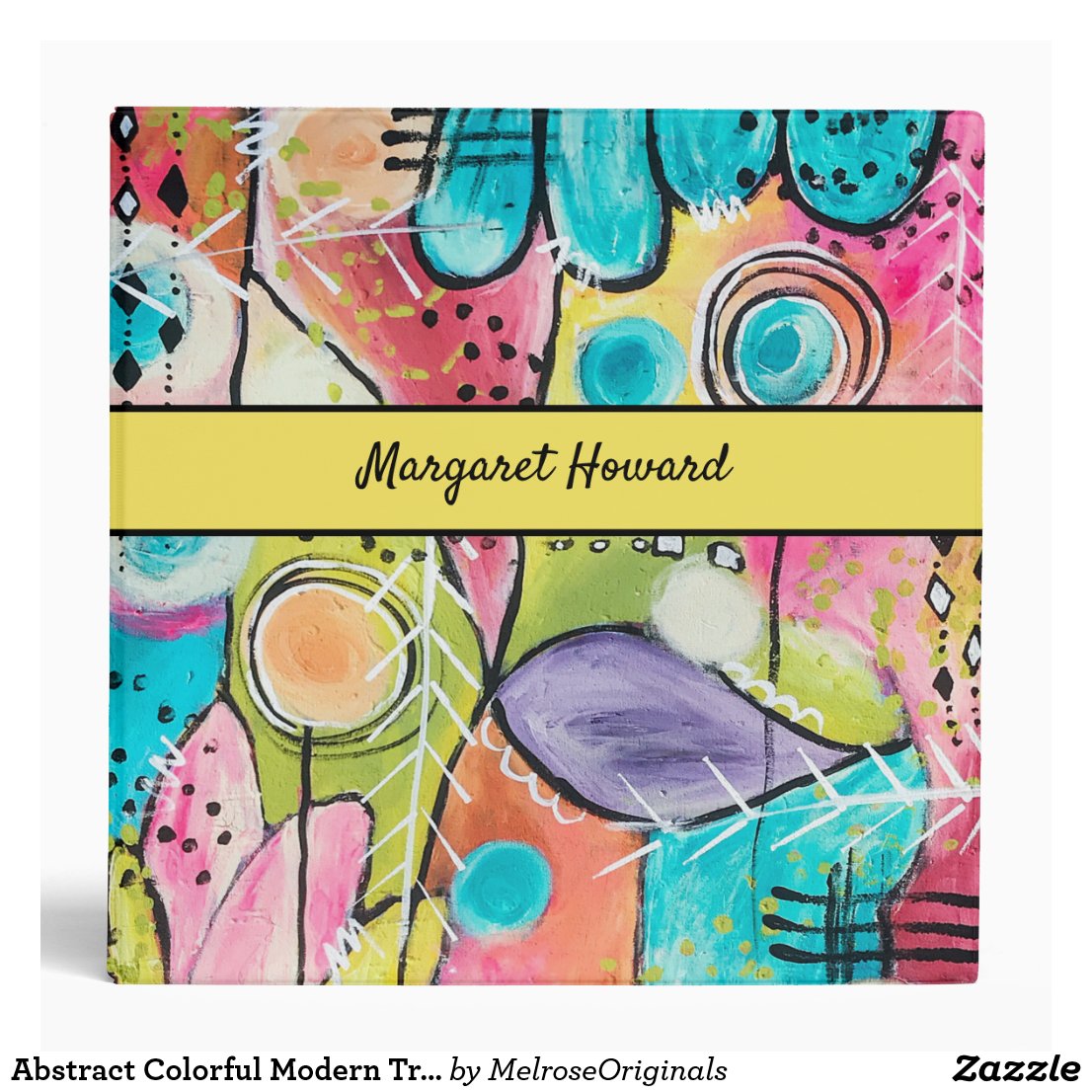
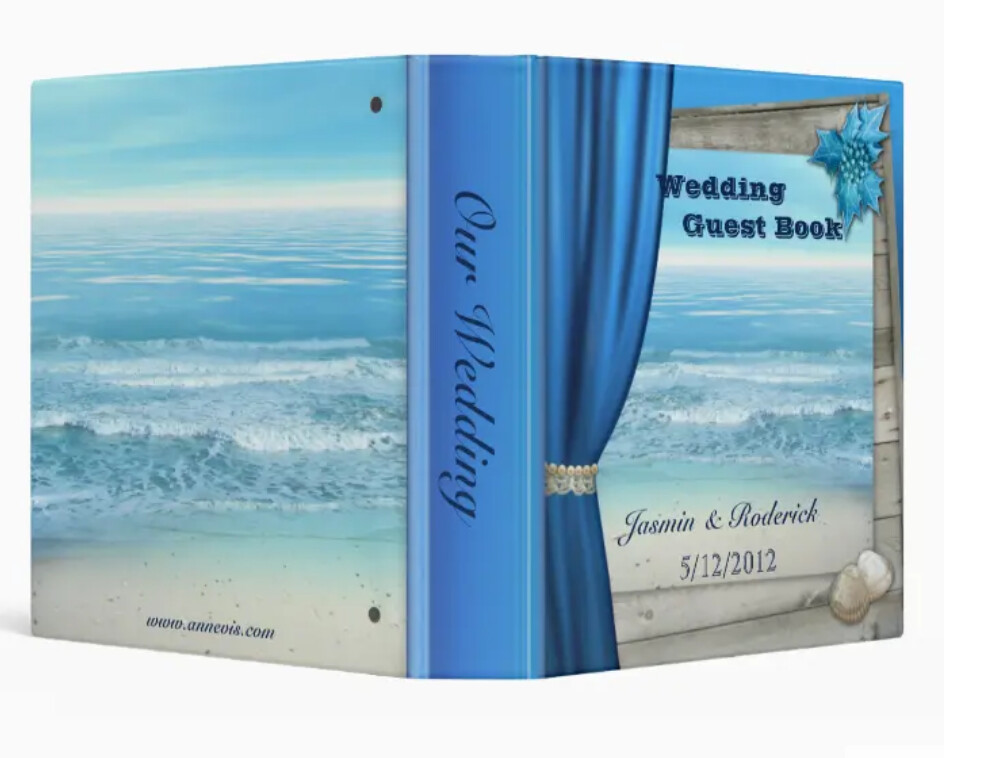
When I made these binders 2 years ago the alignment was displaying correctly on the front and the back, but now the preview is showing that the front is noticeably off. Should I leave it alone or remake them? I copy pasted from front to back and did not use a background image that stretched over the whole area
I vaguely remember a binder issue on the old forum, but have no idea what the solution was or if it was this problem.
Sorry, I wasn’t very specific when I explained it. I’m looking at how the solid stripe runs around from the front to side to back. The stripe looks like it shifted down a bit and does not run in line with the back and side. Maybe it is because the way the binder is open in the image in my example? I think the product previews changed a while back so it looks different.
It does look like it shifts a bit going onto/around the spine but my mind just automatically interprets that as perspective accounting for the fold/bend of the binder.
You can see the text is flowing all over the curtain in the full view, whereas in reality it is not.
Also the spine looks really weird.
I wish the previous views would be back, they were so much better.
Thanks