I just clicked on my collections and for some reason there is one blank white square where the first product would normally be under the cover image. Is anyone else experiencing this?
1 Like
1 Like
I’m having problems as well. My real gold foil cards are showing up as tiny mosaic stills of the video, some pillows are showing up as flat artwork, and an envelope is just the front (blank) square, although if you click on the collection it shows correctly on the inside. Noticed the foil cards & pillows yesterday evening.
I have the same problem. In some collections there is a blank photo or it has a black frame around it. And it’s awkward because it’s repeated on several covers from my collections.
Thanks Roberta!
Hi @ChrisArt ,
I’m sorry to hear that you are experiencing an issue here. Can you provide a link to the collection in question so that we can take a look?
Thanks,
Pádraig 
Hi @Marcia ,
I’m sorry to hear you are having issues here too. The foil card issue has been flagged with our team so we are working on a solution already. Can you provide a link to the collection that is exhibiting the pillow and envelope error? We’d be happy to take a look.
Thanks,
Pádraig.
Hello. Here’s a link to one of the collections. Two more of my collections also have blank squares. Although when I click to see all the products in the collection, the blank square doesn’t appear, and all looks good.
https://www.zazzle.com/collections/sea_isle_city_nj_promenade-119776898114349288
Thanks for your help.
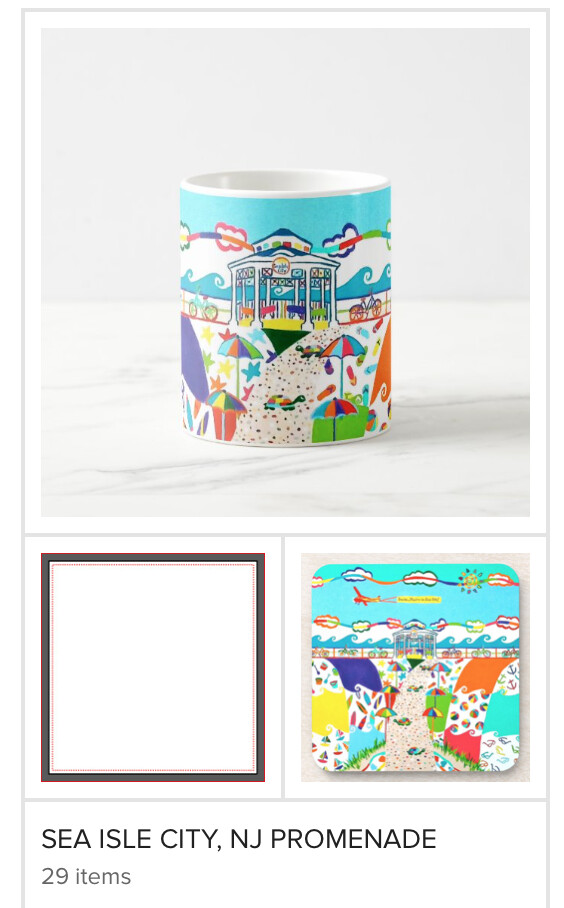
collections page (not ok) when you click on collection (ok) when you click on collection (ok) when you click on collection (ok) collections page (not ok) when you click on collection (ok) when you click on collection (ok)https://www.zazzle.com/store/luceworks/collections?pg=4&ps=20&view=private https://www.zazzle.com/store/luceworks/collections?pg=7&ps=20&view=private
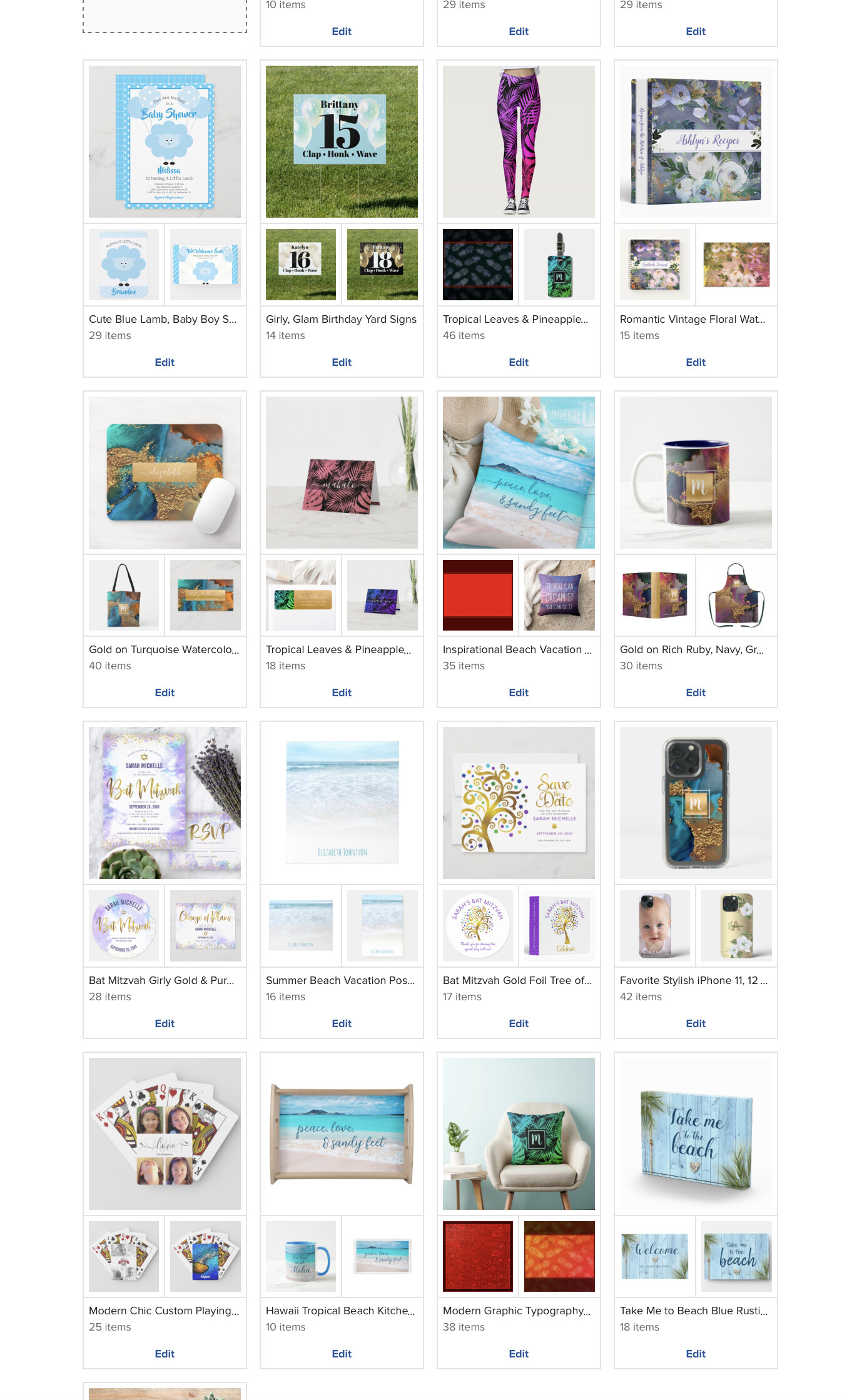
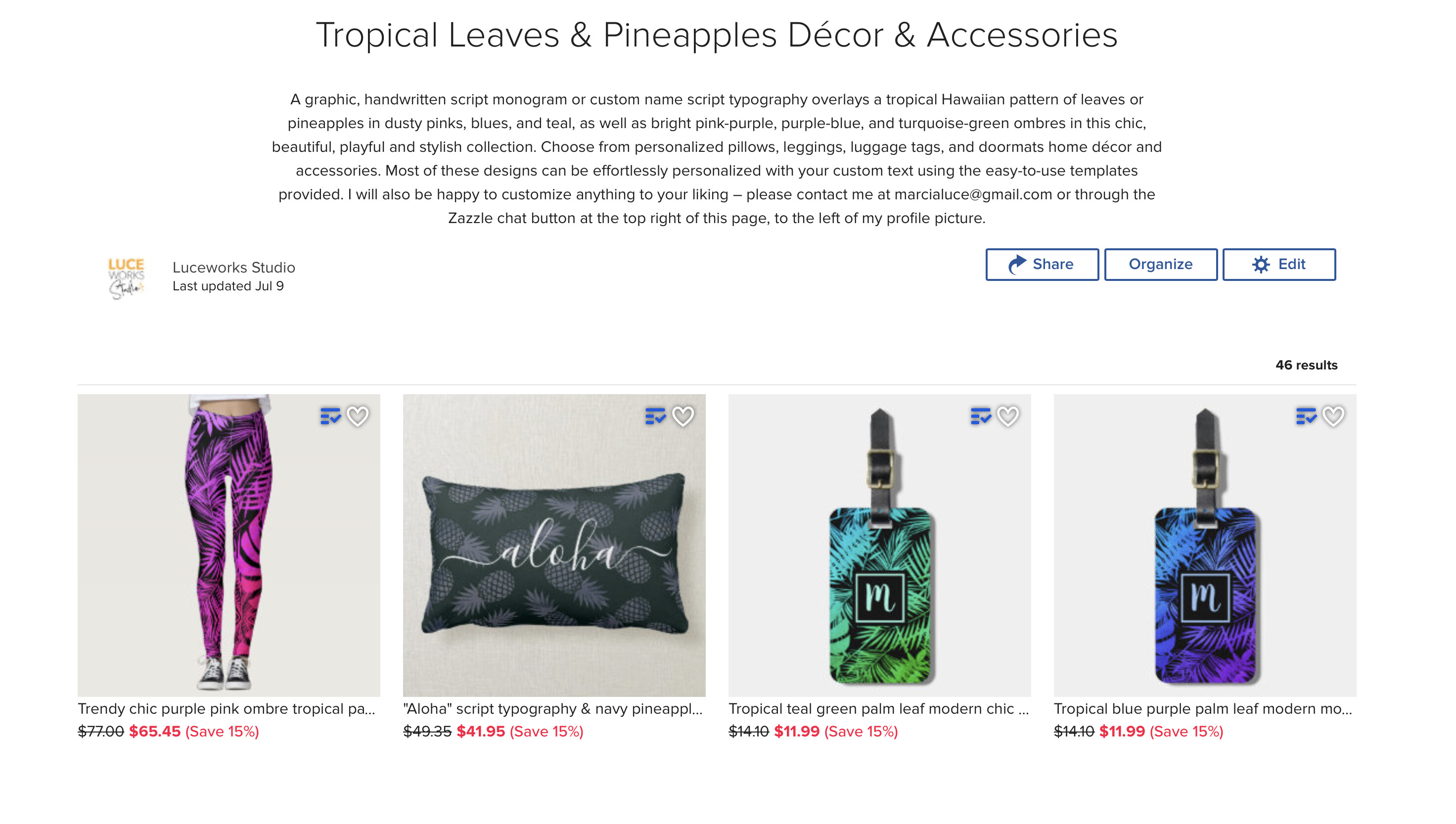
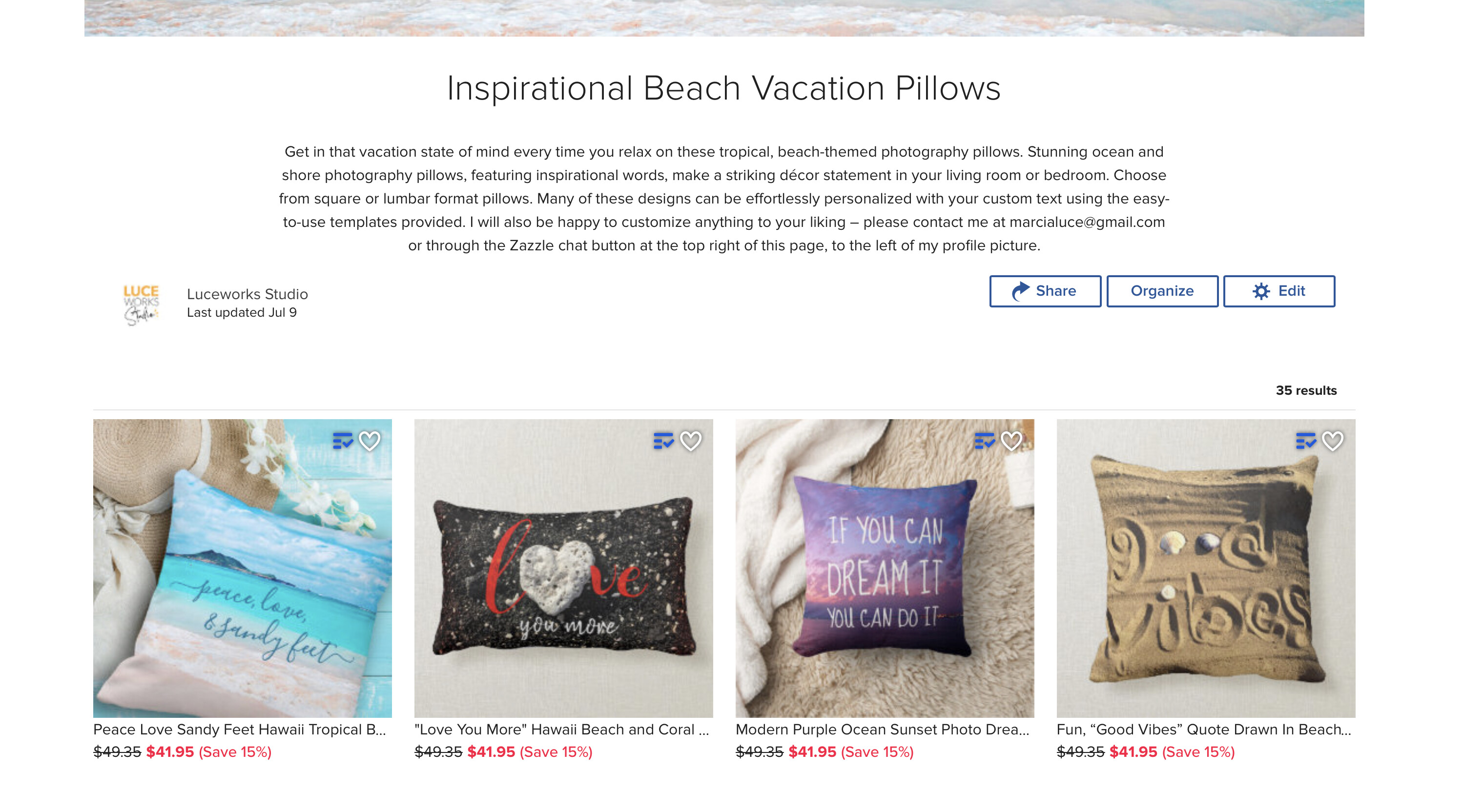
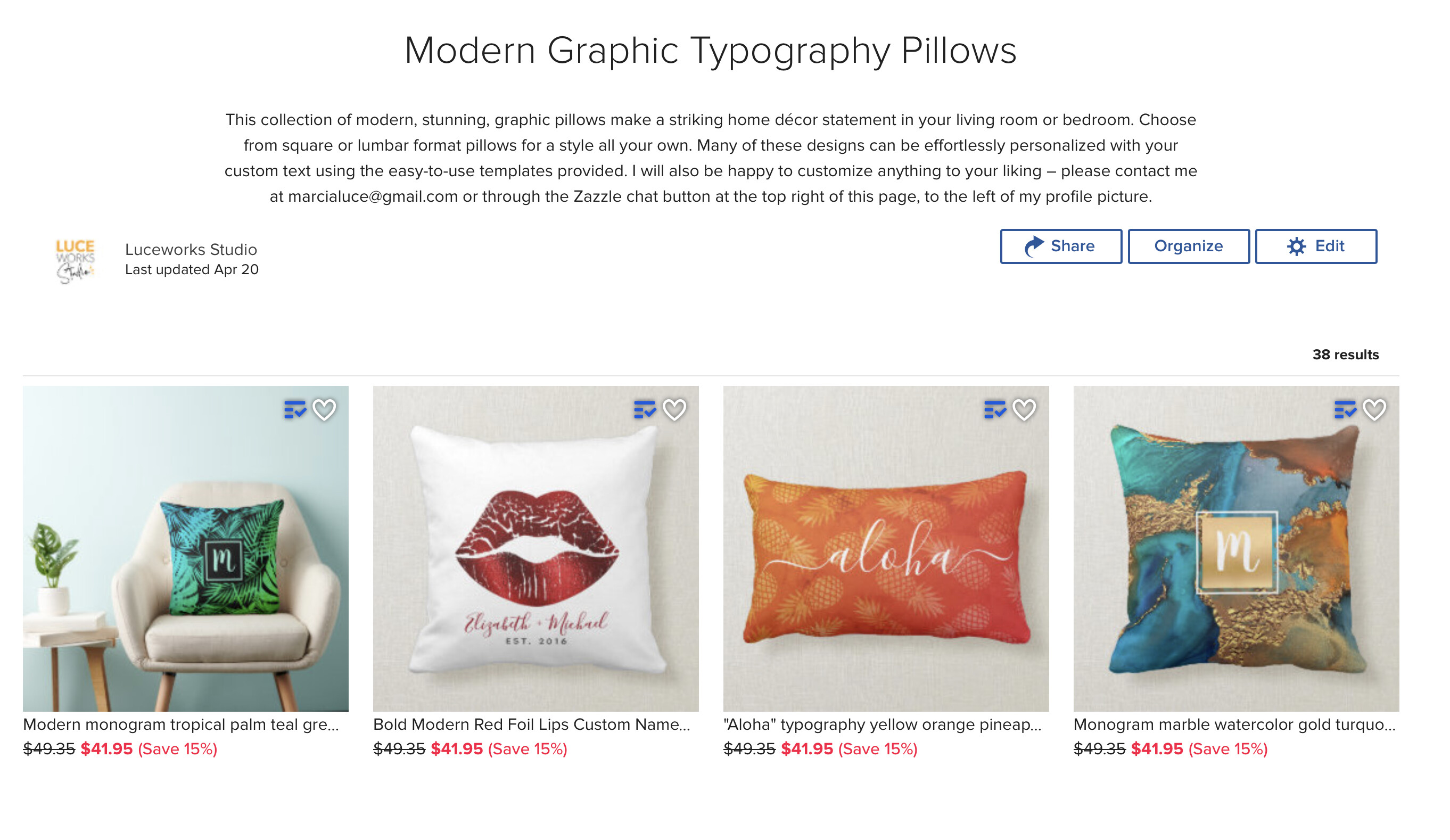
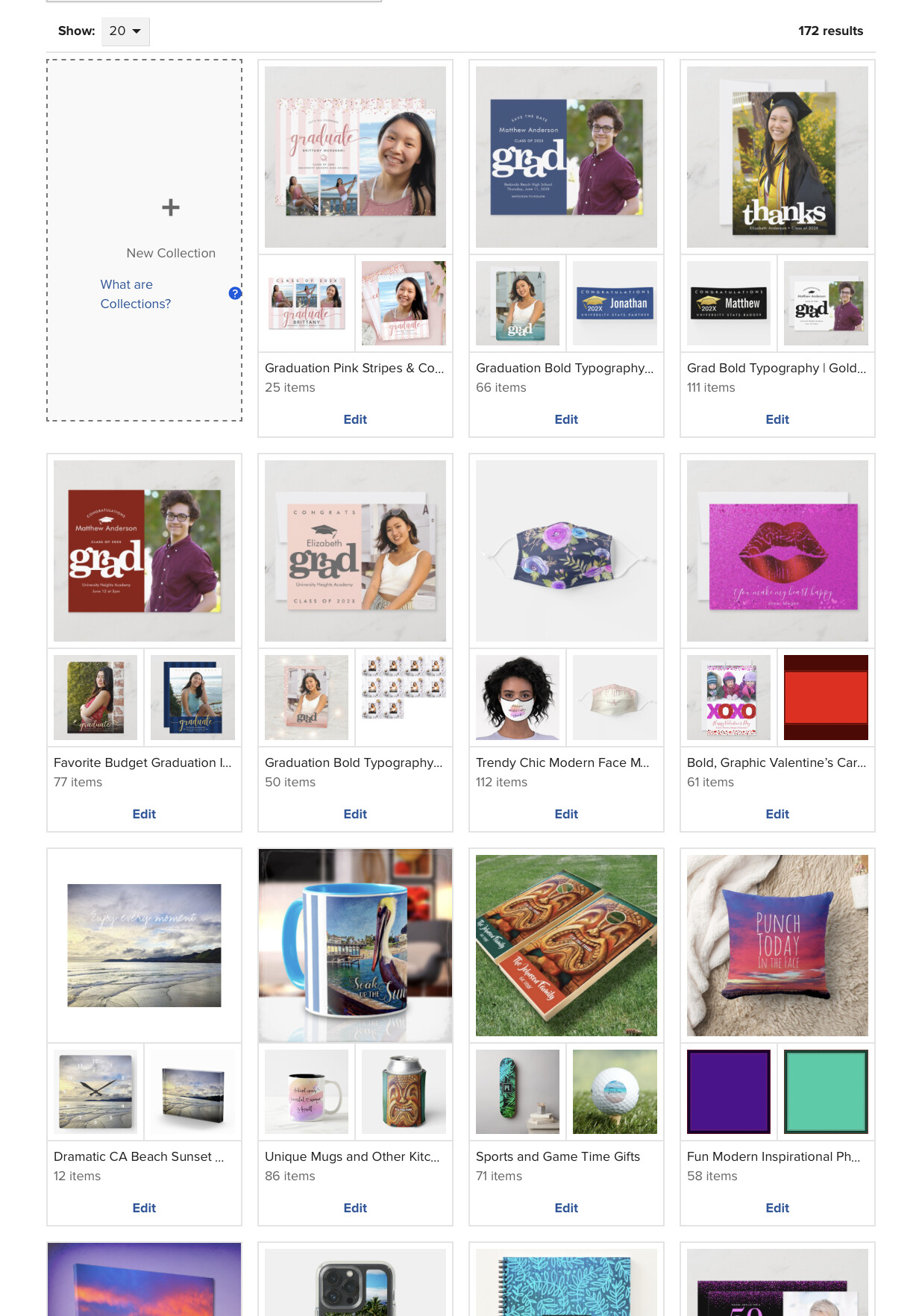
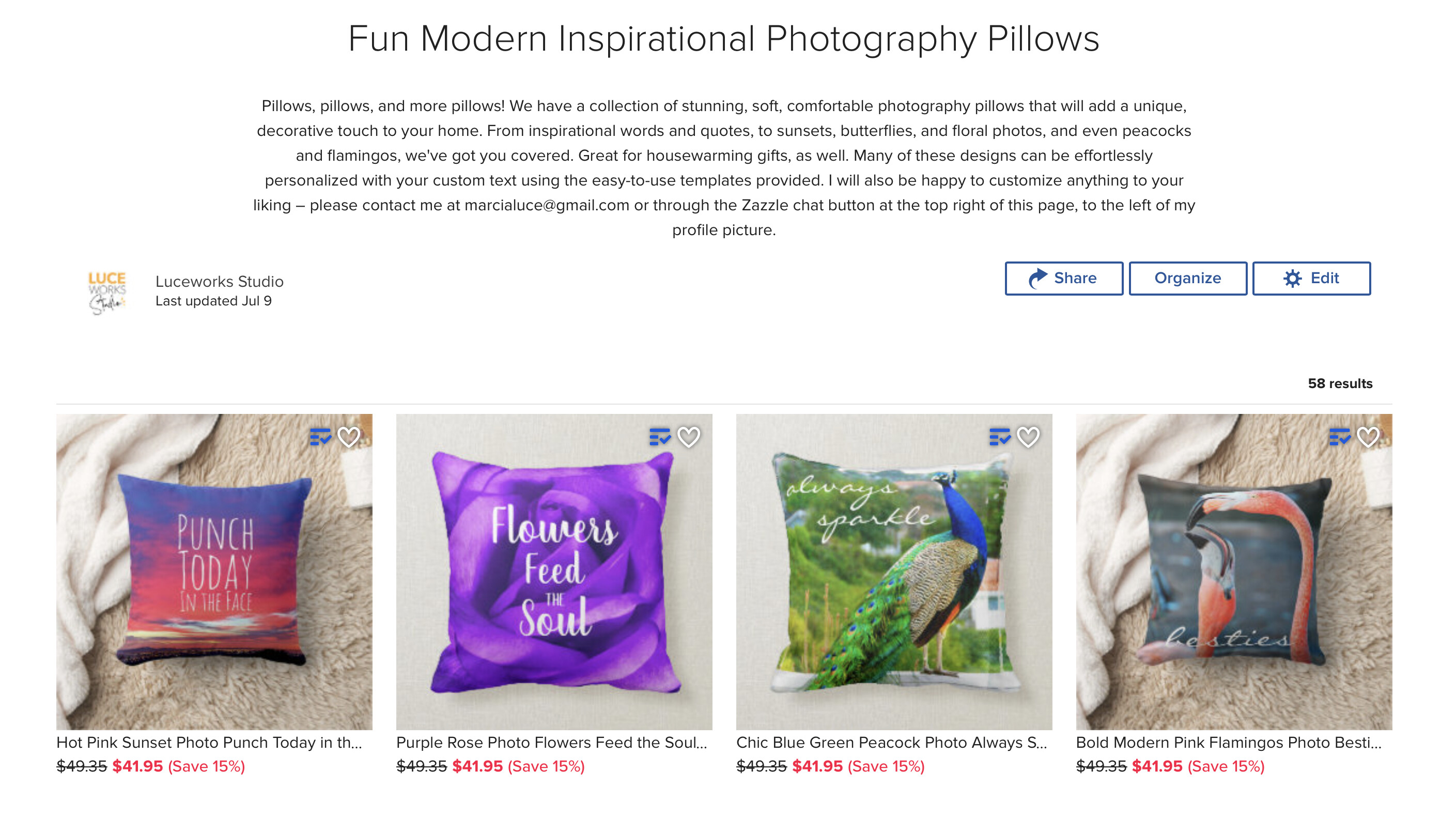
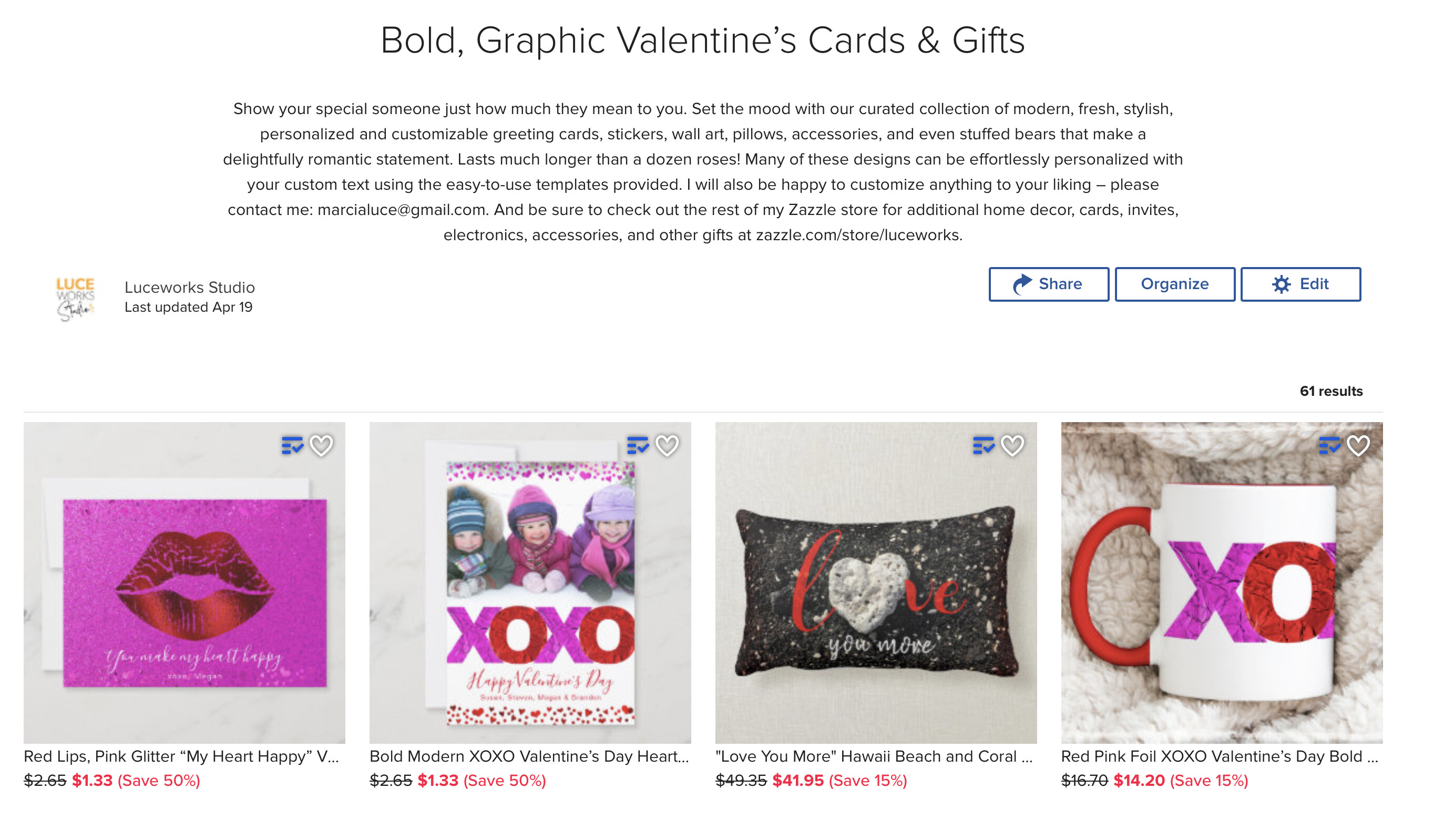
Here are a few. There’s also other examples. Thanks, @Padraig
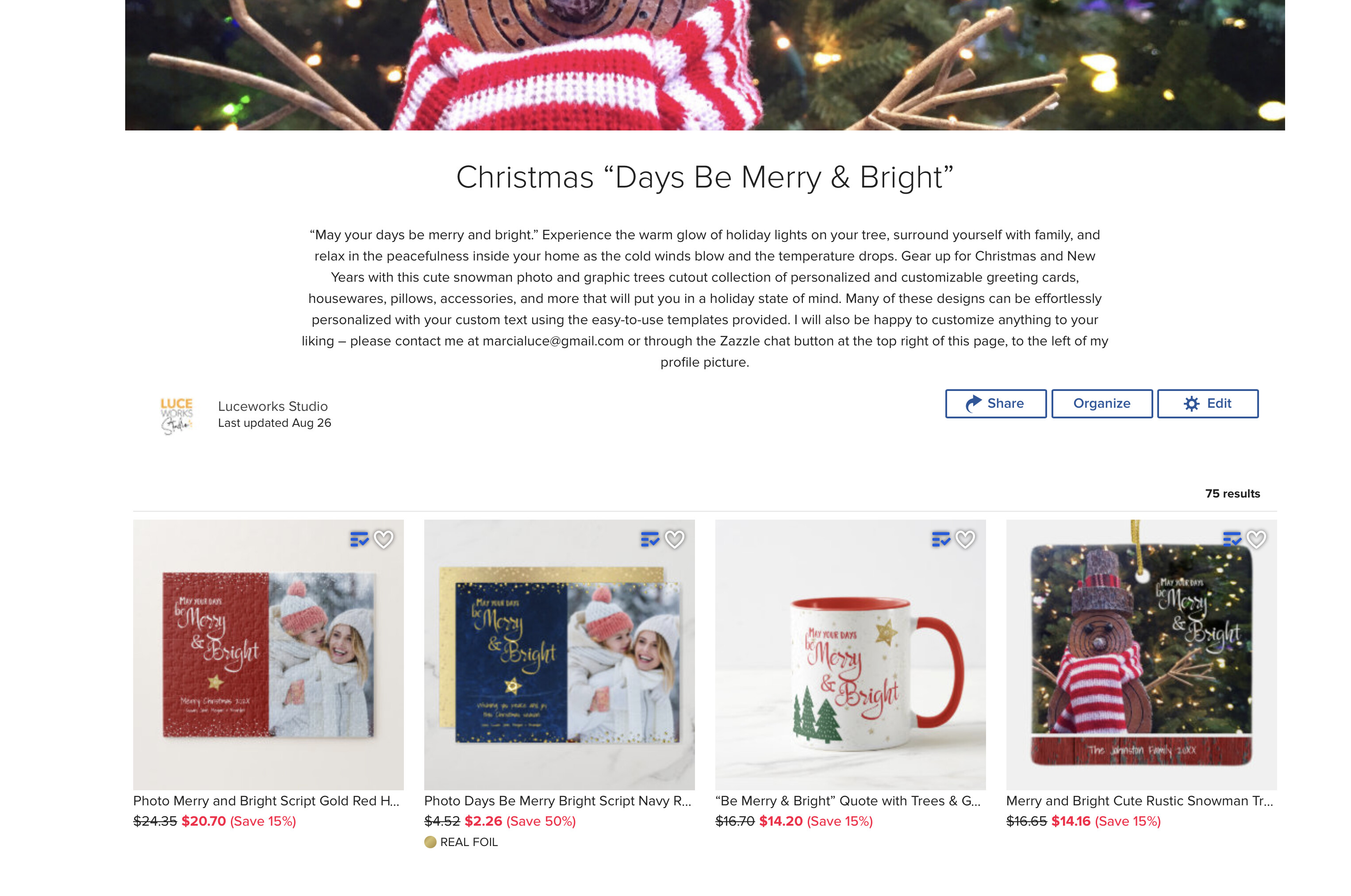
And yet another glitch: an example of a puzzle being turned on it’s side but when you click on the collection, it’s ok.
collection page (not ok) inside collection (ok)https://www.zazzle.com/store/luceworks/collections?pg=6&ps=20&view=private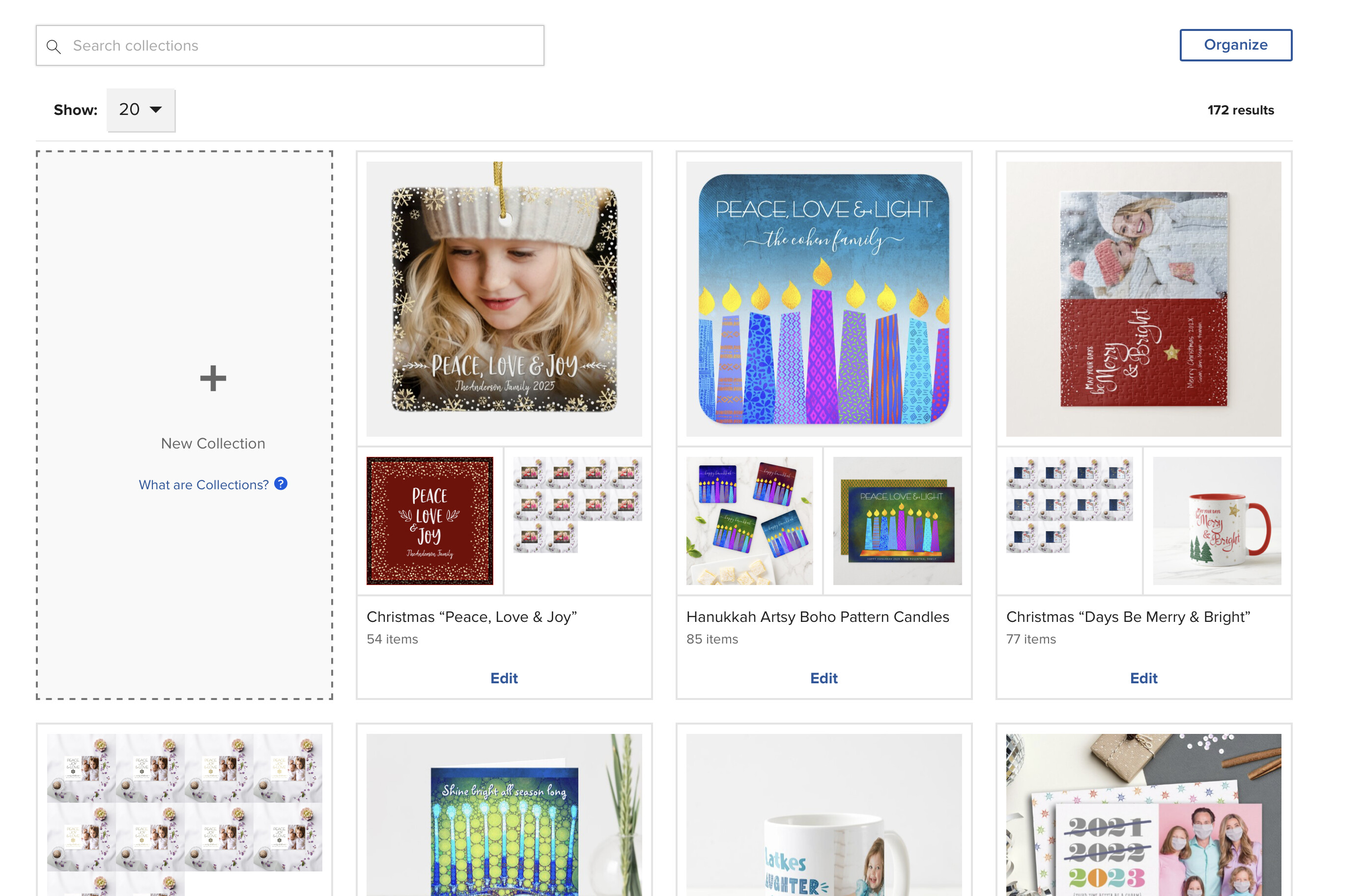
Hi @Marcia ,
Thanks for providing those examples. I have sent this to our team to investigate further. We’ll let you know of any updates.
Thanks again,
Pádraig.
1 Like
Hi @ChrisArt ,
Thanks for that example. I have sent this to our team to review further too.
Thanks again,
Pádraig.
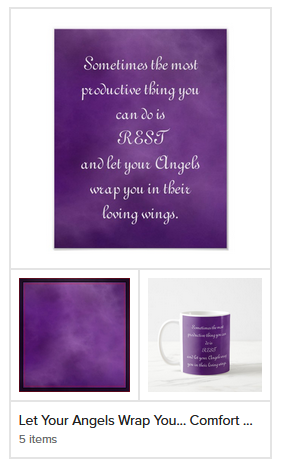
Yup, all my pillow images are squares.
I noticed a problem with my rubber stamp collections, wooden stamps revert to default first preview instead of a flat design that I always choose. Only in collection thumbnails, mind you, if you open up collection link they are displayed fine.
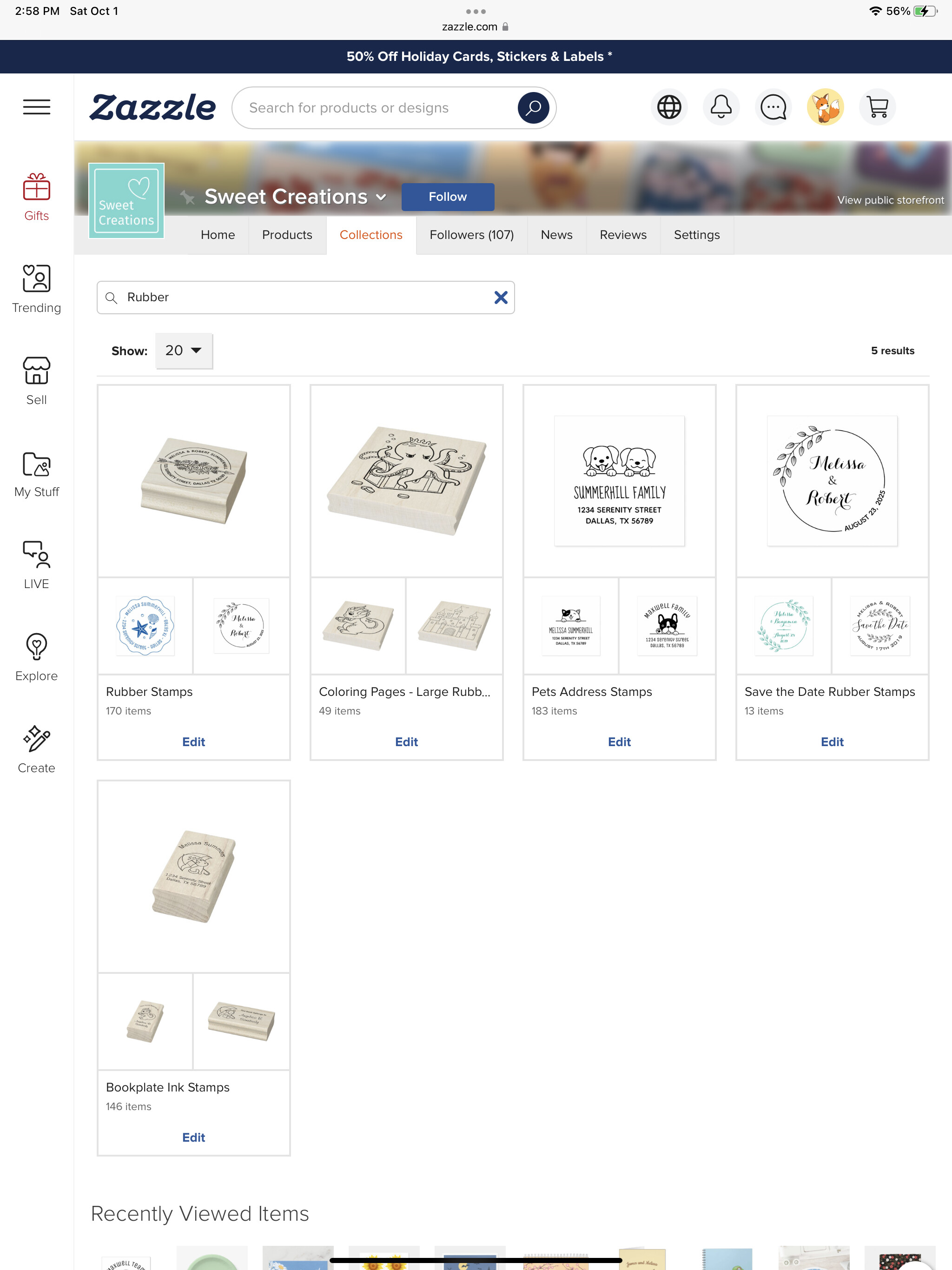
Collection links:
https://www.zazzle.com/collections/rubber_stamps-119407726485178452
https://www.zazzle.com/collections/coloring_pages_large_rubber_stamps-119902728723832492
https://www.zazzle.com/collections/bookplate_ink_stamps-119662766895172040
Also problems similar to the ones described in this topic with my square pillows, labels, and foil cards
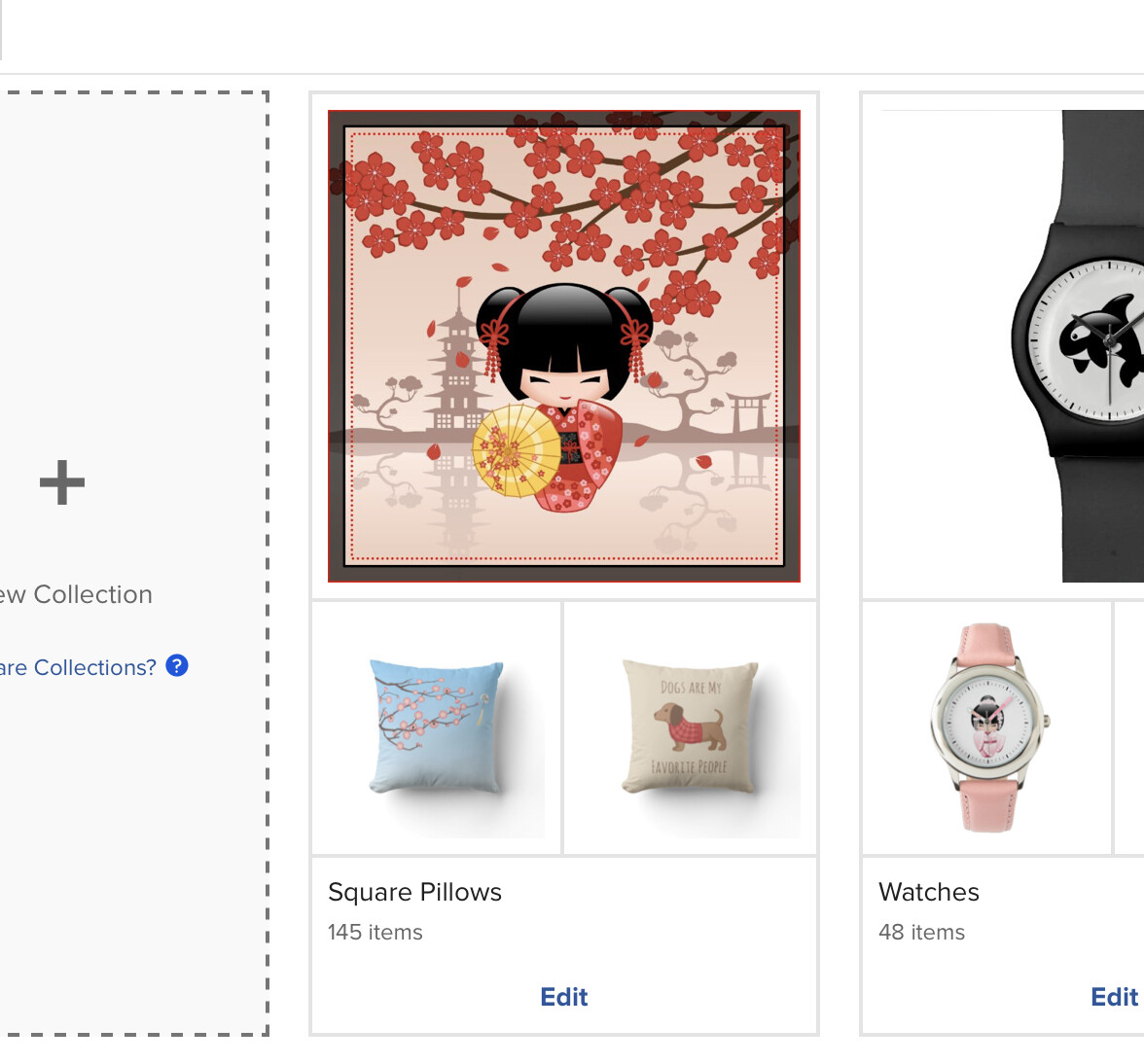
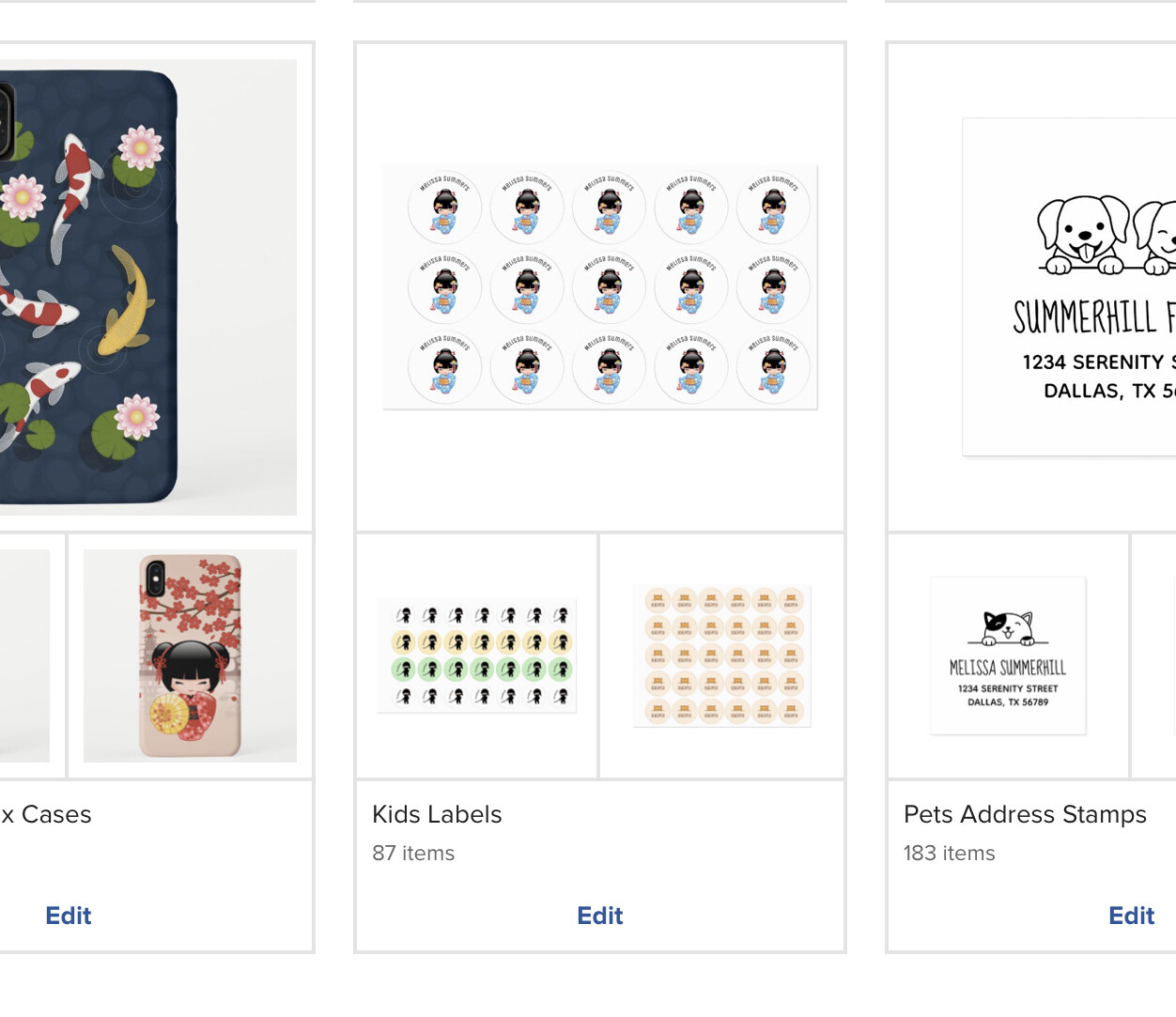
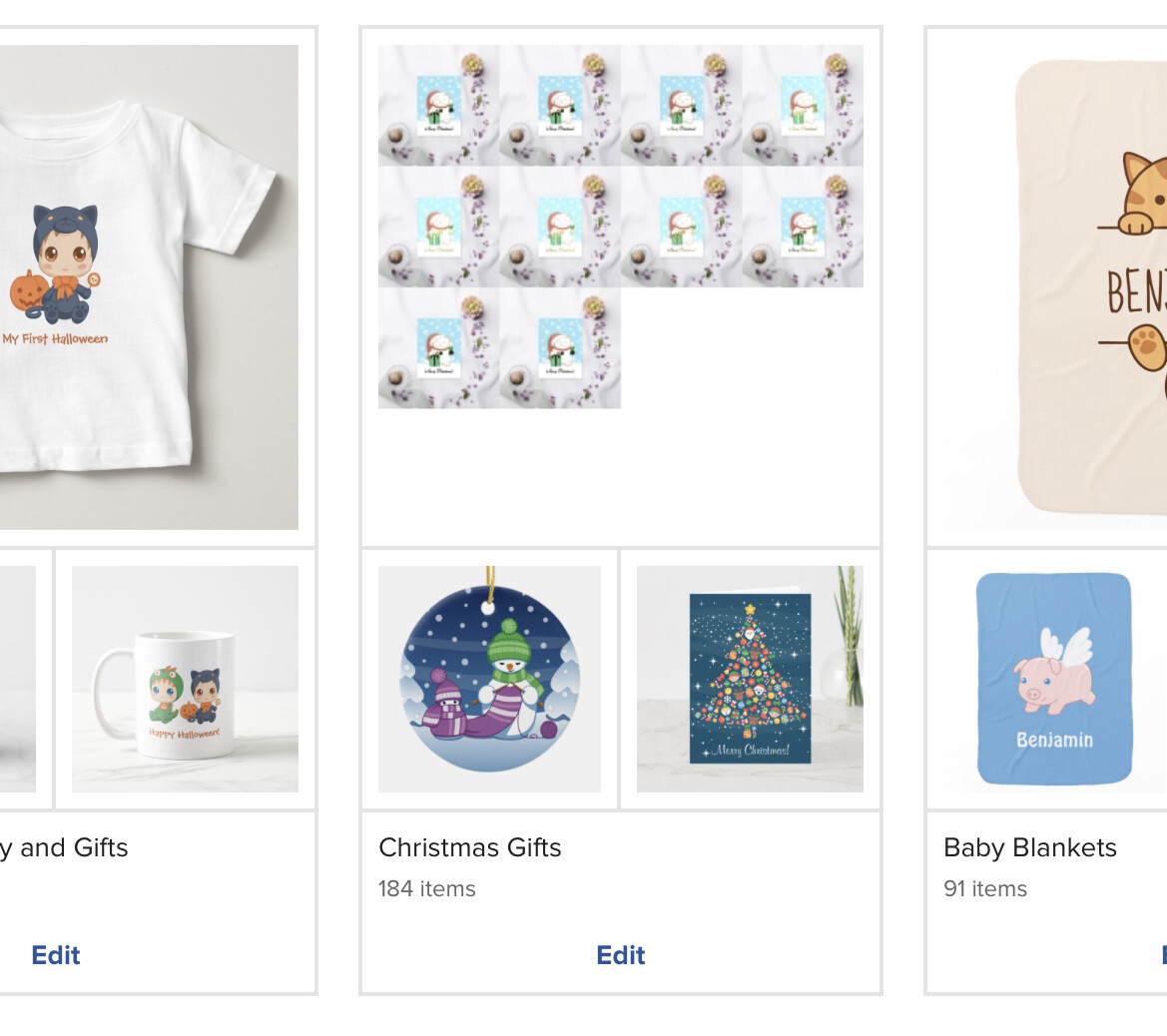
https://www.zazzle.com/collections/square_pillows-119479411004151006
https://www.zazzle.com/collections/kids_labels-119346884404116004
https://www.zazzle.com/collections/christmas_gifts-119066165258589920
In this collection, the larger image is supposed to be a lumbar pillow. In public view (bottom), it is showing that pillow, but with the back and front splayed apart. I As you can see, my back-end collection view (top) is okay. – On posting the two, I see that the actual Collection arrangement is altered also.
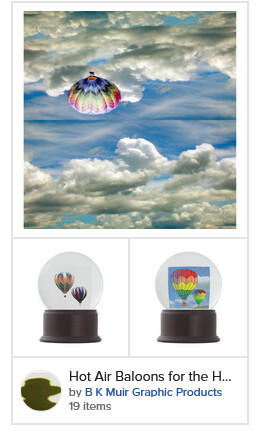
Some more examples of yet another product not displayed correctly – I made these pedestal signs yesterday & the insitu view is supposed to be showing. But when you click on the collection, again,
should be insitu view on all
each product displays correctly.
Hi Roberta,
Just wondering if you have any information yet on why the blank squares are appearing.
Thanks,
Chris