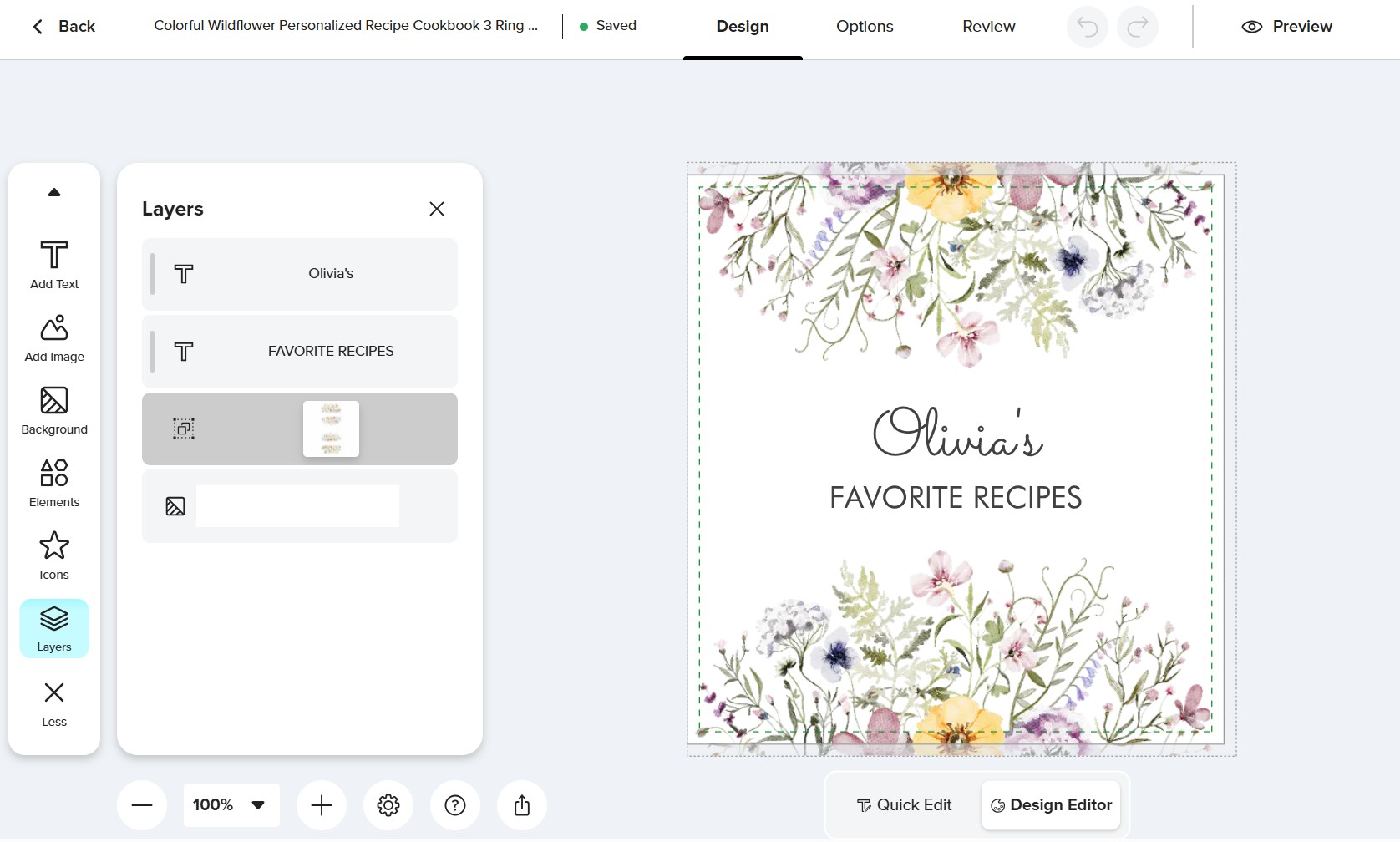
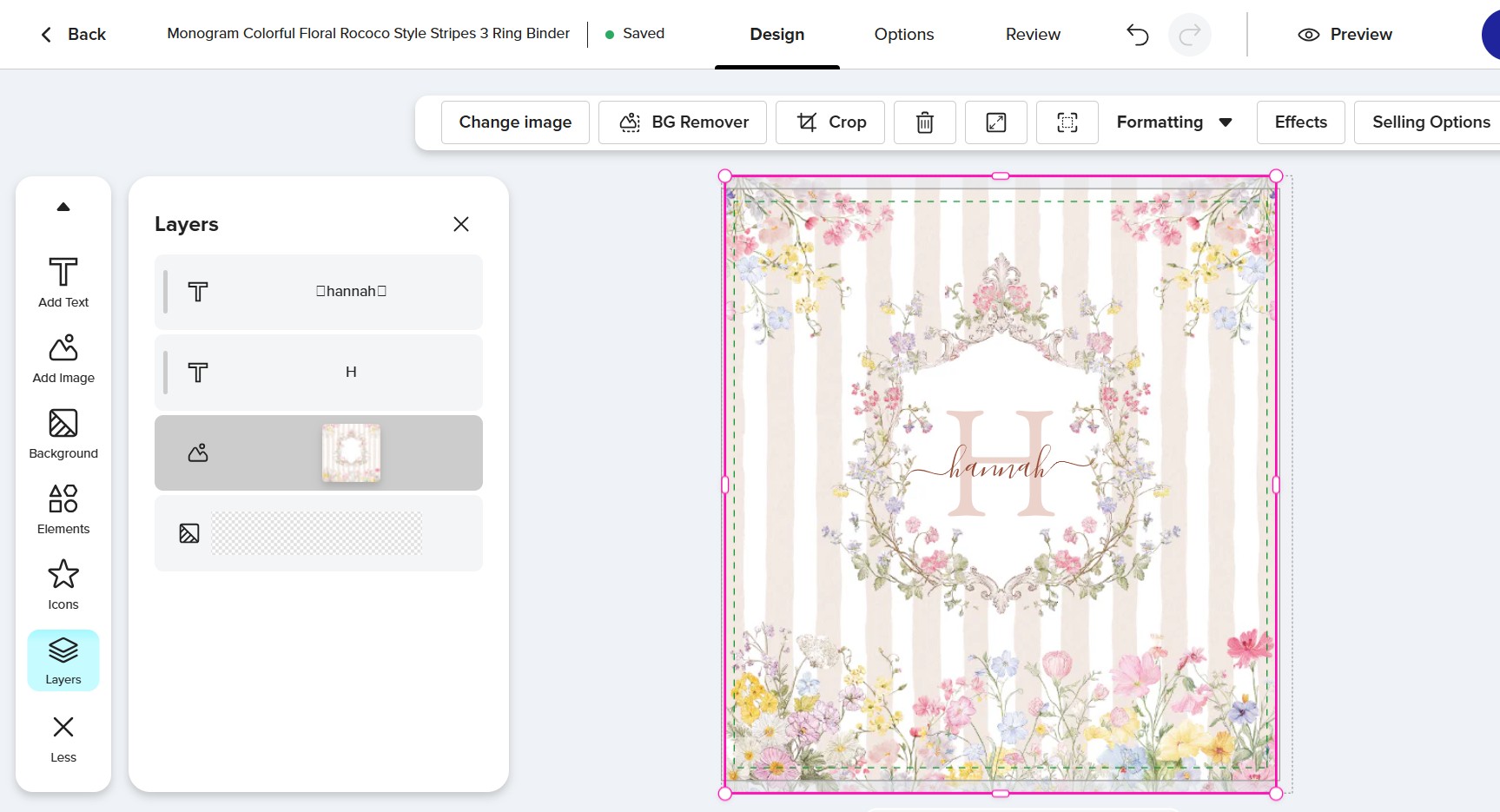
Today, I wanted to create a new binder by editing my old binder design. When I tried to replace/delete an image in the old design, I found that the image was not removable. I couldn’t click on the image, and the editing tools didn’t appear. I’ve checked that this issue only occurs with the old designs. In the new/ recently added design, the images are still editable. I locked all the images on my old designs. Has anyone else experienced this? How can I fix it?
When the new design tool was first rolled out, the “Lock” feature was altered. Previously, locking an object meant it was inaccessible to customers.
Now, in the new tool, customers can unlock “locked” objects through the “Layers” panel. To permanently disable interaction with an object, you must use the “Disable All Object Interaction” toggle. However, designs created before the new design tool was rolled out last year, have had all their previously “Locked” objects automatically converted to “Disable All Object Interaction” objects, This is a big problem, because designers can’t access them!
It’s been reported a few times now, so hopefully it will change as it’s crucial for us to access older designs so that we can transfer them to new products etc.
“It’s been reported a few times now” @SheaPrints
Yes, exactly. How many times do we need to report a BIG problem?
Or maybe stop reporting problems altogether because they are not being addressed anyway?
So I asked support about this locking issue and this is what I got:
"When working with layers, the layer highlighted in blue is the currently selected (active) layer.
The easiest way to tell whether a layer is locked is to look at it when it is not the active layer. When a layer is not selected:
If you see a lock icon on that layer, it means the layer is locked.
If there is no lock icon, the layer is unlocked.
If you find that a layer is locked, you can unlock it by selecting the layer and clicking the lock icon. This will remove the lock and allow you to edit the layer.
We apologize for any confusion this may have caused. We understand that it can be difficult to tell the difference, and we will pass along your feedback that the lock indicator can be confusing."
That’s not exactly an answer to the question and still does not make sense to me.
We’re aware of the problem, and we’re working on a solution. Sometimes a fix isn’t as easy as you might think. Very sorry for the issues that this is creating.
My apologies for posting this in another forum but I thought this was more likely the right place to post it so:
I have a design I had previously created. I simply wanted to replace one of my layers (an image) but there is no way to remove the image or even access the image or interact with it in any way shape or form no pun intended.
When I hover over that layer image the thumbnail is there but when I hover over any other part of the layer box all I see is one of those red circle and slash icons.
I don’t think this has anything to do with the locked or unlocked issue because there’s not even a lock icon showing for me to click on to begin with. The layer at this moment is simply a dead layer.
Is there any solution for this that I am unaware of or is this a bug in the new tool at this time?
After reading your post I was excited to think they fixed this issue. But going to check, nope, I still have many old products with grayed-out layers I can’t do anything with.
To the Mod / Tech team, here are some of my oldest products where the single photo layer is grayed-out and I’m unable to do anything with it:
And here’s one with multiple layers (text and images) and every single one is grayed-out and not allowing me to edit in any way:
256668139210891761
There’s probably more, I only checked the last page when sorting by Newest (so my oldest products) but that should be enough examples to show the issue still persists.
I didn’t clarify that it is STILL happening to older designs. So sorry for that. A little frustrating but not my highest priority right now. I was just looking at designs that had high views and no sales and trying to fix a few.
I wanted to follow up on this issue, as it has now been over a week, and it is still preventing me from continuing work on existing designs.
Issue:
When accessing previously created templates, images that were locked within those designs can no longer be accessed, and their attributes are no longer visible (such as the image name or whether the image was rotated, flipped, or had filters applied).
This appears to be a reproducible workflow issue when attempting to access images that were previously locked within existing templates.
Impact:
Without access to these locked images, it is not possible to continue developing color-theme collections or assist customers who request edits to earlier designs. Since many existing designs rely on previously locked assets, restoring access to these images is essential for maintaining and expanding established collections.
At the moment, this issue is effectively blocking my ability to continue working on a color-theme variation from an existing template collection.
Given the amount of time this issue has been ongoing, I would greatly appreciate any update on its status. If a full fix is not yet available, guidance on a temporary workaround would be extremely helpful so that work can resume while the issue is being addressed.
Thank you for your attention to this matter. I look forward to your update.
Only just discovered this issue. I have a greeting card I want to alter, created 2024; but the layers are gray and locked. There’s an older version, different colors, created 2022; the layers aren’t gray and locked. Is there a logic to where this problem appears?
add me to this problem.. cannot access older images to change them on templates .. please zazzle .. stop breaking things for designers .. if you want to cater to customer tool use, give them their own space to do so and leave the designer tools alone .. this is truly getting ridiculous
I am having the same issue and am patiently waiting for a solution. Time to time customers request additional items in the same design, but I am unable to unlock design elements on older items. As a result, I have to find workarounds, which creates extra manual work.