Hiya I’m brand new here. Created a few collections and added some really vague cover photos, but ready to update them. I can’t seem to figure out how! Can someone please help? Many thanks in advance
@VibeStash go to edit your collection and on the right hand side - click media and to remove a cover photo - press the three dots… and click delete

Thank you kindly 
I have an Android tablet. The three dots work with the banner image but not with the cover image banner. I tried it with and without desktop. Help please.
@MarilynR I’ve just tried on desktop (windows) and the three dots are there (can’t test on android as I don’t have one - sorry about that)
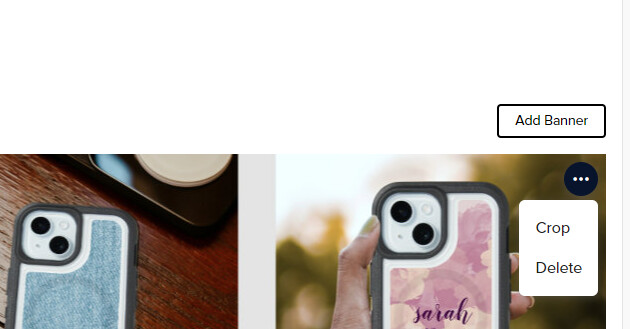
The dots are there but they don’t open. We are thinking that maybe we should report it as a technical issue.