Apologies if this isn’t in the right place, but this is all getting a bit confusing..
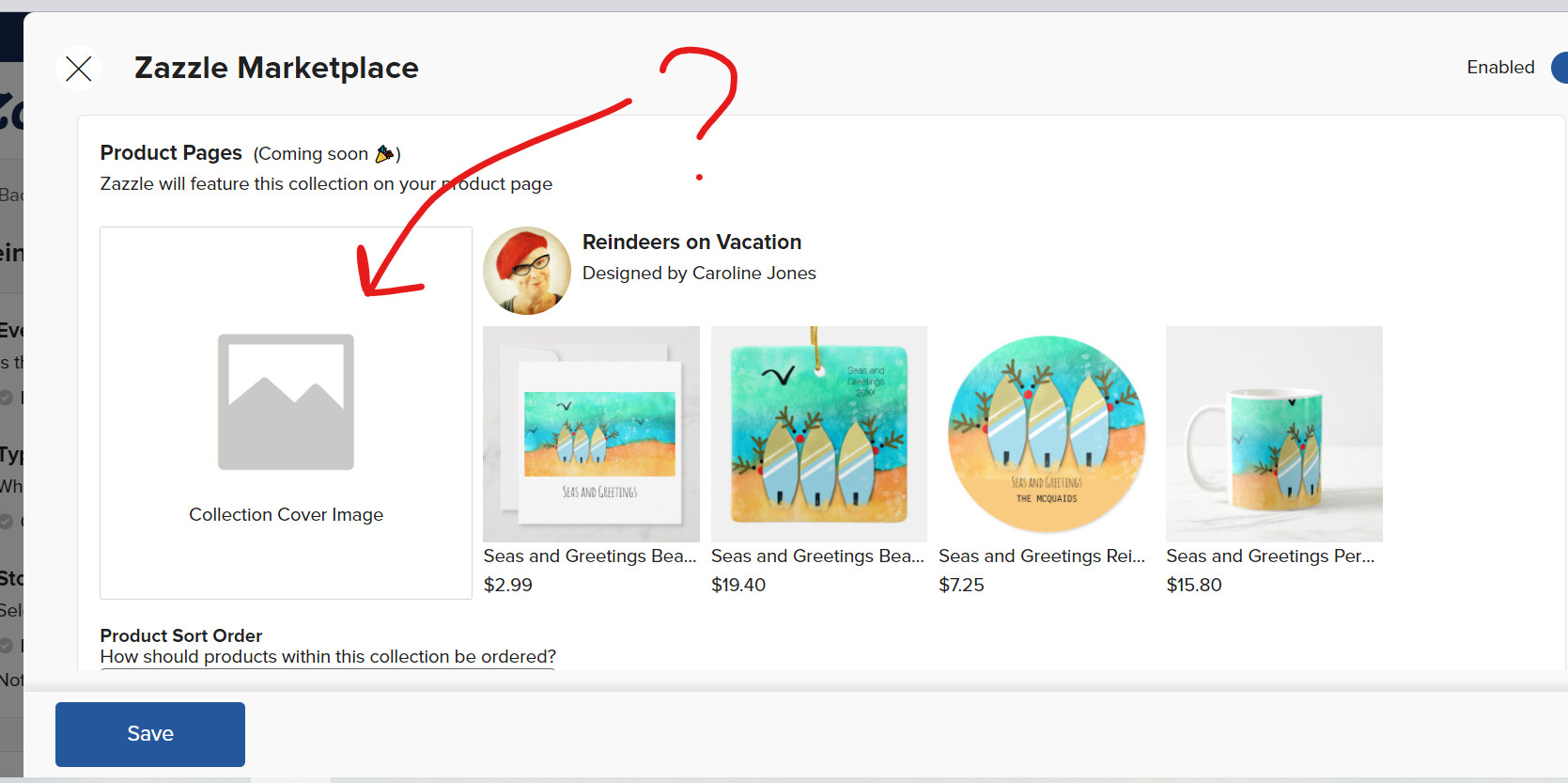
I’ve clicked on the Zazzle Marketplace - see screenshot 1. I don’t understand what should go in the Collection Cover image. the link isn’t live but greyed out.
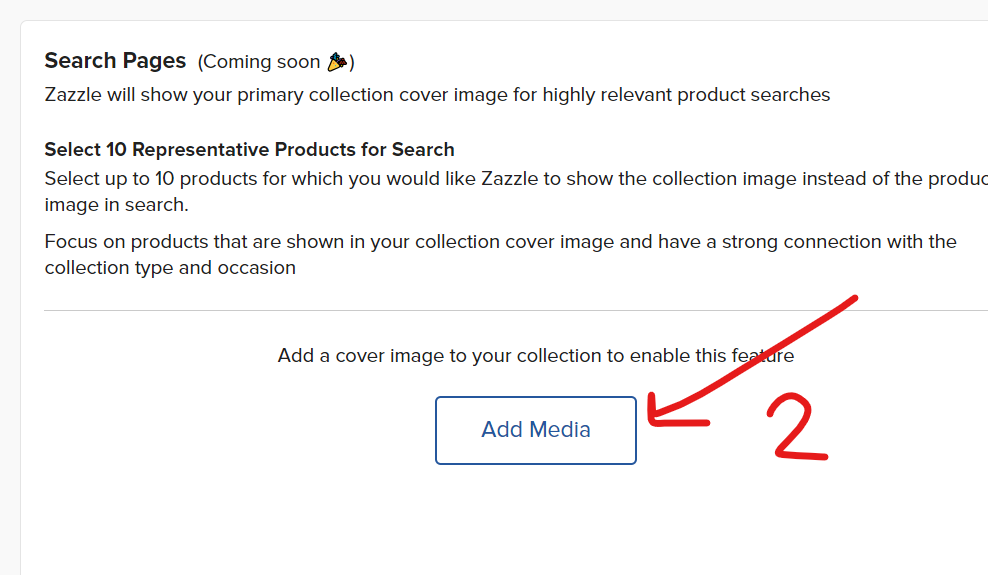
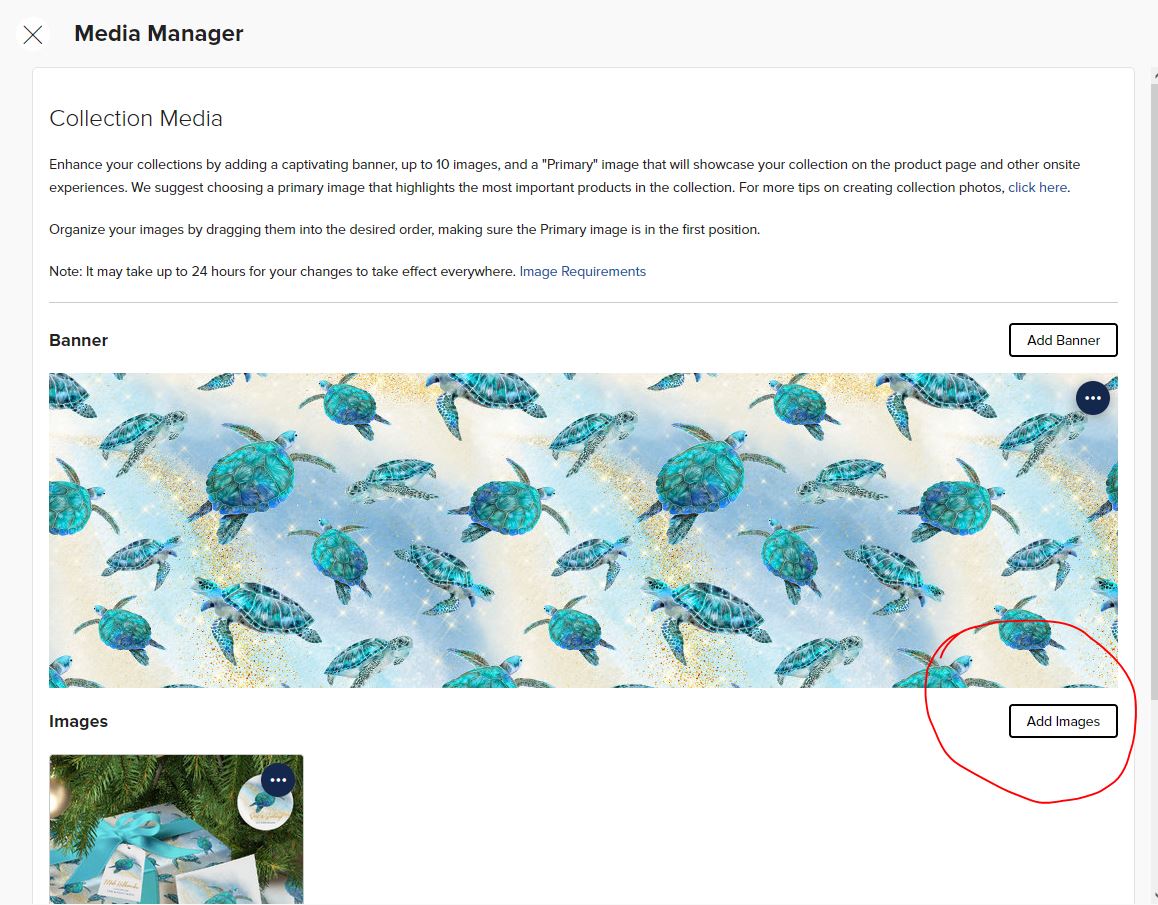
Further down that page, there is a message: See screenshot 2. Add a cover image to your collection to enable this feature. What does this relate to? When I click on this live link, it takes me to a page where my collections banner is.
Search pages have not been updated to support the new display/layout. But you can probably look at the second screenshot in my link above and get an idea for how this may look.
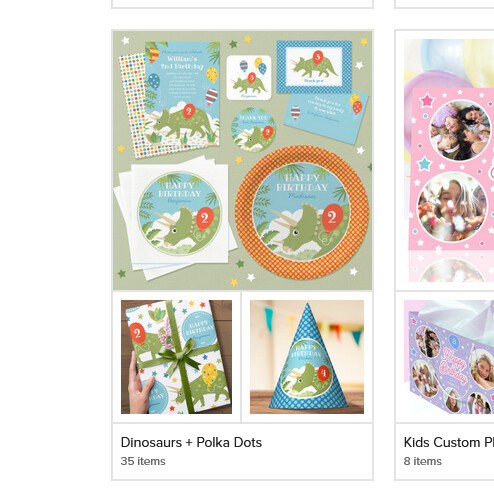
taking this collection as an example - this Halloween cross sell collection has a cover image and media added
(we’ll ignore the fact that doormats are in the napkins slot still)
I’m still confused as to the select the cover image to replace the product images feature.
Why make cover images for products if you only need to make 1 cover photo for the whole collection which will then have the option to replace the product image in search? (up to 10?)
Feel I wasted the last 5 months of my life making product cover images when I could just have waited for the collection covers (lol) -
If you do select up to 10 images - only the first Mobile Search Page Preview fills (the other three stay blank) so no idea what’s happening there
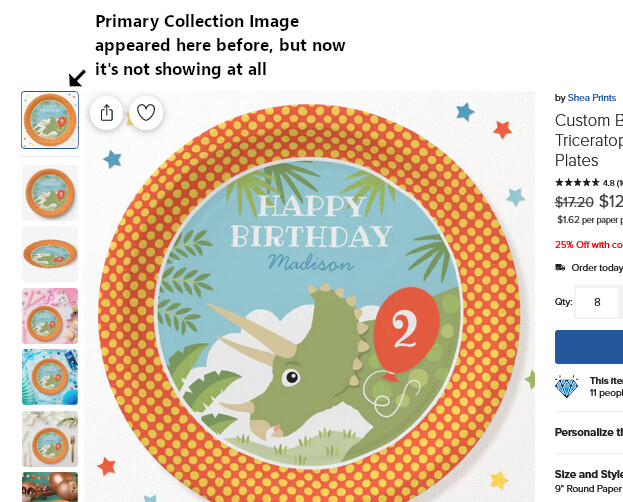
Please can I ask, how do you get the ‘primary collection image’ to appear below your cover image when you look at it on a product page? Everytime I add a primary image to my ‘media manager’, it always appears first. I see it appearing second on Scott’s screenshot example. I feel like this is probably a very basic question and I should have been able to work it out myself… help!