I’m so confused since the change over of the collections.
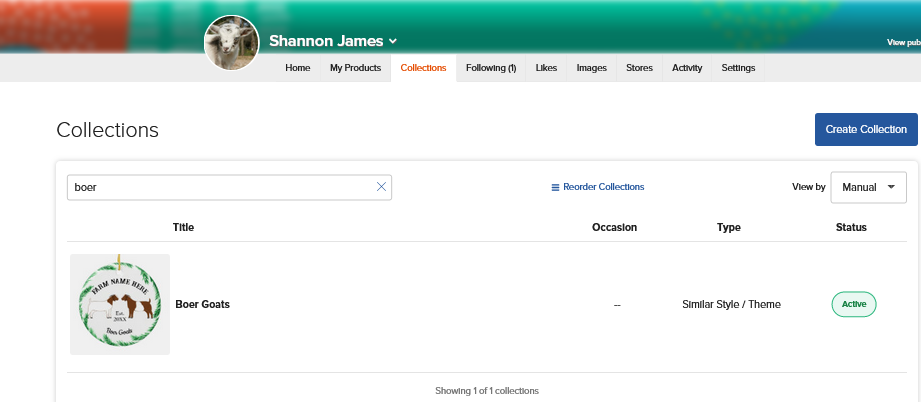
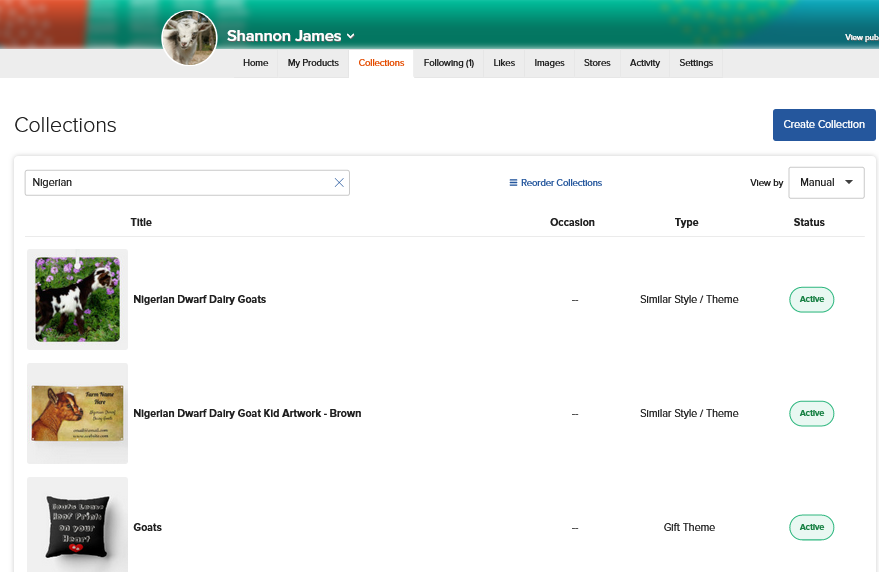
When I log into my Zazzle account - first it takes me to my page under my full name . I can view collections from there.
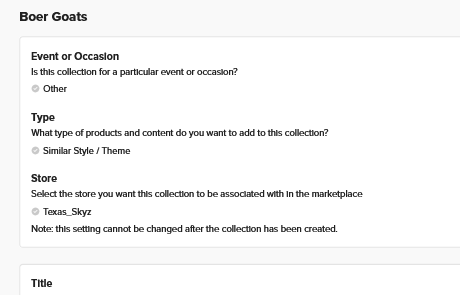
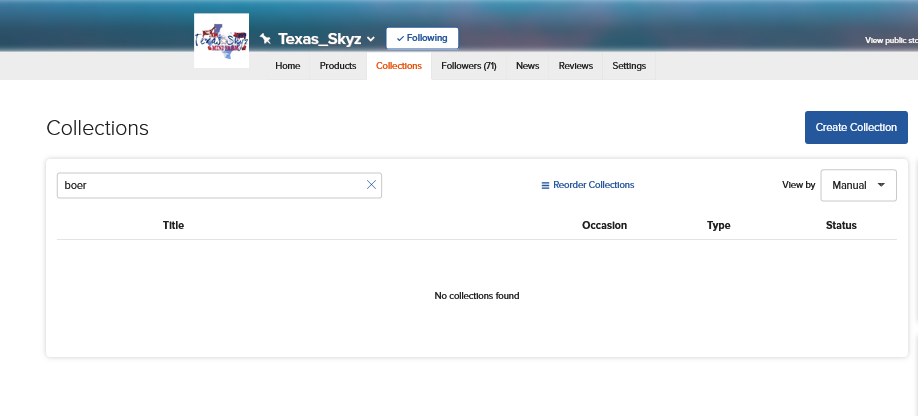
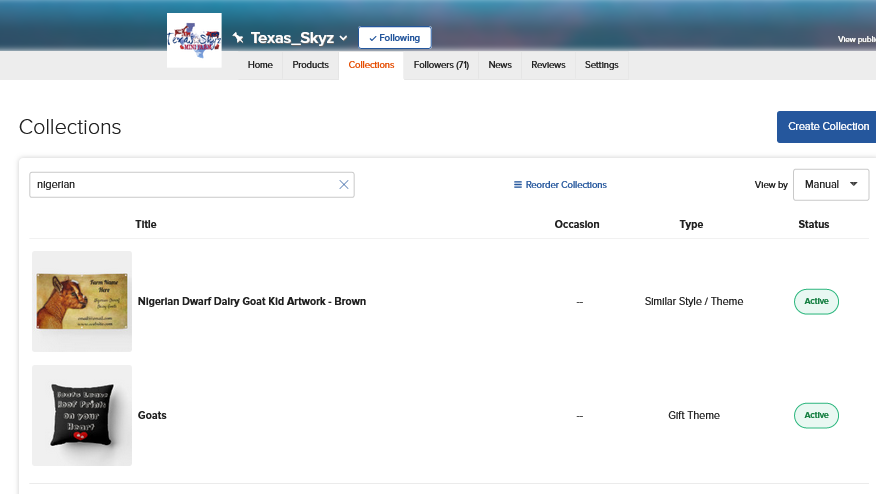
Now when I go into my store “Texas Skyz” only SOME of my collections show. It took me a while to figure out I had to leave the store and go back to where my full name is to find the collection I was looking for.
I hope this makes sense ? What have a I done wrong ? It makes them a lot harder to find when I want to get links. However, I can still add products to these collections.
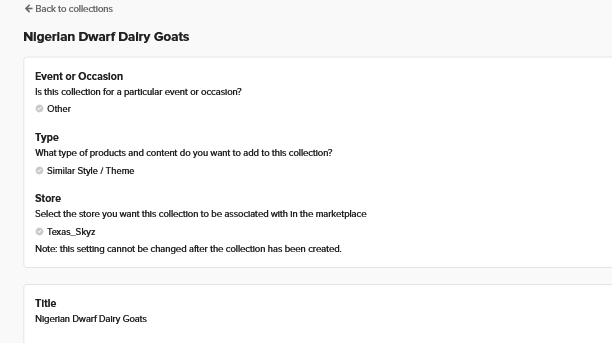
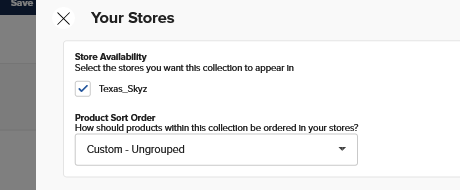
You’ll need to check each of your collections are assigned to the “Texas Skyz” store
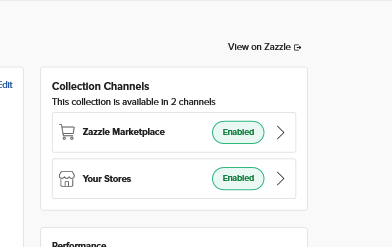
Click on the title- which should bring up the edit page then on the right hand side - click on Your Stores - it should be green. If not - select enable
From your public profile, there is a link at the bottom to ‘view more’. Re finding a specific collection to promote, you use the ‘search’ option. If your collection is properly titled and tagged it will then show up.
Wait! I figured it out… Instead of going into the “Edit” box I had to go to the side panel one. I don’t know why some saved to the right store and others didn’t but I got it!!! I feel kinda stupid now! LOL This new Collection thing is confusing! Thank you guys for responding!