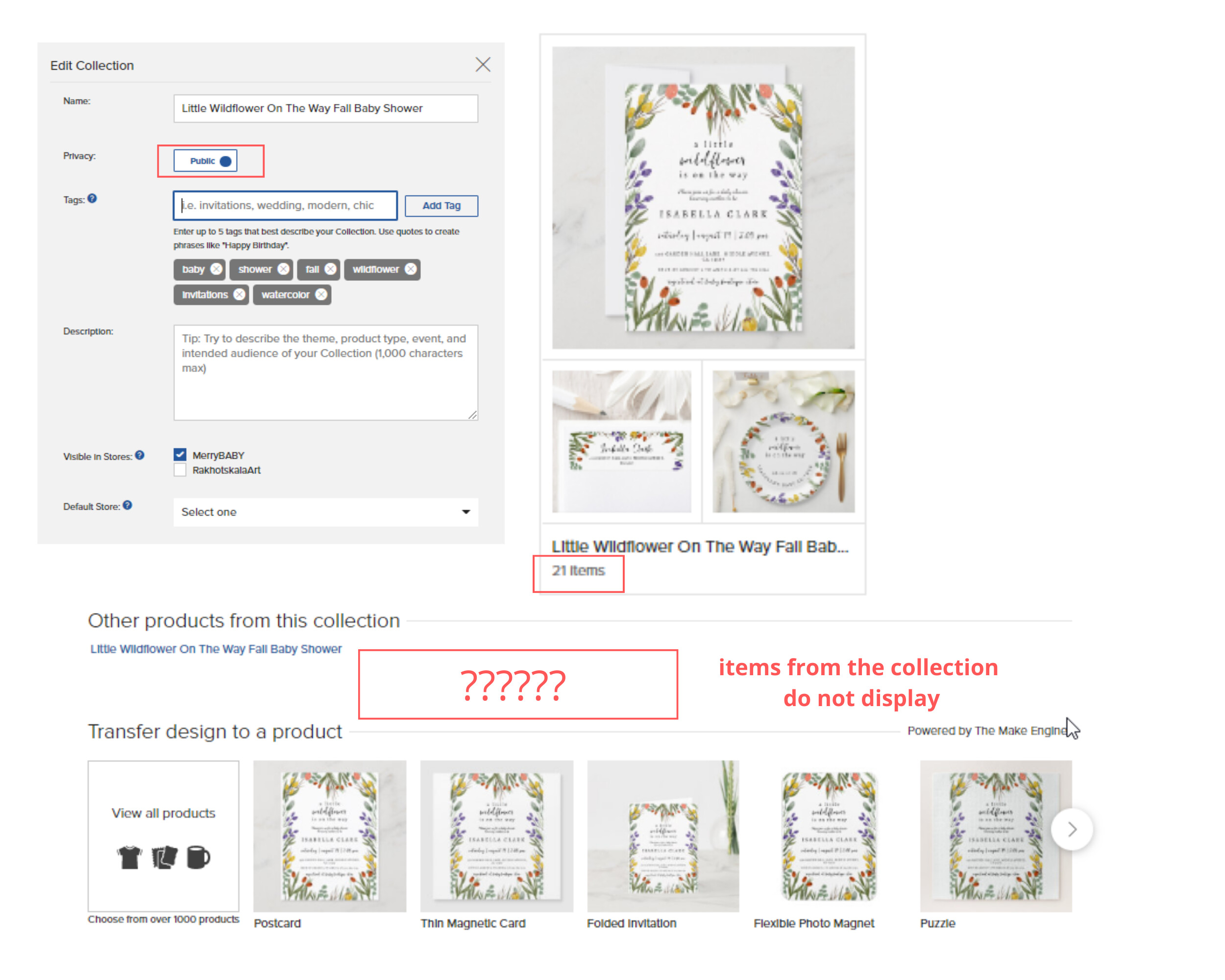
only 1 collection is displayed from today (when I visit my store logged out) in Collection tab. Although there are more than 10. However these collections are displayed in the Home tab. Is this a technical problem or did I do something wrong somewhere in the Settings? Thank you in advance!
I’m sorry to hear you are having this issue. I have seen a number of creators experiencing this recently and our team have confirmed it is a technical problem. They have logged a ticket for the issue to be fixed. Once I get an update I can let you know.
Hi Mark, My problem with the collections is also that the products are not displayed on a productpage under the header “other products from this collection”. Is that the same technical issue?
came here to see if anyone else was having issues with collections disappearing and the order not being fixable- will wait till tech fixes it to see if my issue is also corrected
Sorry to hear you are also experiencing this issue.
I took a look at your MerryBABY store and in the backend there are 16 collections and all 16 are showing publicly. Can you check again to confirm please?
Hi Mark. I ended up deleting that collection that was listed in my OP at the link you noted. I made a new collection because I had waited so long for a fix and wanted to get a collection published. And that glitch is different than what is happening now.
What’s happening now is the collection title (link in blue) shows on the product page BUT there are no images of the products in that collection. It’s only on some and not all collections.
Hi Mark, everything is fine now, I found a solution to this problem. All my collections were not displayed until January 9. I did a little experiment yesterday: I added some new items to each collection and for this morning the problem was solved. By adding even 1 new item to each collection, the collections will return to the home page and display correctly! I hope this solution can help other sellers)
Attaching a screenshot of what my store looked like before January 9.
I’m facing the same issue. I’ve created 30 collections so far. Until yesterday only one collection showed on the Collections page when I was logged out, as a visitor. But I checked today and no collection is showing at all. I sent a message to Zazzle’s customer service for help but I am still waiting for their answer. Also, I created a conversation in the forum about this issue today. I hope it will be solved soon because I visited other stores randomly, and it seems that not all stores are having this issue.
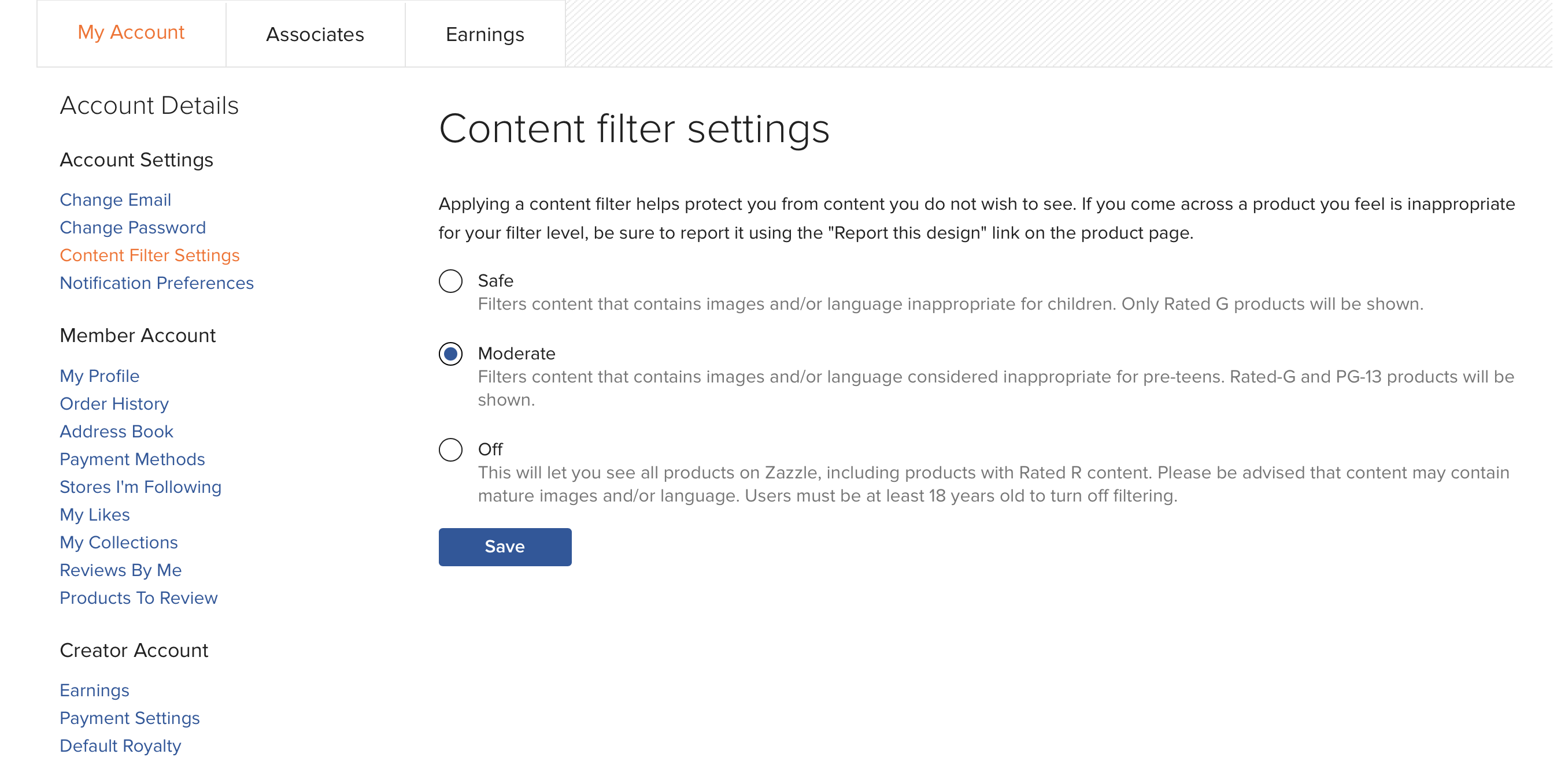
Update: I just received an answer from their tech team and they acknowledged the issue, that it will take time to be solved, and suggested that I “change my store rating”. Are they talking about our Zazzle store Rank? But as far as I know, I can’t change my store rating because it’s Zazzle who gives us our stores ratings, right? I feel confused about this. Can anyone enlighten me on that?
Sorry I couldn’t be of more help. That was the only thing I could think of. I hope the tech team responds back to you soon with a response that makes sense.