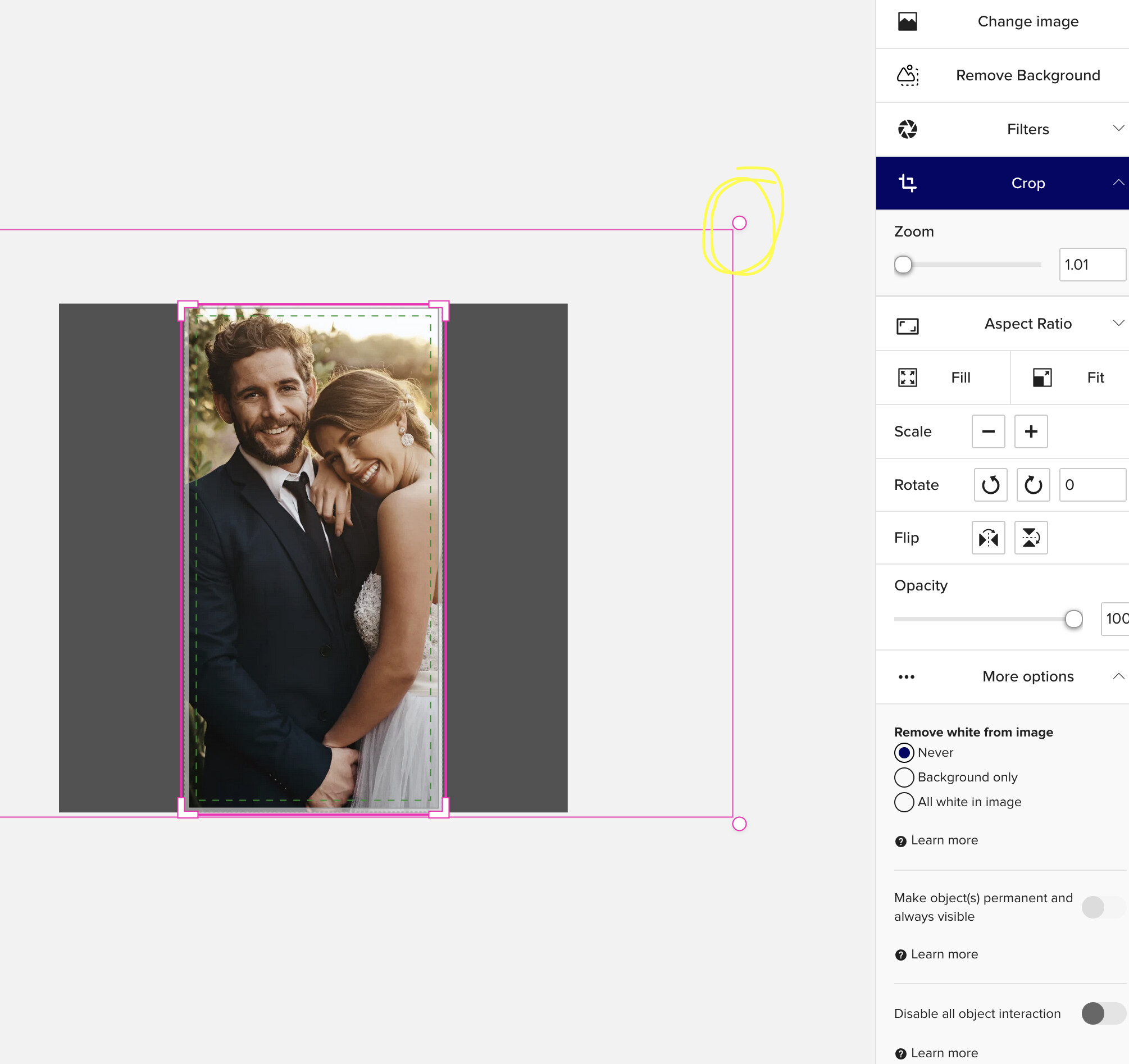
Hi! I still have the old design tool and I went to crop a picture on a design and discovered it’s a challenge now. It used to be that the handles would show up at the edge of my design space - no matter how large or small I had my screen. Now, I’m finding that I have to zoom way out to get the little handles to appear - the full width of the photo. Is that how it is now or is it a glitch? It makes it a lot less user friendly to have to adjust my view to crop a photo. I’m mostly posting to see if this is how it will be going forward or if maybe something went awry.
Visuals -
This is what I see now. I can move the image side to side but I can’t make it bigger or smaller in the frame.
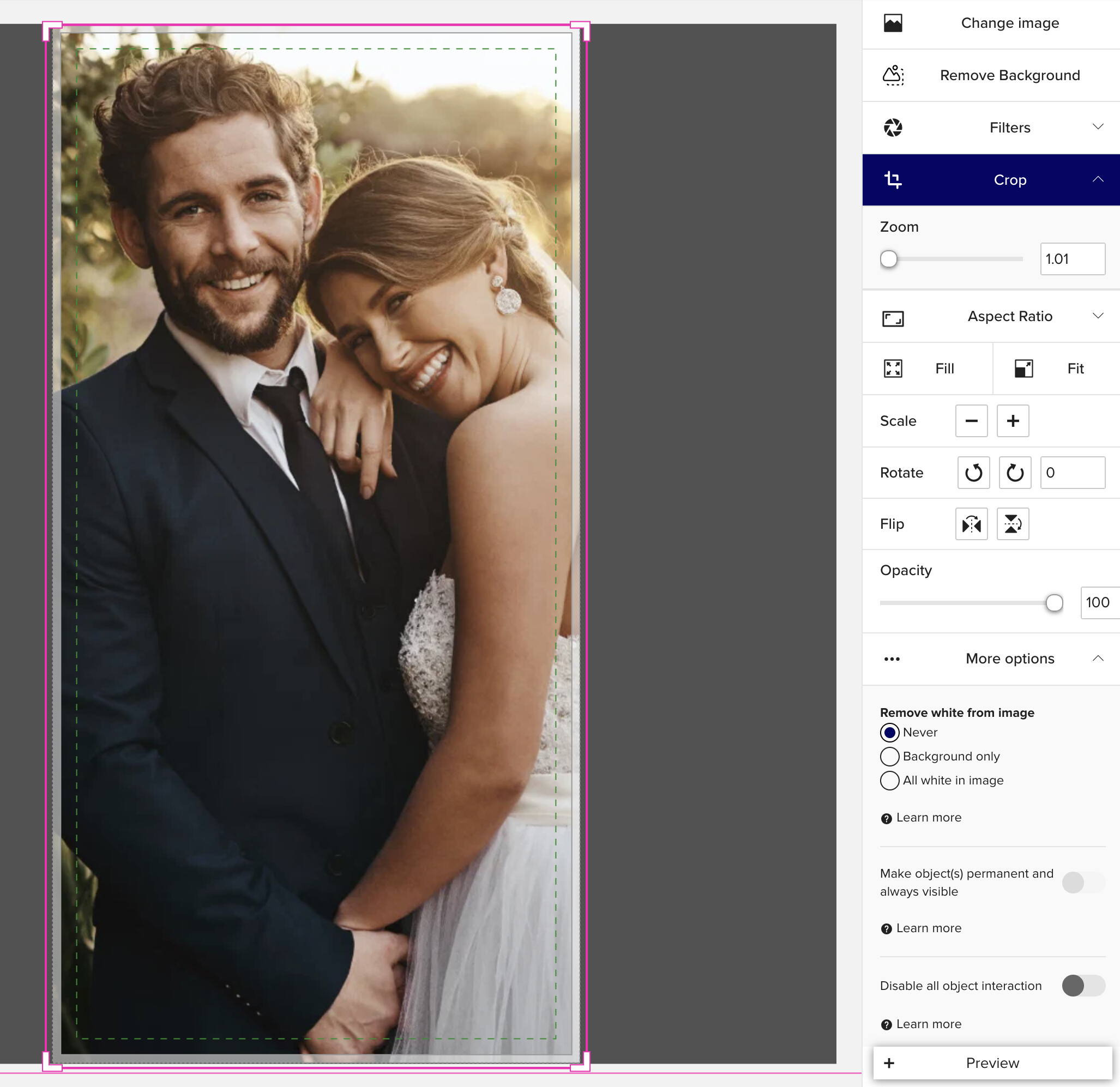
We used to get a little handle where I have circled that even though it wasn’t the edge of the photo, we could still grab and pull it in -
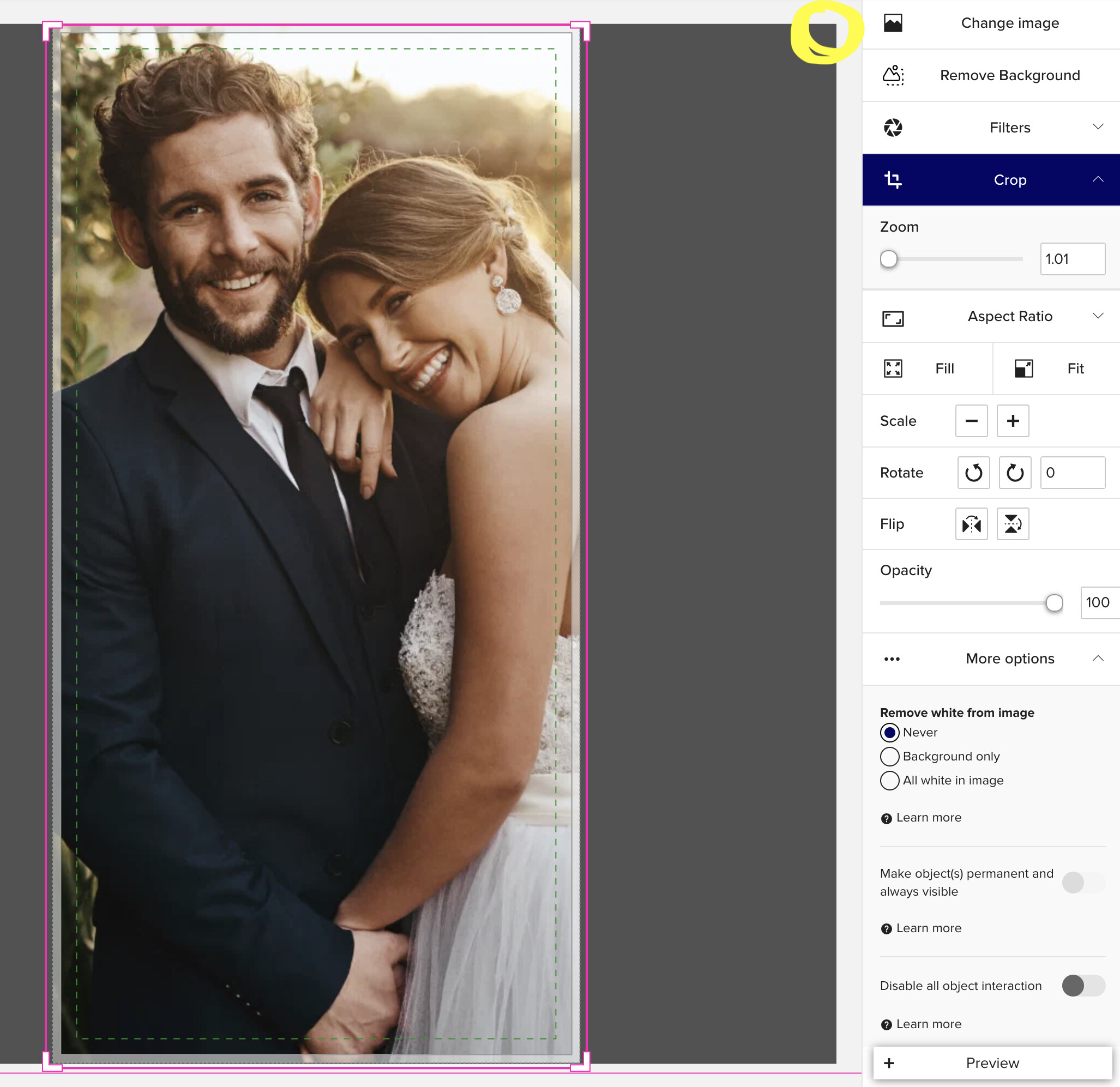
Now I have to zoom out a few clicks to see these handles now, which isn’t how it worked before -