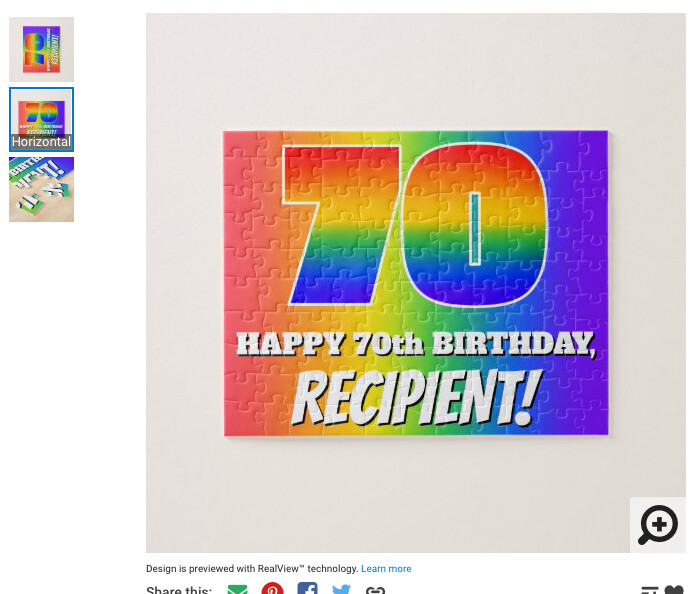
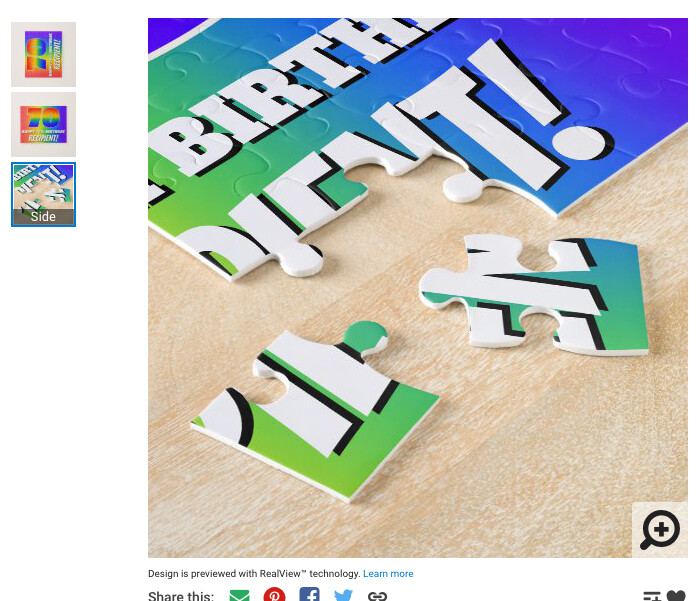
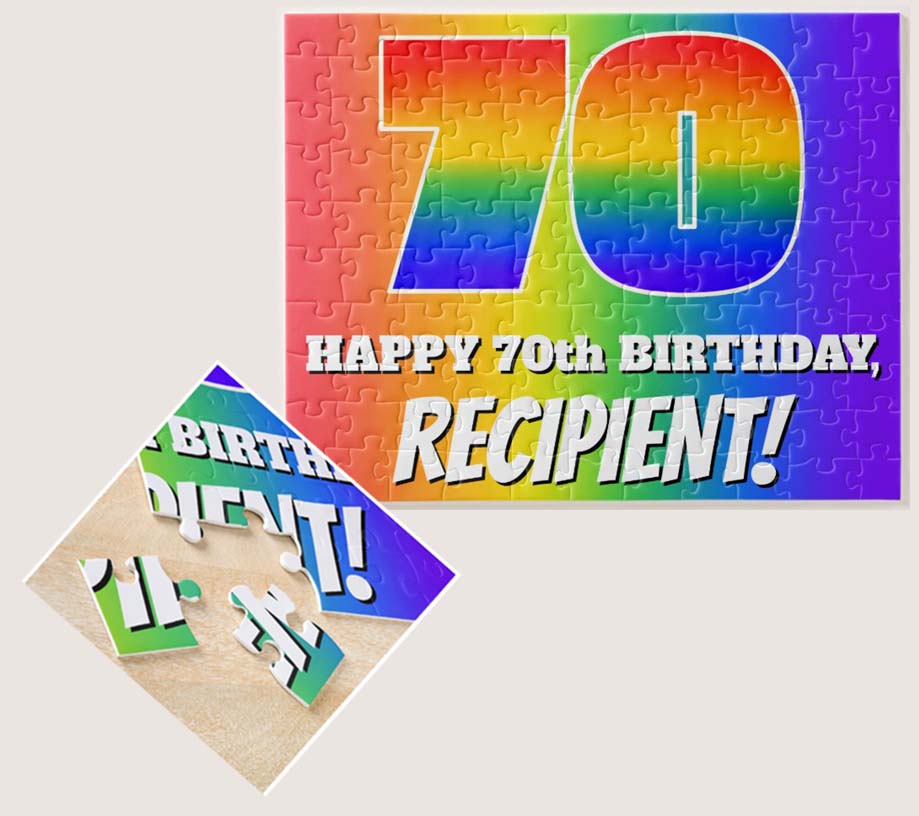
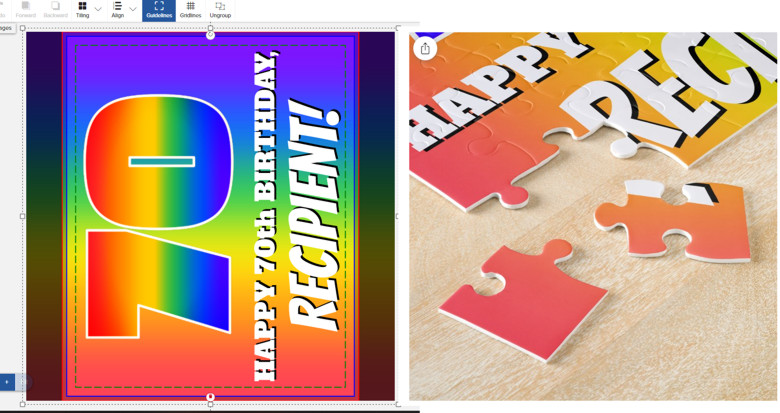
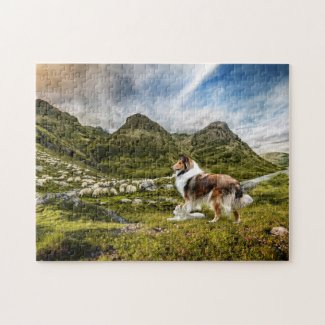
The “Side” preview image, however, makes it look like the puzzle’s corner and side are part of the way into the design, in this case cutting off some text:
No matter which way you rotate the preview it doesn’t match up with any of the puzzle corners. I never noticed this before but it definitely seems they are taking the lower right corner of the design and showing it on the lower left corner of the puzzle.
Edit: didn’t notice that post was from last year. Doesn’t matter, problem persists.
Horizontal puzzles should be designed on VERTICAL design placement and rotated by -90° (counter-clockwise). Otherwise (if you work on horizontal design placement), your design can break if the customer switches from a horizontal to square size and goes back to horizontal, when the puzzle is taken from their saved files. And apparently, the detail view is wrong, too.
I tried this with your design: I grouped all your elements, then set the placement to vertical and rotated the grouped elements counter-clockwise by 90°. All looks fine and the puzzle will NOT break, when the customer tries out different sizes. here’s the result:
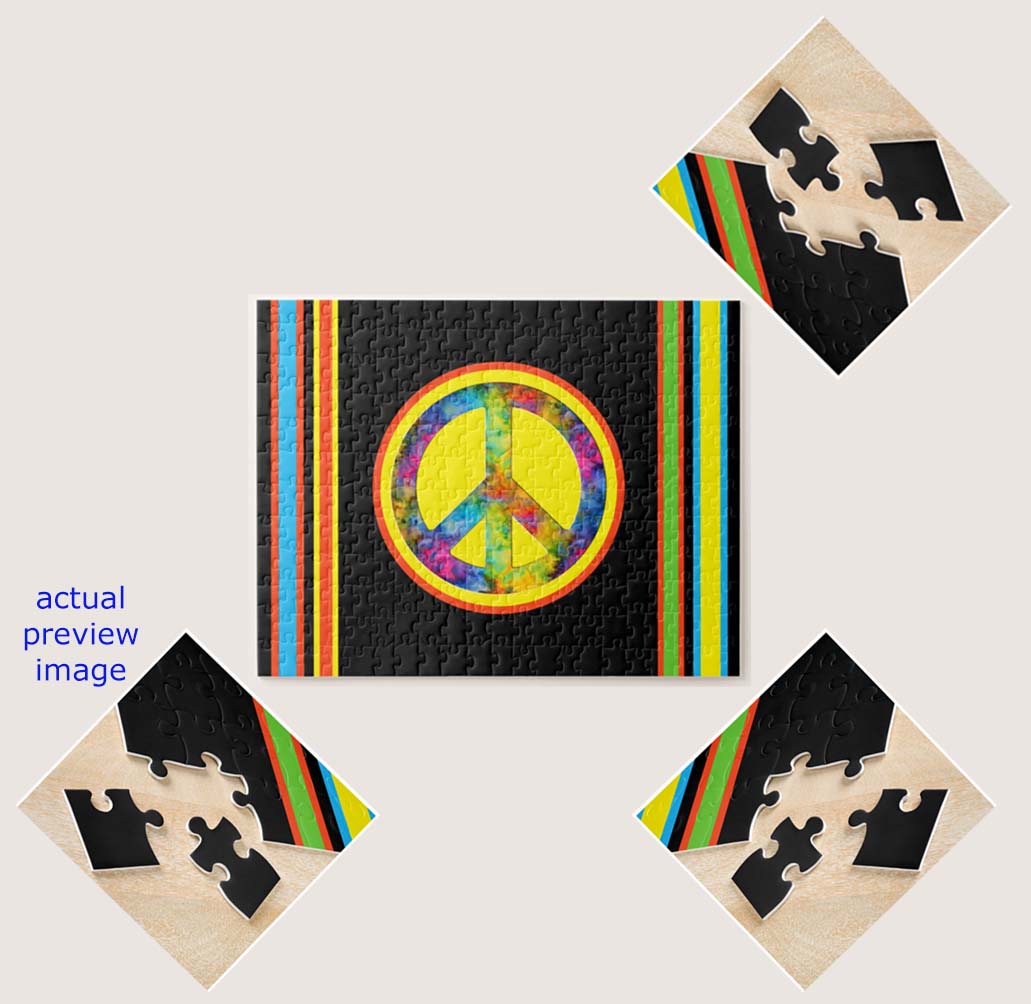
You can see on my own (rotated) horizontal puzzle that all works well, no matter what the customer does (sorry, couldn’t share your own modified one, doesn’t work anymore in HTML for the forum):
Scott: This is an old problem on horizontal puzzles I reported years back -> switching to the square size breaks the orientation within the designer when the puzzle is not published or published but saved and taken from the saved designs (same issue as on tapestries - the “normal” ones).
@ColsCreations The horizontal design placement orientation is broken on puzzles (and on tapestries - the regular ones), you need to take the vertical one and rotate the design counter-clockwise by 90°. See my dedicated reply.
The horizontal placement option is broken on puzzles and tapestry designs,. You need to use the vertical orientation and rotate the puzzle by -90°. I just wrote a more detailed reply. Didn’t see, that post was that old.
Don’t worry, I didn’t criticize you for having resurrected the post. The issue is way older than one year, reported it a long time ago on the old forum. I doubt it will be fixed. In the meantime, you can avoid it by using my method. Doesn’t hurt the customer on puzzles with mostly just photos.