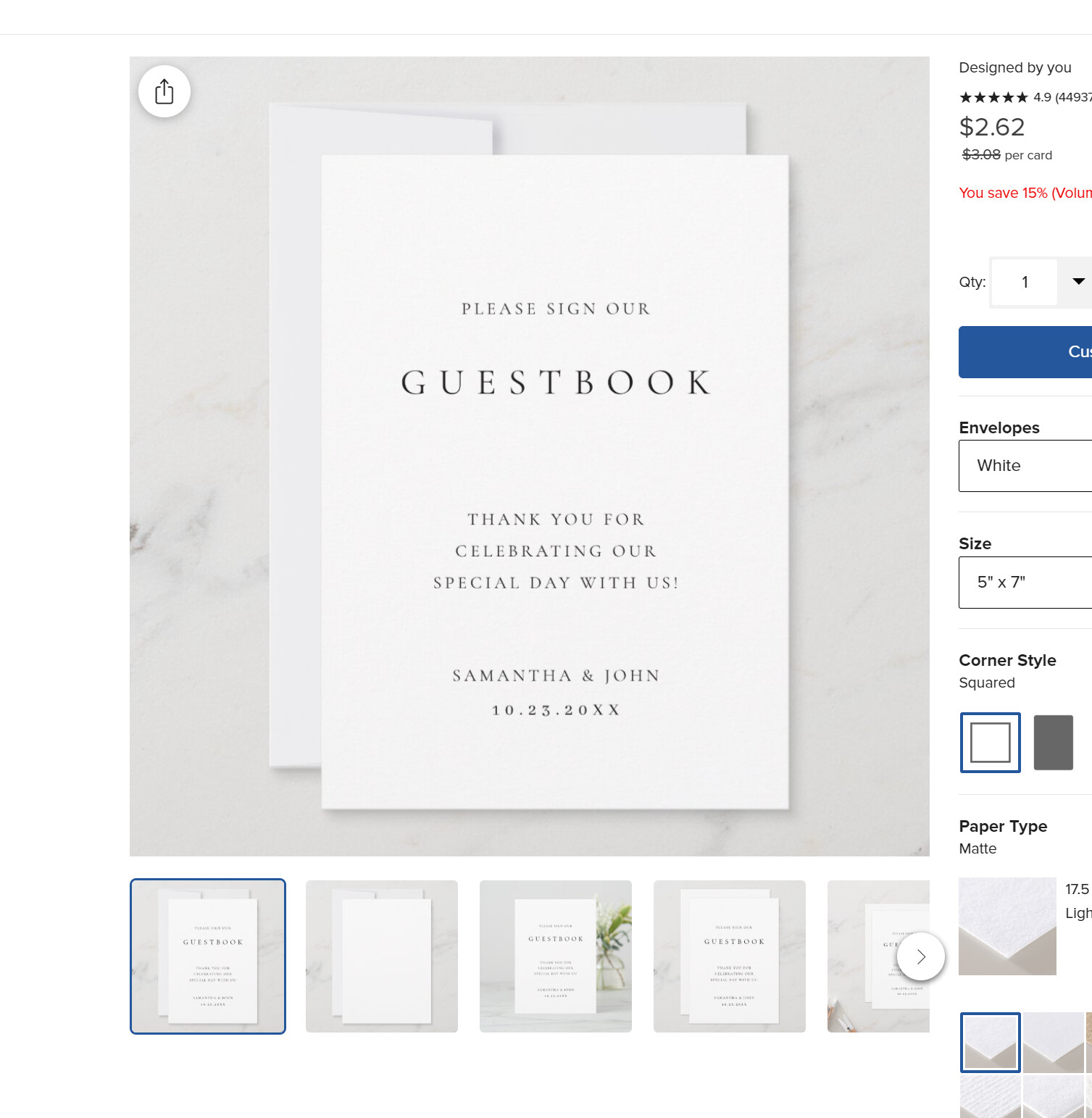
The product is not posting for sale correctly and not showing up in my backend?
edit: it should look like the attached photo. when I click customize in order to try to save again, the screen is blank. It wont add to cart. it tries but it stalls.
yes but its not showing up in my saved designs or in the back end products. It created the design but will not save to sell correctly. Also if your not signed in it wont show the product at all. Strange you can see it. which means all signed in users can see it but others cannot? ok now its showing my old template when not signed in, without the edits?
I am having the same problem - a customer requested a change to a card she wants to buy. I make the change, but cannot post for sale! Need help asap! Here is the product…
the way i solved this was did a collaboration with the customer, then she was able to order. quite a lot of trouble to solve what should not have been a problem in the first place. zazzle, please look into this and correct the glitch.
Yes - just tried again. I moved the text on the back of the card to a lower position, re-locked it, chose DONE. I was not offered a Post for Sale or Replace option - only Add to Cart or Edit Design. Would appreciate your help in getting this resolved.