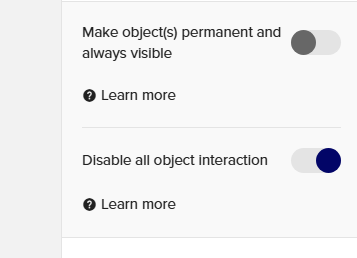
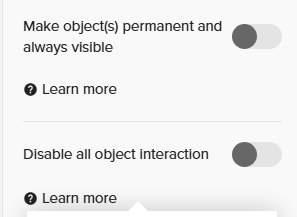
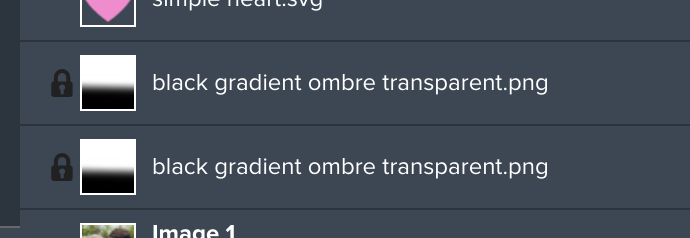
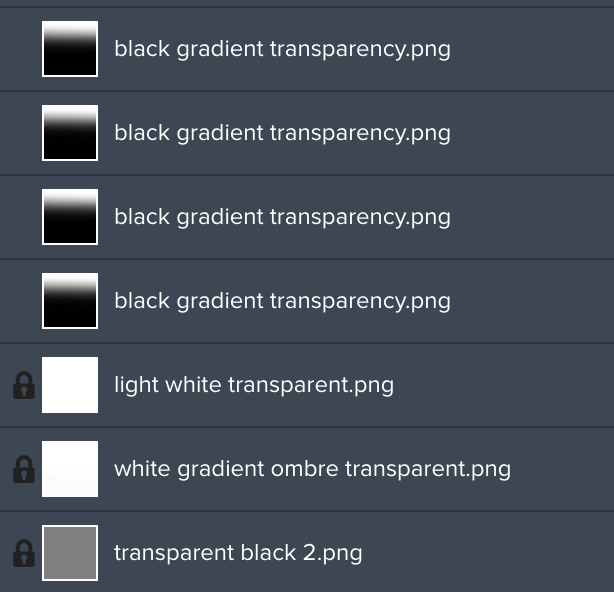
Due to customer feedback we’ve improved how “locking” works for layers. Previously, when you locked an object, customers could not unlock the object which caused usability issues when they wanted to make changes. With the new update, both you and your customers can unlock a locked layer. To maintain the original locking functionality, we’ve added a new toggle called “Disable User Interactions” which is located in the “More options” section in the right-hand panel. When enabled, it prevents users from interacting with the layer, and they cannot change this setting.
We recommend using layer locking only when necessary, as it is an advanced feature that most customers may not easily understand and can lead to usability issues. Many of the use cases for locking a layer can be solved by using features like frames & grids, opacity, or filters.
We hope this update makes it easier to balance design control with customer usability. Feel free to let us know any feedback on this functionality in the comments below.
There is currently no way that even I as the logged-in Creator can UN-lock an element.
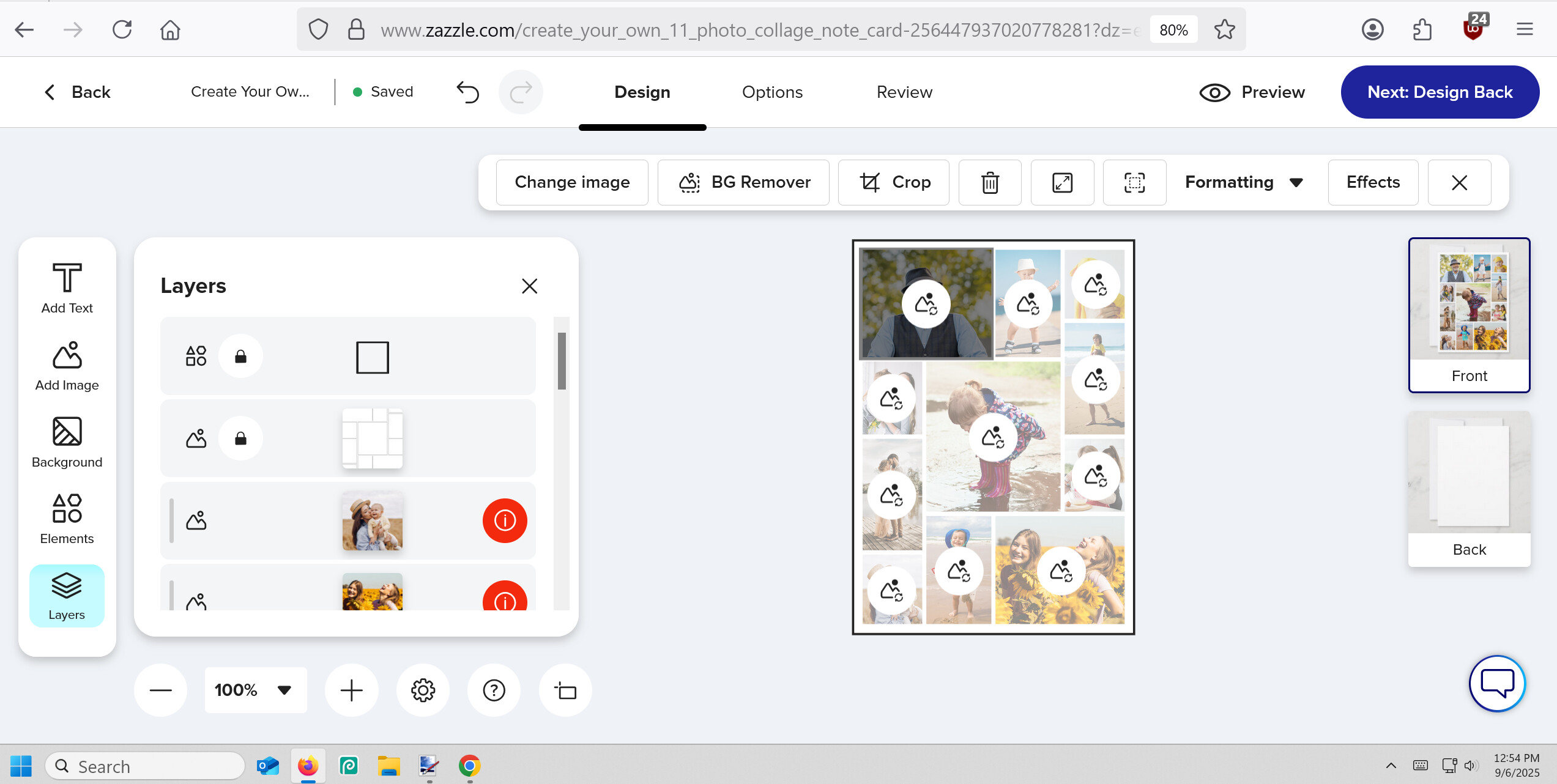
Previously, there was Lock icon on the layers menu and to edit, even as the Designer, you had to toggle that Lock icon off first. With this new layout, there is no icon and thus no way I can find to make a locked layer the active one thus there is no right-hand panel of More Options to toggle off the “Disable User Interactions” option. The lock has been locked up. 🙄
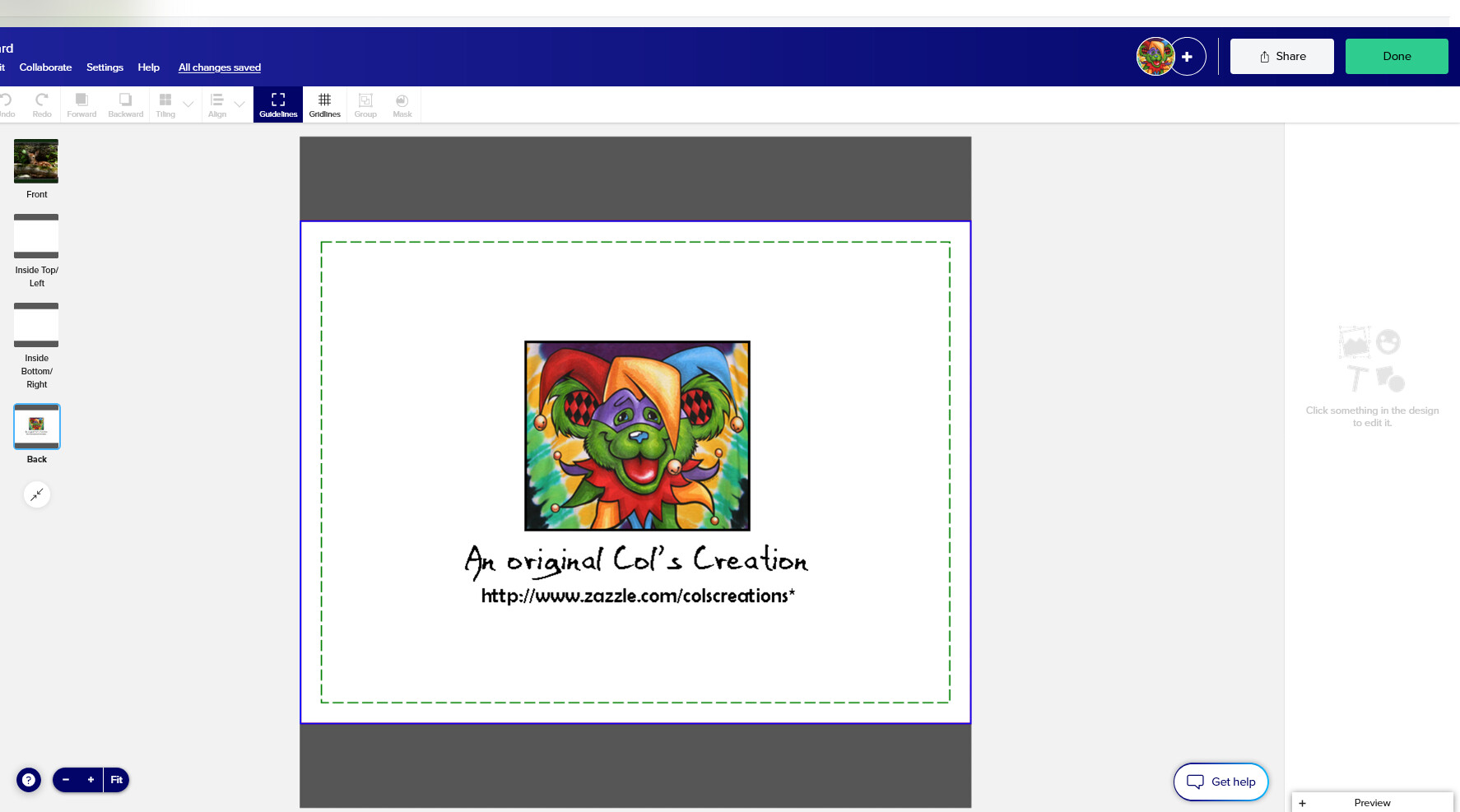
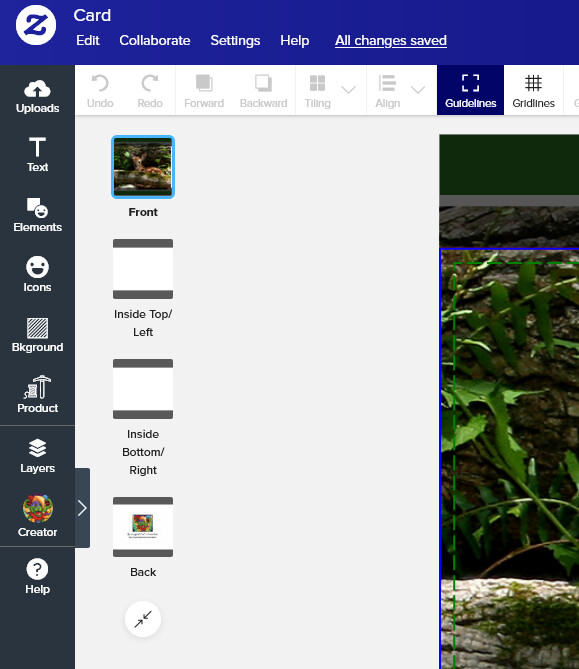
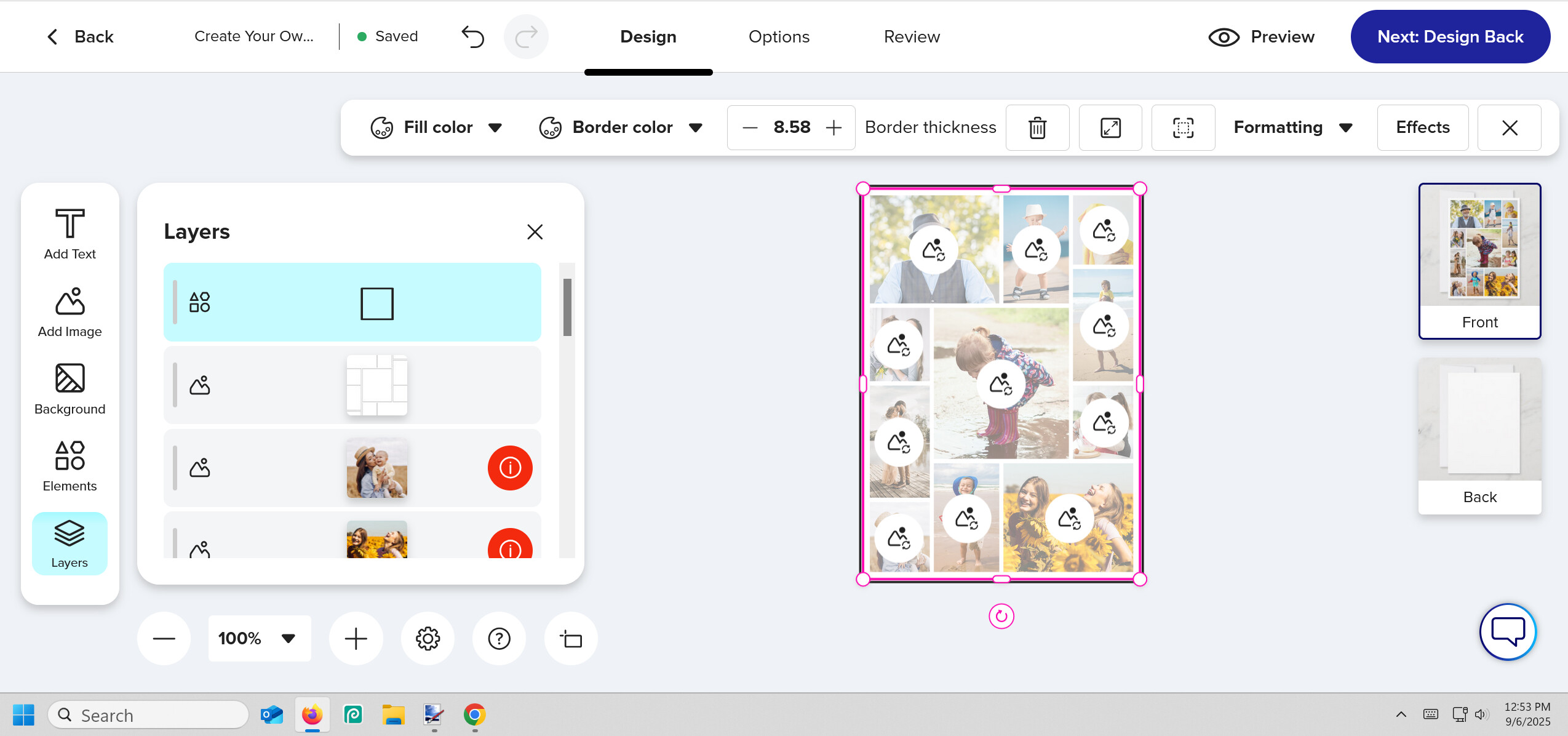
OK, nevermind. I’m not used to the Design Tool layout yet. You have to click the Layers option from the leftmost menu, then yes, the lock icon is there as usual to toggle off which activates the right-side panel. (I swear, I clicked Layers and all it did was close-up the new middle section.)
I just found what I’m assuming may be a technical issue related to this.
I’m now looking back at previously listed designs, and noticing that certain layers are now locked that I did not lock (I never lock anything). I know it’s not that I did it on accident and transferred the issue over, because it is a wide range of unrelated designs.
It seems to be happening to specific image elements I uploaded that are gradients with transparency. But it is not happening on ALL items with those elements. And on full transparent elements. I purposely know I left those ones unlocked because in the product description I even mention that the customer can remove it to make the design more vibrant.
Can you please let us know what to do on this? Are we supposed to assume they can now unlock it anyway?
So what about all the years I have of locked designs .. will this allow customers to now unlock these? is there a site wide disable customer interaction ? How is this interacting with pervious locked designs?
One more thing.. do we think maybe we could change the color of the on/ off choice of these slider buttons? its very confusing which way is on which way is off the text says disable both ways
@Kaitlin just checking to see if anyone is looking into the technical glitch I mentioned previously in this feed. These same items are still showing as ‘locked’ on designs when they were not actually locked by me.
I did not lock any of these layers, and as you can see it is not universally doing it to the same images. But it is only doing it to images that have transparency of some kind.
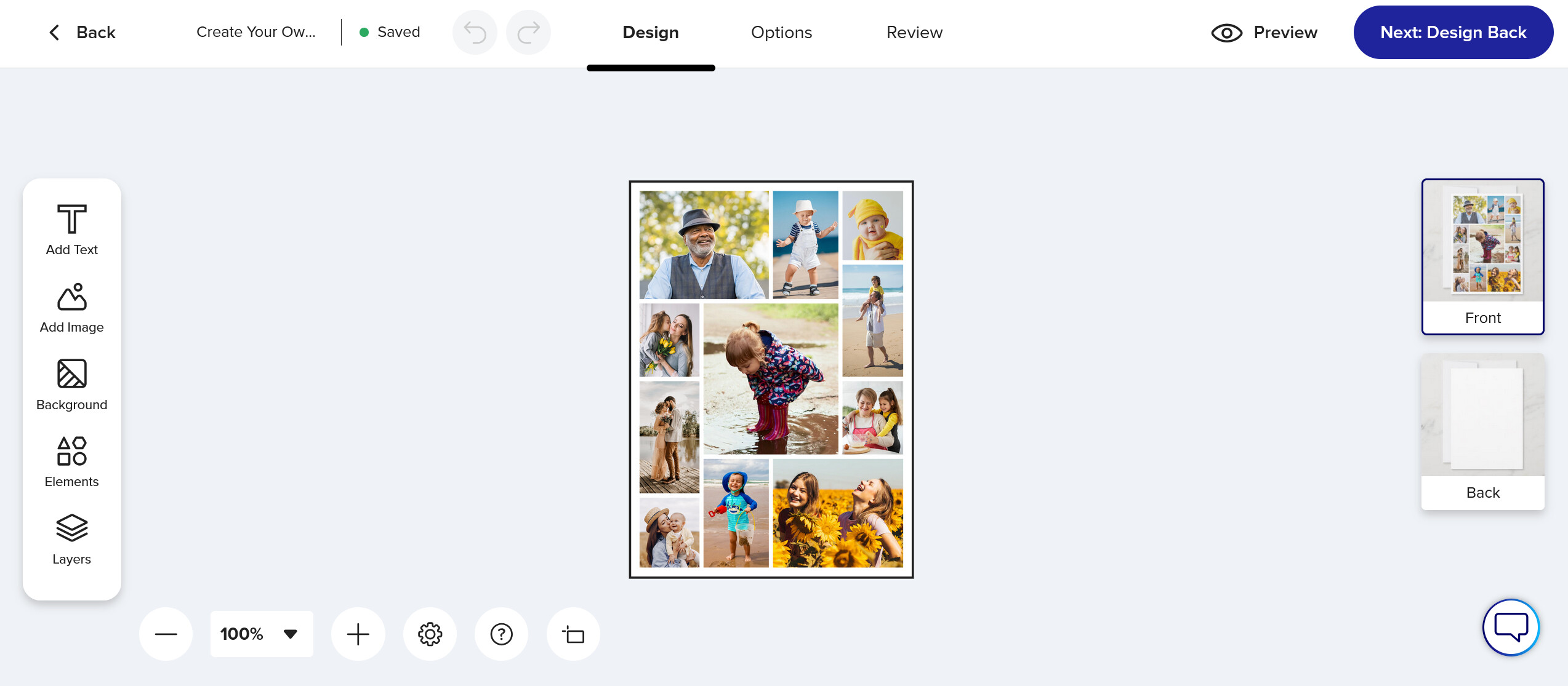
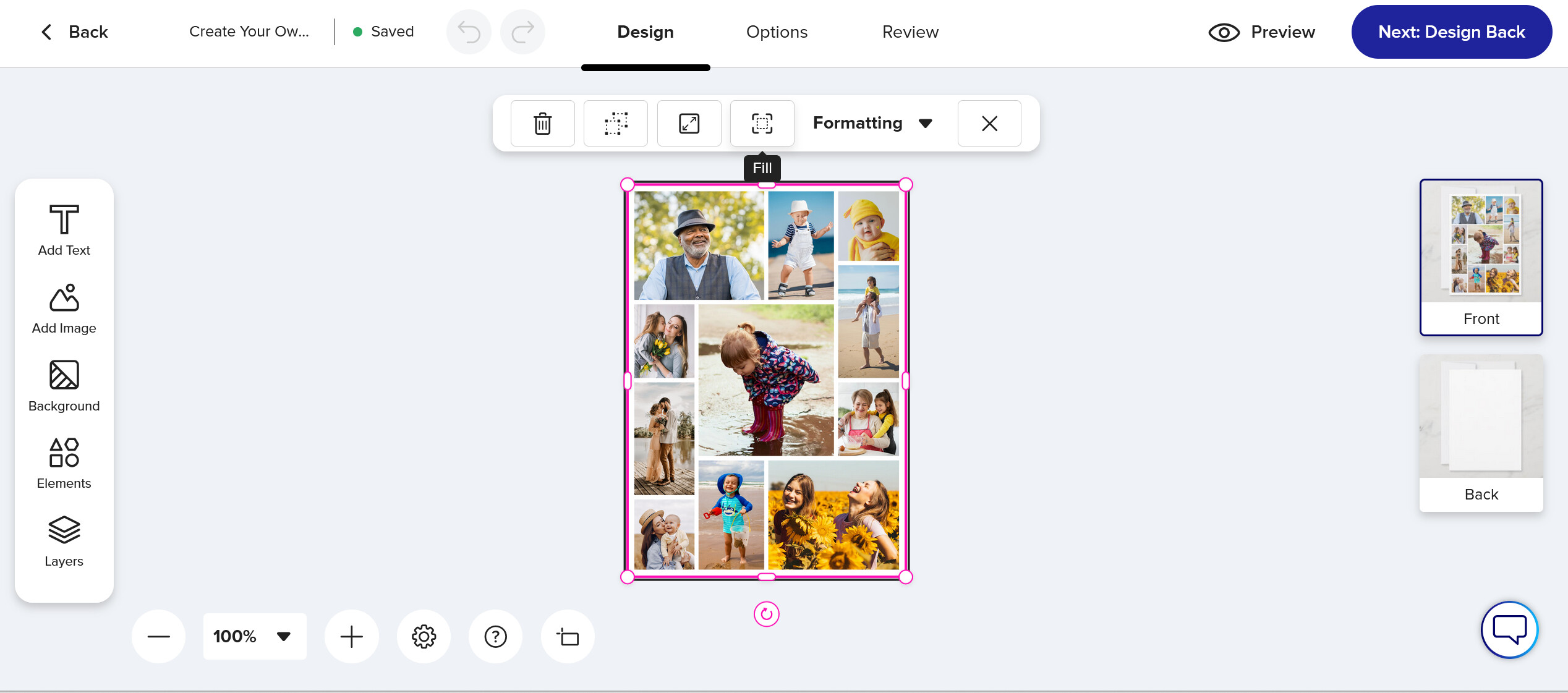
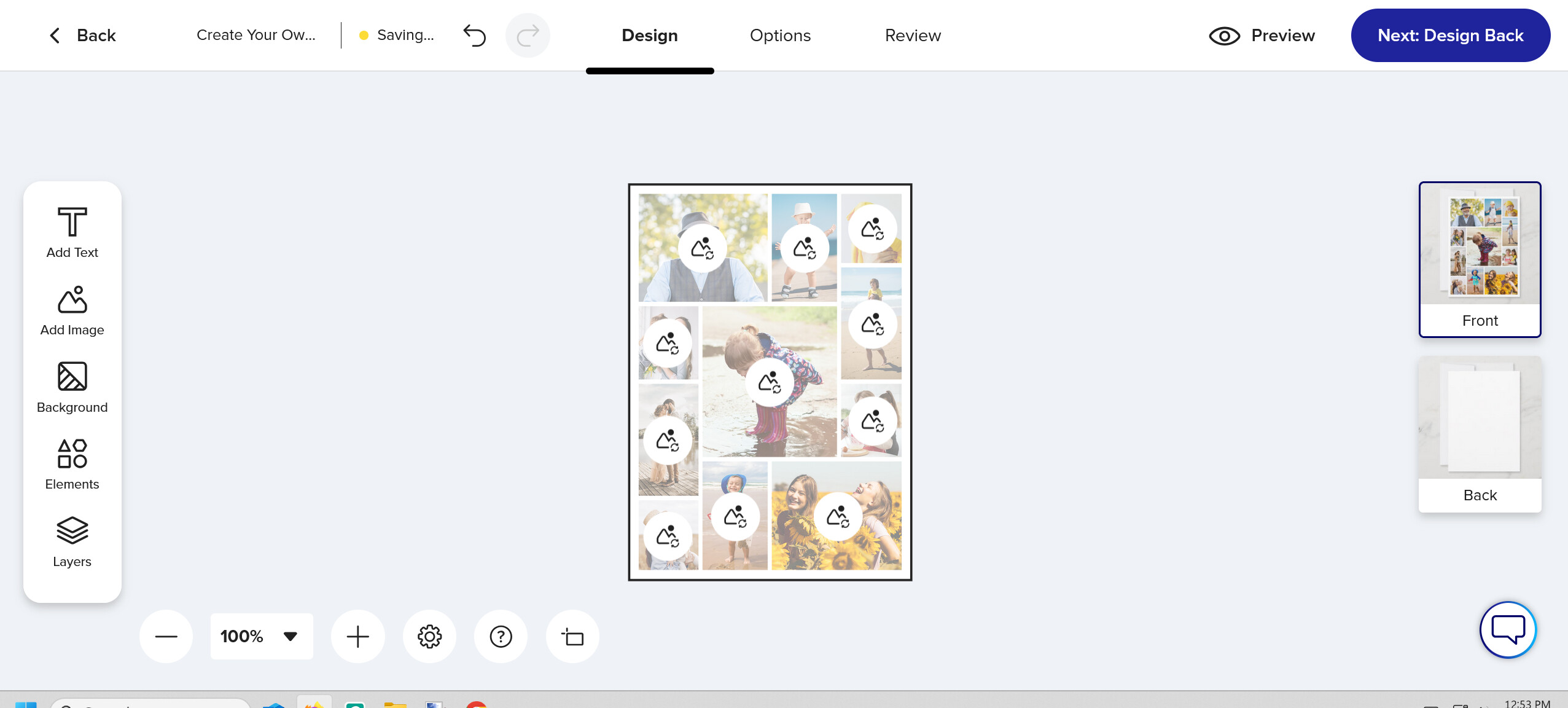
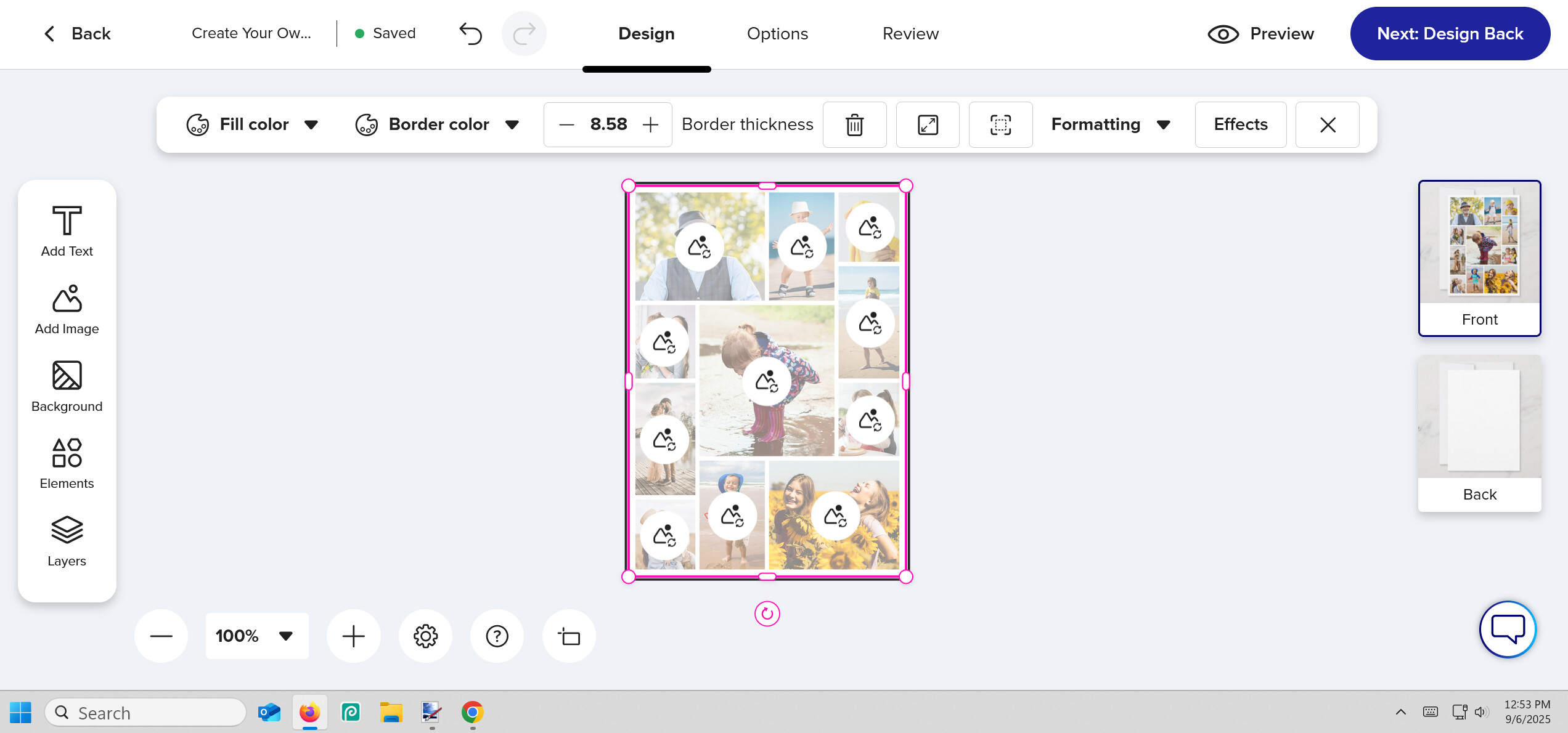
The problem comes with grouped designs. The design I posted below this message, is grouped and the customer doesn’t know to ungroup it. If and when they figure out how to ungroup the design, they can’t replace the images and crop the images, because there is a template on top of the images, that is not locked. If and when they figure out how to go the left side of the screen and click on layers, there is the grouped design, now what are they suppose to do? If and when they figure out how to ungroup the design in the layer, they still don’t know they have to lock the top layer, so they can replace the images, underneath the template.
After all of these steps, I gave up and closed the product and the customer will too. This is so confusing and all of these steps are so unnecessary.
Why does Zazzle always release majors update right before the Holiday Season and why can’t Zazzle announce the change, before it even goes live, so we can at least have a chance to update designs or decide how we want to move forward with future designs?
This is all the steps I had to take, just to figure out how to replace a collage of images. Why is this so complicated for a simple collage? I will lose sales and Zazzle will also sales, because there are alot of shops that are full of just simple collages with templates, that are now unlocked and there is no simple way just to replace images.
@plumb4me Wow, what you describe is just awful. Looks like you can only solve this by re-designing and posting again
“Why does Zazzle always release majors update right before the Holiday Season and why can’t Zazzle announce the change, before it even goes live, so we can at least have a chance to update designs or decide how we want to move forward with future designs?” - very well said!
I would add: right before the weekend so there is no staff to intervene.
I posted this on the Technical Issues board but have not seen any action or official response on handling this. I trust the change/glitch occurred along with the locking of layers change. Please see below and advise.
***
I’ve been using the “Make object(s) permanent and always visible” for complex elements where grouping is necessary, including with template elements that customers can personalize. I preferred this over locking layers, so to provide customers with the flexibility of move items around the design space, while still maintaining the integrity of the object(s) as whole.
It seems like this is no longer feasible. The personalization option is still available on the product’s page, but it is no longer functioning. Please correct this.
Following are examples of products with this problem (I have many more with the same problem):
Would you please advise on updates on these two matters they are essentially related and impacting the personalization experience on a whole lot of products.
+++++
I’ve been using the “Make object(s) permanent and always visible” for complex elements where grouping is necessary, including with template elements that customers can personalize. I preferred this over locking layers, so to provide customers with the flexibility of move items around the design space, while still maintaining the integrity of the object(s) as whole.
It seems like this is no longer feasible. The personalization option is still available on the product’s page, but it is no longer functioning. Please correct this.
Following are examples of products with this problem (I have many more with the same problem):
Please correct so that the option still allows for personalization. Thank you.
++++
Hello,
I am unable to edit existing products without having to create and post new products. And then deleting the existing product. This is totally inefficient and is a waste of effort and time on everyone’s part.
Please advise on how to correct this. Thank you.
++++
I hope you can see the dilemma I’m facing when trying to correct the glitch with the “Make object(s) permanent and always visible” and not being able to “edit preexisting” products. it means that i have to recreate all the products that offer customization/personalization options.