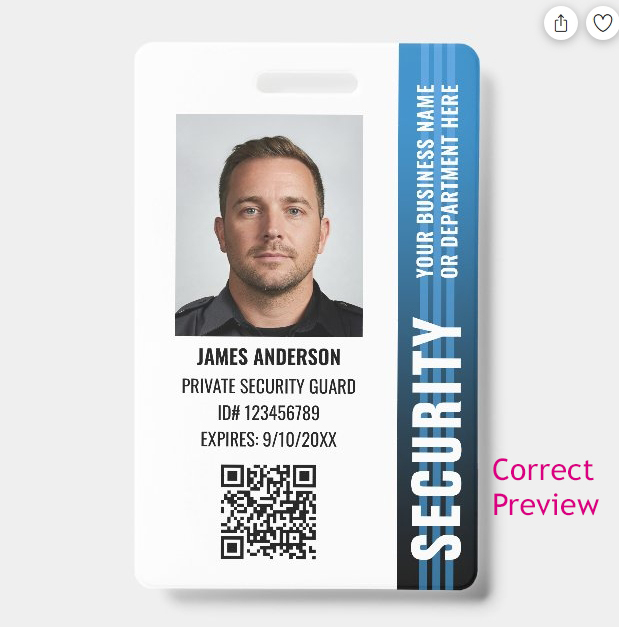
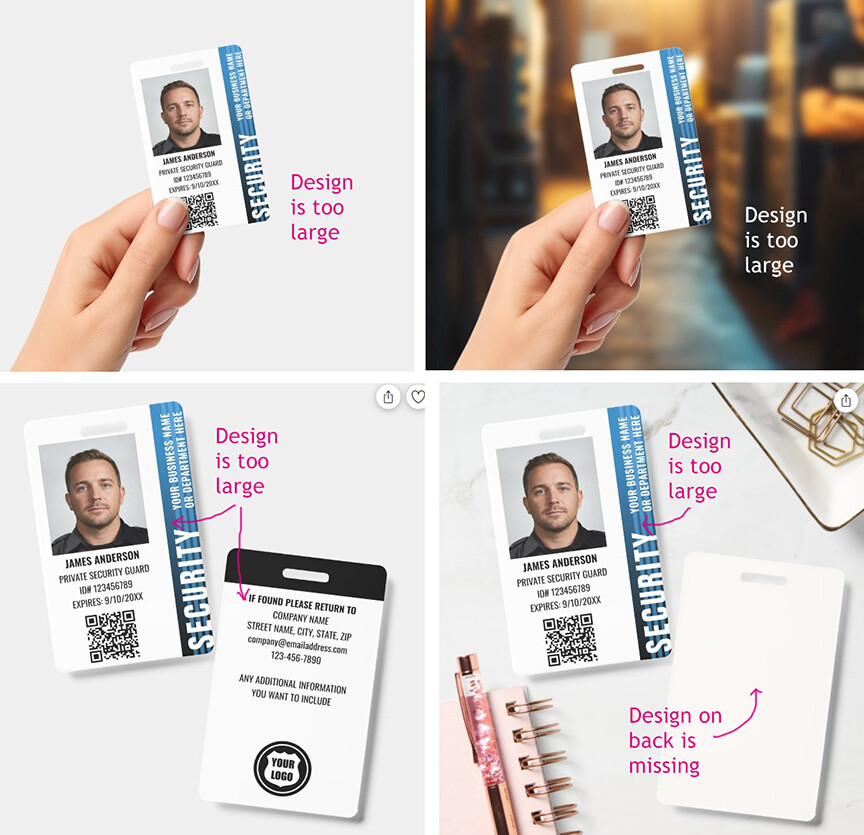
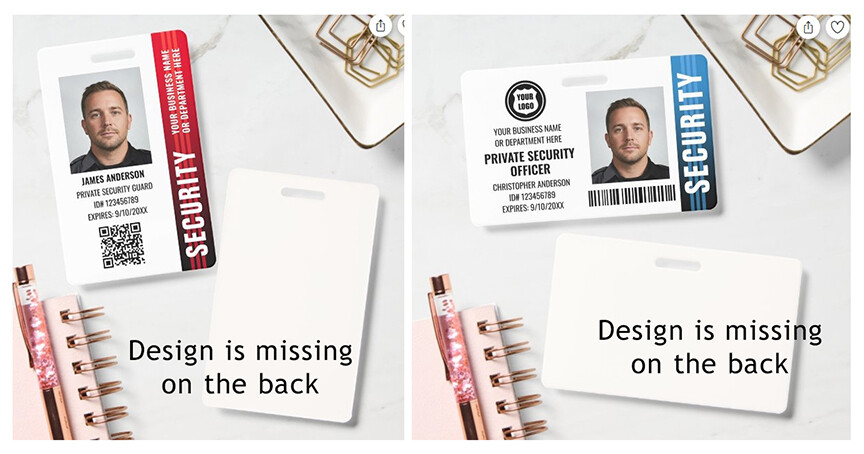
The Zazzle previews for ID badges have been updated, but some aren’t loading correctly. It seems to be random which preview is affected, but it’s mainly the design appearing too large and getting cut-off at the edges, or missing the design on the back of the badge. I waited for over five minutes, and they still wouldn’t load. The previews only display correctly after I click “Personalize” and then “Preview.” Customers might see these faulty previews on the product page and assume their badges will be poorly cropped!
@Mark Thanks Mark! All the issues with cut-off edges look fixed now, however the ‘Office’ preview is still missing the design on the back. It’s happening for both the horizontal and vertical badges, and it’s affecting all of my badges and other creators too.