Hi All : ) I am wondering the best way to distribute text to be evenly spaced vertically. I think it has to be done manually. I asked this question in Ask a Question, and never received a reply; I’m assuming there are other designers with the same question. (I also did a chat with Zazzle to no avail) Since I asked that question there I have played with text with the new design tool. I used two different text boxes and finally–when trying to align them manually, I saw a thin green line inside the joined outlines of the 2 boxes. I guess that means the boxes are not overlapping. ? That is helpful if so, but what if we’d like an even SPACE between more than 2 text boxes? A pre thank you to anyone with any information. Cheryl : )
Hey @CherylJones ,
I believe the best way to use this is to use the distribute option under the alignment menu.
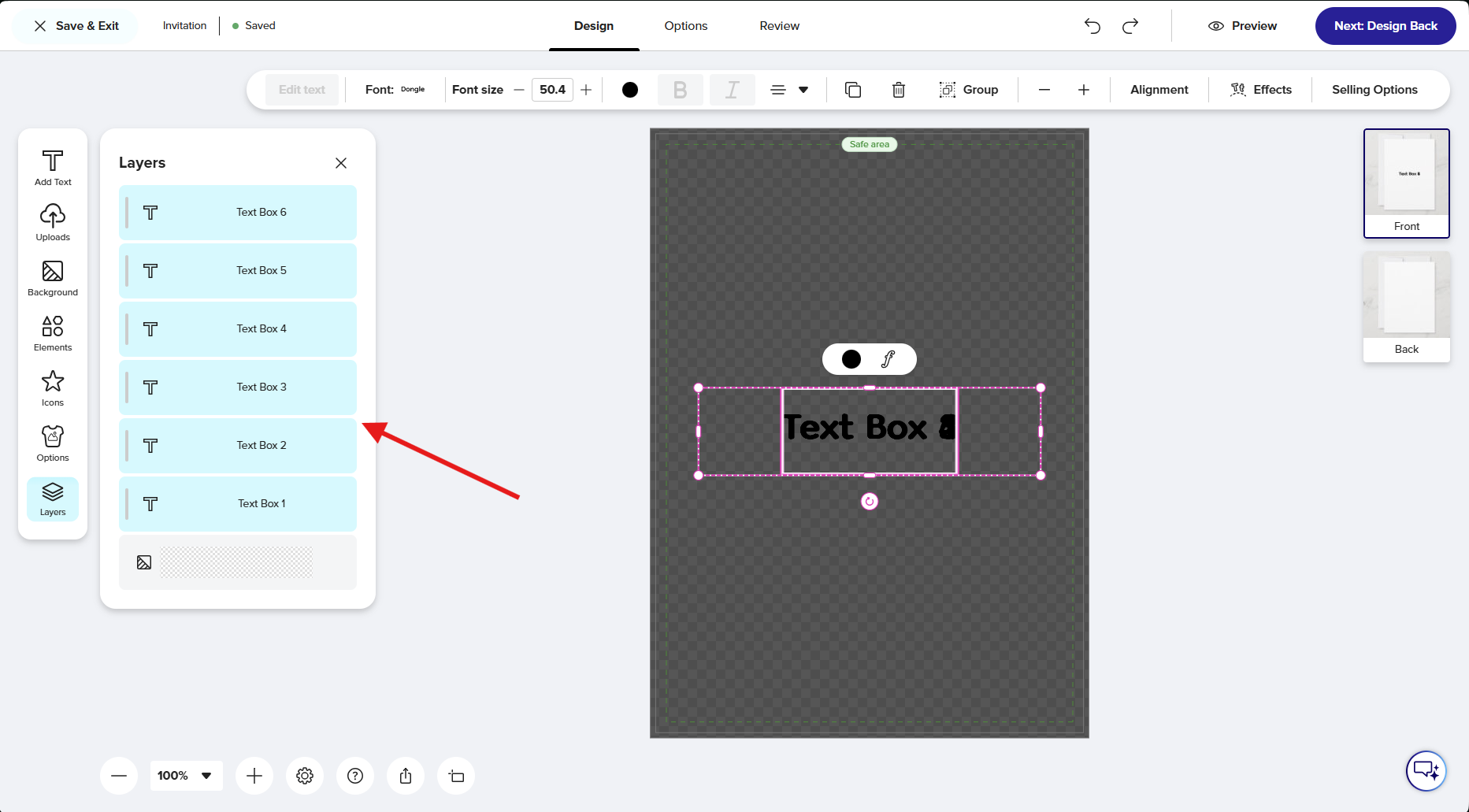
- Select the text boxes:
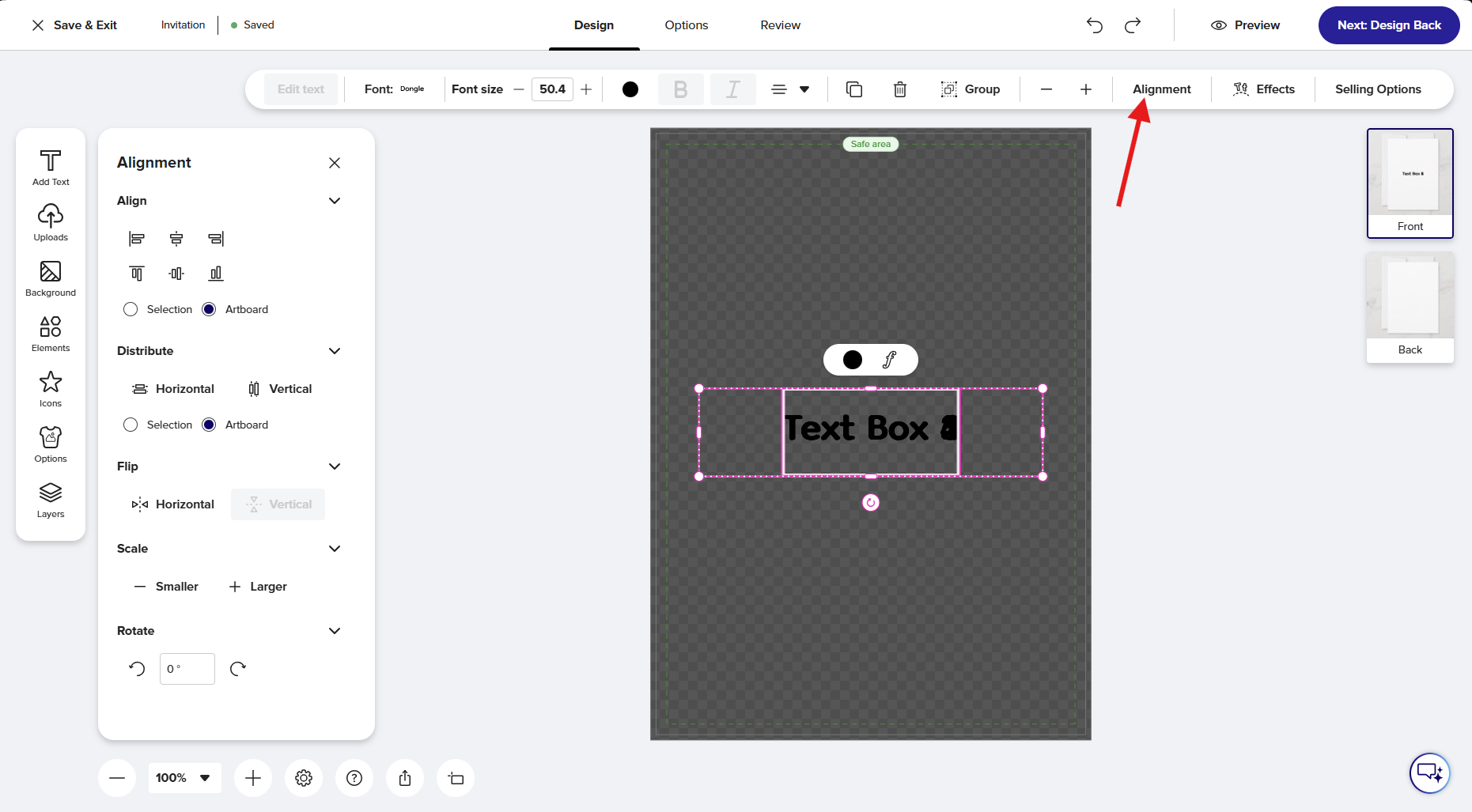
- Click alignment:
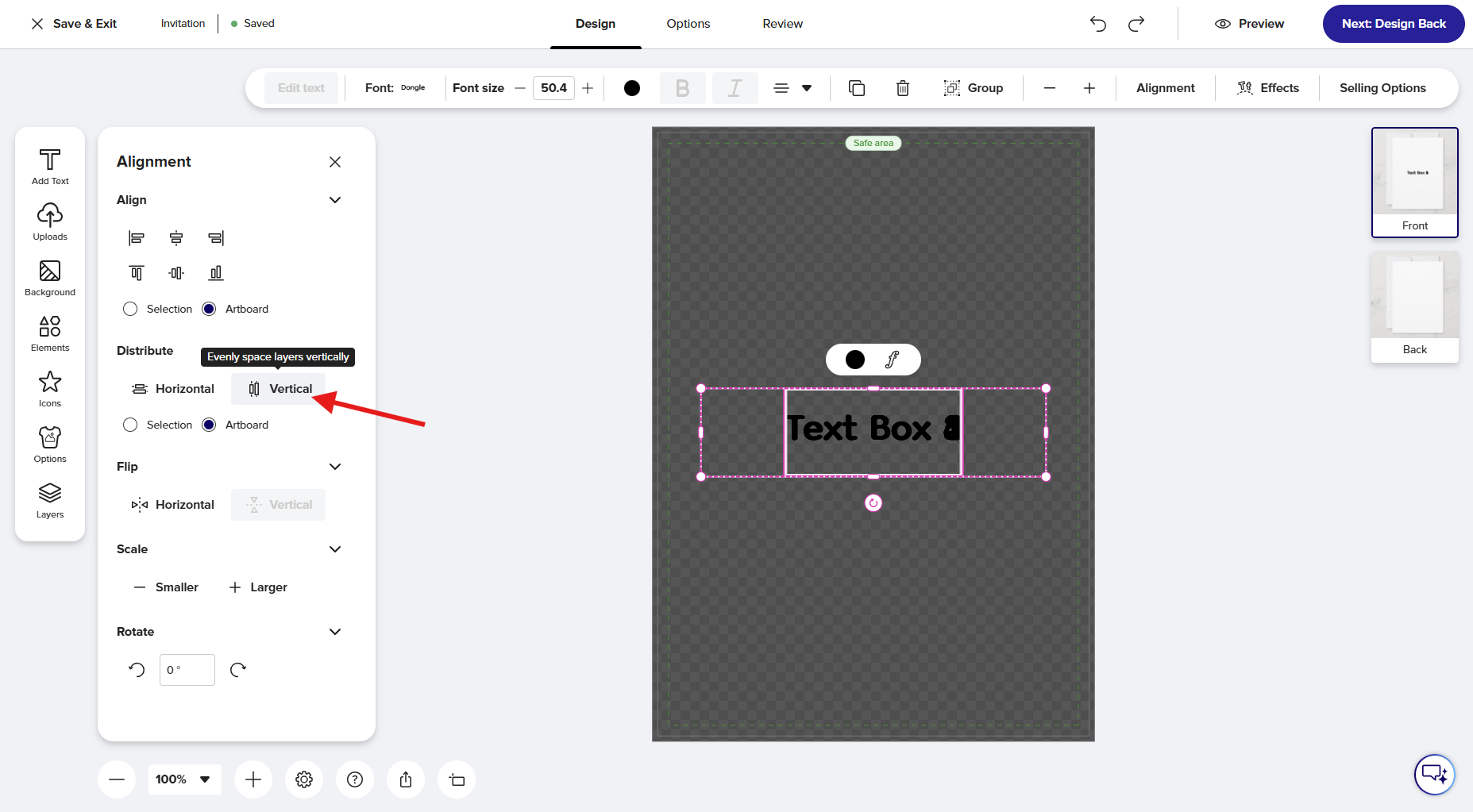
- Click vertical under distribute:
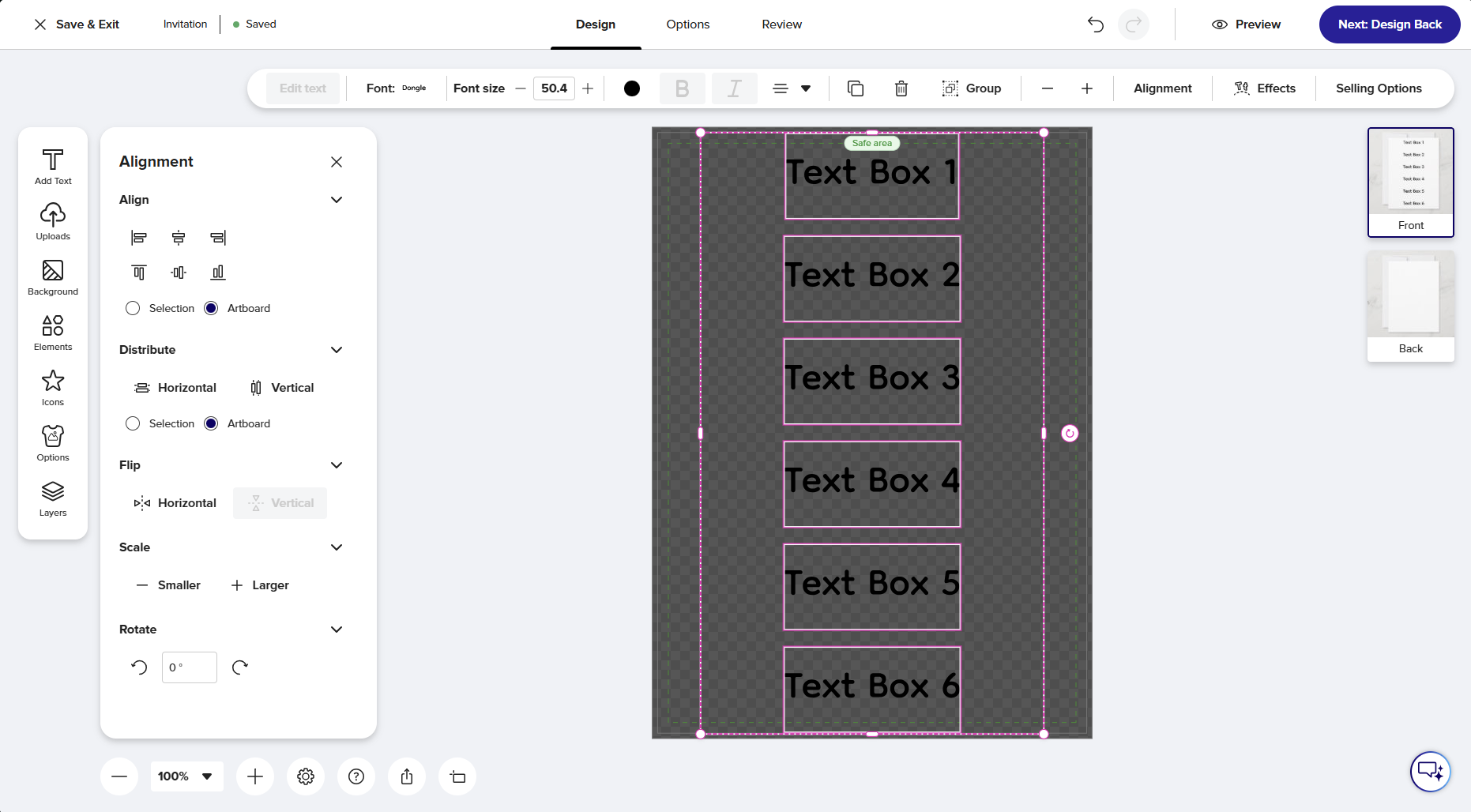
- Result:
1 Like
Hi, Mark. Thank you so much for your reply. After seeing your post, I tried that method, and it worked to align to the artboard, creating an enormous space between each text box. Is there any way to align to a selection? Or to keep all the boxes within a confined space in the template? The only other workaround I can think of is to manually align the boxes myself, but that seems a little daunting. : )
1 Like