When the moderators start again tomorrow, can someone fix the design tool, I haven’t been able to resize the element/square in my design, no matter what I press (shift, control, command, etc…). If there is a new way to resize the shape for labels, I’d appreciate any advice, I’m working in Google Chrome on a MacBook Air. Thanks and Happy New Year!
Can you please share a link to a product that exhibits this behavior?
1 Like
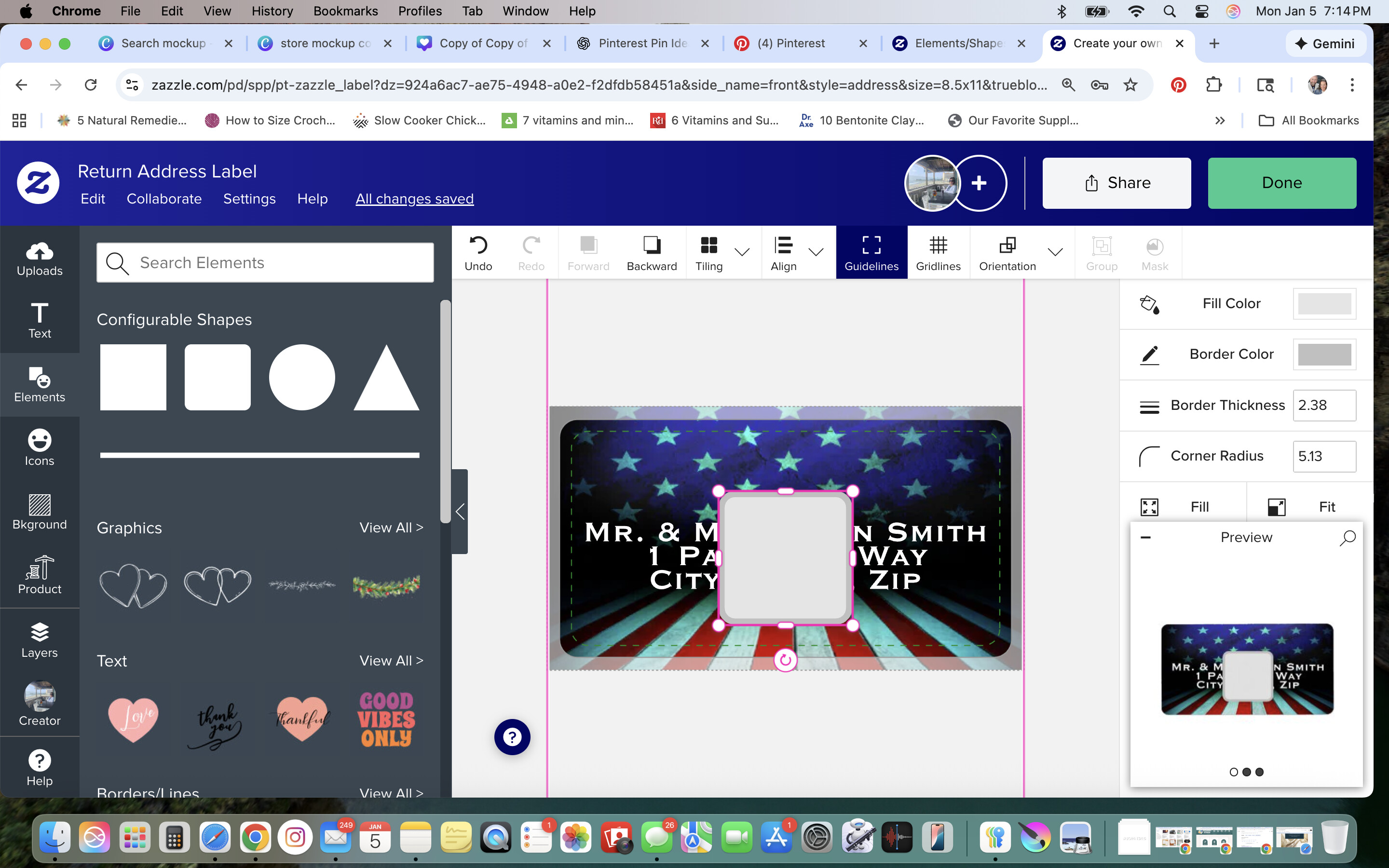
When I try to enlarge the box over my address lines it doesn’t configure right it just makes a larger box, not a rectangle to cover the name/address.
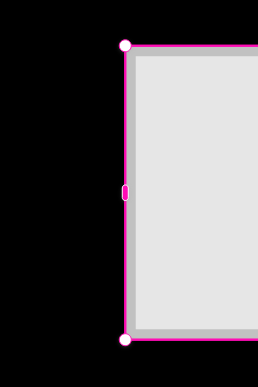
Square Element is working fine for me. Making a wide/long rectangle, I use the rectangle handle in the middle of the top/bottom/sides to do the shaping.
@sheindesigns check in the Design Tool settings that you’ve not accidentally enabled “Lock Aspect Ratio”
If it has a tick next to it, click on it to remove it
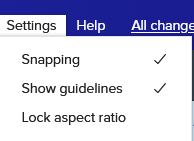
you should then be able to grab the square’s side handle to make a rectangle
2 Likes