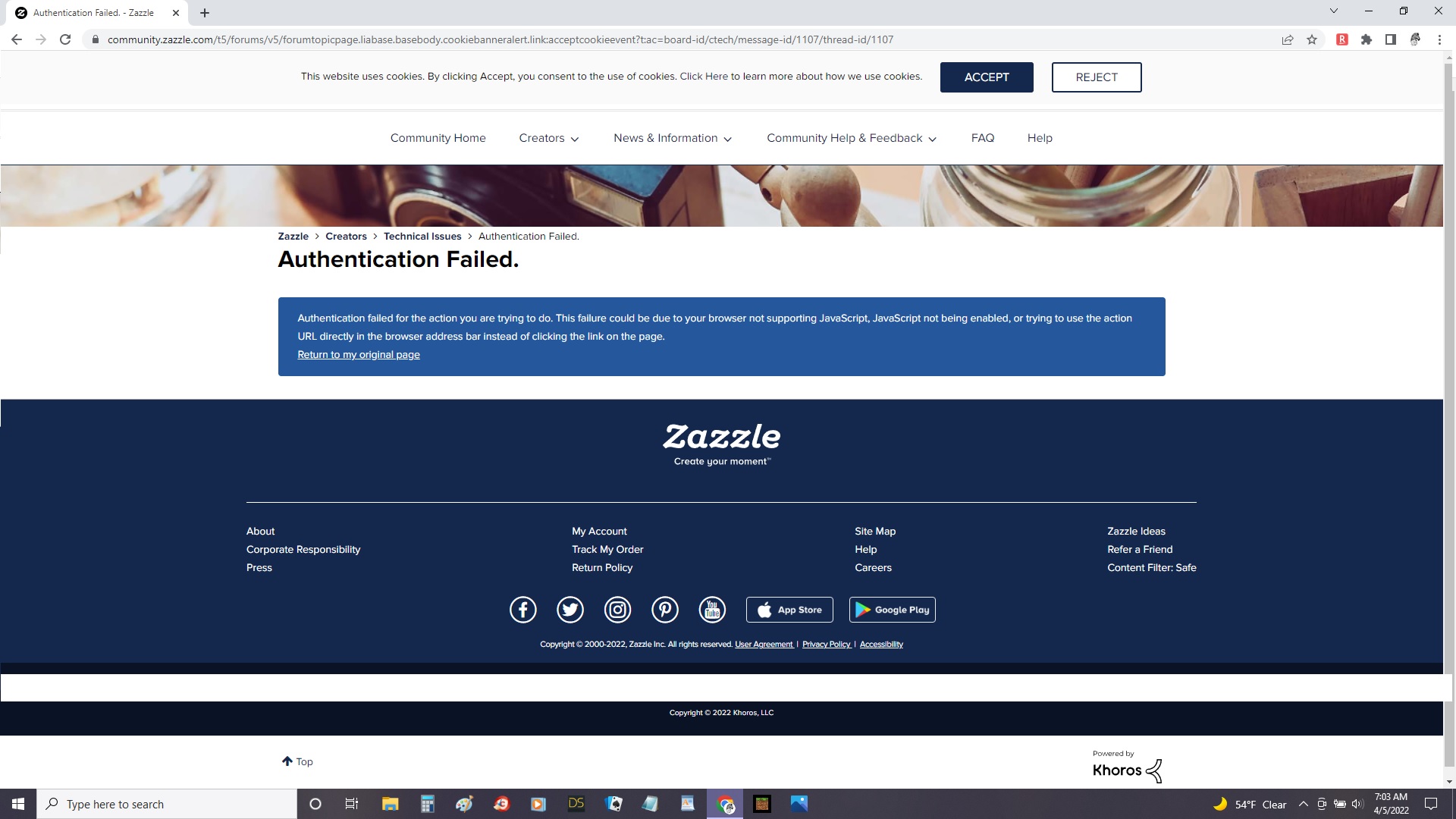
I am having an issue with the forum’s cookie banner. It pops up every time I come to the forum, if I click accept it tells me that my authentication has failed. It does the same thing if I click reject.
I have done all of the usual things such as updating chrome, clearing history, etc…
Normally I would ignore it but it covers the entire top of my screen and I cannot access my forum profile for notifications or anything else.
I have JavaScript set as allowed in Chrome by default.
ETA: I had to go in and expressly add Zazzle to the list of allowed sites. I’ve never had that issue with any other site. The default “allowed” has always worked before. 🤔
This happened to me once. I was able to refresh the page, wait for it to fully load and then click accept and all was good. But it was weird. THis was maybe 2 weeks ago. I’m a FF user. Up to date.
Just adding this info in case it is helpful to the tech team.
Mine works fine but i have an issue in that I am SIGNED IN< but I STILL have to answer the cookie ACCEPT/REJECT every time..tiresome, unnecessary and insulting …