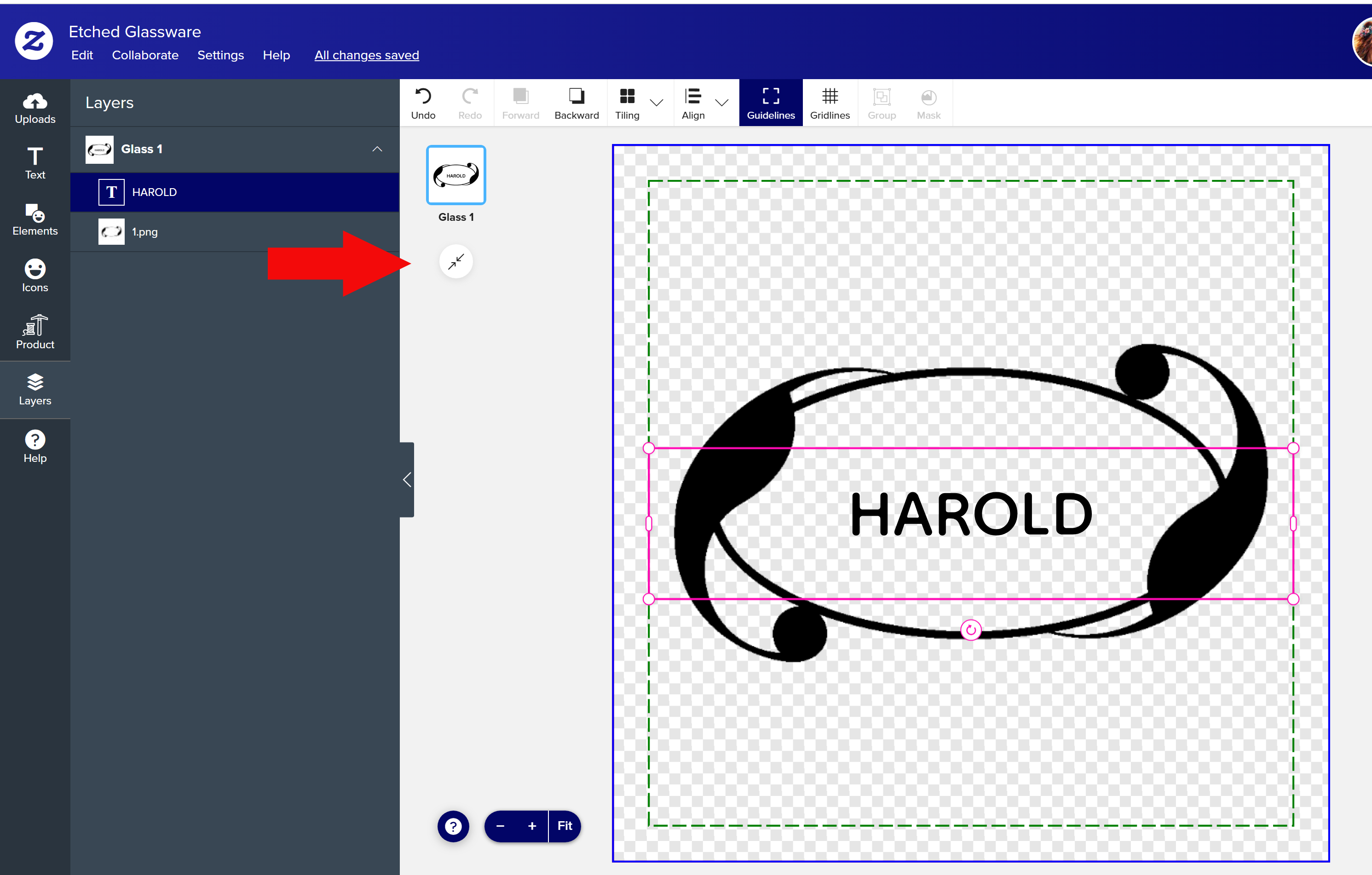
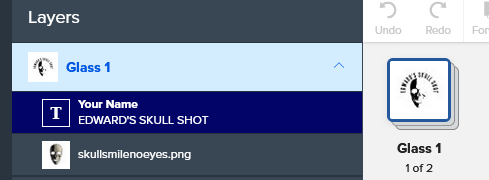
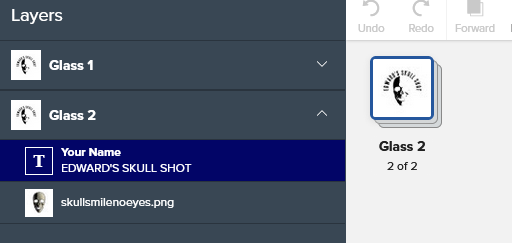
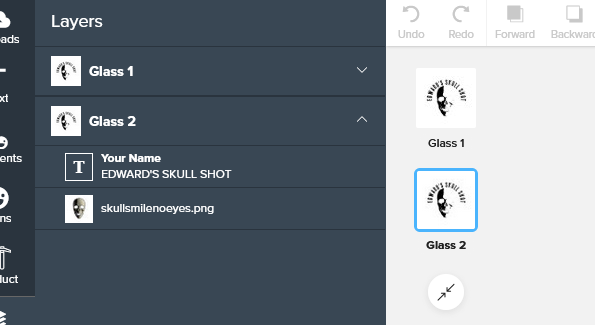
Anybody knows what this is?
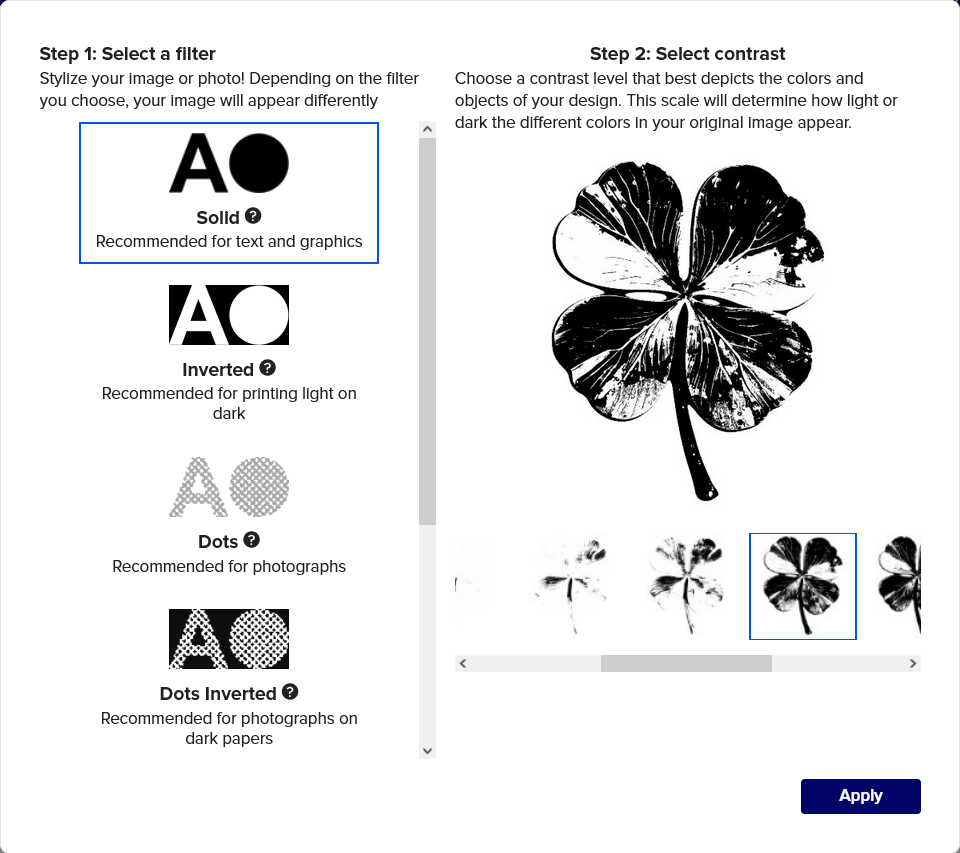
Also: I can’t find information on how to choose the style for the graphic.
(I’m sure it must be somewhere in the forum, but it does not show up in search)
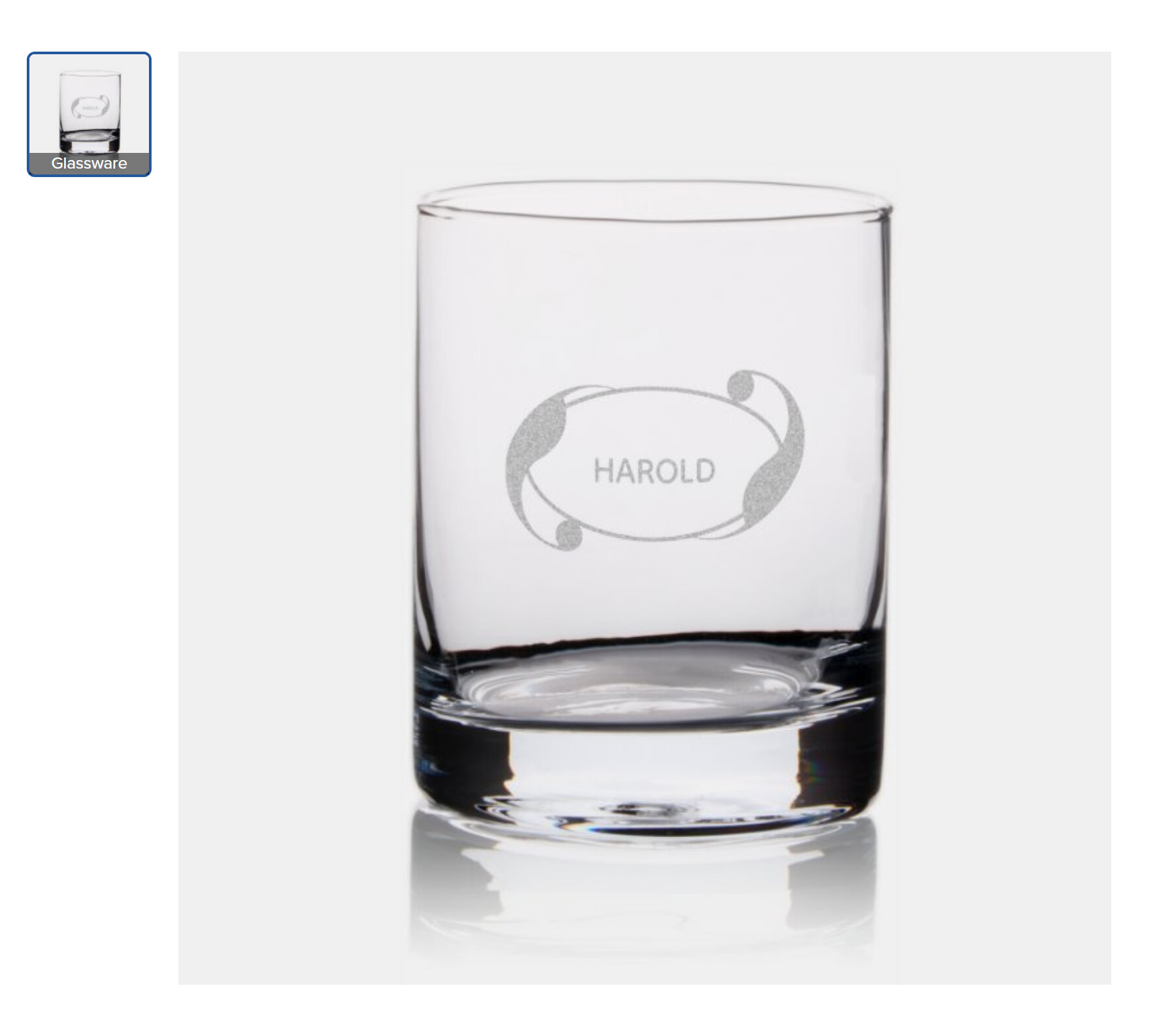
For the text there does not seem to be any choice and it results in a really weird preview:
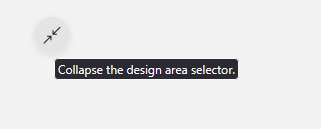
That symbol relates to how much of the design tool is taken up by the item. If you look at a greeting card, you will see that you can view an icon for front and another icon for back. But if you don’t want two icons gobbling up your design tool space, you can press the symbol and that will stack front and back together. When you only have one item in your stack, as you do with this particular etched glass product, that symbol has no effect.
However, if I add an .svg, I do not get any such choice and all colored pixels are black (transparent areas remain transparent). You only have the choice to choose black or white for the Fill and Border, where white is treated as transparent.
I tried with a bunch of different files and same thing each time - .pngs have the filter choice, .svgs didn’t.