Posted this elsewhere before I found this thread. What are the usage rights if our design contains elements from Zazzle such as lines square circles we have used in the design tool?
1 Like
Great!! I like it! I looked on my fabrics and it doesn’t show up there, (yet?) but it showed up on my other products! Thanks for the improvements!
How does one get to the screen?
After using the product replace tool, I retained all the stats, on all the products I changed. The only thing that changed was the modified date.
Love the new layout and the new features on the product pages.
1 Like
Thank you so much! I was using Zazzle Create to be able to download the design to create the mockup. Then I would copy and paste all the elements of the design into a product to publish for sale. Now, this step will not be needed anymore. This is very appreciated!
1 Like
Odd. Mine doesn’t look like the example. I see the words and links but they’re all smashed together without spaces. I am on Safari Version 14.0.3 (16610.4.3.1.4).

It’s been a little slow on my end as well for the mockups, not for just the image.
On my iPad, the circles eventually stop spinning and then I never get any kind of a chance to say where to download the image. And no matter where I look in my files I can’t find anything which has downloaded, so I don’t think this option is designed to work on iPad.
I have the same question. I can find all the products in one of my stores by clicking through a succession of about eight different steps. Onerous!
1 Like
Love it, well done and thank you!
After having modified the design the options banner is gone. The only options available to me are:
Edit Design or Sell It. As you can see on the photos below all of the stats are missing from the modified design which in the Post it for Sale page I added Testing to the name.
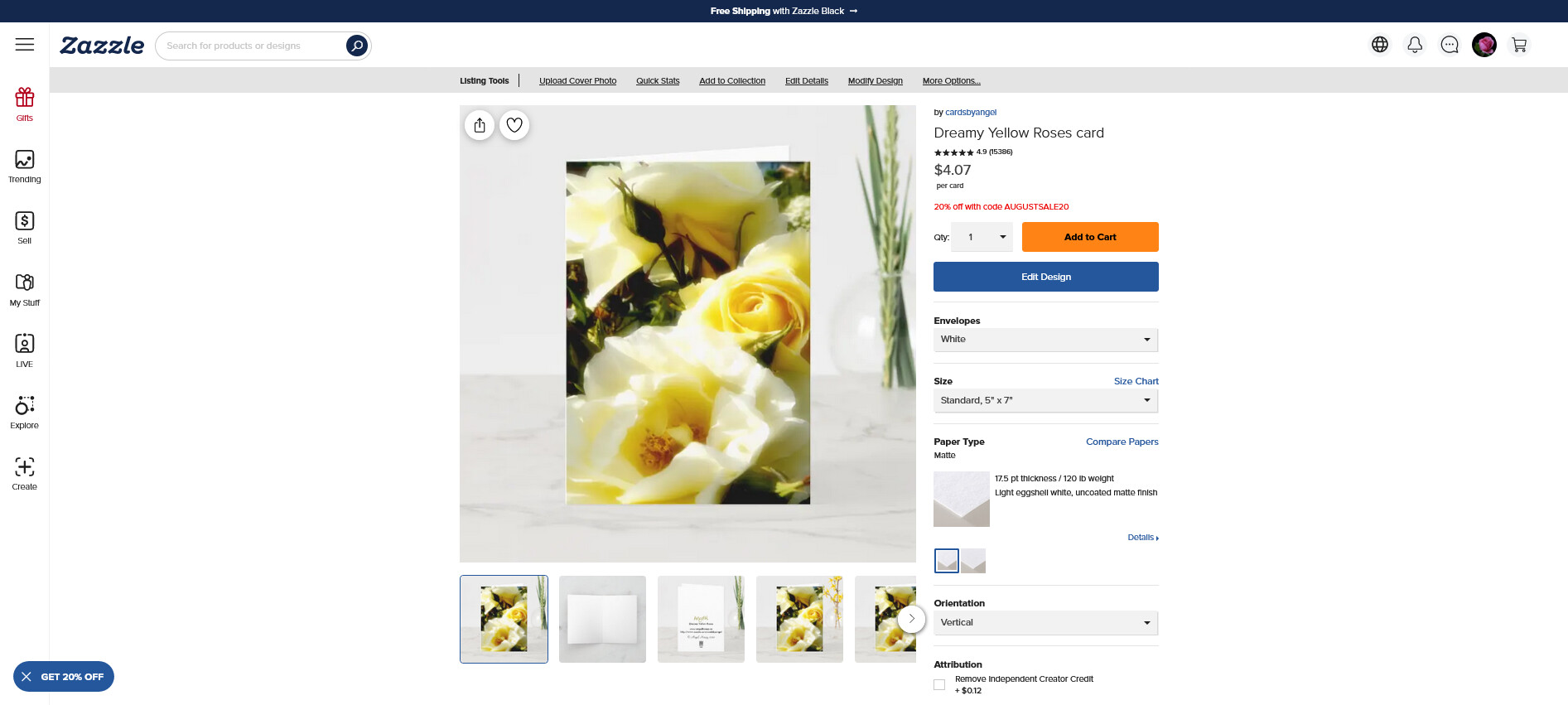
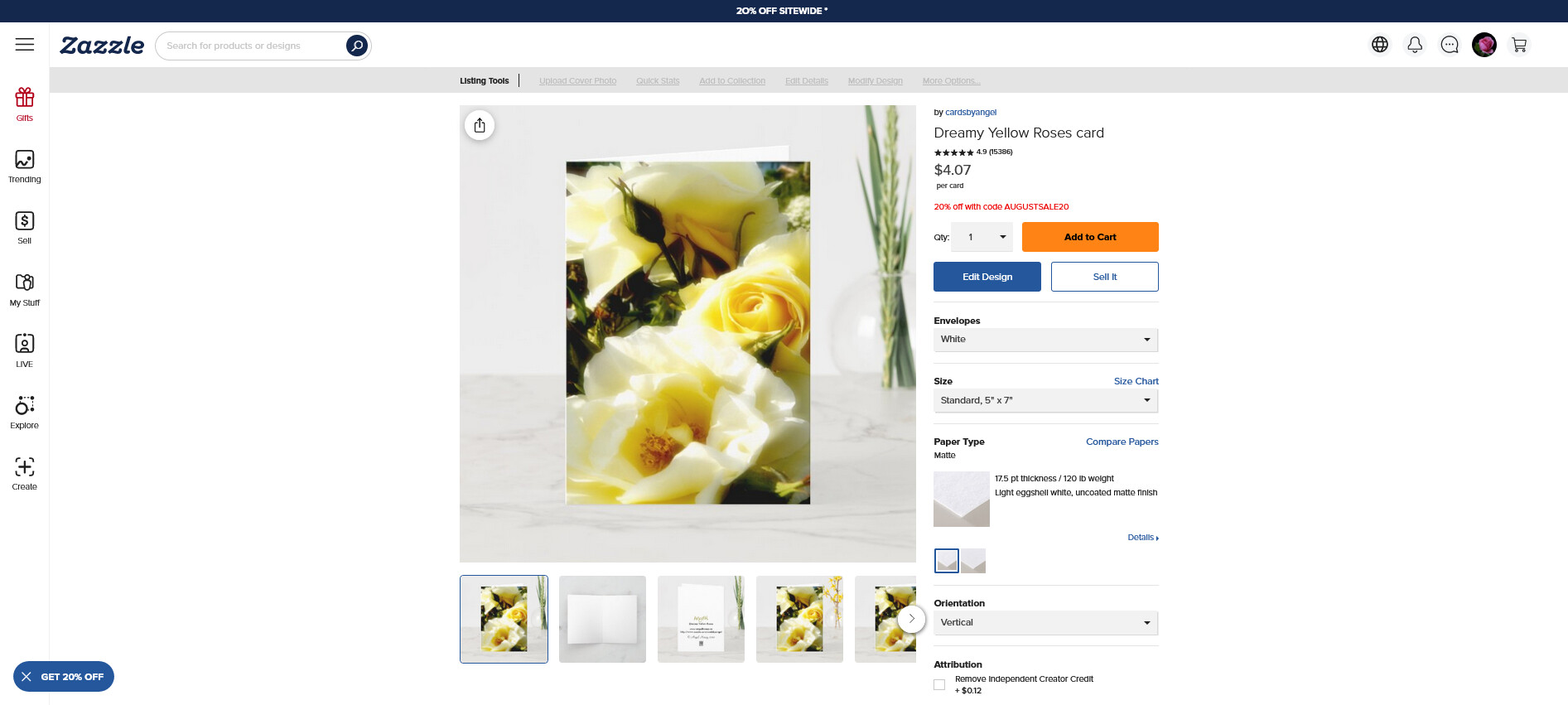
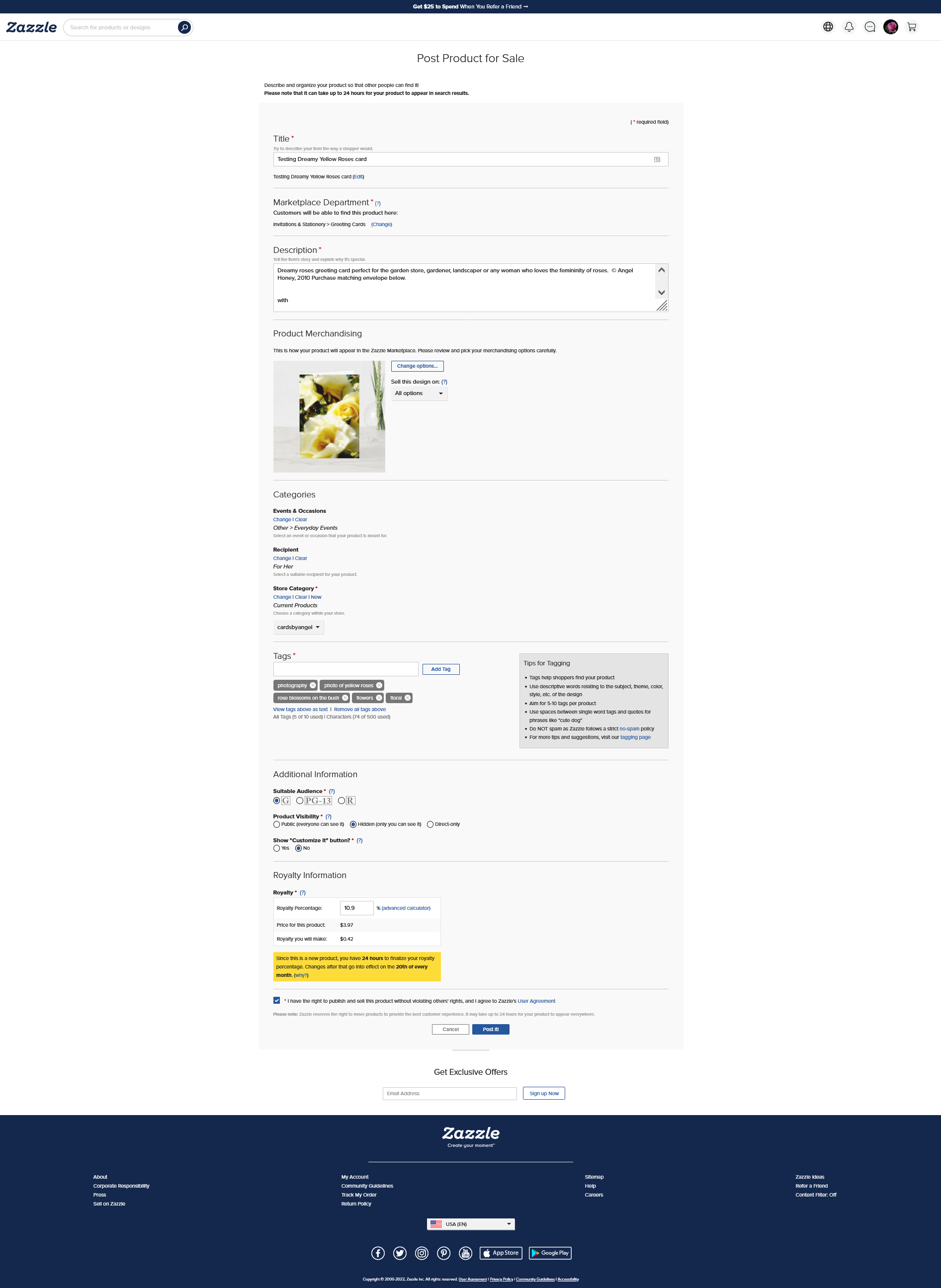
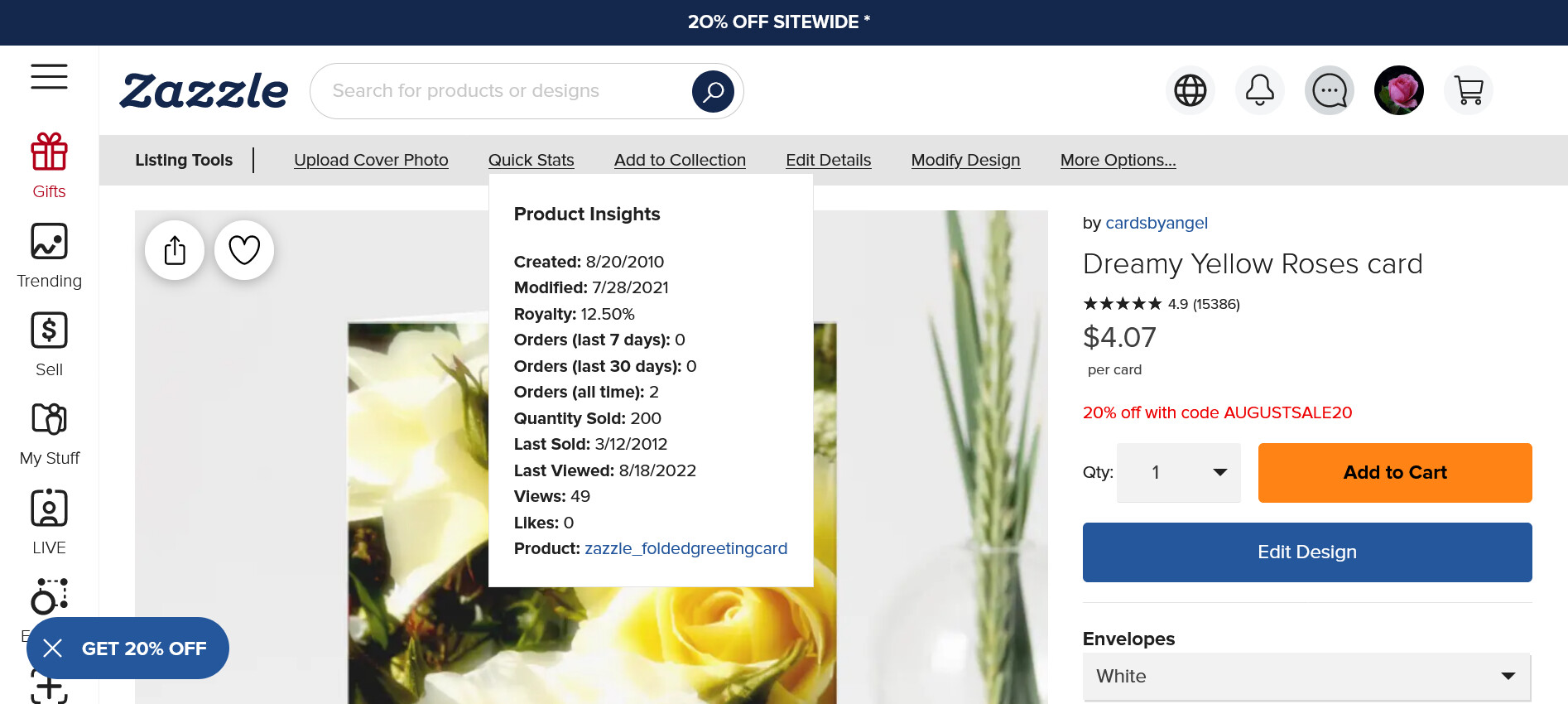
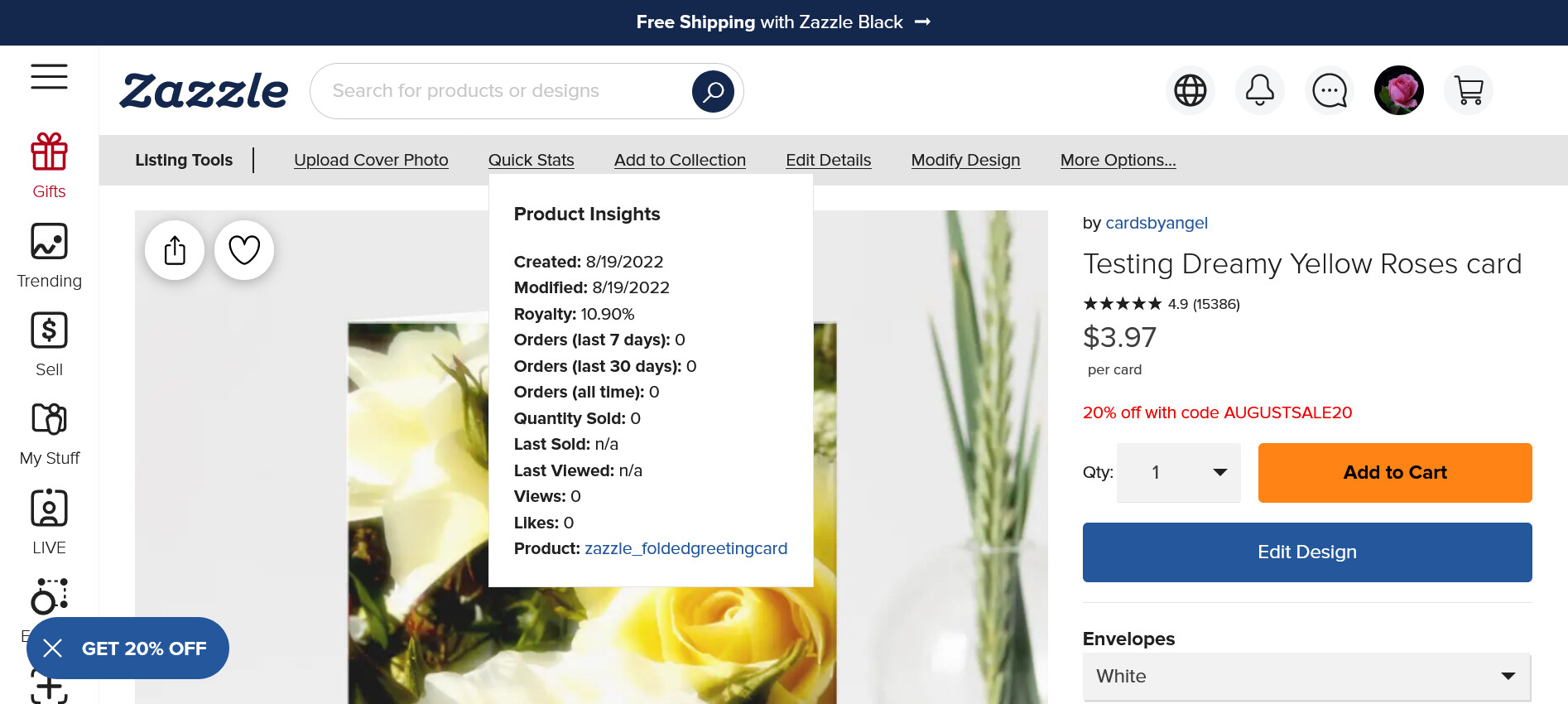
I should add I am using Windows 10.
1 Like
I am on a windows laptop so it might be different if you’re not.
But I go to the management end of the store, click the Products tab, then on the left menu they list the various departments and the next menu section has the store name and underneath it click on 'All Products".
1 Like
Hi
Speaking of ever-evolving Creator features, could you please explain:
- where the option to copy a piece of HTML code for embedding on a website has gone? Let’s say I want to embed another creator’s product on my site with my affiliate marketing link, how do I find the appropriate piece of code (that will pull the image and product title from Zazel)?
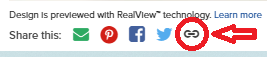
- where has the like icon gone? (the icom that was on the product image on the sales page next to the share icon?
Thanks!
5 Likes
Looks good, however one thing I miss is the ability to click “view all my products”. Now I’m going back to my profile picture, then clicking “my stores” then choosing the store I want, then going to “products” etc. I might be missing something in my method but I wish you had kept the “view all my products” function so it would take me there in one click. I’d love to see that included in the new grey toolbar.
5 Likes
I would really like/rather see these options available in the actual store management area than to have to go to each and every product page to get to them. That throws off certain things for me since that then counts as a page view in the stats along with just being a time suck. It’s a management tool. It should be where we manage products and our store and not out someplace else.
3 Likes
I agree ! I miss this ability, too
I think just the same. It is more needed in store management area
1 Like
I don’t have a ‘Product Replace Tool’ just a ‘Modify Design’ tool. Maybe they act differently.
1 Like
On a laptop one clicks on any of their products and it shows up at the top of the product page.
1 Like