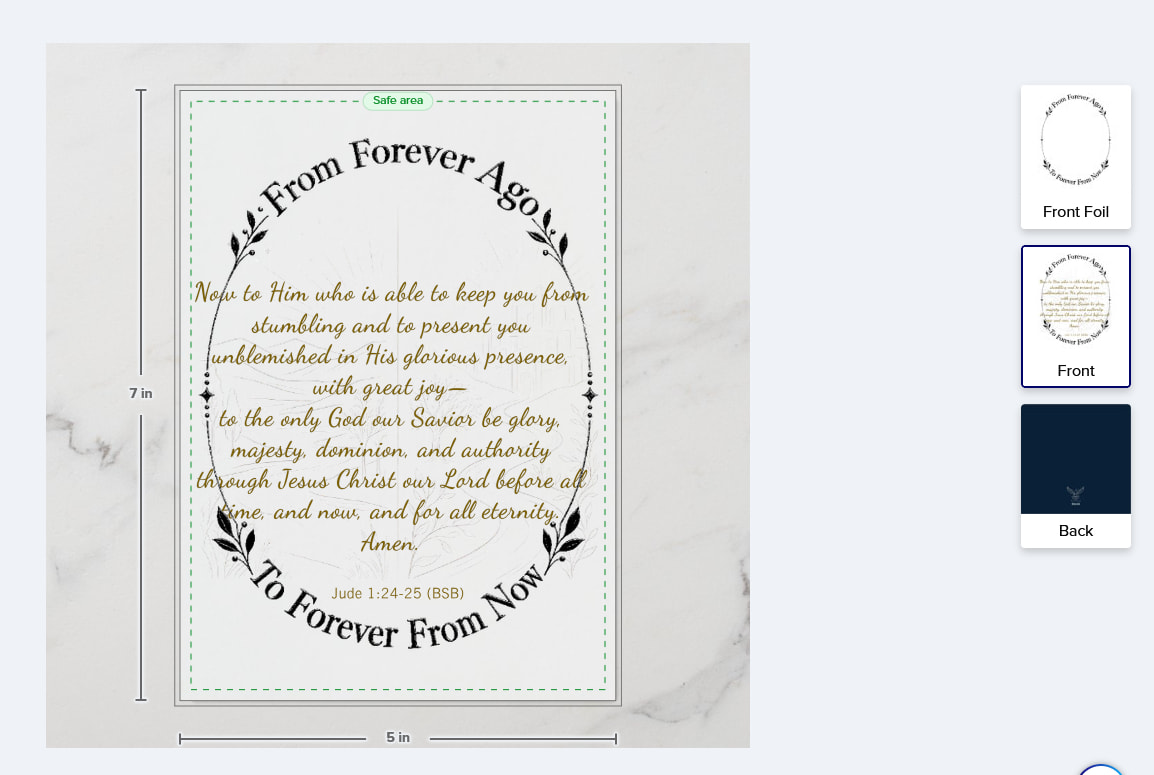
I found some other Foil Card Q&A but did not find an issue that matched, so I hope not to be duplicating something already answered.
I have created some foil cards which look fine from Designer to their published for sale listing in my store but have a couple where all seems well in the Designer tool, on options and preview screens there, but when I save the design and exit, or, worse, post to sell, the preview shows a different view (for example, I always choose one of the views with the bud vase and a daisy or other flower for the product image) and in that view, the foil parts of the card look muddy brown instead of like gold foil.
I cannot figure out what I am doing wrong. It has even happened when I pick on of the existing foil products and edit it, save, then edit again and use the saved edition to make a new product.
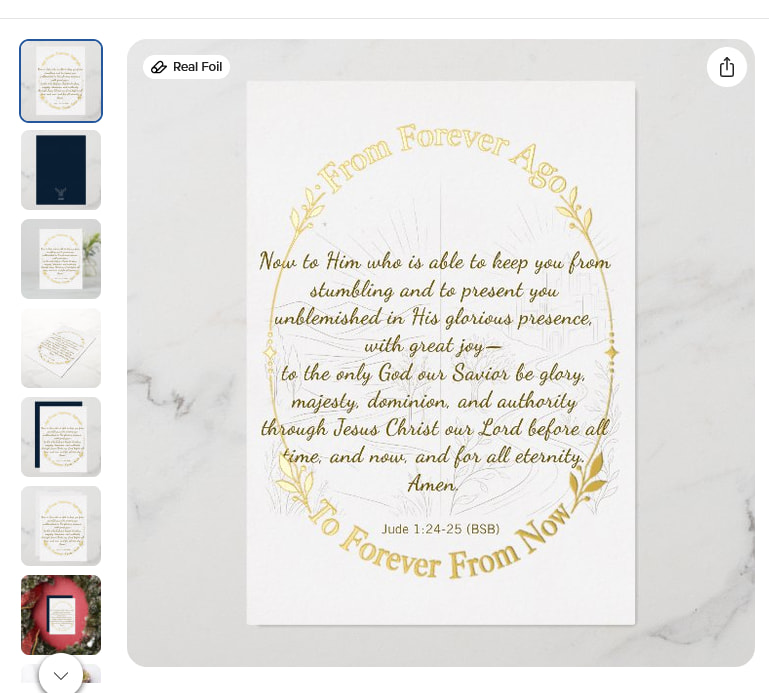
This is one that is published and looks and acts fine:
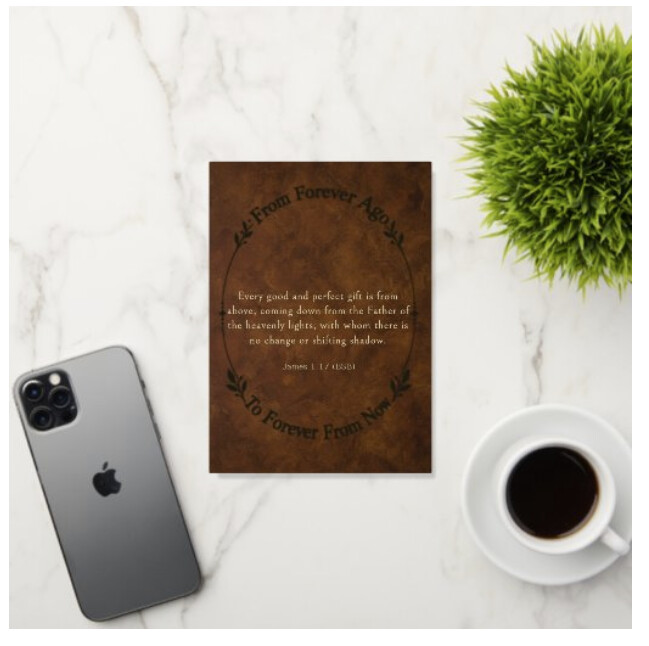
I deleted the couple of that I had posted to sell, then noticed the preview changed to a desktop with a phone and a cup of coffee, and had the spoiled looking foil, and it looks like I cannot put the link here to the Saved Design of one I am trying to do as a replacement, but I am going to try to upload a screen capture to illustrate.
If anyone has any ideas on what I am doing incorrectly or to try to remedy, they would be much appreciated!
I’m so sorry you’ve encountered this issue. Are you able to share a link to an item that is showing incorrectly please? I can then reach out to the team to look into exactly what’s causing the problem.
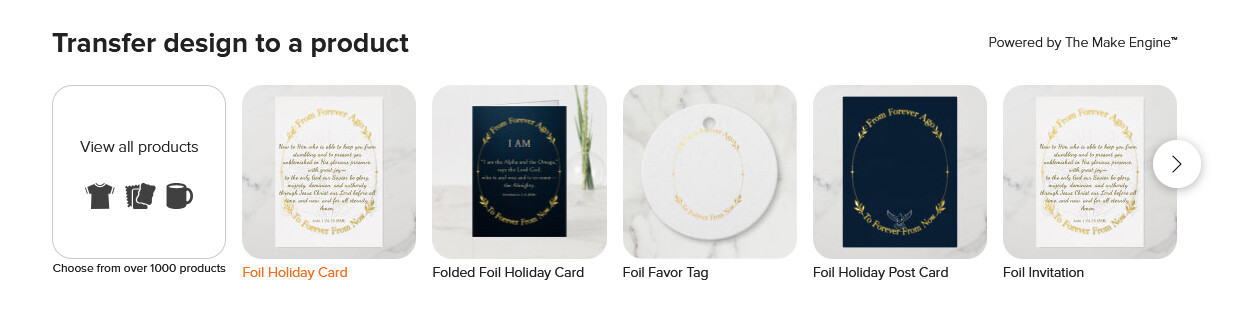
I transferred your folded gold greeting card directly to a flat foil holiday card using the “transfer the design to another product” scroll and chose the foil holiday card
It’s working as expected for me. The preview with the coffee cup is a gif (auto shows the foil effect)
If it’s the foil holiday card - the foil goes on the 1st layer (front foil), non foil on 2nd (front) and then there’s the reverse (back)
Whatever goes on the front foil will auto copy to “front” in black. It looks like you may have removed the “front foil” on your design which is why it’s showing the black only maybe
Hello @Beth_from_Zazzle : When I linked an example from my Saved Designs here in my first post, it looked like it was forcing a viewer to log on as me, so I removed it from that post. Should I try that one again, or if a link here needs to be of a published product, I can post one but perhaps remove from public view?
Thank you for testing that out, Sara. When I look at the Front Foil panel, it does still have the oval frame, and it previews fine there as well. You mentioning the foil holiday card and asking which foil card I am starting with may be on to something.
I started with the foil card at the bottom of this Help page I found and bookmarked from (if memory serves) here on the Community or in a Zazzle Help page:
I will try your steps of xfer to the foil holiday card. The foil card on the page above may well be something different.
Oh… the link I gave there was a card that works for me. So the good transfer makes sense.
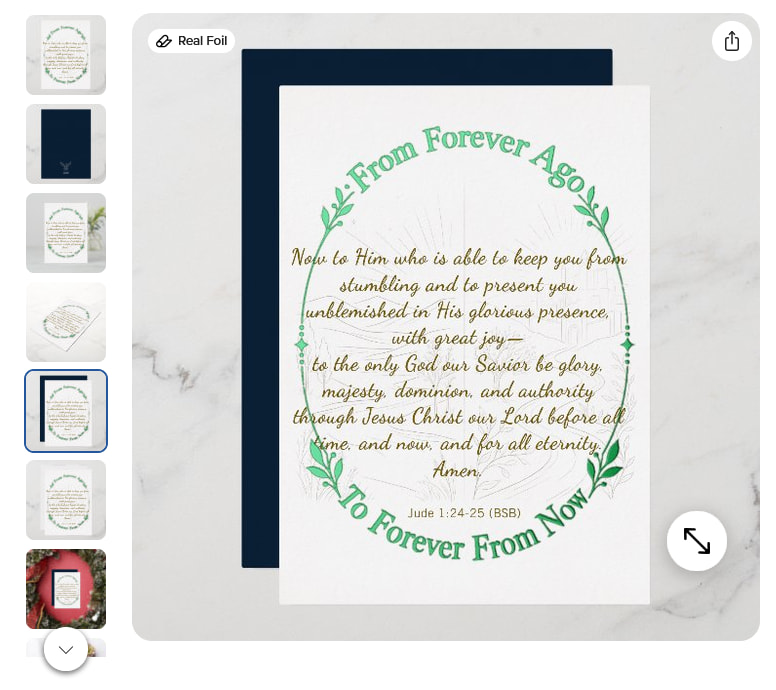
I was not able to xfer the problem example I had in Saved Designs, so I posted it for sale and, this edition of it looks fine!
I am not sure what the difference was between the prior one that had the coffee cup preview (and oddly no matter which of the other options I switched to, it would always show the coffee cup desktop) and this one, but it is previewing with the daisy bud vase and the foil is nice and shiny.
So for this card it is working fine now and thank you for helping.
It is possible the card would have printed the foil nicely if ordered, even though in the product thumb view it looked ‘muddy’. Perhaps I did some step that triggered the product view to not follow the option I had selected and use the coffee cup-desktop? I will see if I can figure out if that is the case.