I am a coloring book designer and I would love the ability to add a stroke line color to fonts. That way I can have a white fill and a black outline on the text that people can color in.
As it stands now I have to put a background image that is white to cover behind the font of choice.
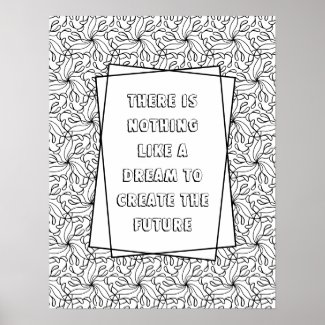
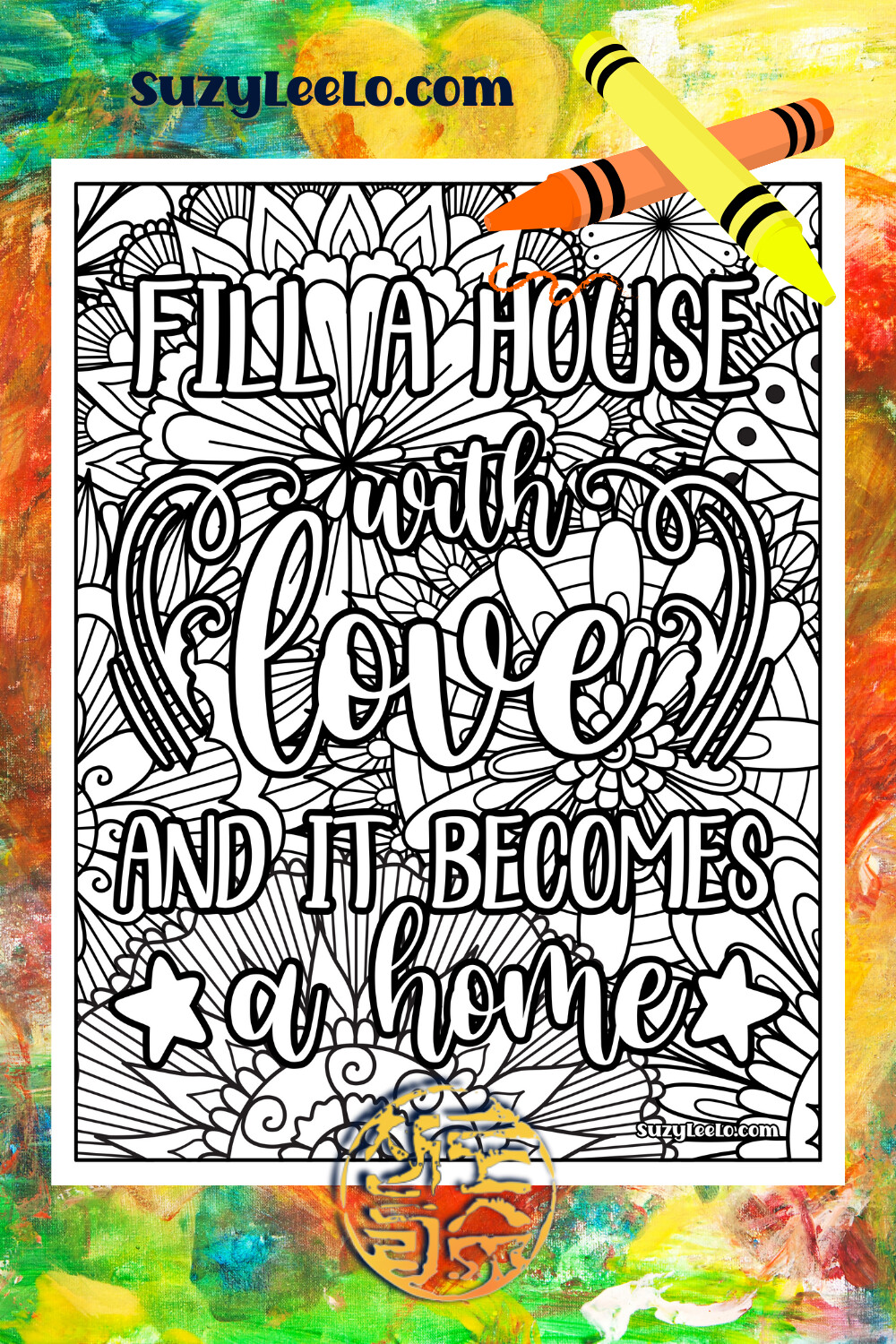
Here is a sample of what I have created recently. I could only find a couple of fonts that can be colored in.
Here is a sample of one where I attempted to do two layers of text. The back text is black and the text in front is white. I made the back text slightly larger to try and give that outlined effect. Unfortunately, I cannot get it to work well enough to my liking.
Unfortunately I don’t think there’s a good solution for what you’d like to do. I messed around a bit with layering, but fonts just don’t scale in that manner, so even if you tweak the spacing the layers never line up quite right. Z’s outline fonts all all transparent…
I would love it if strokes could be added to a font because sometimes I would love to use a font but can’t because it’s just a tad too thin to show up correctly. Or I’m doing a version on white & then a 2nd knock out type version & the knock out needs a heavier weight but there’s no bold version of that font on Zazzle.
Not perfect, but nearly, and works with pretty all fonts:
You need to add 4 duplicated “shadows”, not just one, and move them slightly in all 4 directions: 1 up, 1 left, 1 right, 1 down. First, create the template text, then copy it 4 times, recolor, and position them as described. Make sure the template URL is always the same. When the customer edits the text, all 5 objects are updated. It’s not a perfect stroke, especially on corners, but it’s a viable workaround. Here’s how it looks like on your design (note that the duplicates are not templates, just copies):
@Fiorenzo that looks like a better rendering than my attempt. Thank you for the workaround solution! I do hope the Zazzle developers for the design interface will consider an update though.
Found this thread because I thought maybe I was just not finding the feature. If you want a free editor with a little bit more variety, CANVA.
If you already have an Adobe subscription, just use photoshop or illustrator. A canva pro sub isn’t too much a month and is basically this Zazzle design tool and even more.
@Rebecca let Zazzle know, this is a must for design. It really is, epecially to make sure text shows up on a variety of different color textiles.

 I am still craving this upgrade!