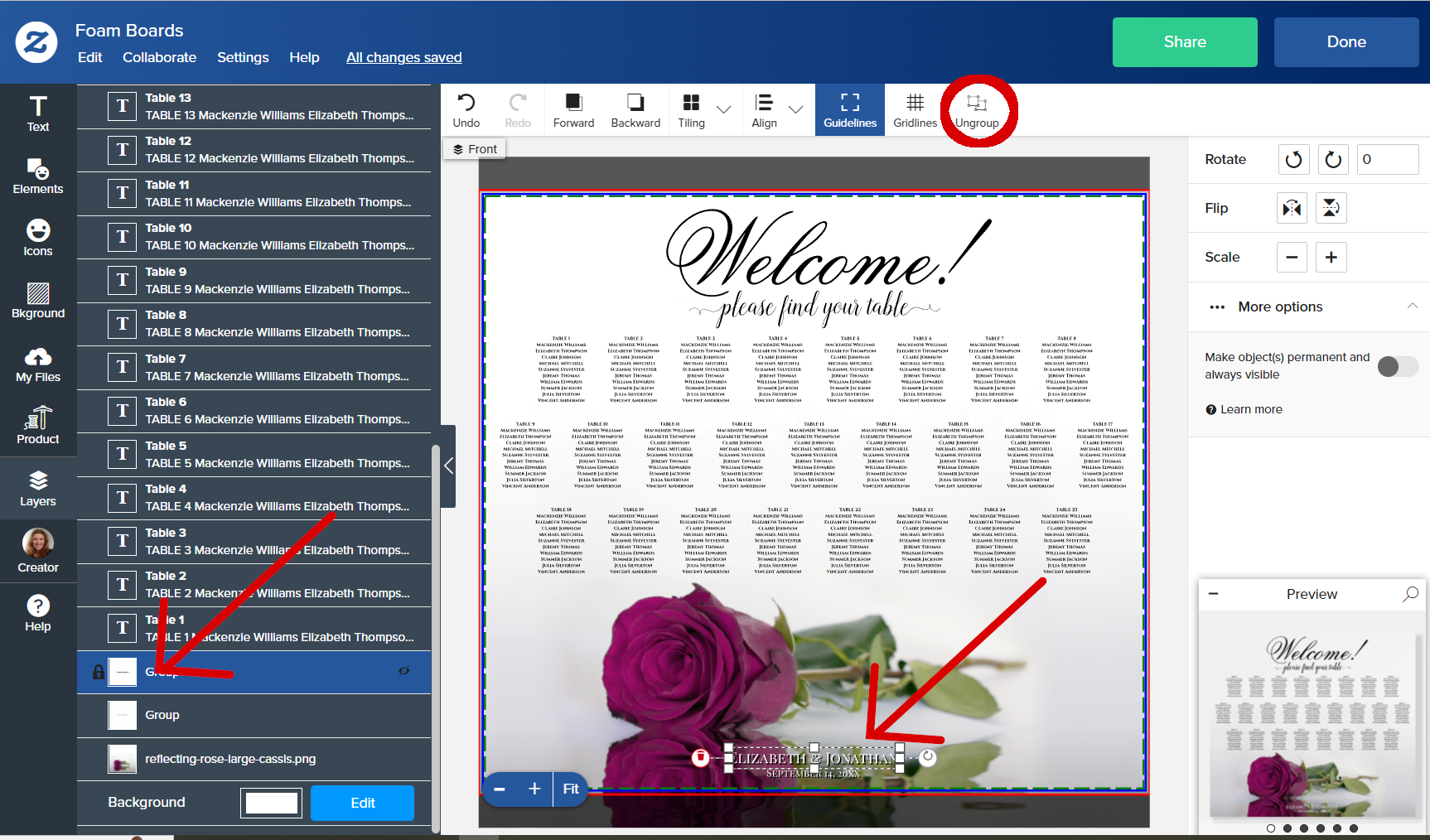
I just grouped two objects (layers) and now want to change the location of one. So I went to Ungroup, but it’s greyed out. It’s not in the Edit Menu and the only options on a Right-click are Copy or Paste.
It’s hard to say exactly what the problem is without being able to see what you’re doing, but most likely you don’t have your group selected. So first you need to select your group by clicking on it either in the stack or the artboard. You’ll know you’ve got it selected when the white squares & dotted lines show up around its edges in the artboard. At that point un-group will become a clickable option and you can ungroup the objects.
I’ve been experiencing this issue for several days now: the groups object and design elements can’t be ungrouped. Is anyone else running into the same problem? It makes designing matching items difficult since I need to move certain elements, but I can’t do that because ungrouping isn’t working.
I’m very sorry to hear that you’re experiencing an issue here, thanks for reporting. I reported the issue to our engineers so we will take a closer look for you and provide an update once available.