Hi all! I’m trying to group multiple elements to tile for wrapping paper. One is a square PNG ‘background’ and three custom shaped photo templates, each masked to a custom shaped SVG. The three masked elements sit on top of the square ‘background.’ I select all items and want to group them so I can tile them.
But I don’t get an option to group them!! I can usually figure this stuff out… but I’m stumped. Anyone have any brilliant ideas??
To the best of my knowledge it’s not possible to group masked layers. I wish we could, so if there’s some workaround I’m unaware of, I would love to know.
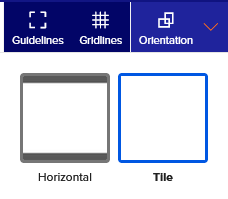
It gives a basic tile (eg not half drop/half brick) - the downside to using this method is you stuck with the size of the tile and if you want your wrapping paper to go into a cross sell and use one of Zazzle premade mockups - it doesn’t recognize that you have a wrapping paper in your collection (source me)
I see wrapping paper like this one above on Zazzle. I think that this is a grouping of different elements (including a masked template?) And I wonder how they do it. I assume that they have made the template, masked it with a shape, grouped it with the other elements and tiled it. I’m so confused
Sara explained it well. I have used this feature often. I think there might be an issue with the seaming … and maybe that applies only to long rolls. But it’s definitely worth knowing about and using.
Thanks Gals! Something new for me to check out. In the meantime, I spent a bunch of time last night tiling the background (to make sure the seam is okay) and copying the masks and placing them individually in each spot. OMGosh that was painful!