You have to promote it yourself, such as facebook market place here some of the group you can promote what you do here at zazzle. 1) Arkansas Classifieds 2) Zazzle Only Unlimited 3) San diego classified and so on
Thanks so much. I am not sure what I need to do to promote/get affiliate monetizing here with zazzle. Can you or someone kindly walk me through the steps pl?
Are you also a designer or you just join the affiliate? because if you only join the affiliate site you can look for my friend >> Sandy Mertens: on Zazzle she also is an affiliate and she can help you . Good luck!
I am trying to use my link. Not sure what the steps are entirely. So I click on someone else’s store…click follow? click an item and heart it? then the button beside it generates my link…then what exactly? I would really appreciate a step by step easy guide on how to earn with my products/store and then earn off other’s products/store. thank you
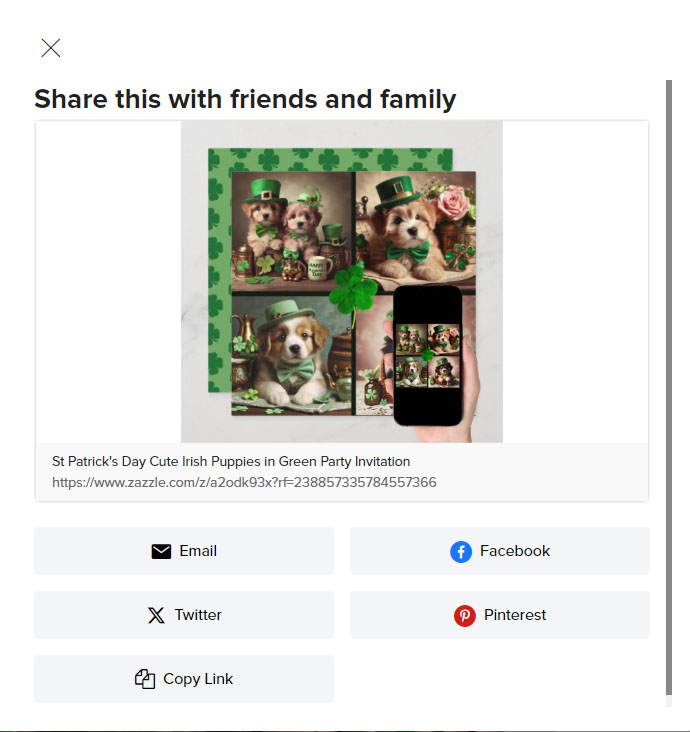
@Inspire It seems like we have been messaging for about half an hour. After my name was mentioned here. I can see that you have received some good advice, and here’s a screenshot in case others need it. The process is pretty simple. We had talked back in November. Using social media platforms for promotion is a big plus. To see the options for promoting a product, click on the small square with an arrow in the corner next to the heart icon of the product image. This is what you will see.