Somebody please help me for the image attached.
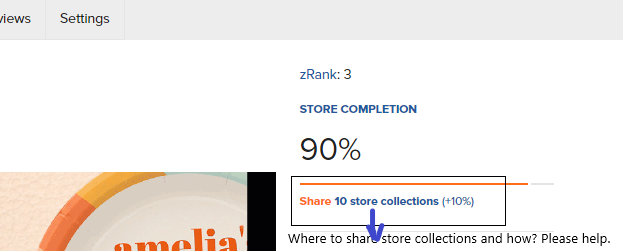
You share your store collections on social media or email typically. When you are in your collection, over on the right side of the screen, about half-way down the page is the share option. It looks like this:
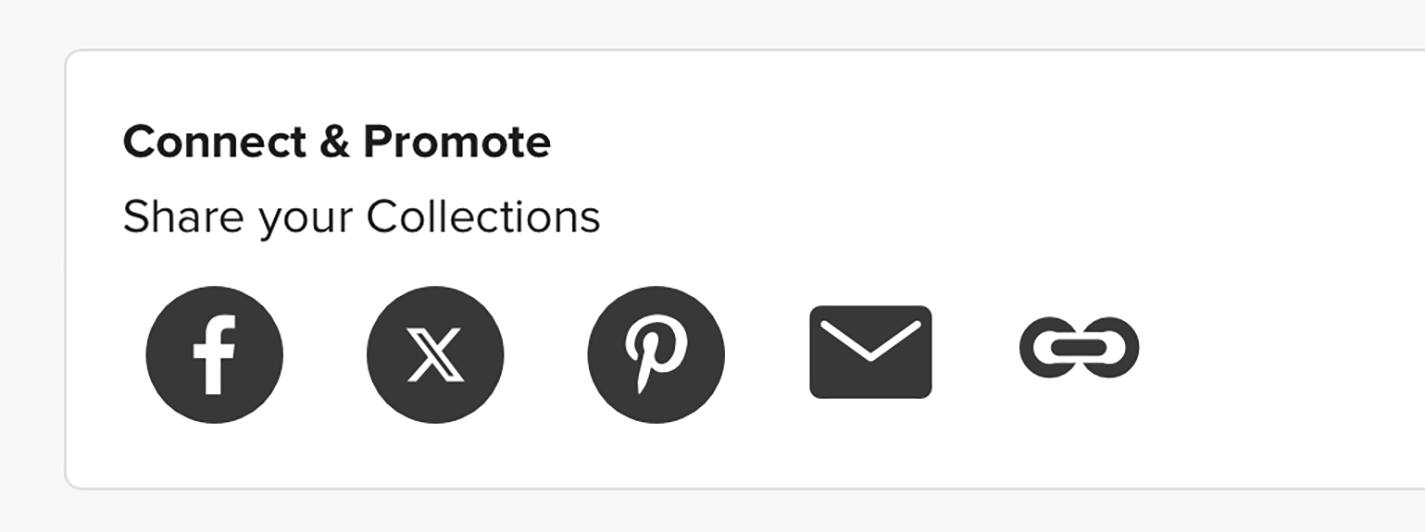
Choose where you want to share your collection by clicking on the appropriate icon button (i.e. Facebook, X (formerly Twitter), Pinterest, Email, or you can copy the link to the collection and share to another social media site.
2 Likes
Thanks a lot
You’re welcome, A. Rahman!