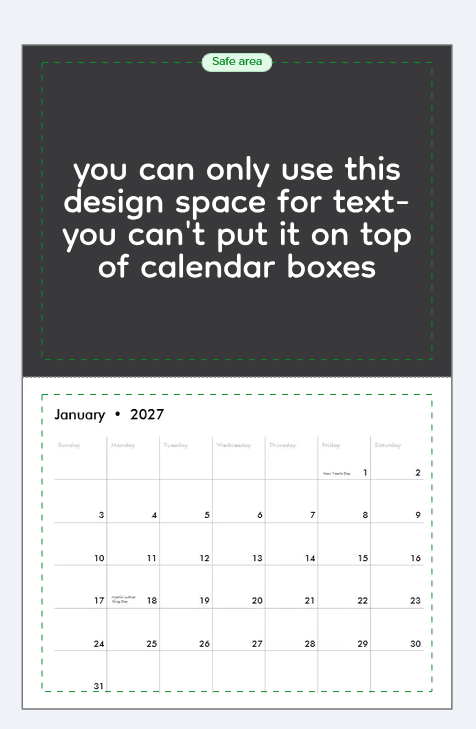
How do you put text in the calendar grid? If I click add text, it is a long text area, is there a way to click on an actual number box on the grid?
There is no need or intention to insert text, would say. There are a lot of different layouts with different aspect, dates, marks and more. We usually design just one side.
Sorry, I had to think about this post for a while. You’re right: with some calendar layouts, the image can also be placed behind the numbers or even in between them. But not the text / numbers in the grid.
So you need to choose the right layout. Once you do, it should be fairly obvious where you can place something.
Just keep in mind that these calendars are year-specific. Every year, you would have to set up the blank spaces or suitable layouts for the dates and holidays again.
Even so, speaking from the gut, I’d say that sticking to the designated image area above the numbers or dates will save you a lot of time.
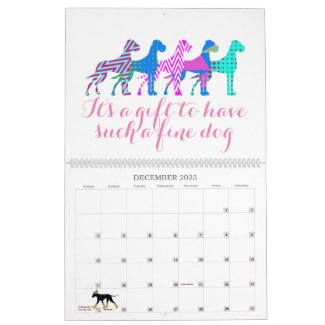
Here’s an example for you. It’s not a particularly great calendar, but I inserted images “in between” the numbers myself.
Your post gave me some ideas. I could also create a single-page calendar as a poster and enter everything myself, including the days and dates.
But I’ll only continue working on it if anyone ever buys one. It’s already a pretty elaborate idea — embedding a hidden reference to a pregnancy and a marriage announcement like that.
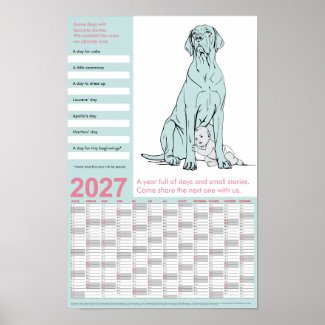
So I made something like this: