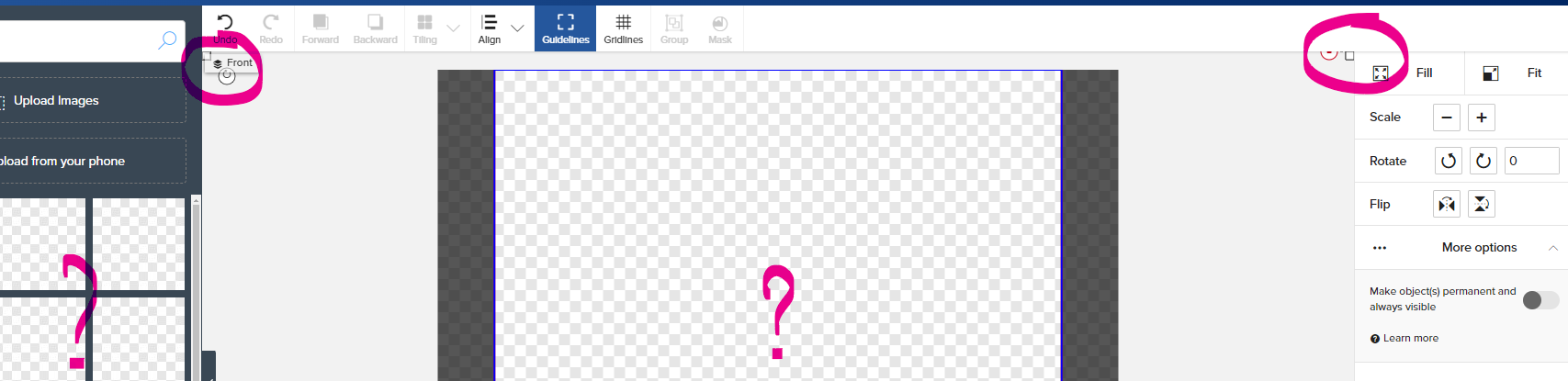
One of the threads mentioned saving an image with some transparency for filtering colors. The poster stated using Inkscape.
I tried several images, saving in various of the SVG file formats that Inkscape uses. None of the images would import to Zazzle. I have only been able to save 4 files with the SVG extension.
It may be the transparency that is an issue. Perhaps the Zazzle format is not ok with semi transparent SVGs. My idea is to try exporting your semi transparent image as a png instead. That should work.
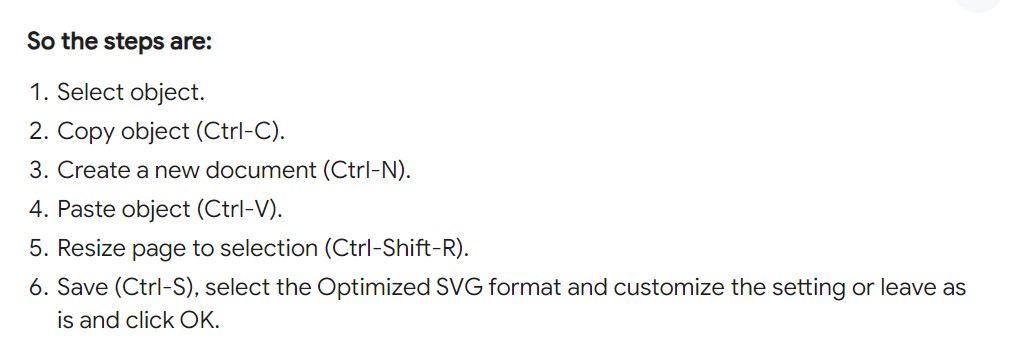
I have found that if I bring an image into inkscape to use the “Trace Bitmap” and “Object to Path” commands, I then need to find the original image under the now created paths and delete the original image completely. Just hiding it does not work. Once that is gone your saved inkscape svg file will upload and work properly with the ability to change colors. I use the first choice of saving as an Inkscape svg.
Hi BK, it was me who started that thread, let me help.
I save my image file as SVG as usual. But the file I use for Zazz, is PDF. So Save your file as PDF ,(then after that as SVG to keep your inkscape integrity).
Now you are free to upload your PDF file, which Zazz Likes, and you can go as large as you like too. This WILL work. The transparancy is not an issue with zazz in a PDF file. I have done it a few times, with great results.
Message me if you have any further problems, I have been working with inksacpe for some time, not an expert, but comfortable with most features.
Hello @Wildart …Hope you can help & thank you in advance..
BOTH options you have mentioned sound EXCELLENTE!!!
However, NONE of them are working for me in PHOTOSHOP.
I tried saving my file as an SVG and the layer was BLANK
Tried saving it as a PDF and cannot MASK!
Please help walk me through the solution and I would greatly appreciate this !
Hopefully, one day I’ll be on the other side of the fence and be able to help others too #sighs#pleasejesus#helpmeGod
Okay, thanks @KeegansCreation …what file format should I export it as. Also, I’m still getting black layers when exporting it as SVG in photoshop. I’m sure it’s a photoshop issue, but just for the record, it used to be a whole lot simpler to work with SVG’s in PS. Thanks in advance.
Update: For some reason I was able to upload an SVG file directly from some purchased SVG files, don’t know what’s different about files I’m trying to export, but the purchased SVG did just fine???
Hi all…I’ve tried it all… saving, exporting , in both Illustrator and Photoshop, it’s 1 color, smart object or not smart, vector and not vector…
but this is still what happens; they flash for a moment, then disappear, and it shows “something” is on the screen, but not visible…HELP!!!