I’m looking for a particular photo in My Images and every time I go to the next page I keep seeing the same photos from the page before…over and over again. I’ve logged out and back in and keep getting the same thing.
6 Likes
This is happening to me, too. It just started within the past half hour. I search my images using a particular term, like “grad”, and I just get a random assortment of related and unrelated images that repeat from page to page.
3 Likes
Happening to me too. I thought maybe I had messed things up because I put some things in an album a couple of days ago. It is very annoying. Also they are not shown in order from newest to oldest. Makes trying to find anything very hard.
2 Likes
when we try to move images they aren’t deleting from where we move them and if uploading them they double and then don’t show up.
1 Like
Hi all,
Many thanks for reaching out and providing feedback on this. I have passed this along to our Team for review ✍️
- Emma 🌻
3 Likes
Hi, I’ve experienced this issue beginning Thursday when I was putting some new images into folders. My image pages are so jumbled, my oldest images are on page 1! I have over 100 pages of images. Most were sorted previously but it will be very hard to find the ones that remain unsorted. Thanks in advance for addressing this issue!
Just thought I’d add my two cents and say that I’m also having the same issue. Discovered it today. I tried sorting A-Z hoping that would give me better results and even that isn’t working - they reorder but are clearly not A-Z - they’re all over the place and I’m still seeing repeats. Hope it’s a quick fix
2 Likes
I was just coming here to see if anyone other than myself was seeing this - and this answers my question.. Been this way for a few days -
2 Likes
Just curious about when this may be fixed? As it stands now, I can access images previously placed in my Image Files/Folders but I recently uploaded many new images that I can’t access because of the glitch. I was in the process of moving them into Folders when the problem started, and now every page is an overlap.  Thanks!
2 Likes
I was designing some products yesterday and was hit with the same thing. It’s very hard to work this way. Any eta, at this point, to when it’ll be fixed? Thanks.
2 Likes
Hi again, I’m still experiencing this (since March 24) with my image searches. It’s possible to scroll down the image sidebar to find images but that’s not feasible when trying to find an older image. My image folders as well as “All images” repeat and overlap each other if I try to search more than one page. My folders are jumbled, with images repeating from other folders. It’s really frustrating, very hard to design products and impossible to put newer images into folders
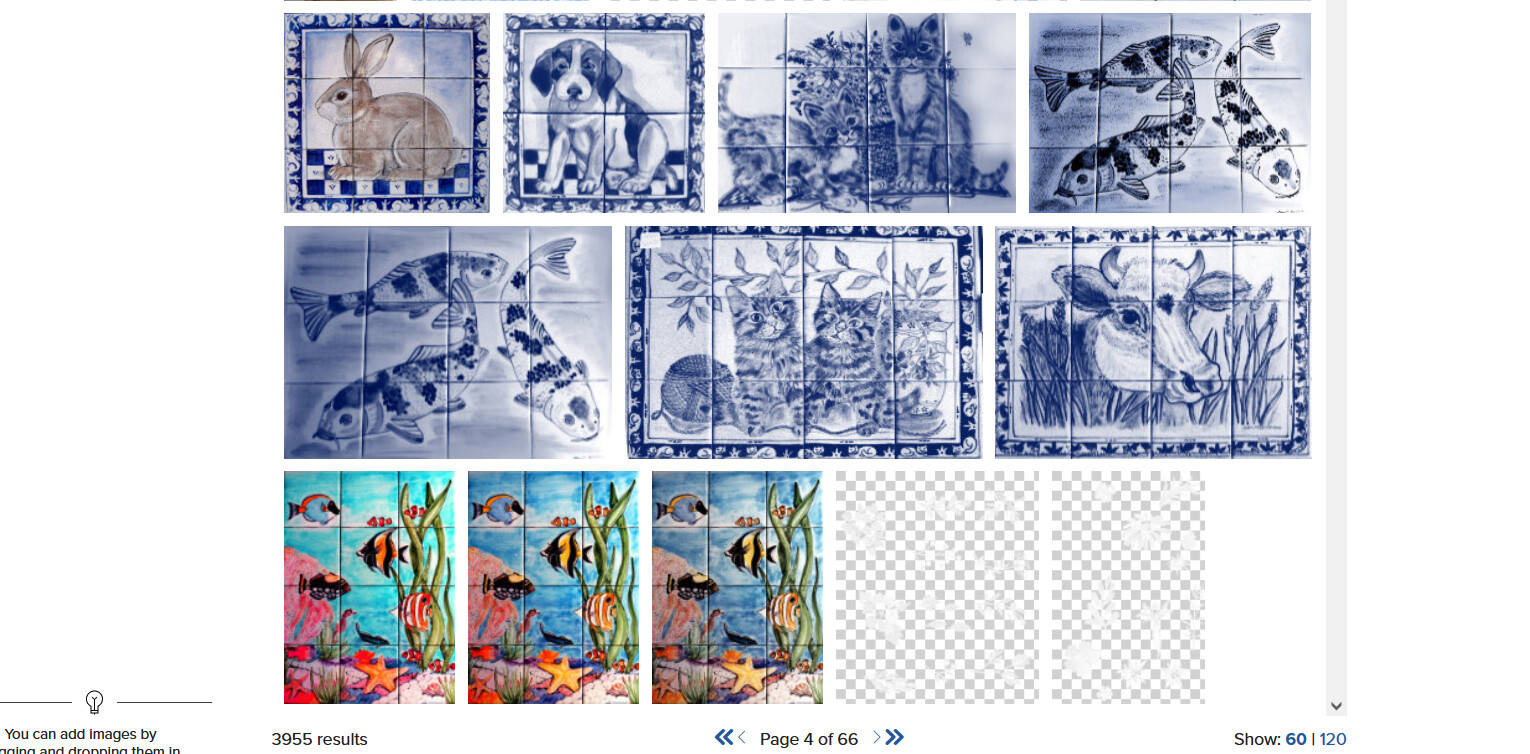
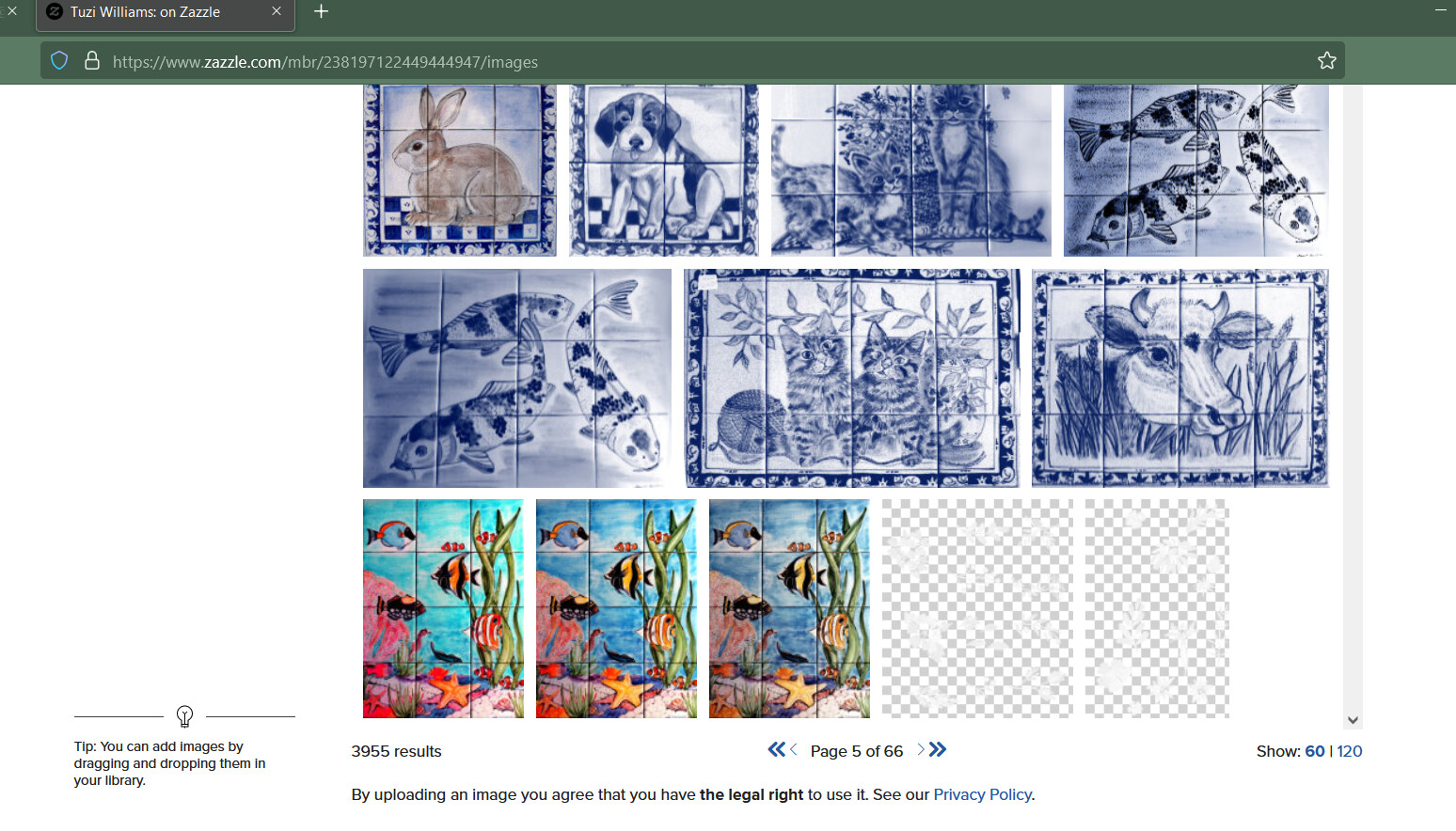
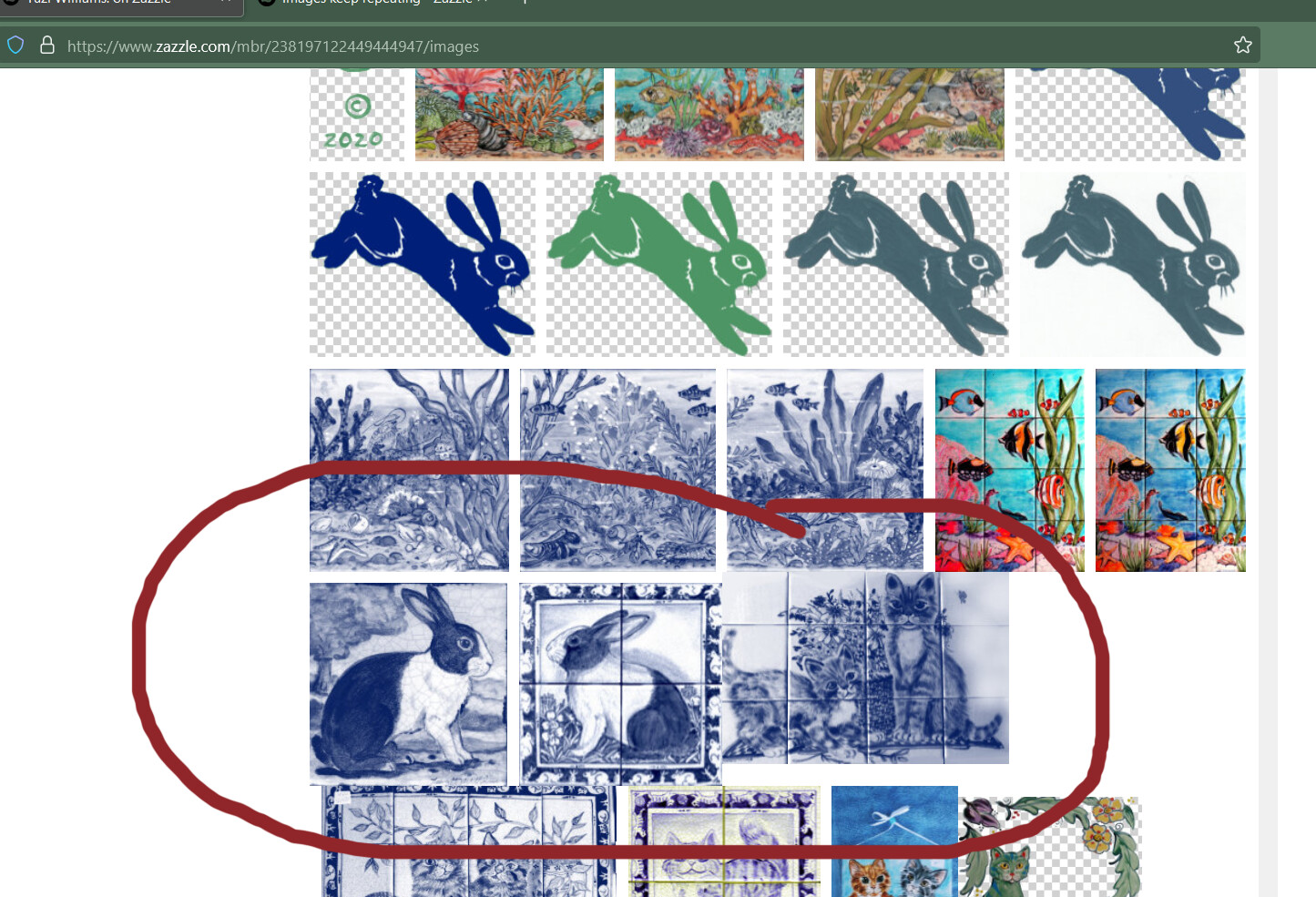
page 1 page 4 page 5. Here is my image page link I was just using: https://www.zazzle.com/mbr/238197122449444947/images and here are screenshots showing the bottoms of several image pages, they are the same throughout, a repetitive series of images. Sometimes the images literally overlap, too. I use Firefox OS and this occurs on my laptop and desktop Windows computers. I hate to keep asking, but thanks for looking into this.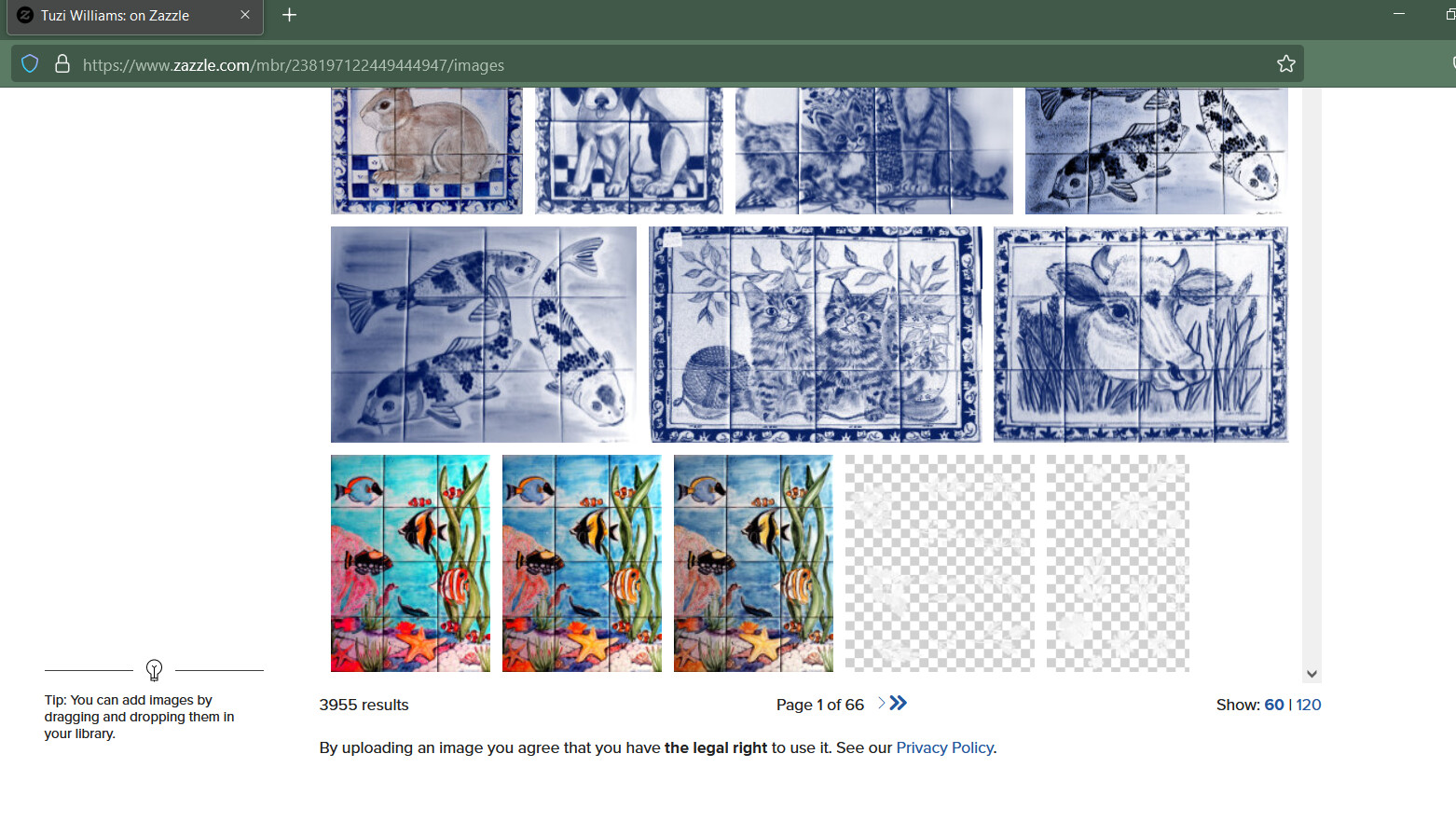
2 Likes
My images are repeating and also mixed up. It’s been going on for about 10 days or so.
1 Like
This bug finally hit me! I can’t find any of the images I need- even all the images I’ve sorted into folders aren’t there! There are all sorts of random images from other folders, and when I go to Recent or even All Images, they aren’t showing in order, so I can’t find the ones I’ve recently uploaded! Zazzle, PLEASE fix this ASAP!
1 Like
This glitch has been going on for me as well for several weeks…and it seems to be getting worse…very frustrating
I don’t think zazzle has acknowledged this is an issue yet but it makes it really challenging when creating designs.
Emma (Zazzle Moderator) posted in the discussion earlier. We’re aware, and hope to have this fixed soon.