I’m having issues with a slow system trying to keep up with my designing. I’m wondering if its the zazzle site at this time but if it turns out it’s not I’ll look into my ISP moving slow? I cleared my cookies, cache, memory no improvement yet.
1 Like
It seems glitchy for sure, I could not upload a media image to a product just now… “open full image browser” does not seem to work either. Guess I better do something else for a while.
2 Likes
Hi @igiftcenter and @MaggieA - Just wanted to check in with you both, are you still experiencing these issues?
Thank you kindly for checking in. The system appears to be more responsive since earlier today
It’s now morning in my part of the world and it seems to be working OK now, the buttons are now behaving as they should for me.
It’s been glitching and freezing for about a week for me. Today even it was reverting my template changes, and doing the ‘taking longer’ window.
4 Likes
Same for me.
1 Like
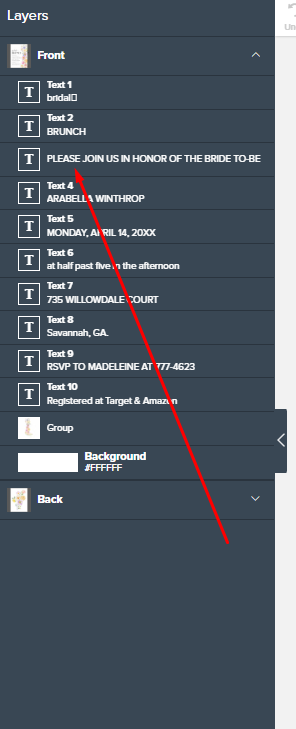
@ZakrevaArt That’s by design. “Make this a template object” toggle is only available within the Design Tool - not on the product page. It changes to a box where the customer can add their details once you do enable it in the Design Tool.
You have to make sure you’ve created all your text templates correctly before you post for sale. Always double check each one has one.
Edit your invitation to correct it and add the text template with the one you missed and repost for sale, deleting/hiding the original as Zazzle doesn’t like duplicates.
(the missing one should be text3 label so that it flows for the customer to add their text in order)
Same Jo! I had it happen maybe 2 weeks ago and again yesterday. Very frustrating because refreshing etc. doesn’t fix it, so I just have to stop creating new products and come back to it later to hope it works normally again!
1 Like