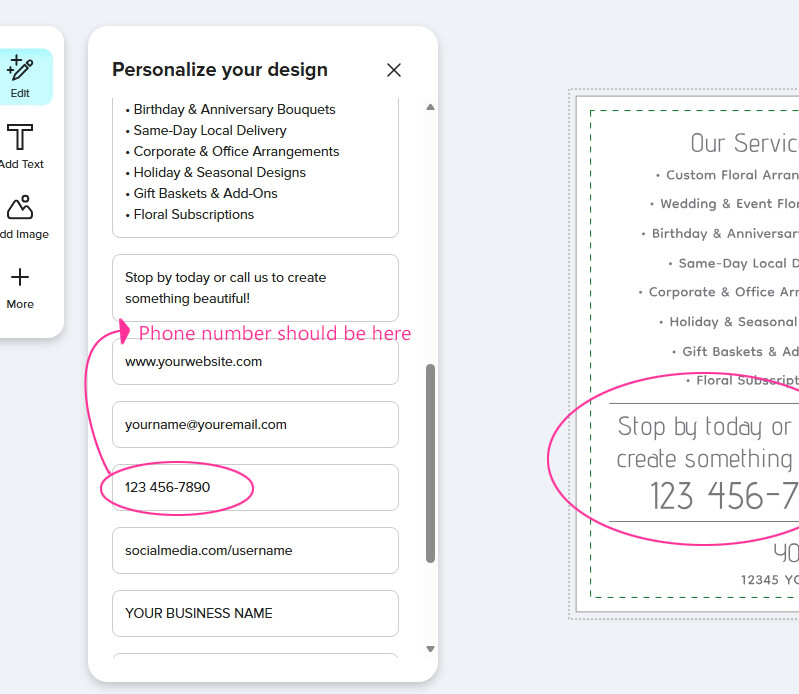
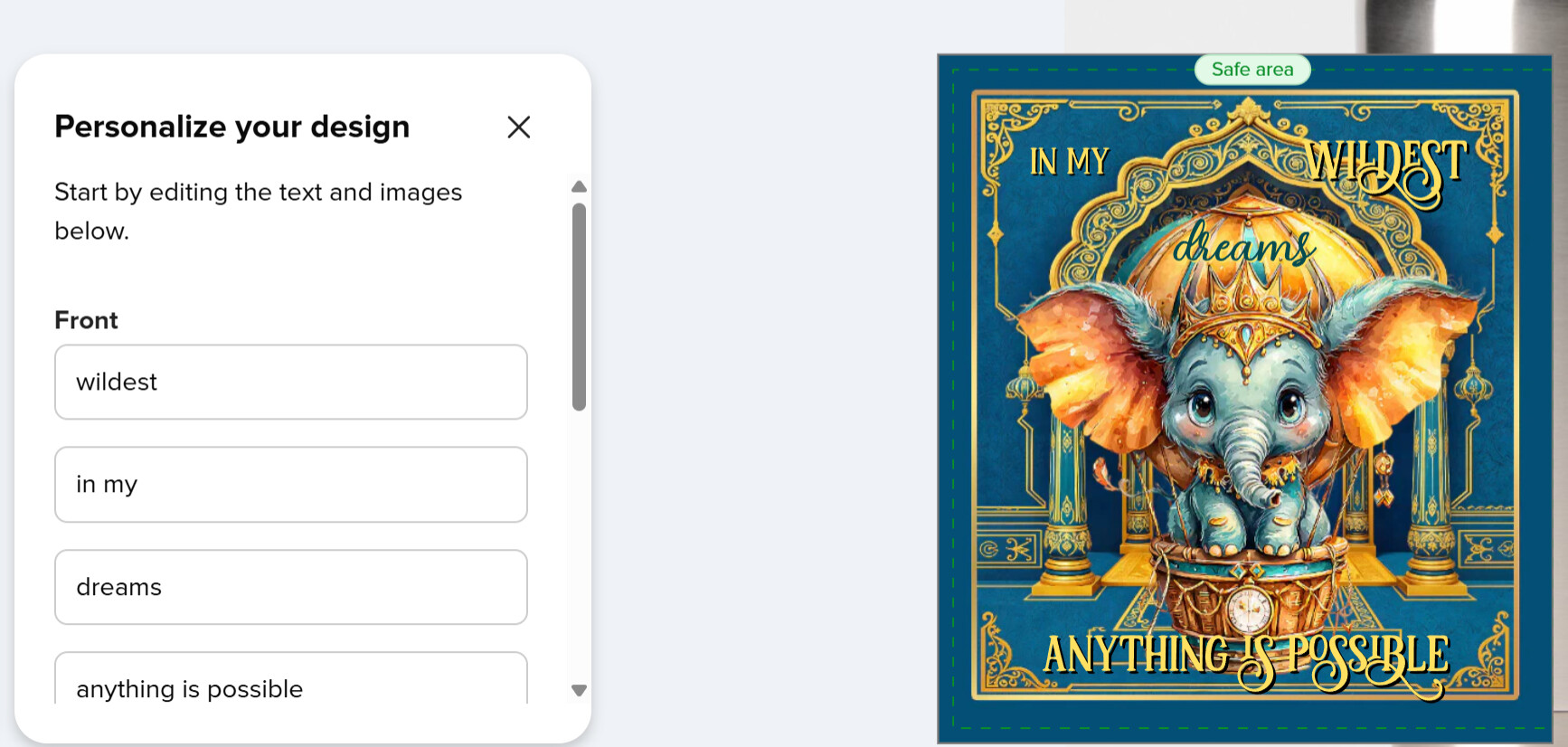
All the text is in the correct order in ‘Layers’, and the ‘Product text labels’ correspond to their ‘URL Parameter Names’. I’ve kept it straightforward: Text 1 is text1, Text 2 is text2, Text 3 is text3, and so on. However, ‘Text 6’ in this example is displayed out of order in the Customer Design Tool/Edit’ text fields. It’s a little confusing for a customer, and looks like an error. I’m pretty sure I’ve set it up right. Is this a glitch?
I’ve also noticed it with QR codes. Sometimes they appear in random positions in the Customer Design Tool/Edit’ text fields.
“As currently designed, it’s intended to order the fields as they appear in the design from top-to-bottom, and left-to-right. I don’t know what the plans are from here, unfortunately.”
Thank you, @SheaPrints I missed that.
And it does not make sense as in my example it goes from right to left.
(I don’t think I accidentally created it in Arabic)
Thank you for looking into this, @Scott , much appreciated.
That does explain, but is not a desirable outcome imho, as customers would not think like that.
Is there any chance the numbering as indicated by designers may determine the order again?
I understand the principle of ordering fields as they appear from top to bottom and then left to right. The problem comes in when you have a design with text arranged in columns. In that scenario, the current ordering is a nightmare for customers because it doesn’t follow the logical order of the design and is very confusing. Please can fields be ordered based on the URL parameter numbers like it was before?