Z’s design tools have been getting more and more sophisticated, greatly increasing the potential for customizations that go far beyond just simply sticking your image or name on an item. Show off what you think is some of your most creative use of the Zazzle design tools.
I’m quite tickled with these humorous birthday decade mugs I’ve been working on.
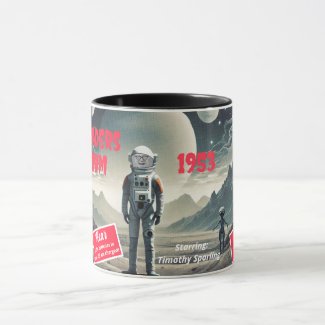
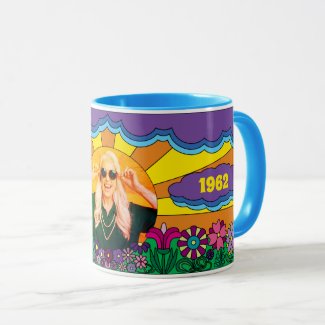
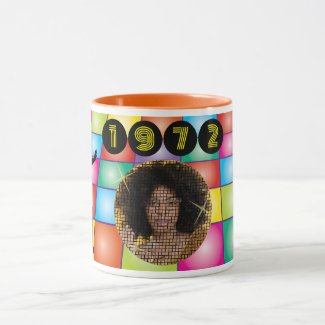
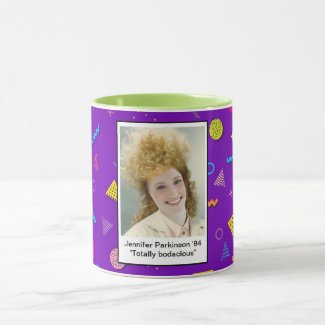
Since the theme is “your most creative use of the Zazzle design tools”, I’m picking this design which was made completely within the Design Tool:
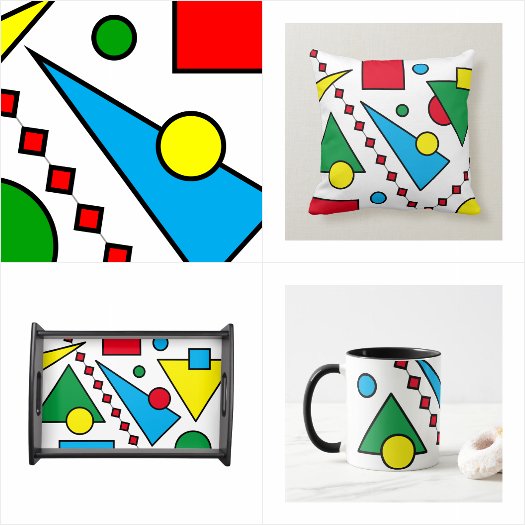
It’s all just Shapes so the customer can change the field & border colors, re-size them, re-position them, change the overall background color, etc … It’s a 100% customizable design. Also, there are “hidden” text template fields for adding both an optional monogram and short text if desired right from the product page.
In the same vein is this design:
Geometric Tie-Dye
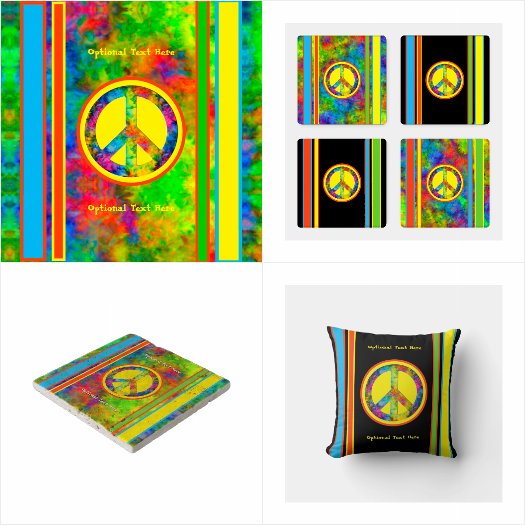
Again, it’s all completely customizable Shapes, with the addition of a background pattern they can toggle off to show a solid bg color instead, and the peace sign image, both of which can be changed up by applying an image Filter.
So I concur.  Zazzle’s design tool is pretty remarkable, especially since it’s not “locked” just to the Creators - shoppers can use all the same features to continue designing/customizing what’s been published.
Here’s a few where Zazzle’s tremendous design tool came in really handy.
This one uses an SVG arch shape and rectangular elements from the design tool so the customer can create a completely different look by changing any or all of the colors.
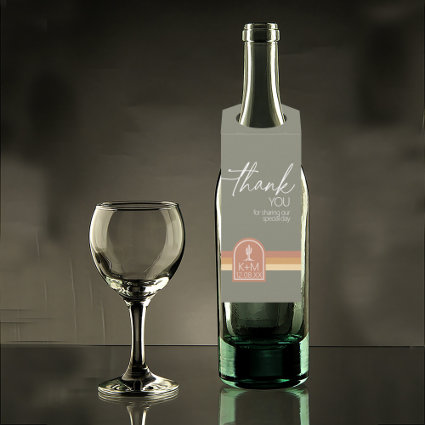
Desert Vibes Wedding Thank You Stripe Sage ID1019
by arrayforweddings
Again, used strictly shapes from the design elements to create this interesting background.
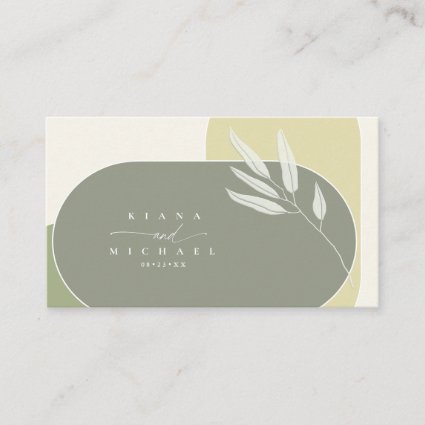
Eucalyptus Color Tones Wedding Green2 ID901
by arrayforweddings
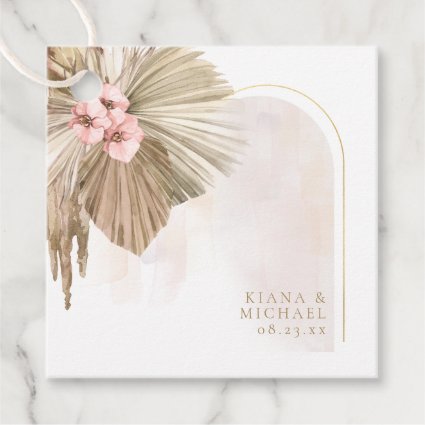
Using an SVG arch shape for the gold frame but this time using the masking option of the design tool to make it and the painted arch only partially visible.
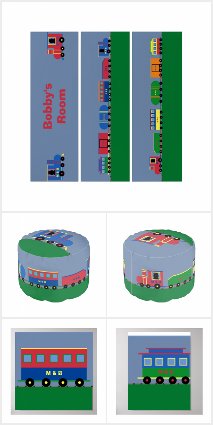
Train Set Collection
by Heart Of A Child Shoppe
Like Col’s, created from the shapes in the design tool.
Here’s another one I’ve been thrilled about - being able to tile groups! Now it’s possible to make customizable all over, seamless pattern prints without laborious copy-paste design placement! I haven’t used it a ton yet, but I’m sure I will.
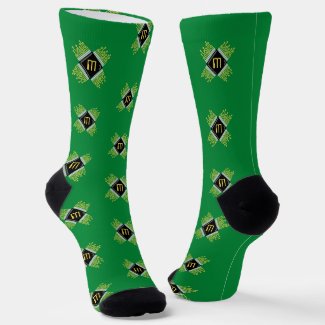
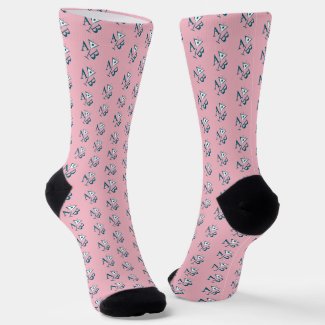
Not as impressive as others here but this metal plate and screws are made entirely of shapes. I also tested grouping feature on the screw which made it easy to copy it and move the screws around.
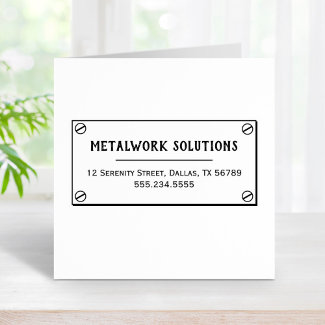
I would maybe change impressive to complicated. Something doesn’t have to be complicated to be impressive. We have done the red “no” symbol, but have never thought of a screwhead. There are so many ways that screwheads could be used with a grey background for metal or wood grain background. So, yes, it is an impressive idea.
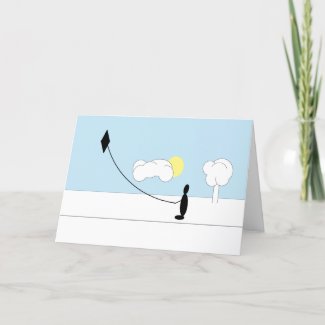
This is a card that I generated entirely from SHAPES
Thank you 😁
.
Here’s one from a collection I started, along the same lines as those tourist ‘You Are Here’ maps. Pretty simple, I guess, but customers can go into the design tool and move the circle, arrow and text around on the map.
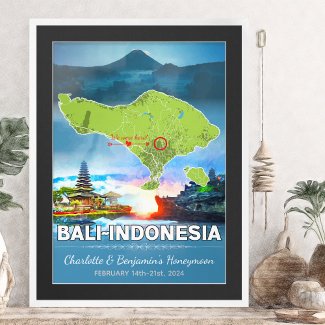
Romantic Honeymoon Vacation Bali Indonesia Map
by Worldesigns
Love this!
So much fun.
I created this butterfly baby shower theme so that the elements can be moved around by the customer for a more bespoke design.
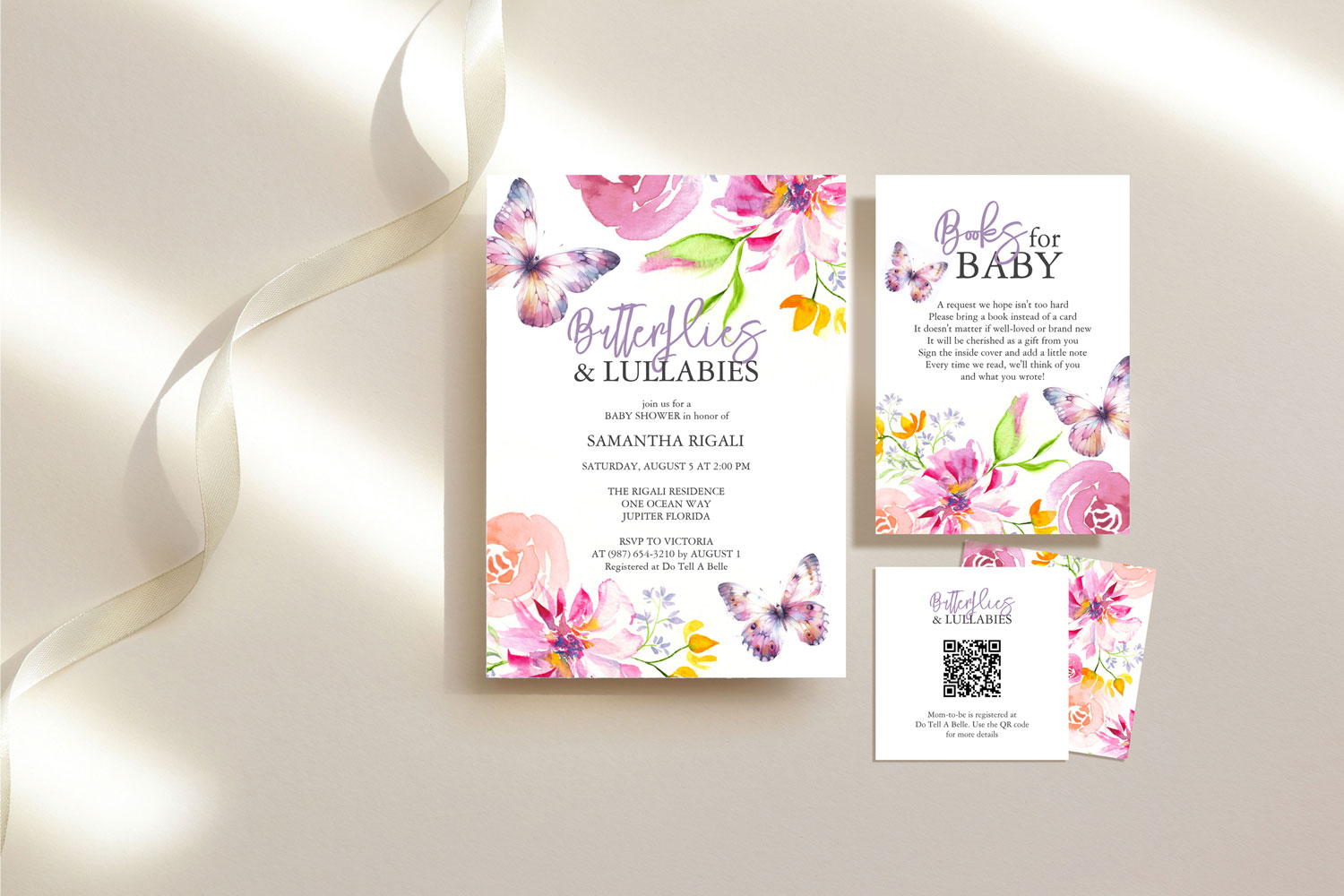 butterfly baby shower invitations and theme watercolor art by Victoria Grigaliunas