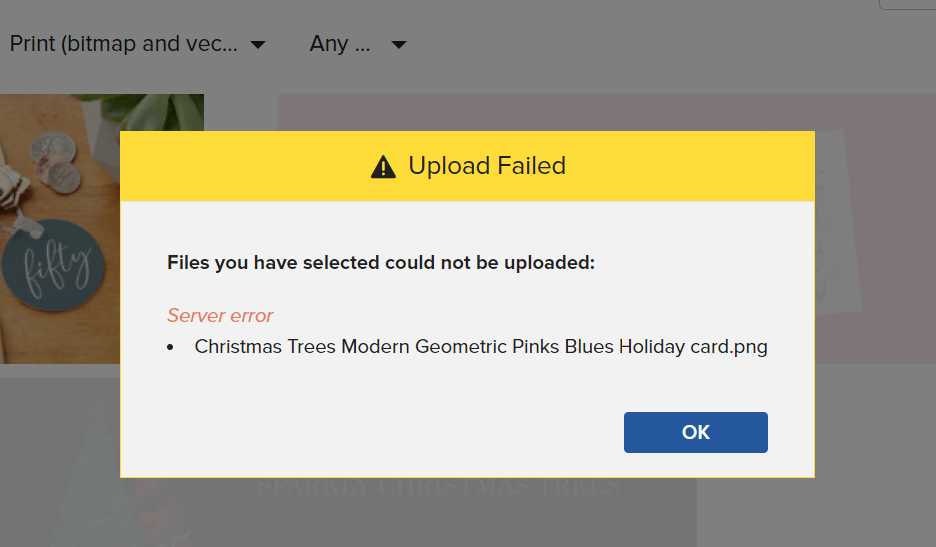
I’m using windows 10, Chrome - all up to date. I’ve tried Opera, Firefox… I’ve tried incognito in Chrome, I’m using Windows Defender, no other pop ups.
It would appear I have to now convert the file to a JPG and it uploads straight away.
To be honest, the ability to upload a PNG file which is over 2MB has been a problem for over 2 years - this error message invariably (but not always) happens.
Can someone please tell me if
a) Zazzle is not able to deal with larger PNG files to upload @Scott
b) Does anyone else have this issue and if so how have you overcome it?
Thanks.
@PlayfulPixel You can’t download a zazzle promo image then re-upload it without editing it in some way. That is by design, it is to stop you from just using their promos as your cover images. You have to create your own and rename it
Same thing happened to me at first. I learned that after you download the png, you have to save it as jpg. That way, it’ll work. I didn’t know how to do that at first, so I’ll share with you what I learned. You may already know this but hear goes. (It’s pretty basic, but so am I!) So, after you download it as png, there is a dropdown box in the window that gives you an option as to what to save it as. Click jpg. then upload. It works.
I re-save mine as jpeg’s. I’ll even rename them sometimes too. 99% of the time I’m making my own original mockups from scratch (with the help of 3rd party resources), however sometimes when it’s nigh on impossible to isolate the product properly from the existing background (favour boxes, I’m looking at you!) I’ve resorted to downloading the existing mockups and playing with them, just to get a decent image to upload to social media.