Not sure if this is a technical issue, or even an A/B test. But the new ‘edit tags’ section in the ‘Edit Product Details’ area on the backend is too sensitive. Even if I click in the wrong spot within the inside of the tags window, it counts as an ‘enter’ and will input the tags even if I’m not done. It’s caused me to mess up several times already today. We need to be able to move around the window when editing, especially existing tags.
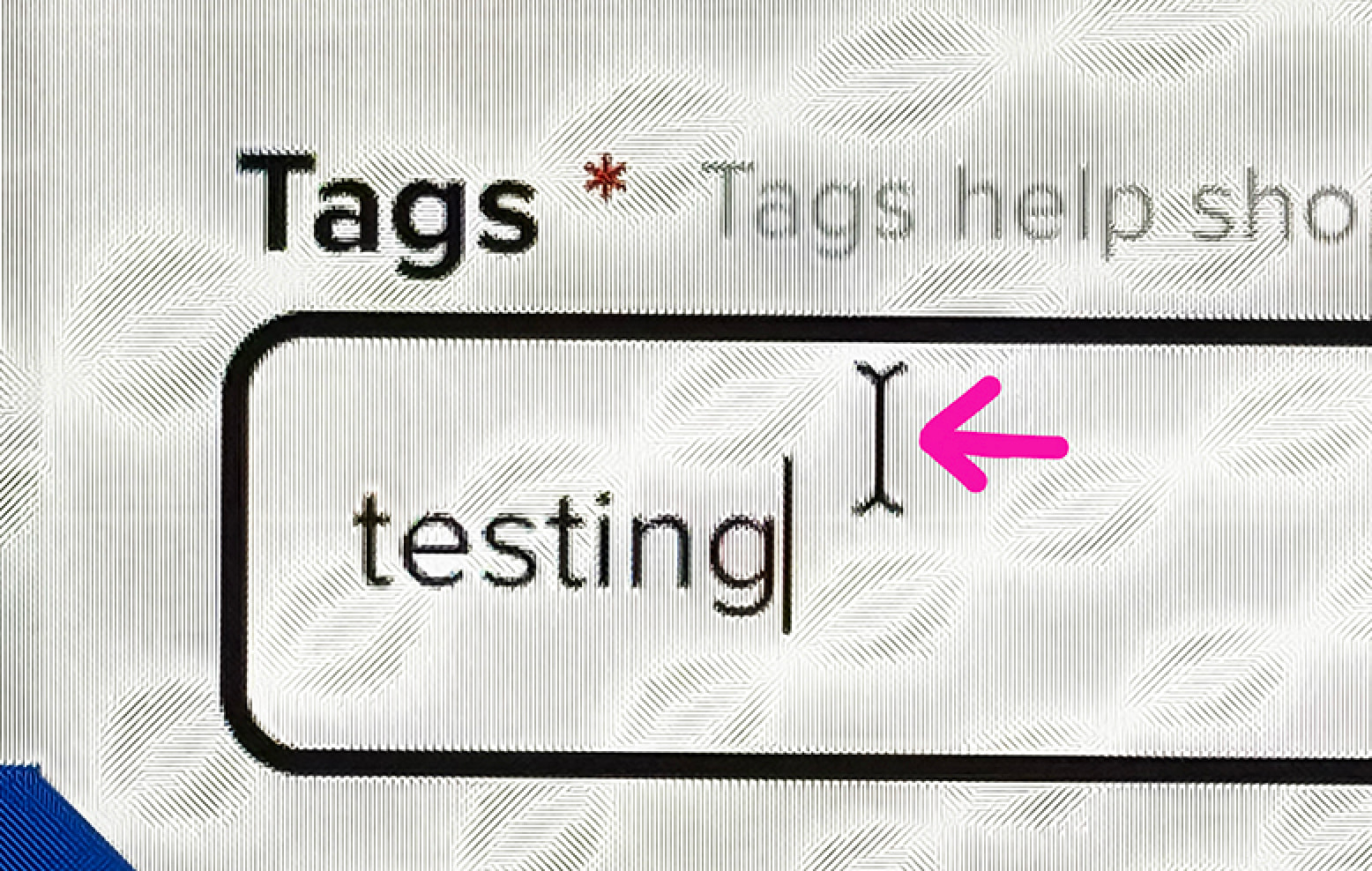
For example, once I clicked exactly where the mouse cursor (not the line next to the word) is shown below, it input ‘testing’ as a new tag.
This seems to be happening whenever you click outside the tag box (or click somewhere that isn’t directly in front of or in the word being typed), like an auto save feature. I think this is intentional and will take some getting used to, but as Padraig said above, your feedback has been noted.
@James_H I expect it to do that when I click outside of the box, yes. But the problem is it is happening when I click inside the box where we all normally would, to be able to move around to work. Directly in front of the first word (as close as you can possibly click to the letter), directly behind the last word, or above or below the words (even still touching the words), but all still clicking inside the box.