I hope Zazzle writes up a clear set of instructions for the ins and outs of this because, otherwise, we’ll be seeing the array of expected questions repeatedly both here and in Ask a Question and possibly other places. It would be a lot easier to link a person who’s new to the process to a single place where they can find all the answers.
2 Likes
Yes, I found this out the hard way years ago. I had dozens of popular invites removed. I had to recreate with a boring rectangular grill and start from scratch. All is good now but I still see SO MANY of the weber shaped grills. 
2 Likes
Thank you so much, @Sara_H
After 20 times double clicking I got it to open, but still can’t scale the way I would like to. I guess I stick to the other ones available. This just happened to be the first one in sight. Oh well. Thank you for being the forum angel 
That would be me, @Barbara . Apologies and great suggestion.
I hope Zazzle will enable a delete post option.
1 Like
@Anne : Maybe @Sara_H will write up a compendium of instructions…an idea that suddenly reminded me of the sticky posts we used to have in the old forum. I guess the new format doesn’t have the capability, but if it does, then please, Zazzle, turn it on.
3 Likes
@Barbara I’ve only played with the frames and not published any products with them yet (waiting for the site to work lol) I don’t think I know everything there is to know about them 🤣
1 Like
It works on some but not all of the frames. It works on the shapes but not the black rimmed photo frames.
2 Likes
This is my question as well. I can’t figure out any way to do it. Do I have to edit my photo before I upload it?
Thank You! That’s exactly what I was looking for!
Has anyone found out a way to group frames and use one singe image for multiple frames?
Example; I would add letter frames to create the words “MY HERO” and instead of filling each letter with images I would like to have just one portrait behind all of them, showing part of that one portrait in all letters.
I can not get that to work, it places the image within just one of the letters.
3 Likes
@MaggieA I tried to do this and it’s a fail.
This is what I did…
- Placed all the frame letters and arrange as needed.

- Added an image and sized up to cover all the letters.
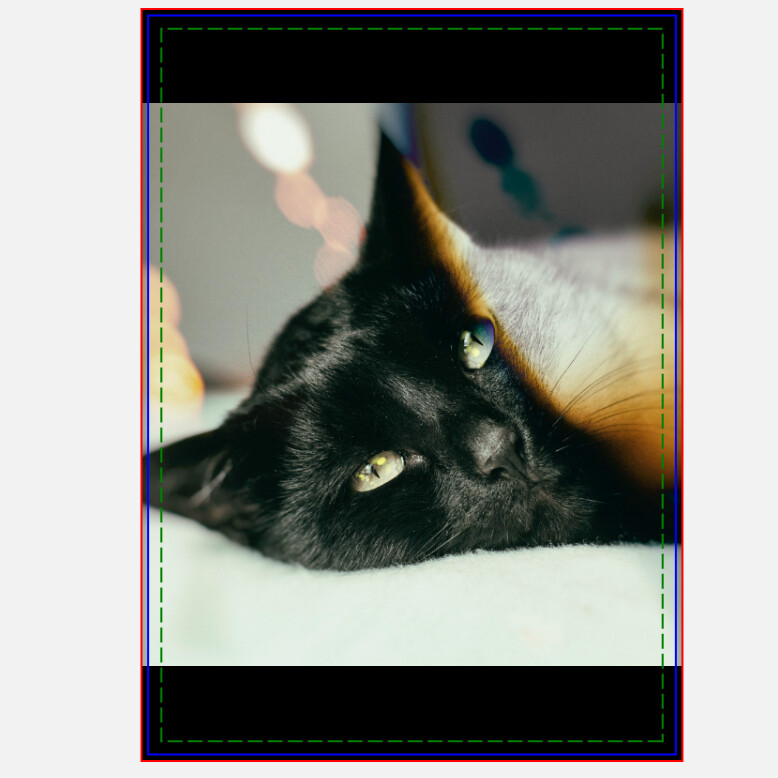
-
Duplicated this image for each of the letters (copy/paste)
-
Place each image into a letter frame and resized them to the canvas
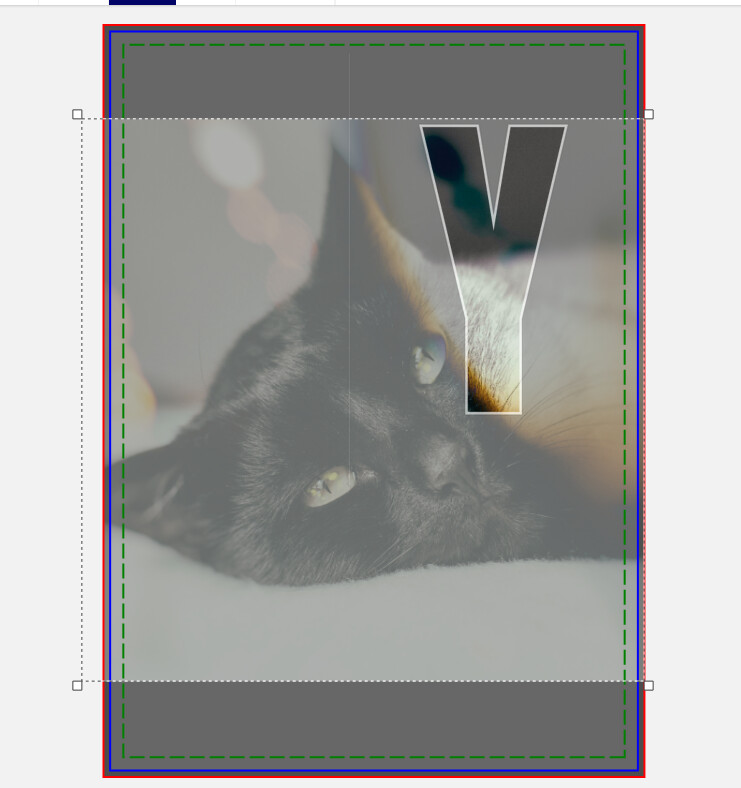
- Made this frame the template
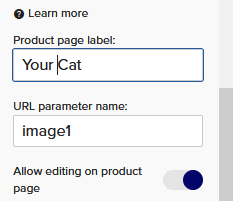
- Added the image to the other framed letters and resized to fill and made sure the other letter frames have the same template (eg all image 1)
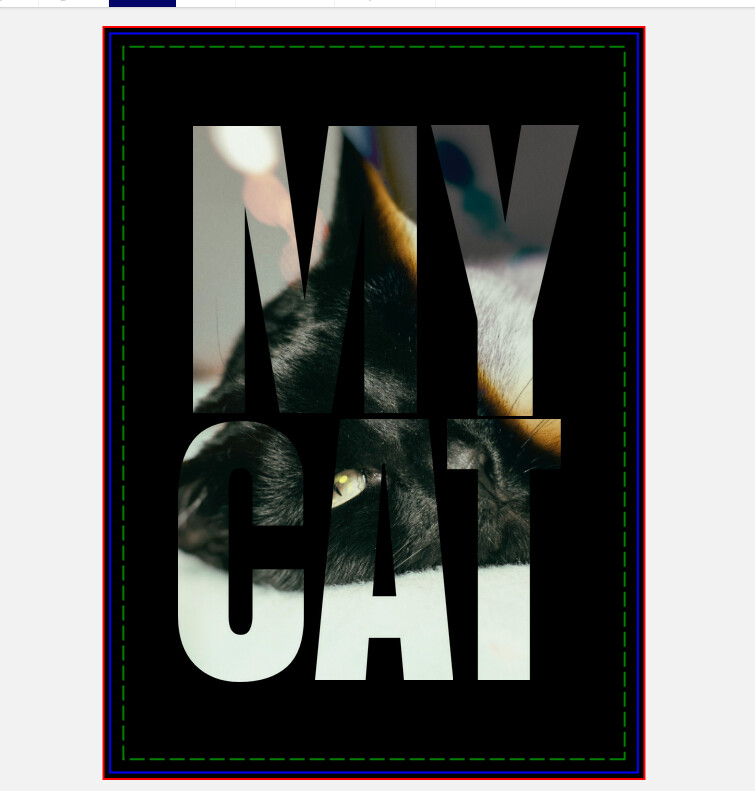
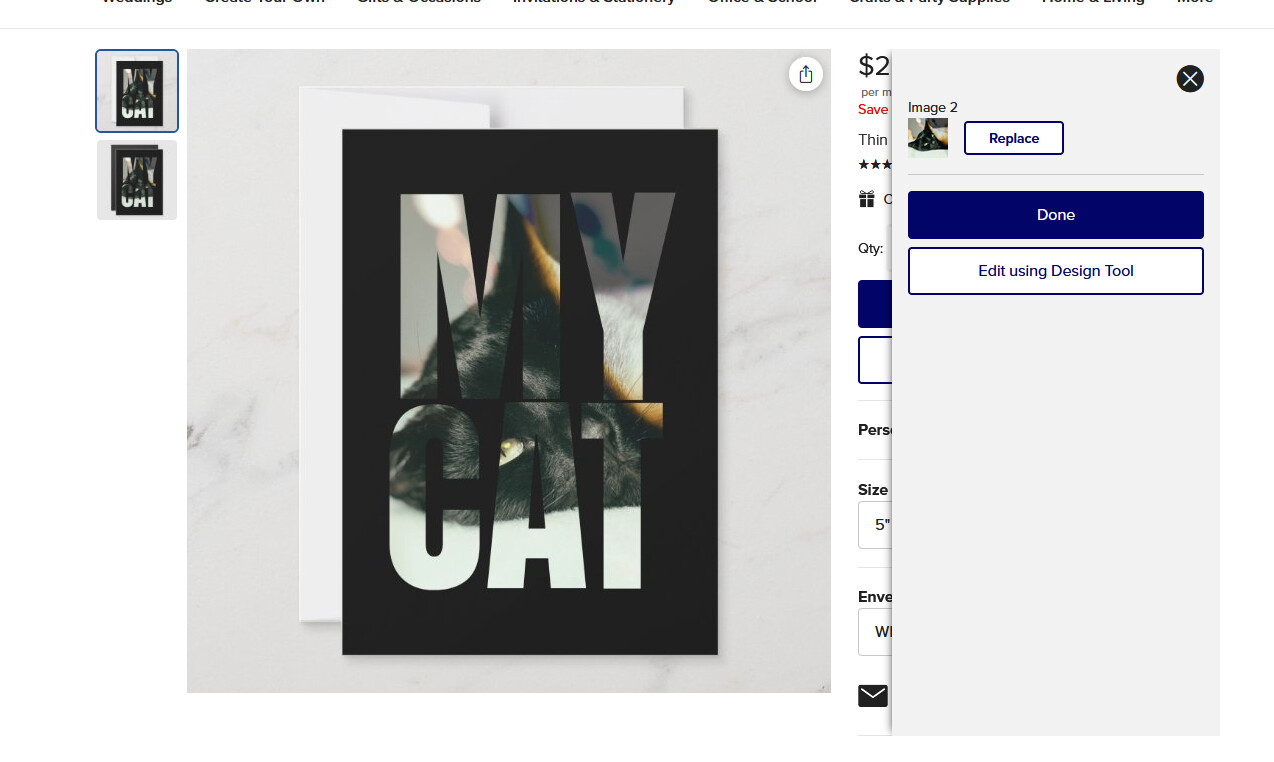
but when you replace an image - it doesn’t keep the resized image -
not sure if it’s something I did wrong or if that’s how it’s programmed
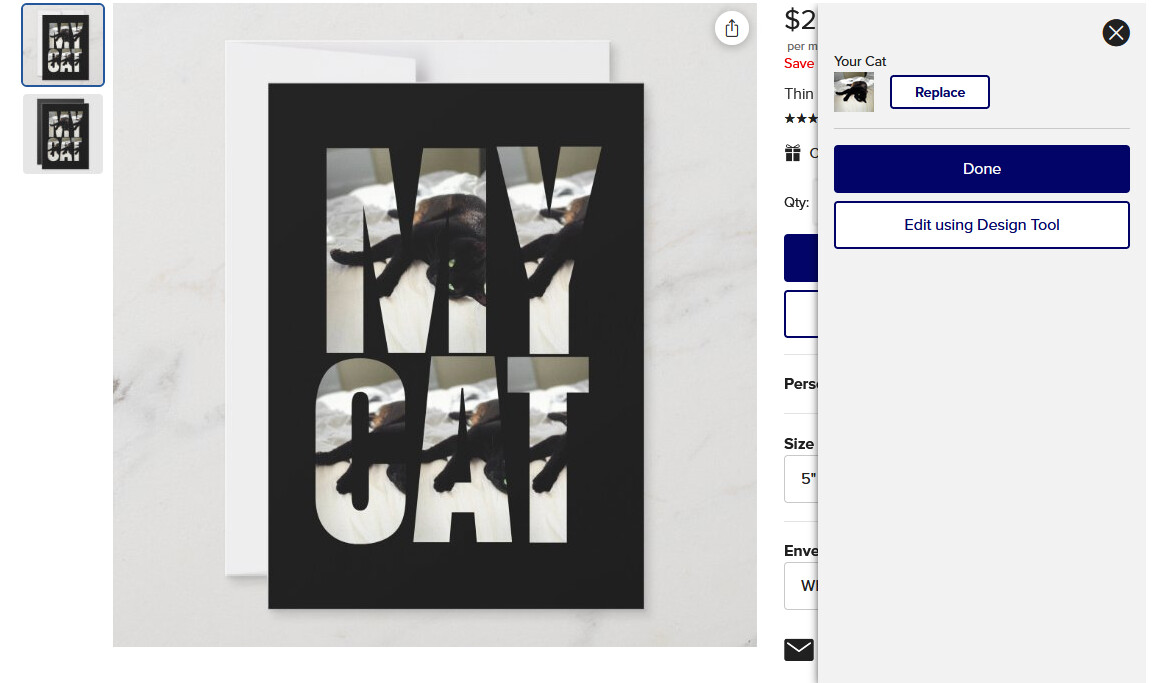
Maybe they’ll fix it so it does keep the resize but I doubt it.
5 Likes
This affect can be achieved using an SVG and the Masking feature. I can’t seem to get it to work from our shapes or Frames either, but I’m happy to note this would be a cool feature to add.
7 Likes
Correct. We’re continuing to support the masking feature and the above is still possible. This FAQ answer refers to this Frames feature specifically.
1 Like
@James Yes I know but was just testing to see if your new letter frames would work
1 Like
Thanks Sara, I will try this out!
@MaggieA it doesn’t work - though it may do in the future
2 Likes
Thank you @Sara_H - I will let our team know.
1 Like
@Barbara yes, instructions. As that is really Zazzle’s work to do, I hope they will pay @Sara_H well for offering these services
3 Likes
@James Talking about added features: I think it would be great to add a drop shadow and/or a border, like with text. Thank you for considering. I think you guys did a great job with this frame feature!
3 Likes
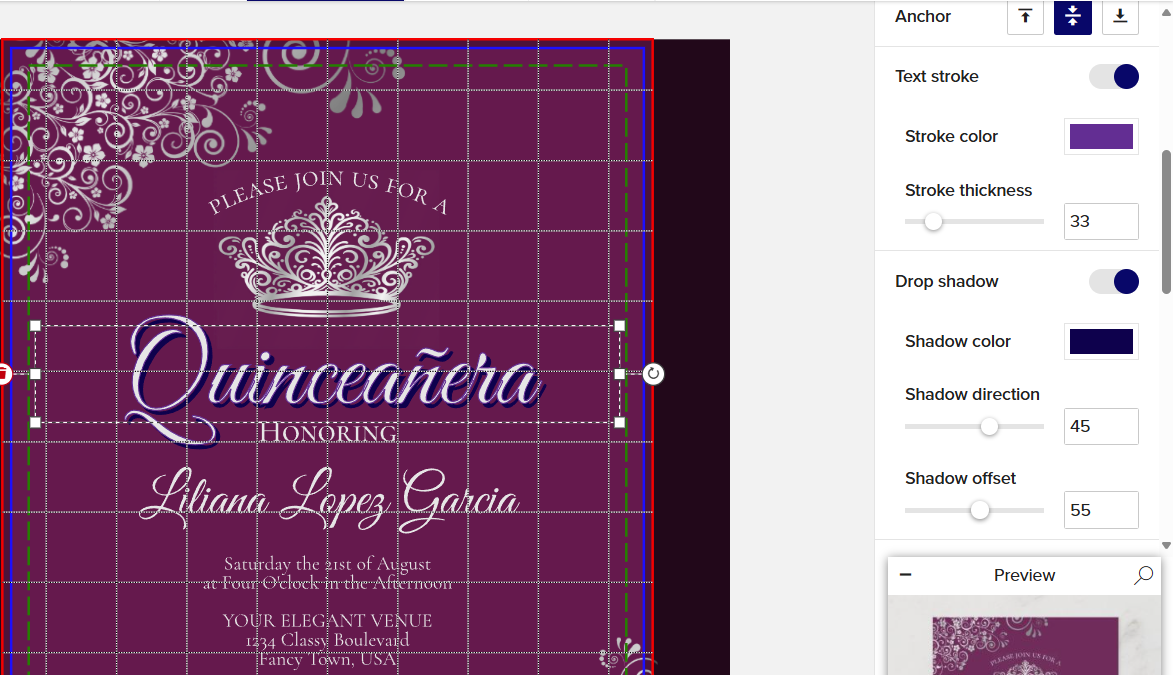
Maybe I don’t understand what you’re asking for, but they recently added text stroke (outline) and drop shadow features to text. They’re in the right hand panel under the anchor setting:
2 Likes
I believe Anne is asking for the same ability as you describe, but what she wants is a drop shadow with the new frames.
@Anne : I’m not sure about how they’ve constructed the frames, but if they’re equivalent to masks, then shadows and outlines couldn’t be added. The only way would be if you constructed those things yourself, and off the top of my head, I can’t imagine how. In this case, you’d have to create all of it yourself in an image editor and as an SVG to be used as a mask and then a shadow or outline in a separate layer.
1 Like