Hi Creators,
Please feel free to share your feedback on our new Dynamic walls decals here!
Thanks,
The Creator Team.
Hi Creators,
Please feel free to share your feedback on our new Dynamic walls decals here!
Thanks,
The Creator Team.
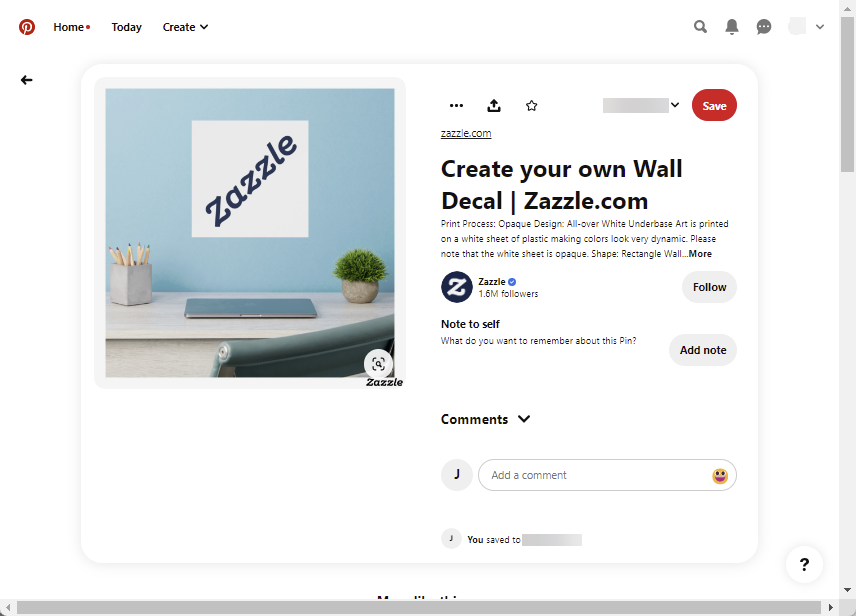
Your insitus are square shaped. Please add some insitus which are optimized to the shape Pinterest prefers.
Remove White From Image is not working for these.
edited to add, this seems to not be working across all products with this function.
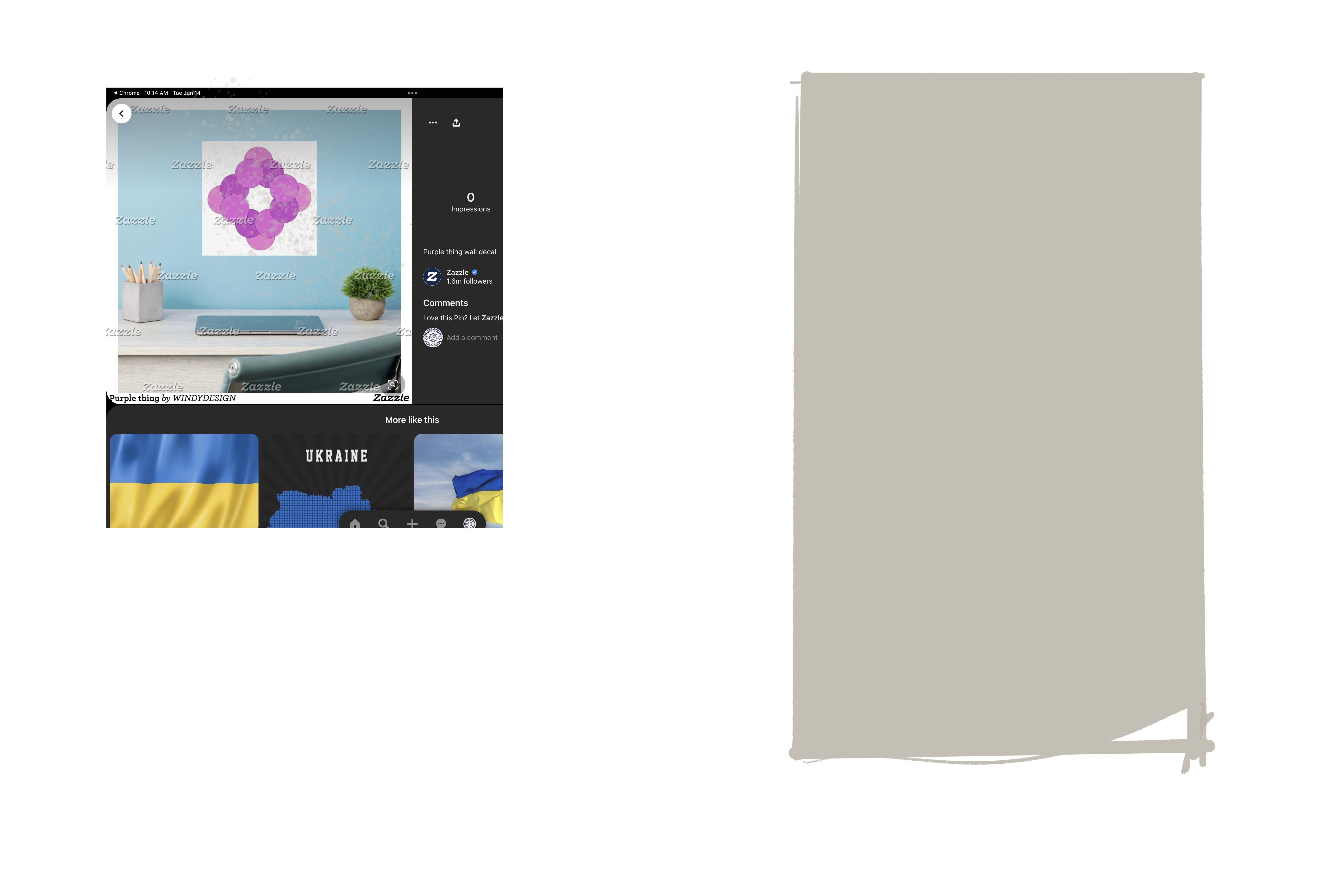
The pinterest share button results in a square for me as seen on the left. Pinterest prefers tall and skinny, as seen on the right. I am not sure of the ideal dimensions Pinterest currently is saying is best. This info is probably easily looked up. To optimize on Pinterest, Zazzle will want to have tall and skinny in-situ photos.
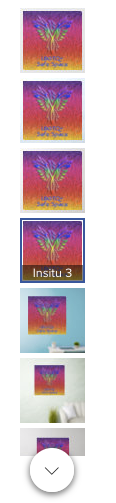
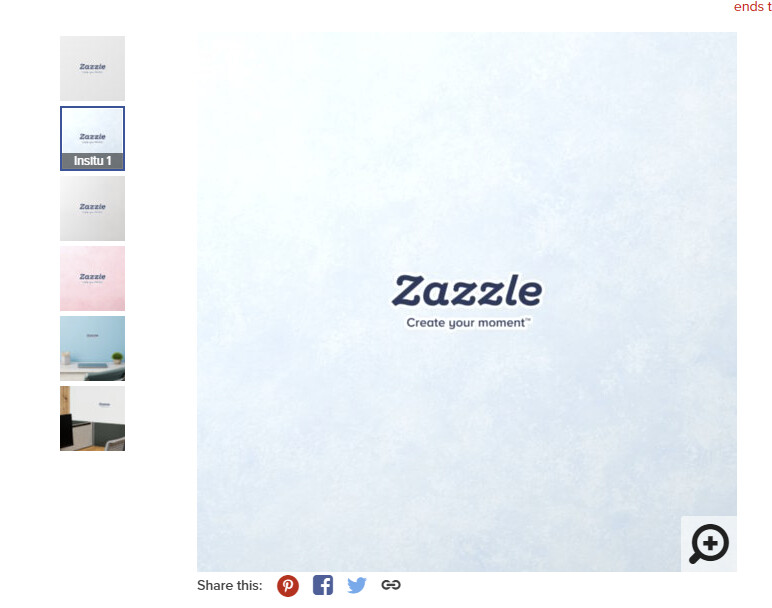
There seems to be no difference between Insitu1, 2 & 3 and the Front view. At least that’s what I get on this product:
https://www.zazzle.com/rainbow_phoenix_rising_lbgtq_safe_space_support_wall_decal-256113096759412991
Fantastic new product addition. What will make or break these is visual marketing. I recognize that most of the sales will likely come from search engine searches but… when they get here and see the product it needs to convey as sense of scale and the insitu is critical because it’s a flat product with no depth perception.
Please include a corner wall image depicting an office desk and typical office accessories on one wall and a second wall with maybe a indoor plant and there… above space for displaying wall decal. The indoor plant will make the insitu less cold looking and add a sense that it’s not just a signage product but possible office decor.
Just my two cents. Thank you for bringing this product on board. Hope it’s more successful than my other attempts at wall decals (I’m sure it will be 
Please disregard my above post. In my haste I did not see the additional insitu images while I was multitasking
In the examples shown in the release, there are ones that are custom cut art only… but when I go to the product page and select custom cut, I don’t see an art only option. Confused by the options… Can someone offer some clarity please?
TIA
PC
Adding that a max size note or make it so that the size selector stops at the max size would be useful. I went in and tried to set it at 100 inches by 100 inches and nothing happens, no warning, no error message, the product page just doesn’t change. Confusing…
…
When this is set to custom cut, there will be a background color difference.
Thanks for the feedback. Maybe we can remove these from the Rectangle view. 🙂
I do like the cutout one the best. This is a nice addition to Zazzle.
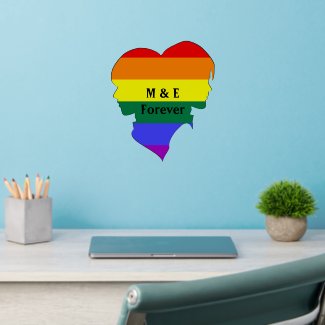
Two Female Rainbow Flag Pride Silhouette Monograms Wall Decal
by Sandyspider
Is the “cutout” a design with transparent sticker material filling out the rest of the rectangle? I’m asking because, once upon a time, we had wall stickers that were in various shapes that were true cutouts.
Can you help me understand this prompt before posting for sale? Plz n Thx!!!
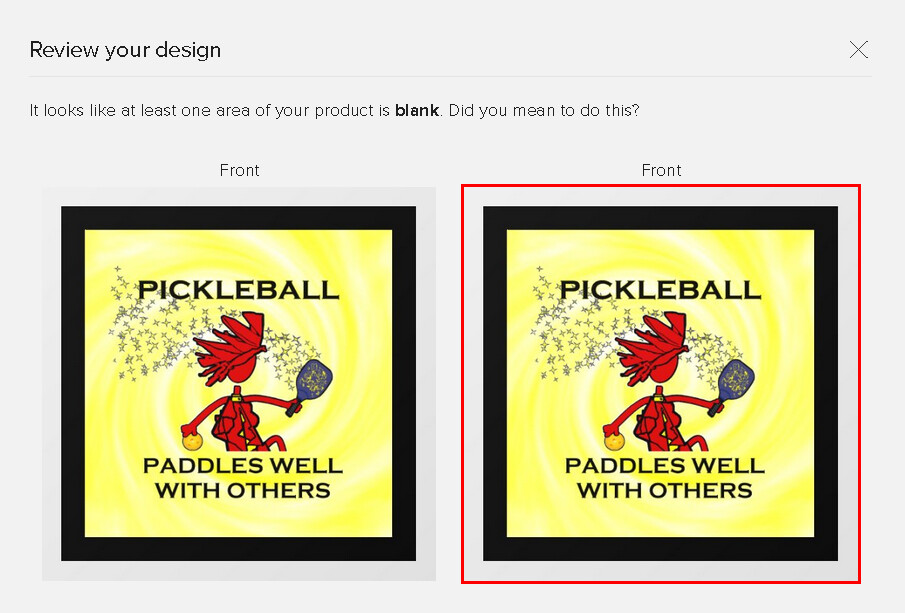
“It looks like one area is blank” ???
There is a true cutout option and an option to use a rectangle with transparent background - two options.
When posting for sale, you can choose “custom cut” and this results in true cut out shape.
@Windy Thanks for the reply. I played with it only briefly, and at that point, the choices didn’t quite make sense to me. I thought “custom” referred simply to size, perhaps something other than square.
In general, I found the subtle color differences for the display unnoticeable, maybe because I was fiddling on my husband’s computer with it’s lower resolution monitor, but if that wasn’t it, those displays might need some perking up.
Also, the displays are only for living room or office, whereas I suspect people might be very likely to use these in the kitchen and bedroom.
@Barbara I agree – Bedroom would be awesome.
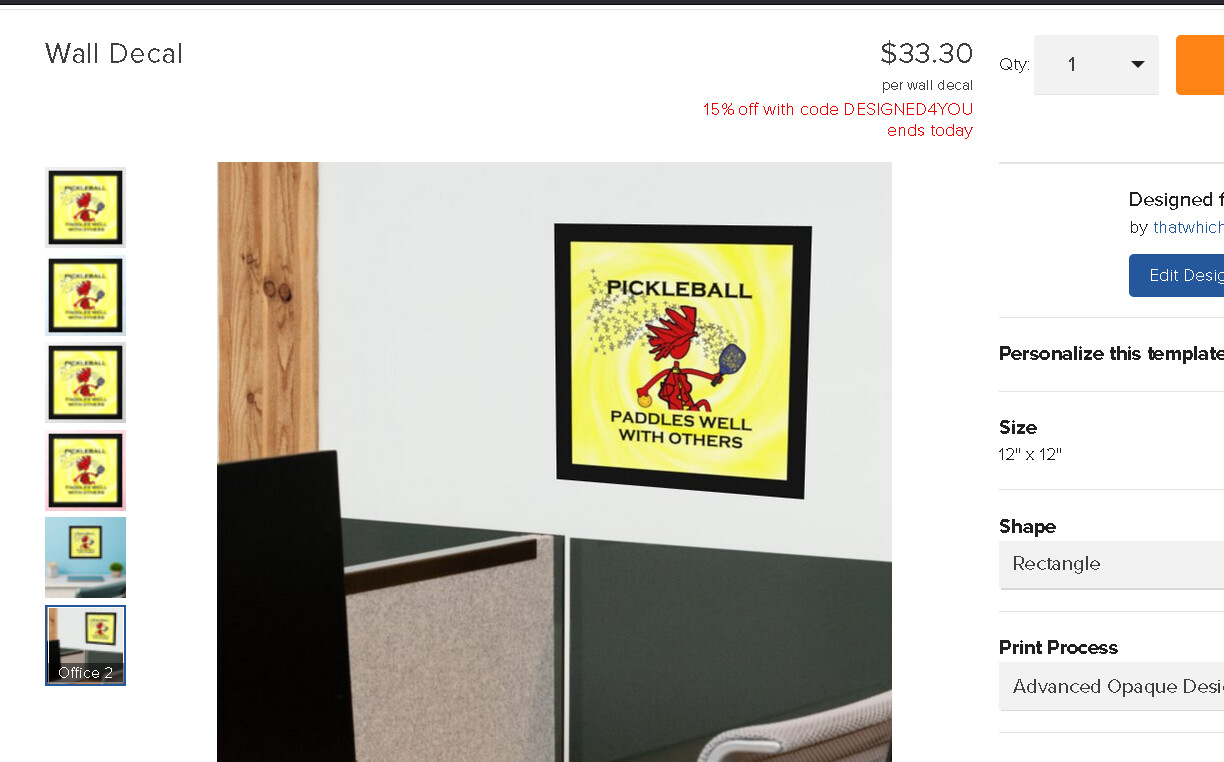
Unfortunately the current in-situ office/living room images don’t seem to be adjusting to the size of the decal. Very little of the “furniture” is in the view so that size comparison is inadequate. I don’t understand the office shot - the edge of a conference table - a name plate in front of a chair? The living room shots are somewhat better, but more of the props should be visible.
Is there anyway the tech team can adjust the sensitivity to the “automatic” opaque option to detect shadows (those partially transparent portions around edges of a .png image) and leave them transparent?
Another request, is there anyway we can position our decal design in an in situ, such as to show it as a wall border (along top or bottom)?
Anyone else think they are very overpriced? I searched other personalized wall decals and they are half the price on other sites.