The design tool seems to have a new icon to visually let customers know that they can replace the image with their own. This works fine for large images:
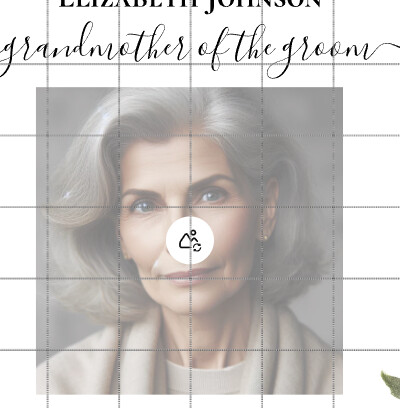
But if the design uses small images, logos, or icons that the customer can replace with their own, it doesn’t work very well because the replace image icon covers up the entire image making it nearly impossible to design and very confusing for the customer:
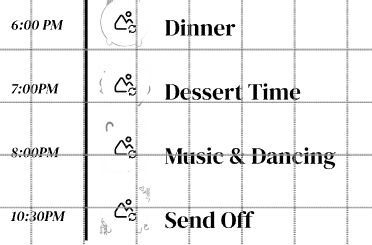
Please either remove this icon on small images or come up with a different way to visually let the customer know that they can replace the image - some method that doesn’t obscure the entire image in the first place.