My link to open the image library is gone. When I click on the uploads tab, I now only have ‘Upload from computer’ and ‘Upload from your phone’, which both immediately open the file selection popup. How do we add an image from our image library now?
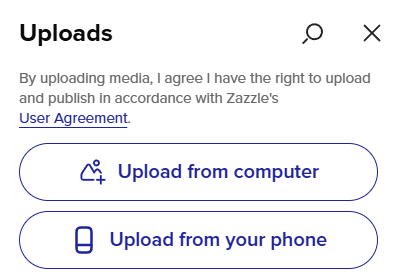

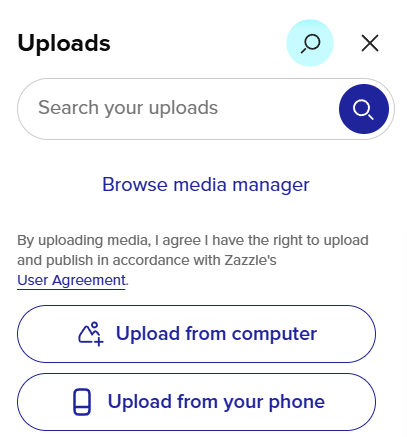
I also figured it out after being initially confused. I don’t like the additional click that hiding the search box requires. It’s less efficient. Why does Zazzle keep making changes that seem so pointless and that make the site less user friendly? SMH