Is anyone else having trouble uploading media to their Media section? I tried about 10 times to upload various images, and nothing happens. Only one actually stuck. The rest of the tries, it just goes back to the media page, and the new images don’t show up.
Hey @Connie ,
I have been able to upload images to my media without issue. Is this still happening for you?
1 Like
Hi Connie,
I seem to be having the same problem
1 Like
Are the images you’re uploading the product mockups on Zazzle? If so, you can change it from a .png file to a .jpg file and they should upload just fine. Hope that helps!
2 Likes
Hi @Oasi
no they weren’t, they were actually png files. It seems to be working now. I did have lots of tabs open for zazzle so im wondering if that might have caused issues  Thank you so much for reaching out
@Mark Yes, it’s still happening. I haven’t tried uploading NEW images right from my computer- I’m using images I already have in my Images. Could that be the problem?
They are my own mockups and images, jpgs.
I’m still having trouble with this! I got one more image to upload, a new image that I uploaded directly from my computer, but then I tried 3 more, and that didn’t work any more. Could it be because these are images I’m also using for cover photos?
Same here. I’m going from “upload media” which opens my images. I’m uploading them, and they appear in the images but not on the media page or in my about section.
Duh, just figured it out. You have to upload the images and then click upload media on the media page and then select the pictures you’ve uploaded. A bit convoluted, but it worked.
I’m having a different issue from the ones I’ve been reading. Maybe I’m not searching properly. I’ve uploaded two versions of the same image to use for my banner. Both images show as washed out. Neither can be selected. I’ve tried both UPLOAD MEDIA and SELECT MEDIA options, but nothing is working. See screenshot.
What giv
es?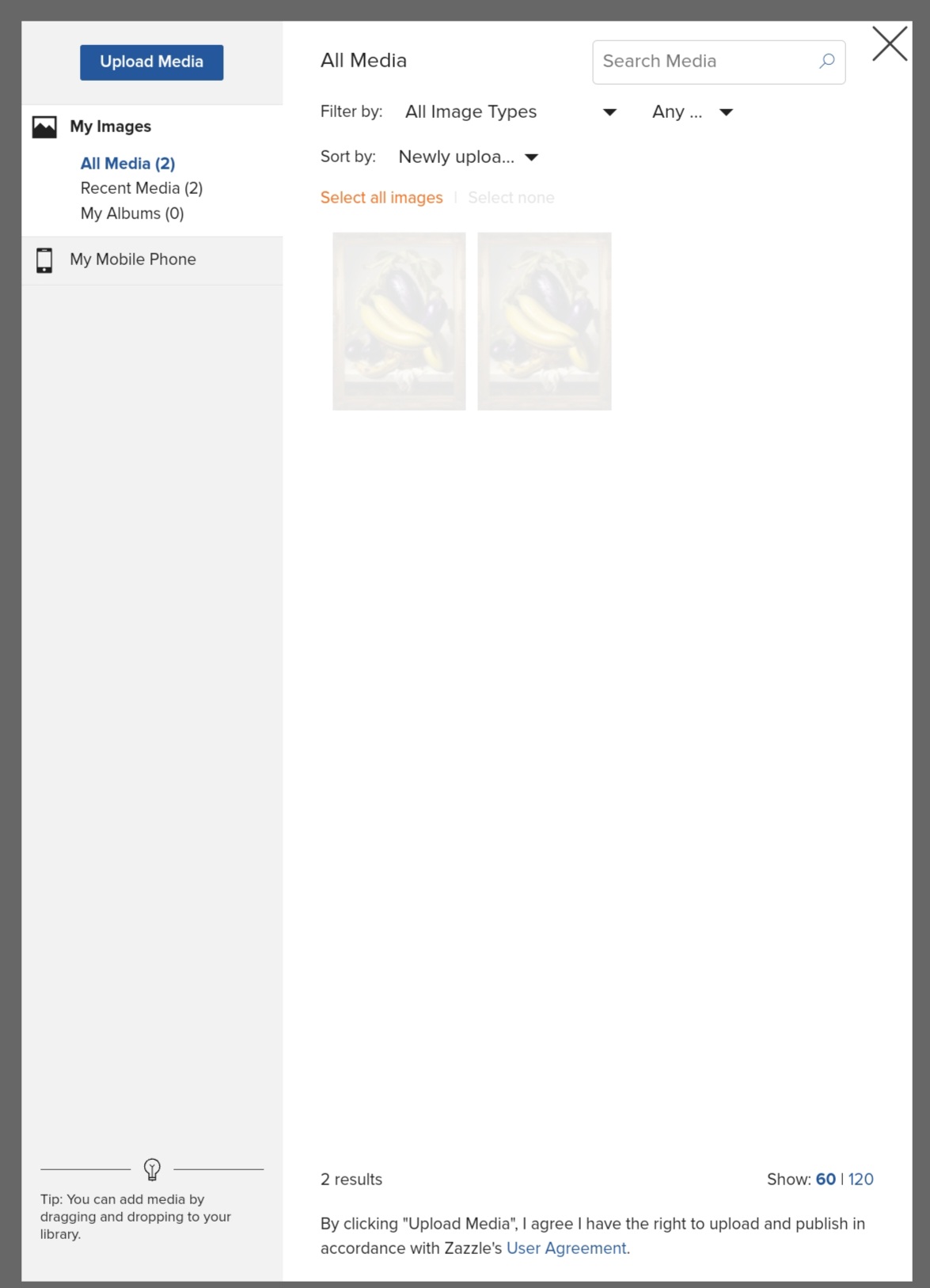
The washed out-ness of your images means they are not the right dimensions for the action that you are trying to take - i.e update your banner image
Really helpful post by @ColsCreations
https://community.zazzle.com/t5/general-zazzle-discussion/store-banner-size/m-p/88575
Still no able to upload images to Zazzle , Have not had this problem in 20years
1 Like
Same problem: I upload image to the album, but when I try to add this image to the product, it’s not visible in the album window.
Bringing back an old issue. I am still unable to upload media files in the Store Media Section. Also, when I click on the “edit” button, the page is completely blank. Any suggestions - fixes? Thank you
unable to upload media files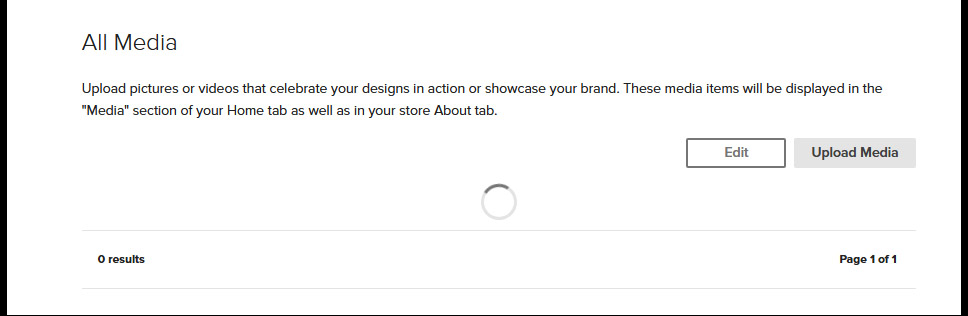
I have a couple stores, and I am able to upload media and edit media in some of the stores - but not all of them. I also tried using old and new images without success!
UPDATE - I worked on a few other stores and went back to the one I was having trouble with. It was showing a bunch of photos from years ago. Yea! — BUT I them tried to delete them and received the rolling circle again.
@Amy If you’ve successfully added media to other stores it doesn’t sound like a browser issue but have you tried a different browser with the store that’s misbehaving.
There’s no need to press edit if there are no media there in the first place. Press upload media first
I had the same problem initially earlier today when I tried uploading images directly to the Store Media Section, however I resolved the issue by uploading images to My Images first and then uploading them to the Store Media Section from My Images.
There is a note saying that the width of an image must be at least 1080px, while the height must be at least 1440px; images of insufficient dimensions are showing as washed out.
The images I successfully uploaded were 1480px by 1480px, jpegs.