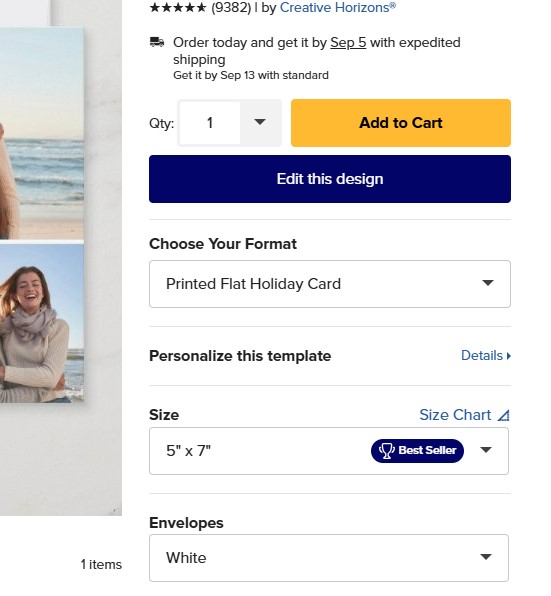
All of a sudden I’m not getting the sell button when changing an existing holiday card! Yes, I have the envelope option selected, and all I did was change out the design, keeping all the templates intact. I tried two different cards, and it’s the same for both. I tried both Firefox and Chrome (cleared cookies in Chrome).
Connie, is the Zazzle Logo box checked at the very bottom?
The no sell button is what happens to me when I redo a card and forget to uncheck the original.
4 Likes
Very odd. I logged into your account and opened this product and changed some of the product attributes (paper type, corner type, etc) and found a combination that will show the Sell it button. I’ll check in with the team tomorrow about this.
2 Likes
@Connie @Scott @itsMolly Yes, Molly is right. Uncheck the original and than check it again when you do your design changes. It had me going for a while too, smile.
2 Likes
You’re right! that’s exactly what it was! I never even thought of that! THANK YOU SO MUCH!
2 Likes
Thank you. Molly solved the problem- the “Remove Zazzle logo” was checked!
1 Like
Yep, that works! I never even thought of that!
1 Like