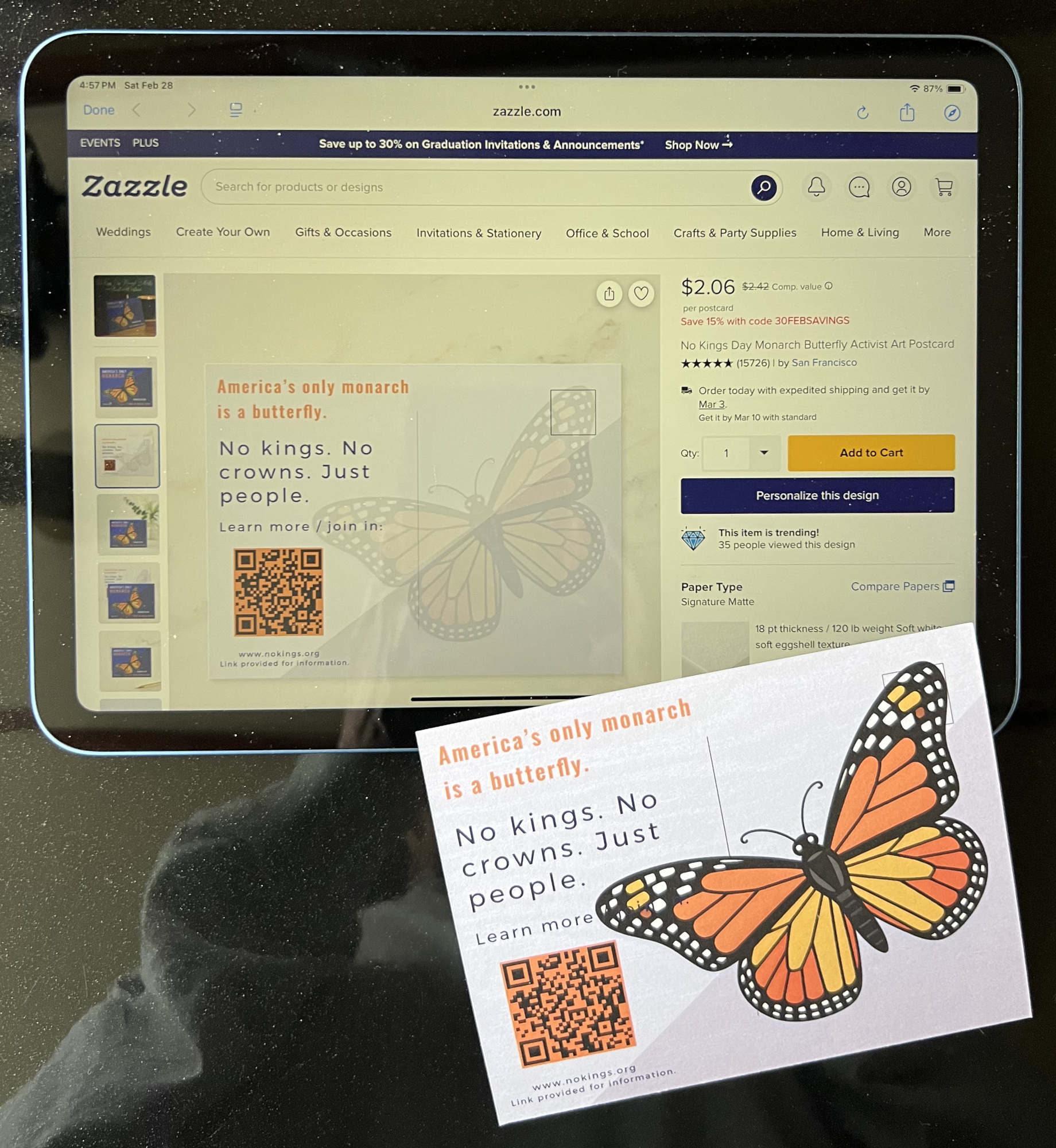
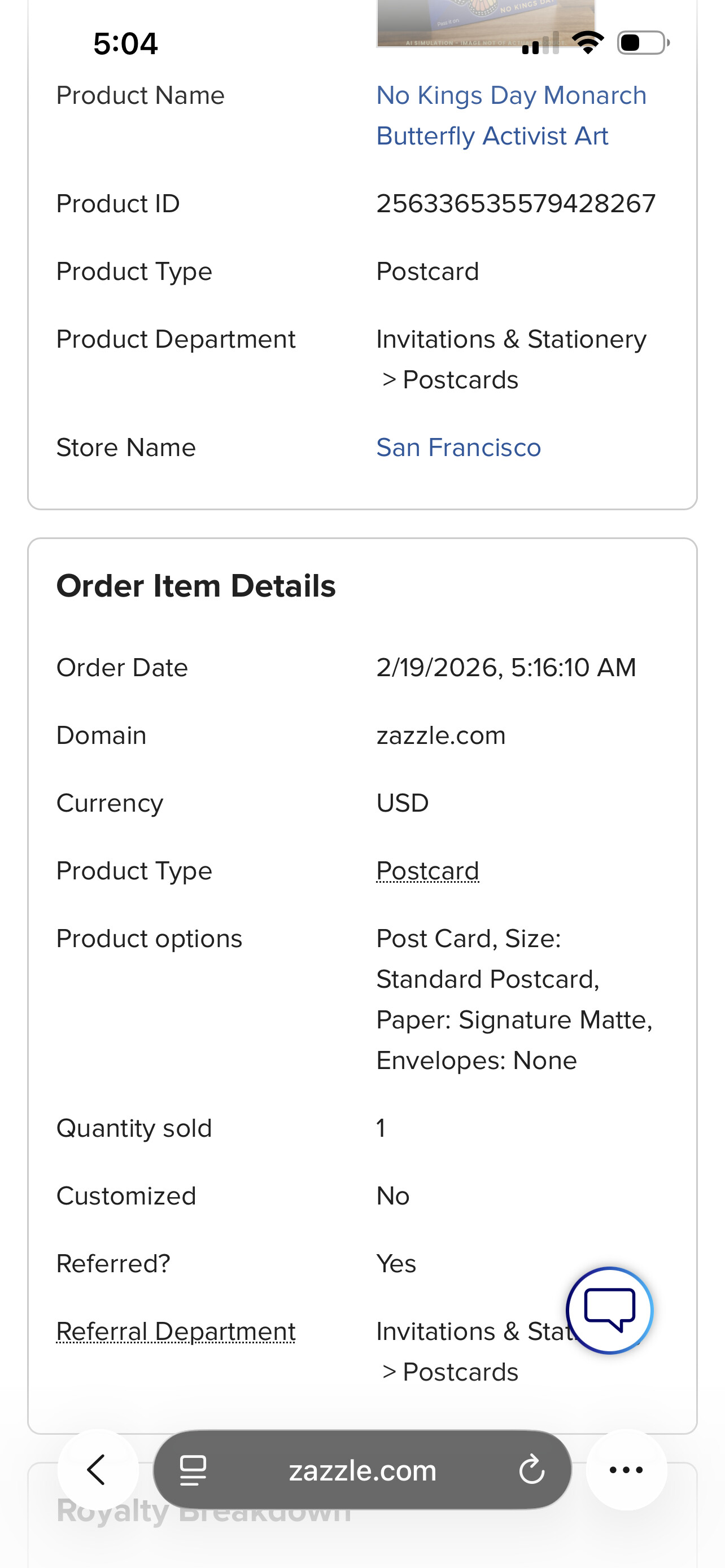
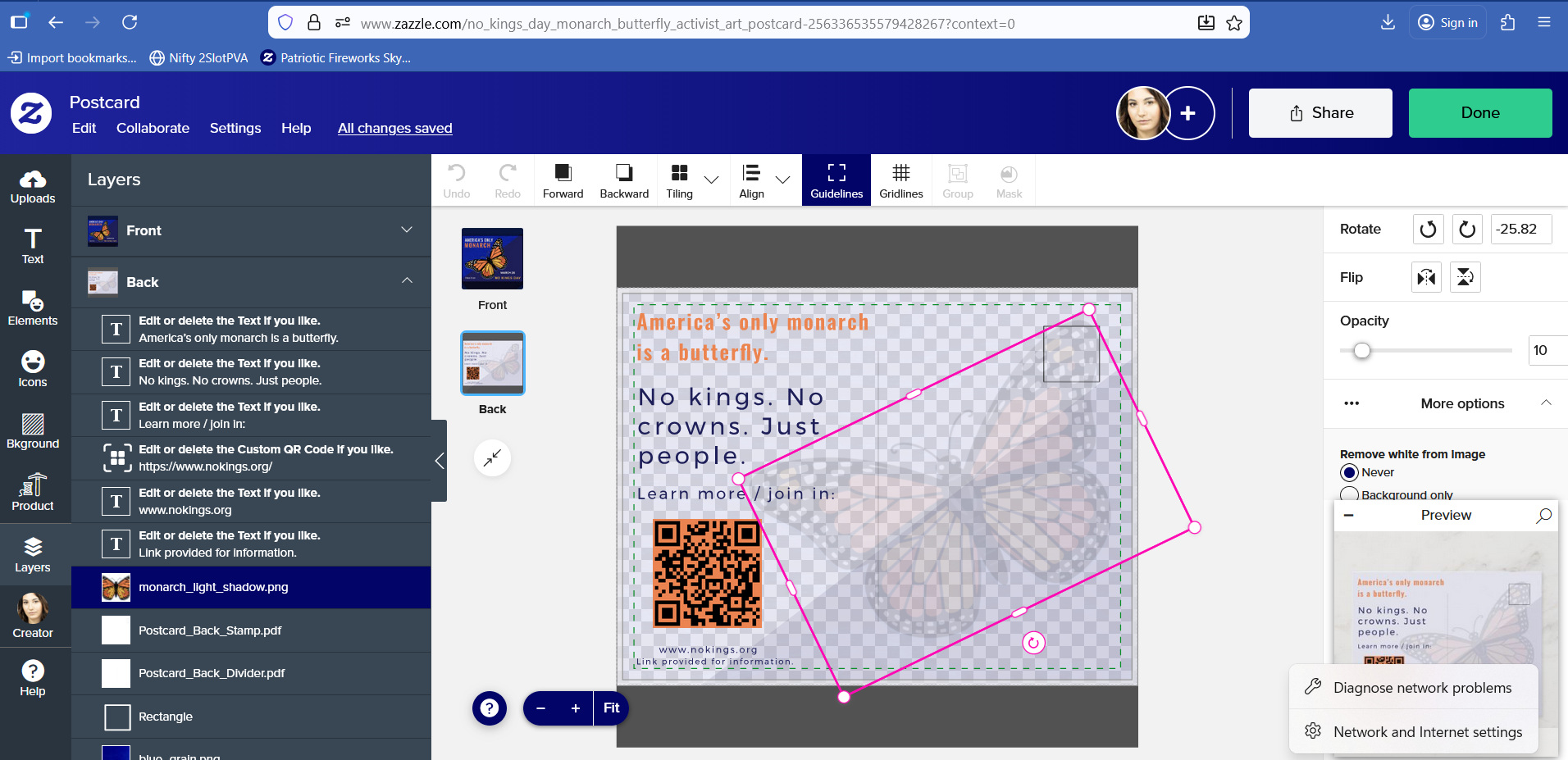
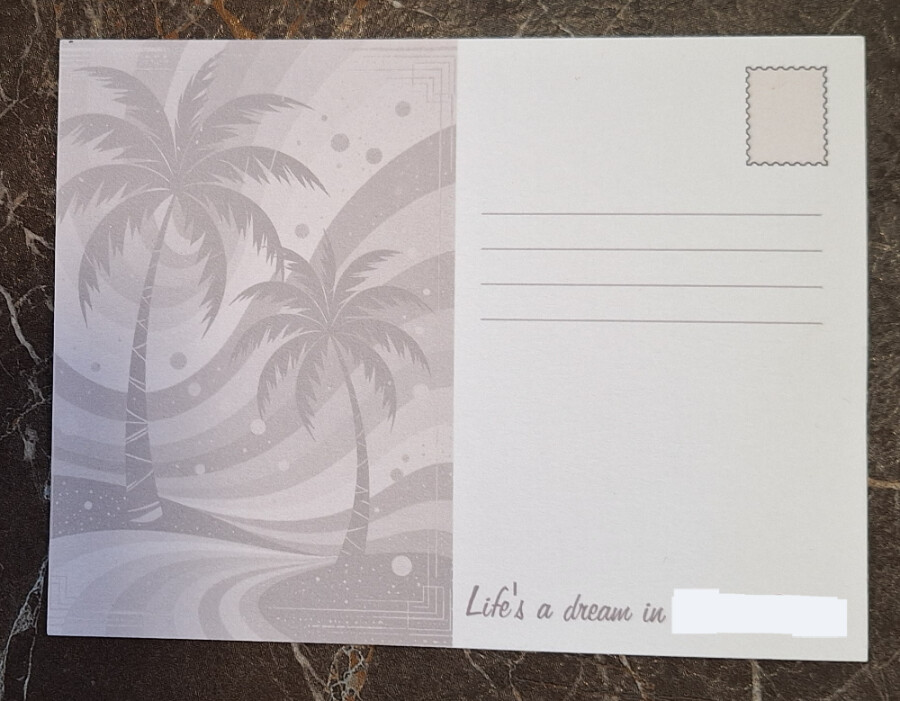
We have ordered some of our postcards to see how they look in real life and sadly I have noticed that our “No Kings Day Monarch Butterfly Activist Art Postcard” (https://www.zazzle.com/z/al1o1znz) didn’t reflect the opacity set to ten percent.
I had put some effort into this card so this is a bit of a bummer. The good thing is that it hasn’t received any sales yet besides our own purchase. Can the Opacity feature be fixed please? We didn’t customize our card by the way so this is clearly an error in Zazzle’s editor or platform.
Besides that I’m trilled with all the other cards - they are just beautiful!!
Well, that’s very bad news… I have many semi-transparent backgrounds that will turn into a disaster. I hope they find a solution. In any case, where is Z’s quality control service in situations like this? Just as designs are reviewed for copyright and intellectual property infringement, they should also go through quality control regarding printing.
Did you create the opacity inside Zazzle’s design tool? If so, I’m wondering if the opacity shows up when created by a different tool, such as Adobe Illustrator, Photoshop, Canva, Kittl, etc. That would help determine if it is a printer error, design tool error, or software error.
It’s a bit darker than pictured on-screen but close enough that I didn’t think anything of it until I read this post and got it out to compare against the screen.
(*It looks worse in the photo due to lighting than in real life but there is a slight overall red toning (even on my gray postage stamp graphic which does not have a Filter or Opacity applied) to the print but that would be a separate issue.)
These postcards came from Zazzle Paper in Greenville, NC. Other postcards I ordered in January came from Reno, NV and Bloomsberg, PA. I don’t know which facility printed @MOM 's card.
Putting this out there so the Z team can compare an order that turned out [almost] right to one that did not and hopefully find where in the process things went so wrong.
Thank you for your feedback. I think , to be sure of what we sell now, regarding all the problems related to the Zazzle editor, we’ll have to do more and more work outside of Zazzle in our art tools, and less and less inside Zazzle. I have to say I have lost trust in the long-term reliability of Zazzle tools. ( masks, opacity, sizes, spacing steps, rotation … ) What works today is never guaranteed to still work tomorrow.
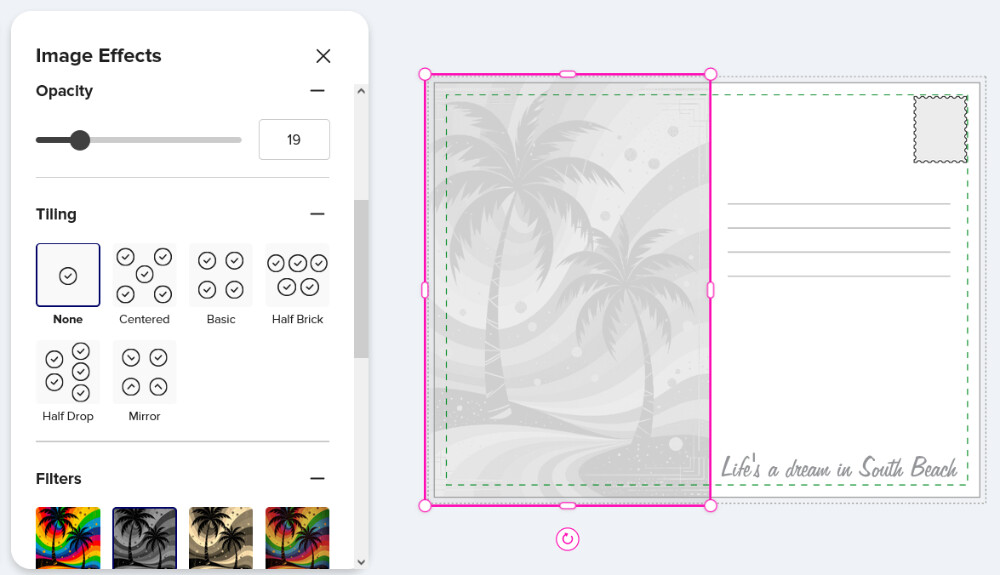
Truer words were never spoken. I have a bunch of old designs that I made before Zazzle introduced the opacity feature. On a lot of them I used a white overlay png layer set to 50% opacity (well I have various different opacities, but you know what I mean) to get a watermark look. I had been thinking that I should really edit those to get rid of the overlay layer and just set the opacity of the artwork down really low. But seeing this, I’m thinking it’s better to leave well enough alone!
@Jadendreamer13 I used Zazzle’s opacity slider. Before Zazzle added this fantastic feature I usually used Gimp or Kittl to achieve partial opacity, I‘m not really a fan of Canva. As I understand it (but I‘m an all self-trained person who just assumes things, I don’t really know for sure) the images will not be changed (like in Kittl or Gimp etc.), they are just manipulated within Zazzle‘s editor so I‘m thinking the error in my case is caused by Zazzle’s editor, not the print facility because they just printed out what they got (and at that in a fantastic quality as well).
And at this point they (the printing facility) will get an additional kudos from me. It rained a lot recently here in California and when I pulled out my package with those eight postcards out of the mailbox it was totally soaked. My heart just sank because I thought I just wasted roughly twenty bucks on ruined postcards but I was pleasantly surprised to find the postcards were shrink-wrapped protecting them from the elements. They really went the extra mile - thanks so much wonderful people in Bloomsburg, PA!!
I’m certainly not amending any of my older products at this point. Besides, I can’t even get “replace product” to make any changes these days – they just sit there, greyed out, in review.