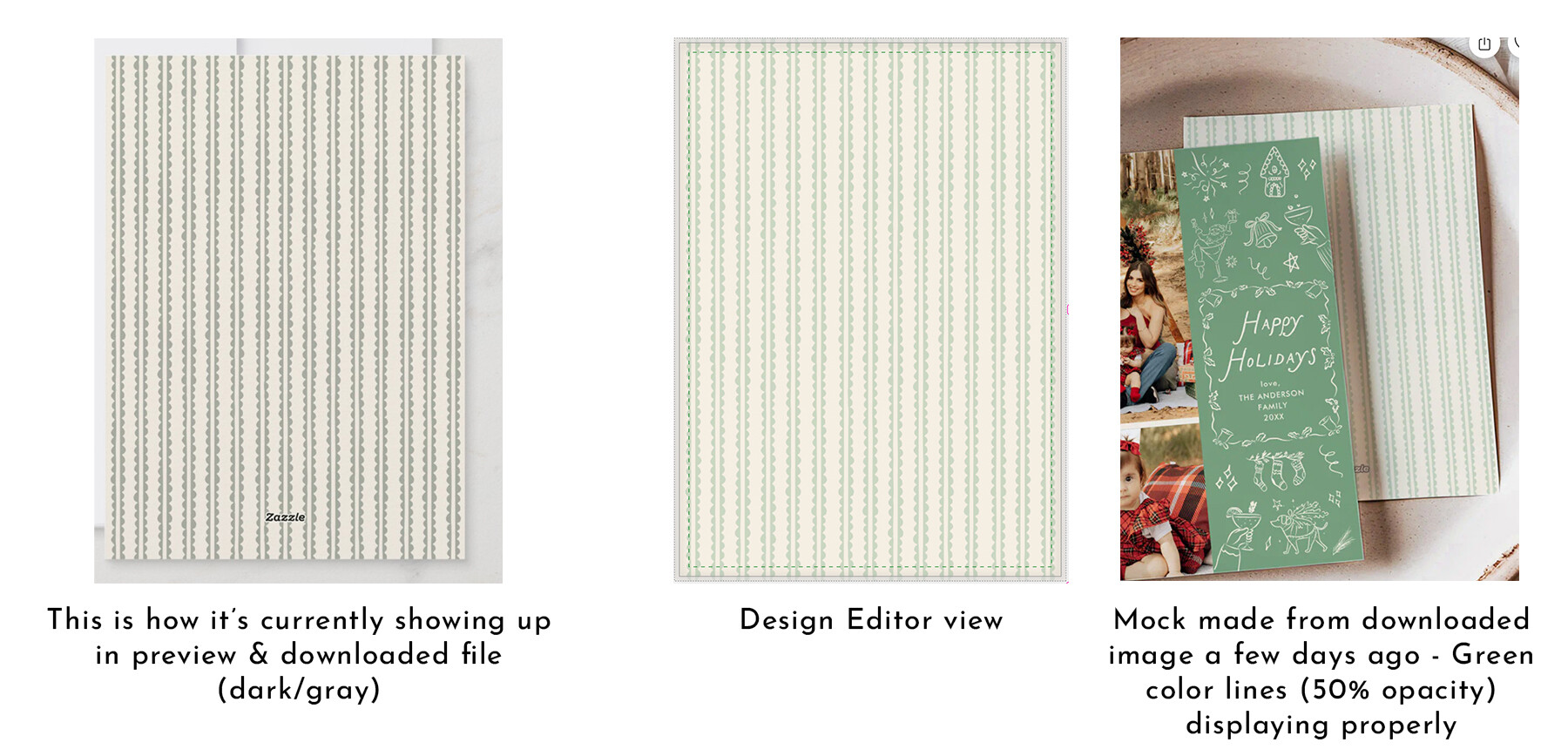
I’m using some SVG elements on the back of cards with opacity set between 30–50%. Since yesterday, the colors are showing with a noticeable gray tint in both preview and downloaded images. In the design editor, the colors still look fine, but the downloaded/preview versions appear much darker and grayish. This issue wasn’t there before, I had recently created mocks with the same designs and the downloaded files did not have this gray tint.
One of the affected listing: