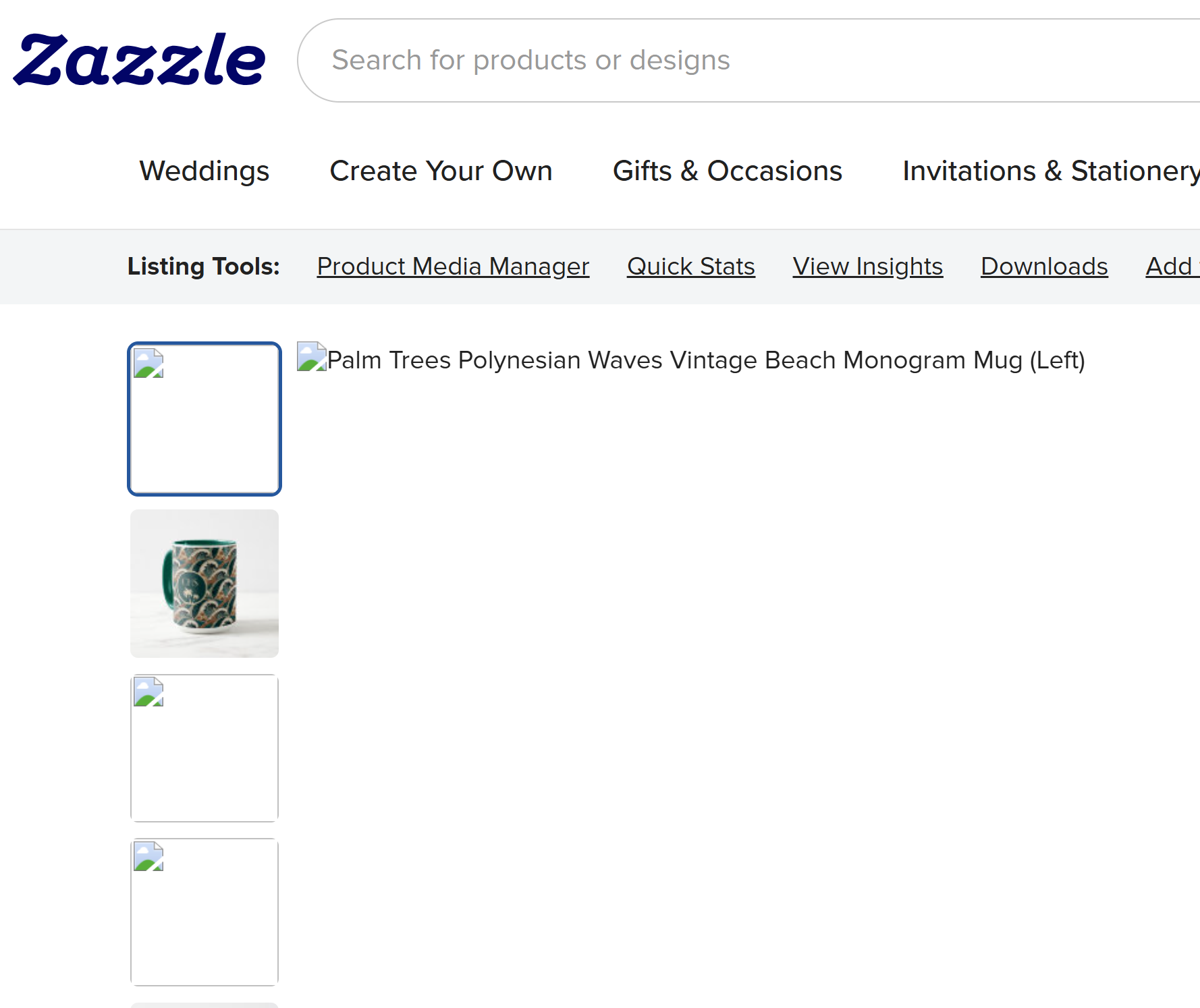
Several minutes ago, pages started to load slowly with images often not displaying. The worst impact is on a product I just created, but it’s happening to other pages as well.
As you can see in the screenshot below, the main image and most thumbnails aren’t displaying for an existing product, even after reloading the page. My internet connection seems to be fine for other websites and apps, e.g., Canva is working fine. Thanks in advance!
The images are loading better now, but there’s still some latency when a page is loading. I’m seeing the “spinnng donut” for several seconds after launching a product page. Maybe the problem is on track to being fixed, but it might be worth a look by the engineering team.
My images seem to be ok now (they were not loading earlier), but now the ‘Sell It’ button is currently just a blank white rectangle… it’s happened on multiple products now.
Images seem to be loading OK for me now so I think this issue might be resolved at the moment. I had a couple of glitches a half hour ago with downloading images from Media Manager for cover images. A couple sets downloaded slowly or were corrupted, e.g., other programs couldn’t upload them, but the issue seemed to resolve itself.
I have been dealing with this for well over a month on a daily basis. I also get the popup saying something about the page not being safe or something. In both instances if I hit the refresh button it reloads the page correctly. This happens no matter which pages I visit on Zazzle from my backend store, frontend store, and even when I am searching for products in the marketplace. I thought it was something on my end but glad to know it is not just me.
This has been happening to me for a month, on and off again. My thoughts were two things could be happening…if it was my computer, there’s been constant fighting between updating. First, Chrome wants to update, then I do, and when that is done, my computer says, Oh no, I have to update that now too. *This is often the scenario. So when it gets updated, I always feel like the storage memory just gets wiped out. But it doesn’t happen over and over as long as it has been.
Then I remembered something! Zazzle’s been working behind the scenes a lot lately. It’s probably their website.
Apologies for the lack of response here. This discussion is a few weeks old, and we’ve fixed some issues since then. If you’re still experiencing slowness can you provide a link to the page, and mention exactly what is slow to load? The exact thing (certain pods on the page, or images, etc) might help us pinpoint the problem.