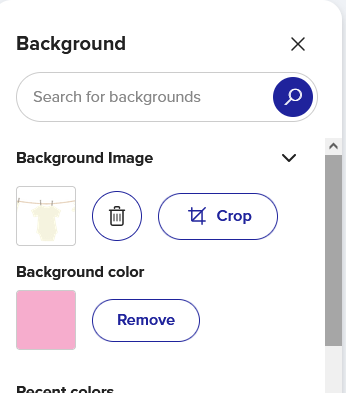
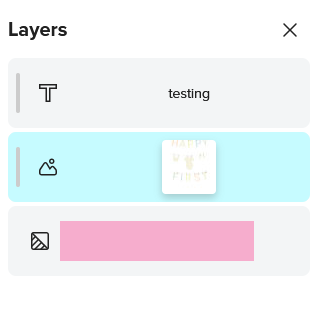
I have spent almost an hour trying to figure out what is going on here. I have tried every option that is shows on the right while trying to design these cups but they all give me either blank cups or just a thin line down the side. Is this a hiccup? How can I be sure everything lines up properly if I cant see the outcome? (sorry about the huge photos but no idea how to make them smaller before posting)
It could be a bug, but could you double check in the design tool and make sure that your design is on the top most layer, or is the only layer? As much as this could be a funky glitch it also appears like you have a pink background placed over the top of your design. If it is on top or the only layer, disregard I just know how easy it can be to accidentally miss click or forget a step
The thin strip of your design I see, so it’s on the cup, but something weird is happening for sure.
@ZAZ-TD Make sure you are on the same layer for both the background color and adding an image (eg - any of the bottom two on the right hand side (auto warping wrap OR Manual warping wrap)
Click through all the others to make sure you’ve not accidentally filled one with a background color as @SimplyDesigned suggests
Thanks @Sara_H I will try this out tonight when home from work. I got so befluxed (my word for confused lol) that I changed so much and added and removed so many times. Thanks so much for the help. Thanks also @SimplyDesigned
No problem! Happy to be able to help. Tech can be difficult but always feel free to ask for help. Sometimes the only thing you need is a 2nd pair of eyes, I am thankful we have this forum to help each other.
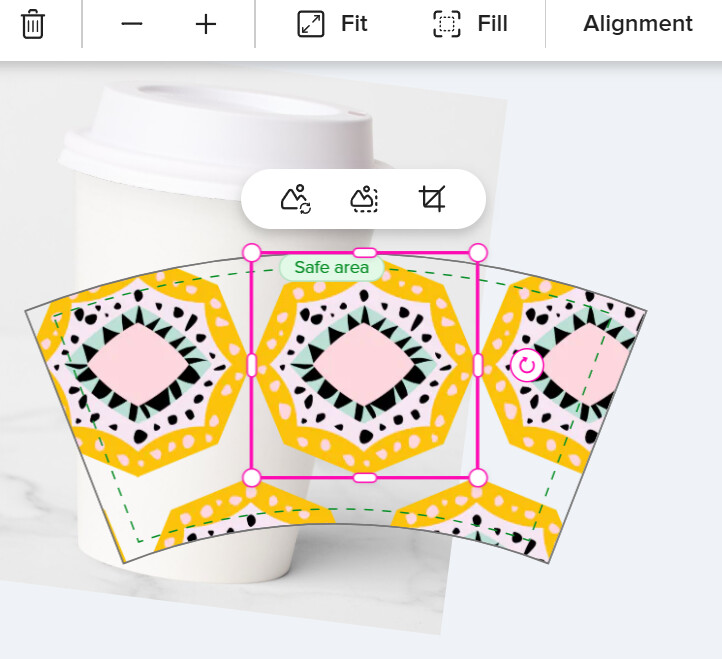
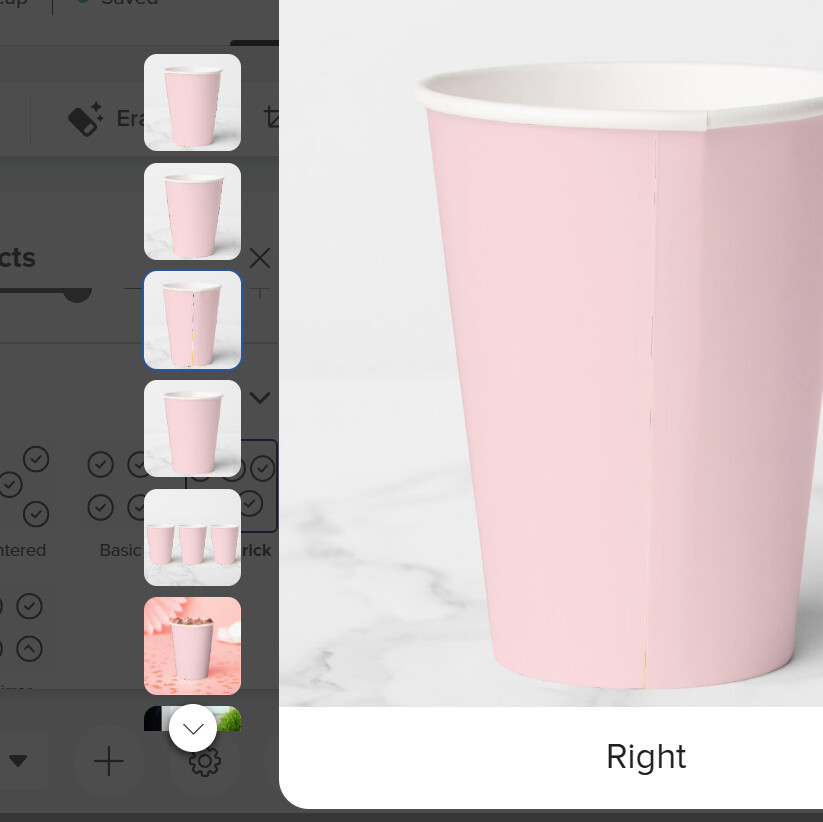
 I just know how easy it can be to accidentally miss click or forget a step